AI Pet Reunion Video Generator
Create an emotional pet reunion video from a pet photo, with an optional owner portrait. A familiar touch cuts from a quiet courtyard to a warm memory.
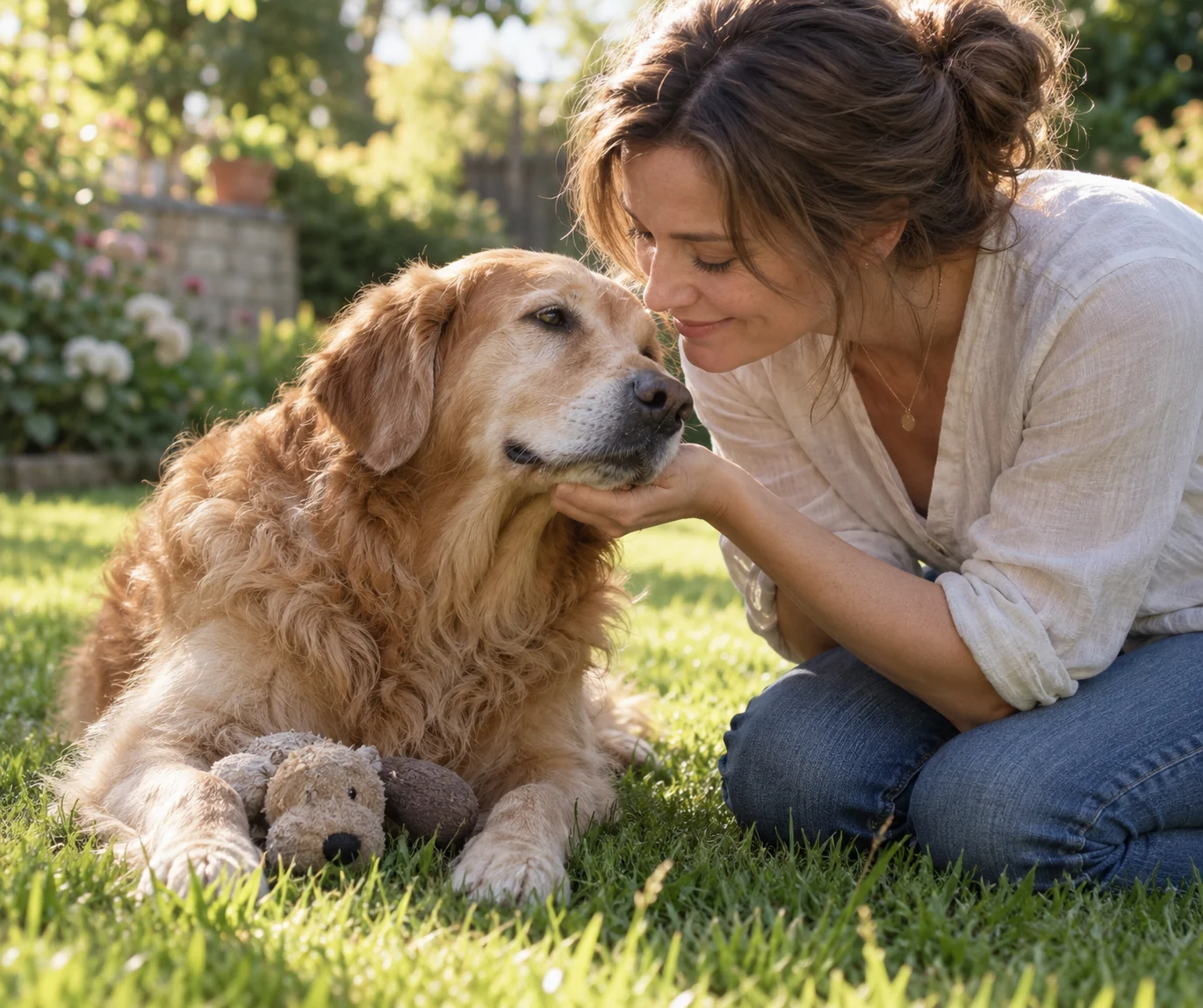
A familiar toy. A touch. A happier memory.
Pet Reunion tells a small story through recognition rather than dialogue. A dusty pet emerges into a deserted courtyard, finds a familiar toy and leans into a hand. At contact, the scene changes to a healthy, sunlit memory. The pet's species, age and markings remain the identity anchors.
The scene, from opening to ending
- 01
Set the scene
A hesitant arrival: the pet notices a familiar toy in a quiet courtyard.
- 02
Build the moment
Recognition: it sniffs the toy, approaches and presses its cheek into an open palm.
- 03
Resolve the story
A contact cut: the same pose continues on a bright garden lawn with the pet healthy and comfortable.
Choose photos for this scene
Photo setup
Photo 1 must show one dog or cat. Include clear eyes, muzzle, ears and coat markings.
Before you generate
Optionally add the adult owner in Photo 2. With only a pet photo, the script shows anonymous hands rather than inventing a recognizable owner.
Before you generate
- Check the upload labels: reference photos define identities, not start and end frames.
- Choose portrait for a vertical post or landscape for a wider scene. The source photo does not lock the output framing.
- The script, duration and resolution are preset. Generate only after checking the credit cost.
From your photos to a short film
- 1
Choose your references
Follow the role labels and upload the required photos. Select one or two photos where the template offers both options.
- 2
Confirm the format
Choose portrait or landscape. The template supplies the scene script, 15-second duration and 768P resolution; the credit cost appears before submission.
- 3
Generate and review
Create the video, check identities and motion, then play or download the MP4. Completed videos also appear in My Creations.
Questions about this video template
Do I need an owner photo?
No. The pet-only option keeps the human face outside the frame. Add a second photo if a particular adult owner should appear.
Will an older pet become a puppy?
The script asks to preserve the pet's age, species and markings. The memory restores a healthy appearance, not a younger animal.
Is this video template free?
Video generation requires sign-in and credits. See Video templates on the Pricing page for the preset cost. Image trial allowances do not make this video free.
What can I edit, and will every result be identical?
You can choose the reference photos, the supported photo setup and the output orientation. The script and video settings are fixed. Faces, timing, motion and sound are generated and can vary.
What happens if generation fails?
Confirmed generation failures follow the site's credit-refund flow. A connection interruption is not proof of failure: retry the same request or check My Creations. Closing the page does not cancel a submitted task.
Try a different scene
All video templates
Ready to put your photos in the scene?
Choose the references above and review the credit cost before creating your video.