AI Zombie Transformation Video Generator from Photo
Turn a portrait into a gradual zombie transformation. Create a 15-second video with changing skin, pale eyes and a held final character reveal.
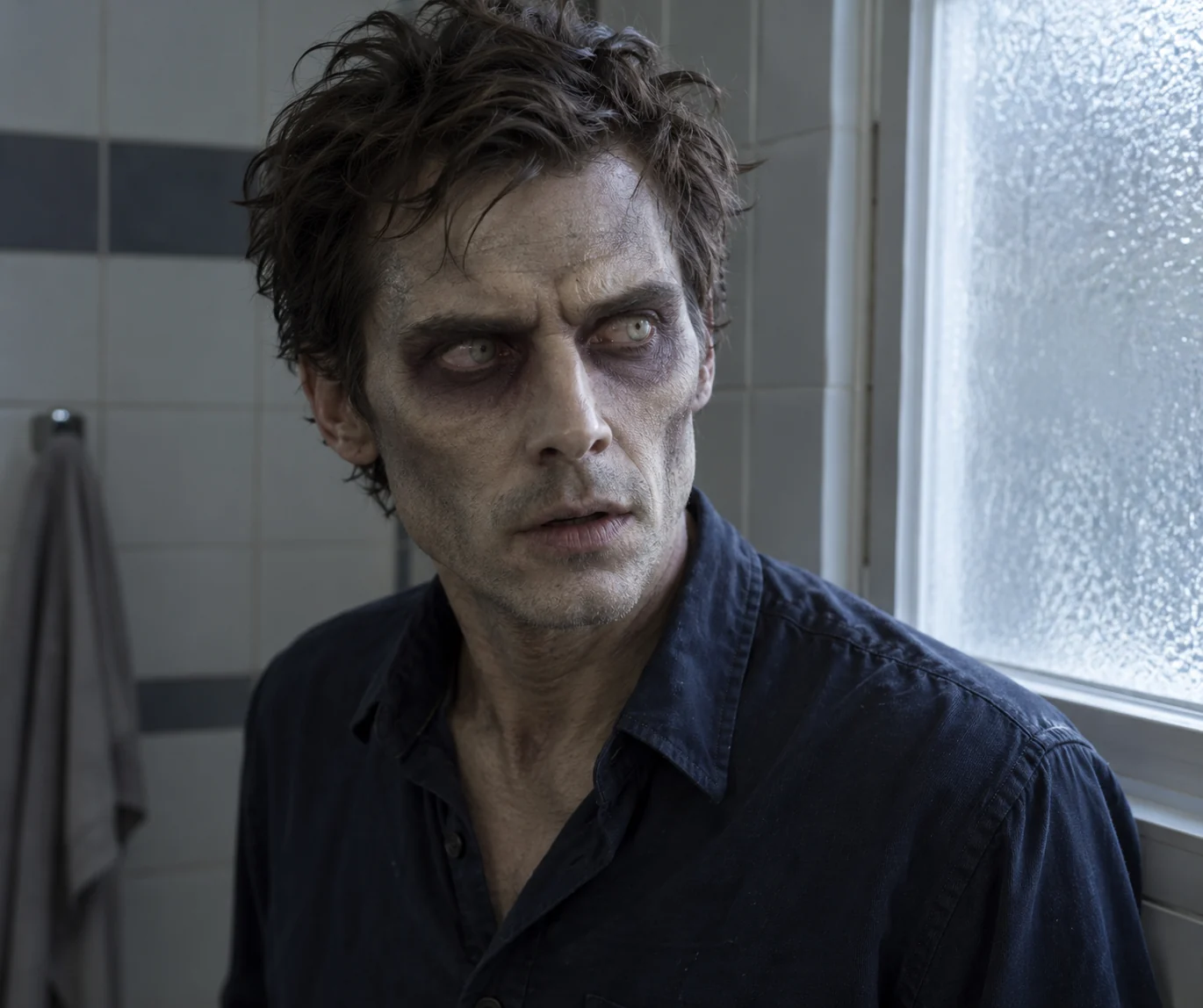
Keep the face. Change the creature.
This AI zombie transformation progresses in one direction: an ordinary person becomes a recognizable movie zombie. The script concentrates on facial structure, skin tone, eyes and posture. A softly lit washroom keeps the change visible instead of hiding the effect in darkness or cutting to a different monster.
The scene, from opening to ending
- 01
Set the scene
Begin human: establish the reference face beside a frosted washroom window.
- 02
Build the moment
Build the change: skin desaturates, dark eye hollows deepen and the eyes become pale.
- 03
Resolve the story
Hold the reveal: the transformed character tilts their head and leans slightly toward the camera.
Choose photos for this scene
Photo setup
Use one clear adult portrait, with the forehead, eyes, nose and jaw visible.
Before you generate
Choose a healthy, unfiltered reference rather than existing zombie makeup. The script uses the original face as the starting point.
Before you generate
- Check the upload labels: reference photos define identities, not start and end frames.
- Choose portrait for a vertical post or landscape for a wider scene. The source photo does not lock the output framing.
- The script, duration and resolution are preset. Generate only after checking the credit cost.
From your photos to a short film
- 1
Choose your references
Follow the role labels and upload the required photos. Select one or two photos where the template offers both options.
- 2
Confirm the format
Choose portrait or landscape. The template supplies the scene script, 15-second duration and 768P resolution; the credit cost appears before submission.
- 3
Generate and review
Create the video, check identities and motion, then play or download the MP4. Completed videos also appear in My Creations.
Questions about this video template
Is this the same as Halloween Zombie?
No. This template gradually changes the face in a washroom. Halloween Zombie uses a festive porch and a fog-assisted costume reveal.
Does it add wounds or gore?
The script requests intact skin and theatrical makeup, without blood, bites or open wounds.
Is this video template free?
Video generation requires sign-in and credits. See Video templates on the Pricing page for the preset cost. Image trial allowances do not make this video free.
What can I edit, and will every result be identical?
You can choose the reference photos, the supported photo setup and the output orientation. The script and video settings are fixed. Faces, timing, motion and sound are generated and can vary.
What happens if generation fails?
Confirmed generation failures follow the site's credit-refund flow. A connection interruption is not proof of failure: retry the same request or check My Creations. Closing the page does not cancel a submitted task.
Try a different scene
All video templates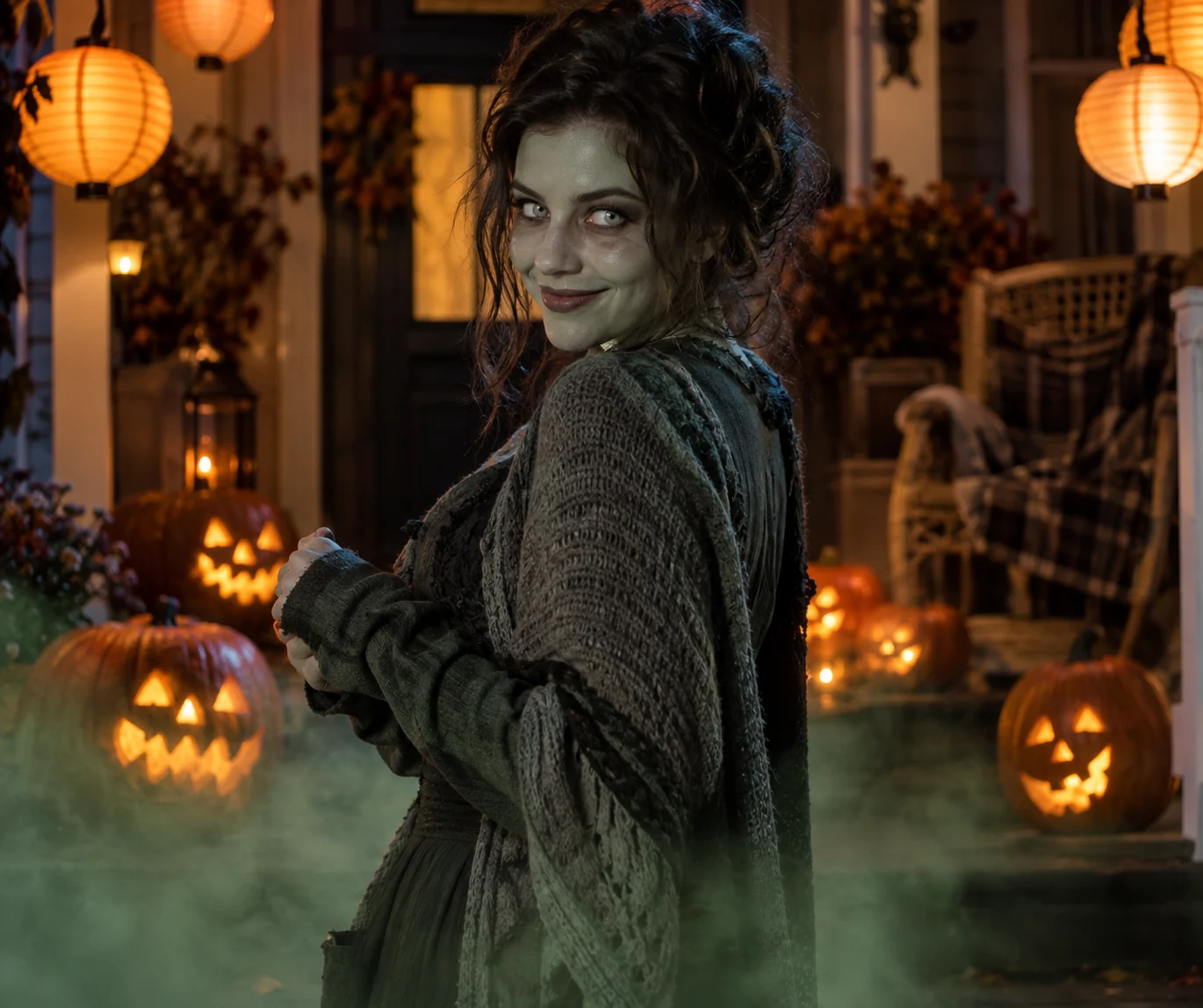
Ready to put your photos in the scene?
Choose the references above and review the credit cost before creating your video.