AI advertising poster generator
Turn a product or subject into an advertising poster with a headline.
Make the headline and subject work together
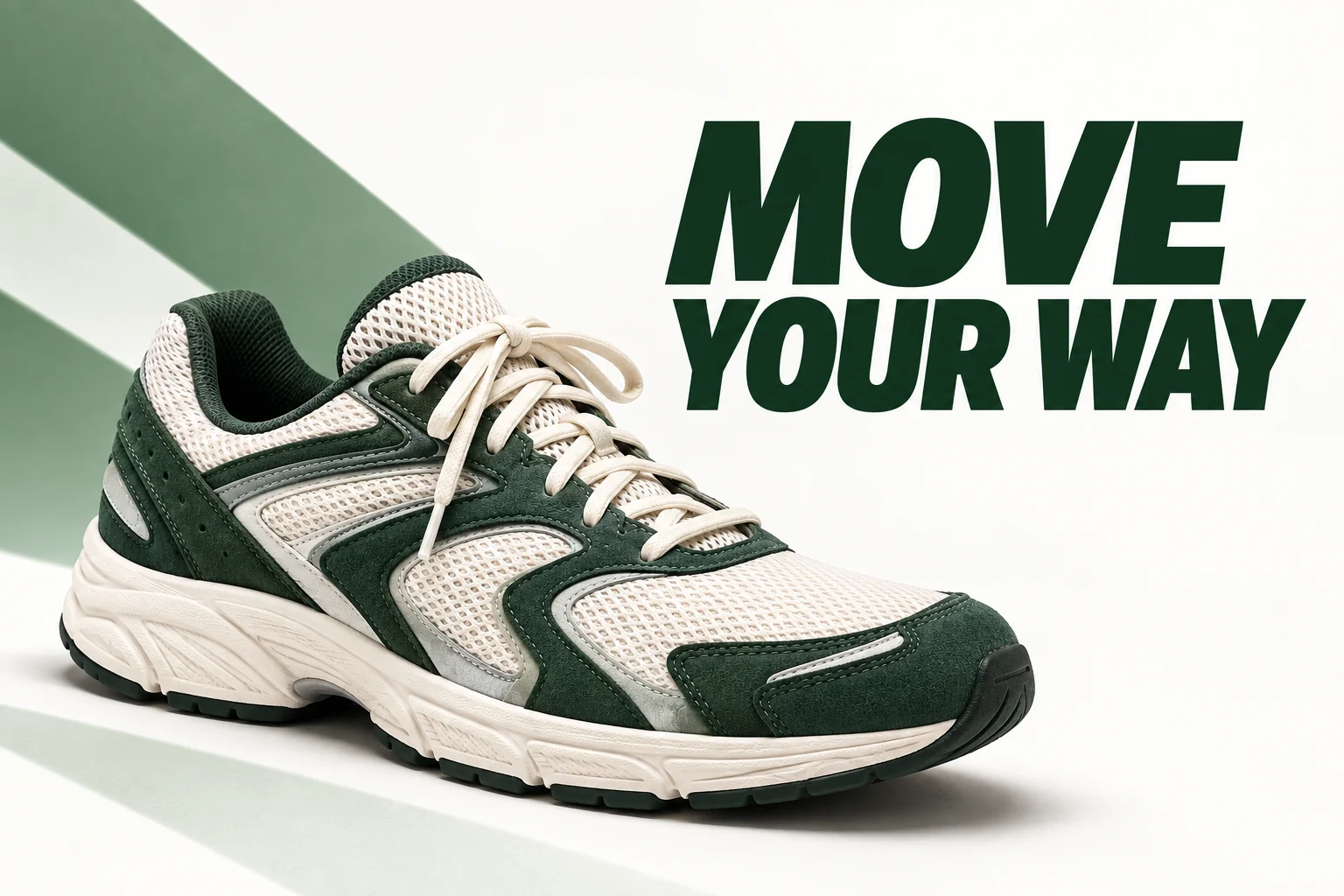
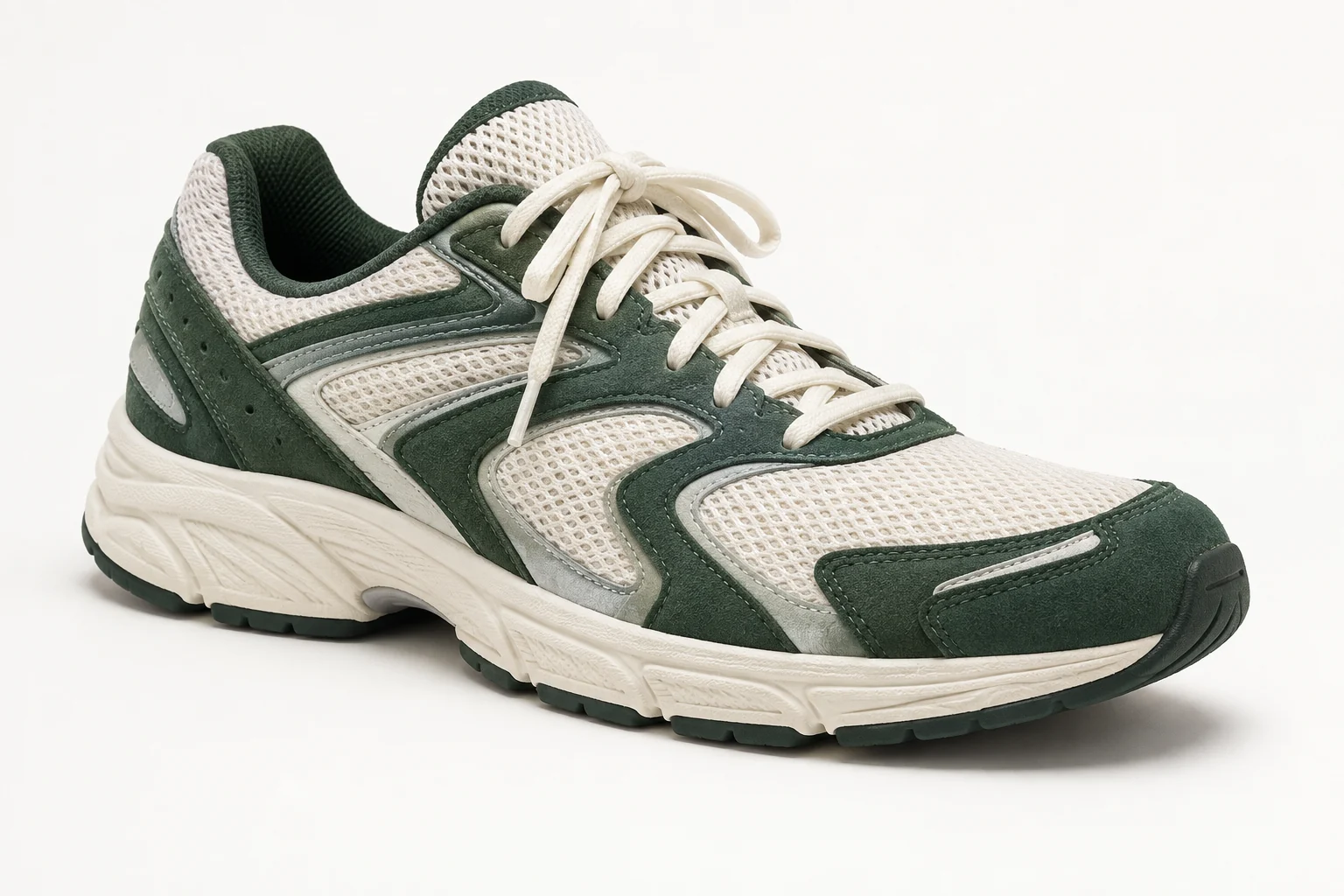
The shoe example pairs a recognizable product with the headline MOVE YOUR WAY and simple green shapes. The useful test is whether the message reads quickly without hiding the product.
Choose a poster layout direction
- Bold minimal
- A simple layout prioritizes one subject and one message.
- Vibrant gradient
- Color transitions create a more vivid backdrop.
- Editorial fashion
- An editorial composition gives the image a fashion-led treatment.
- Retro print
- A print-inspired direction changes the graphic character.
Prepare one message and one visual
Use a clear subject image
Keep the product shape or main subject fully visible.
Write a short headline
Enter up to 60 characters, then choose a layout before generating.
Review the poster as an advertisement
- Check the exact headline spelling.
- Inspect product proportions and any original labels.
- Make sure text stays readable at the intended display size.
Creating a poster from an existing image
What do I need to make a poster?
Upload the product or subject, enter a headline and choose a layout. The template combines your subject and text into a poster; you do not need to write the full prompt.
Can I choose the exact headline?
Yes. Enter up to 60 characters. Short headlines work best. The model is instructed to reproduce your wording, but you should check spelling and layout in the result.
Will I receive editable poster layers?
The output is one flattened image. It does not include separate text, product or background layers.
Does opening a template spend credits?
No. You only use credits when you generate an image. The Generate button shows the cost.