AI video templates
Choose a story, a dance or a transformation. Add your photos and create a short video with a prepared scene and sound direction.
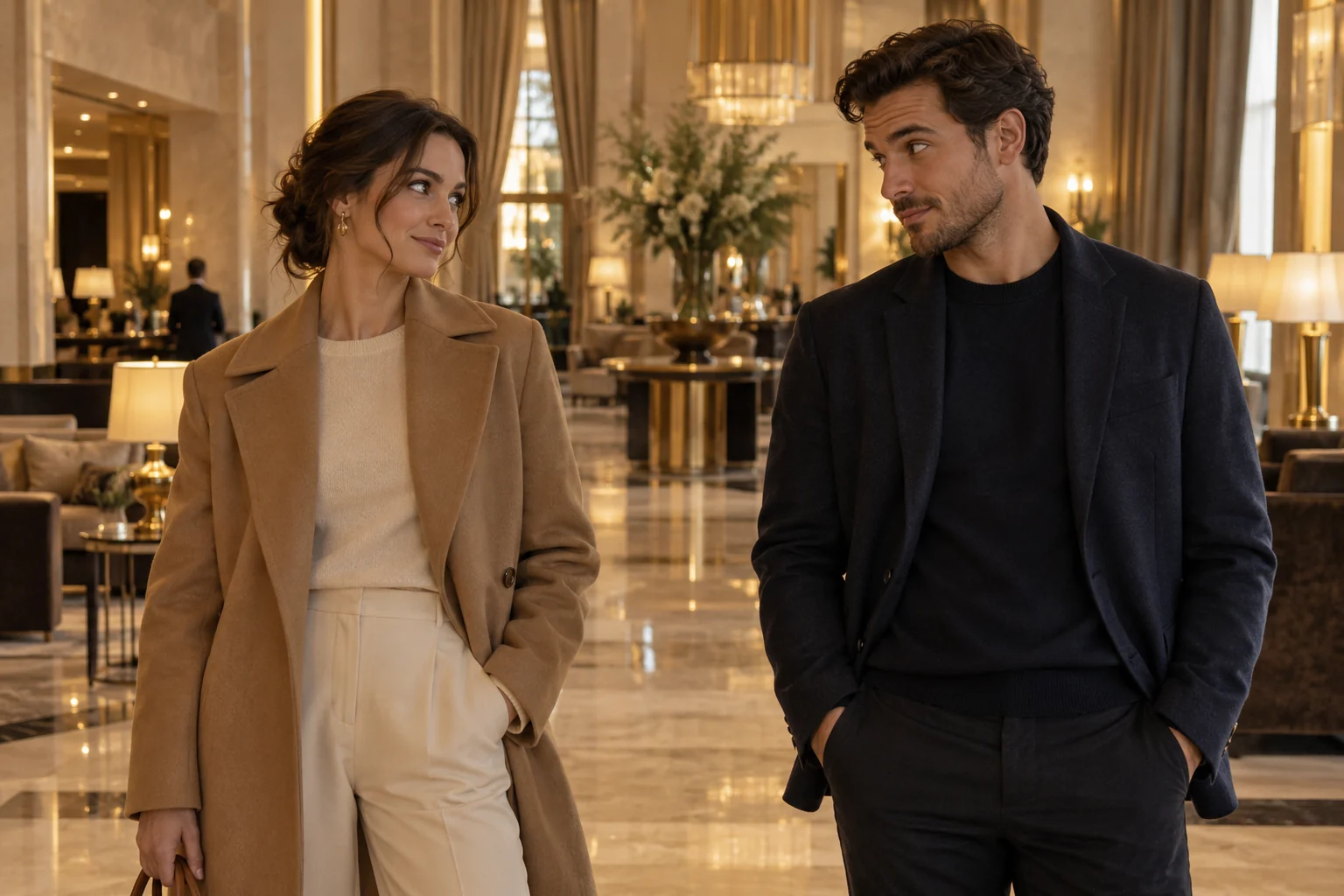
Hotel Lobby AI
Turn two portraits into a hotel lobby encounter with short English dialogue and relaxed rhythmic gestures. Create a 15-second AI video from your photos.
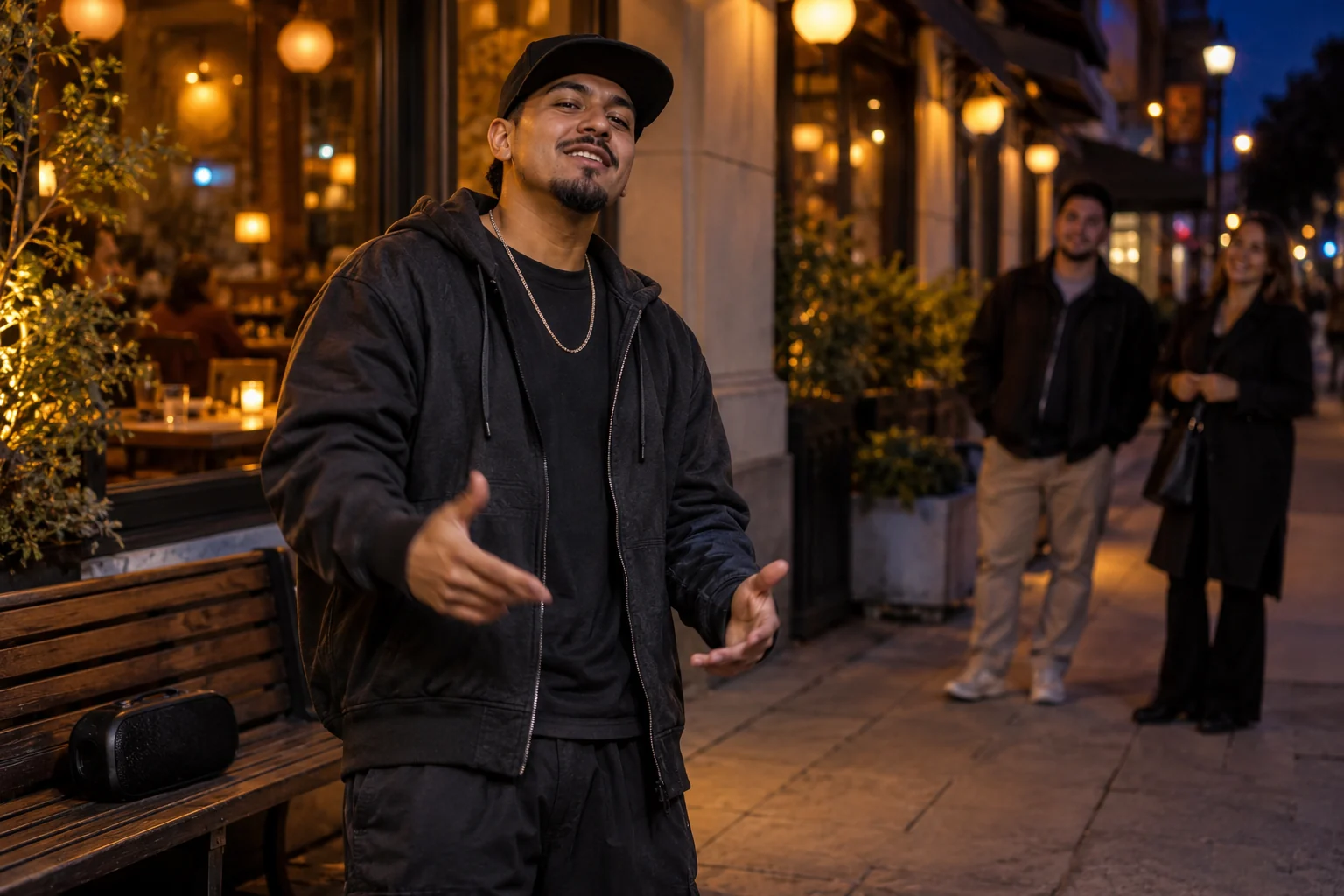
Bulin 47 AI
Put your portrait into an original street freestyle scene with Spanish rap, shoulder bounces and a confident finish. Generate a 15-second video.
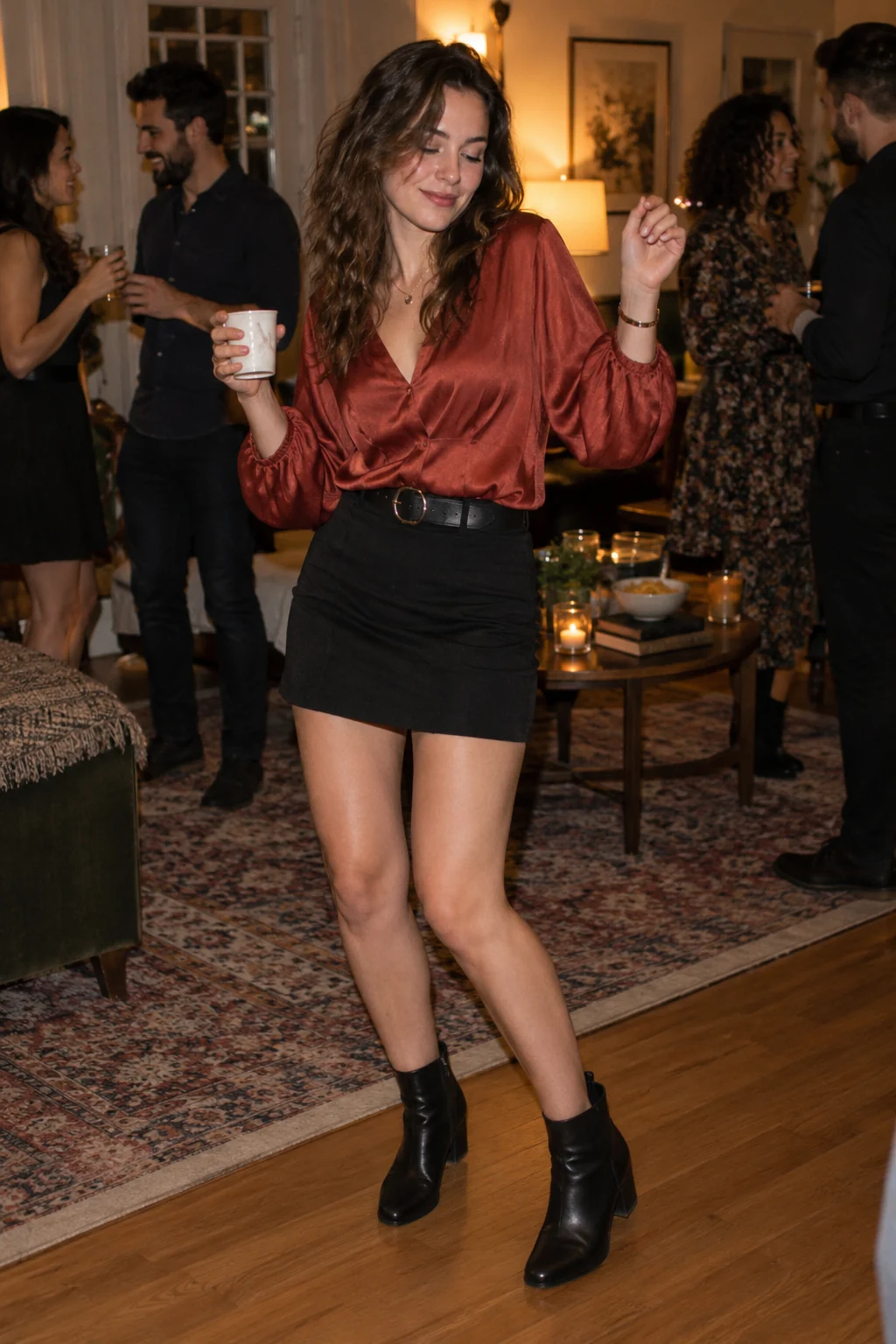
Burning Bridges AI
Create a relaxed party dance video from one portrait. The Burning Bridges AI template combines a cup-in-hand groove with a playful 15-second scene.
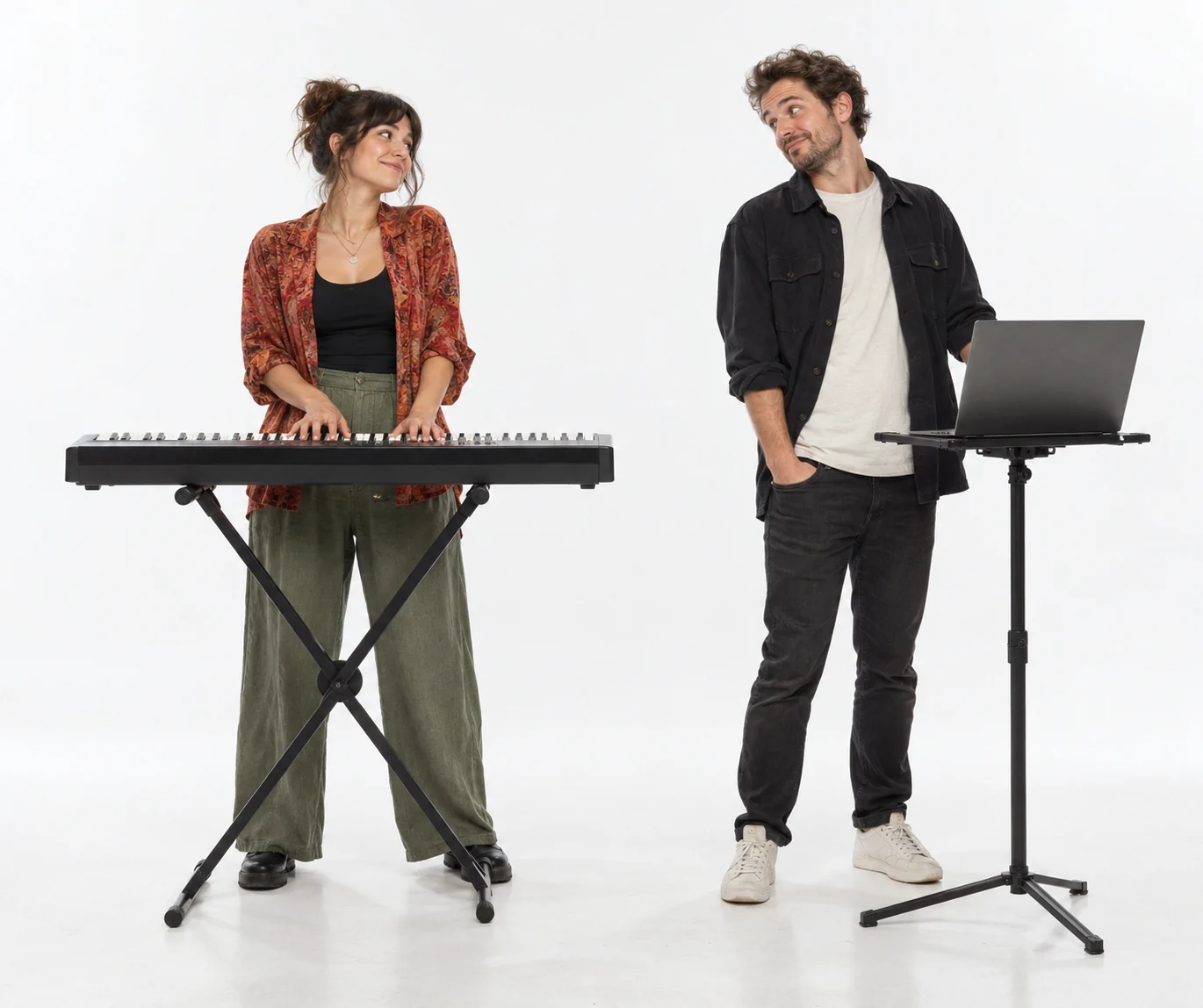
Alors on Danse AI
Create a two-person music-session video from separate portraits. Assign the keyboard player and laptop partner in this 15-second AI template.
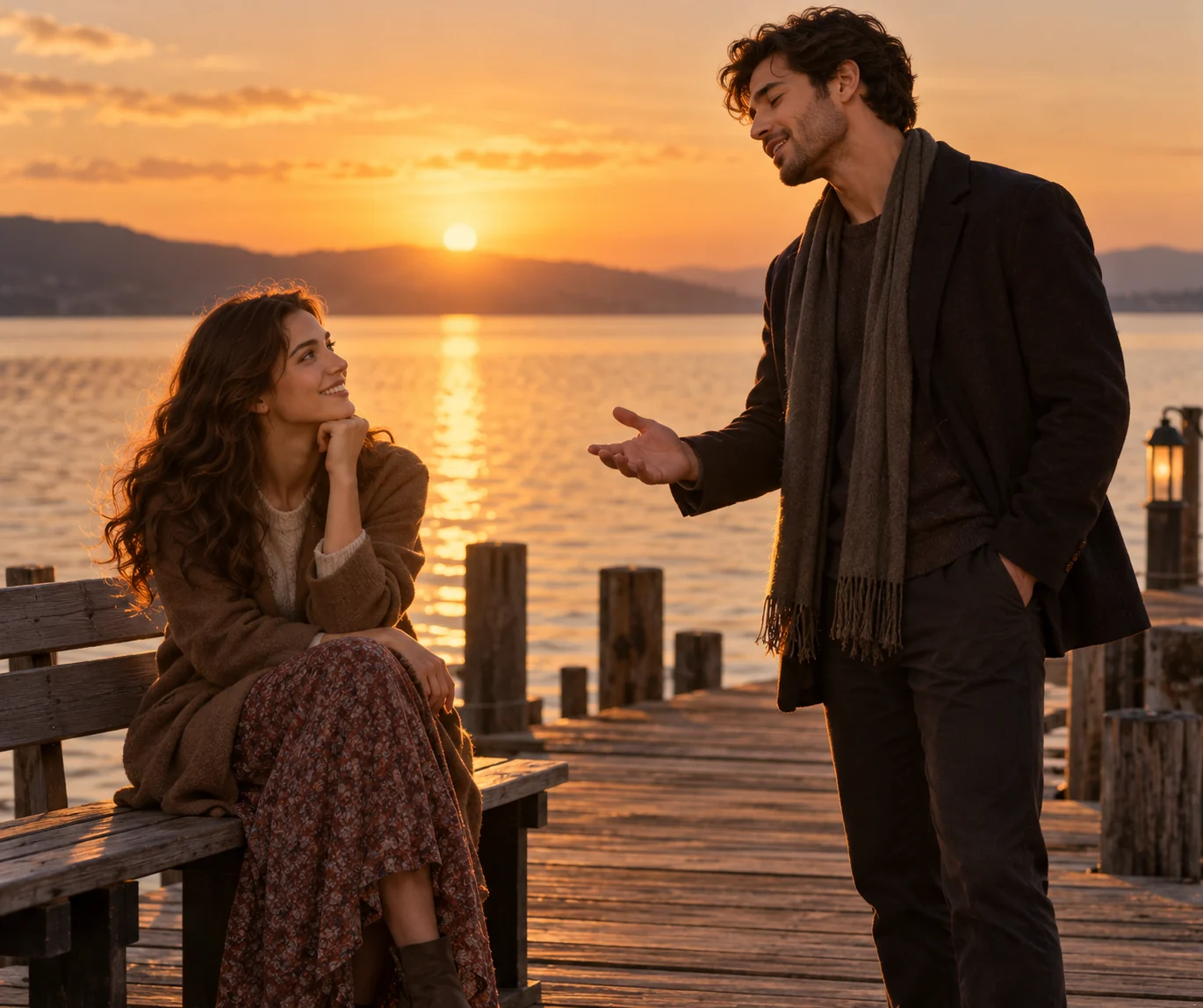
Raindance AI
Place two people in an atmospheric pier performance with playful movement and wordless humming. Generate a 15-second Raindance AI video from portraits.
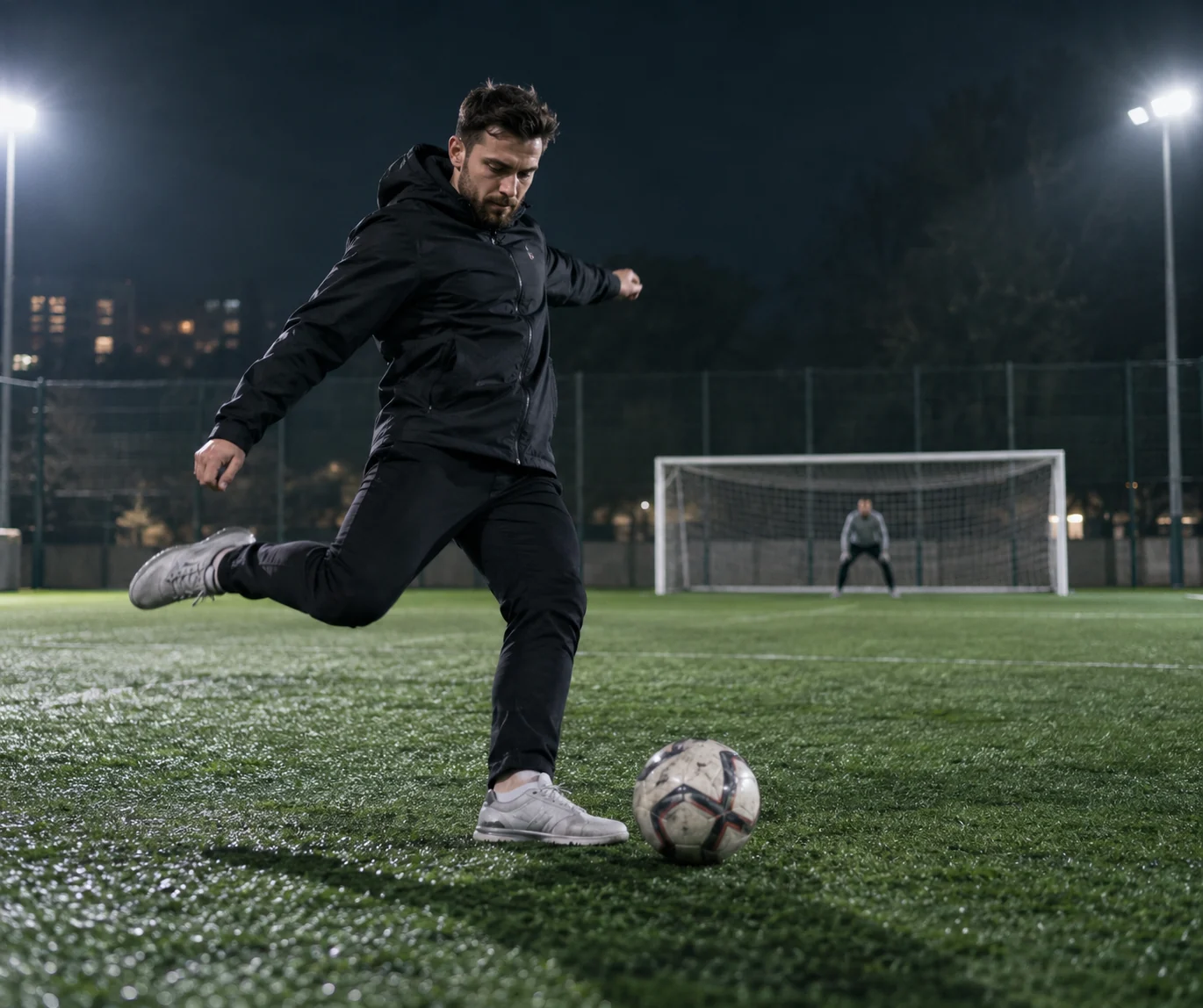
Ozil Goal AI
Turn a person photo into a football sequence: control the ball, shoot toward goal and celebrate. Create a 15-second Ozil Goal AI scene.
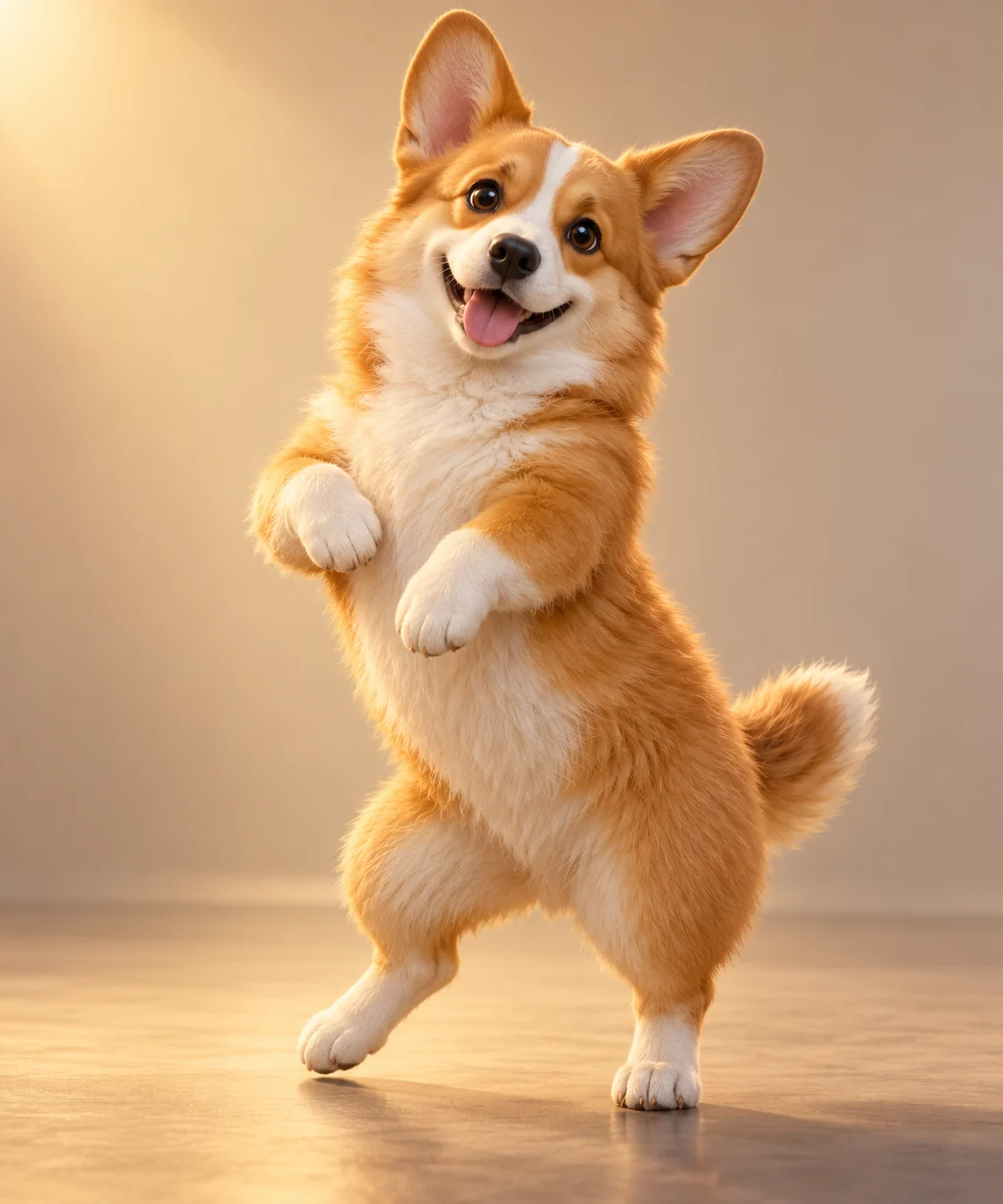
AI Pet Dance
Make a dog or cat dance from one photo. Create a 15-second hip-hop-inspired pet video with a preset routine and generated audio.
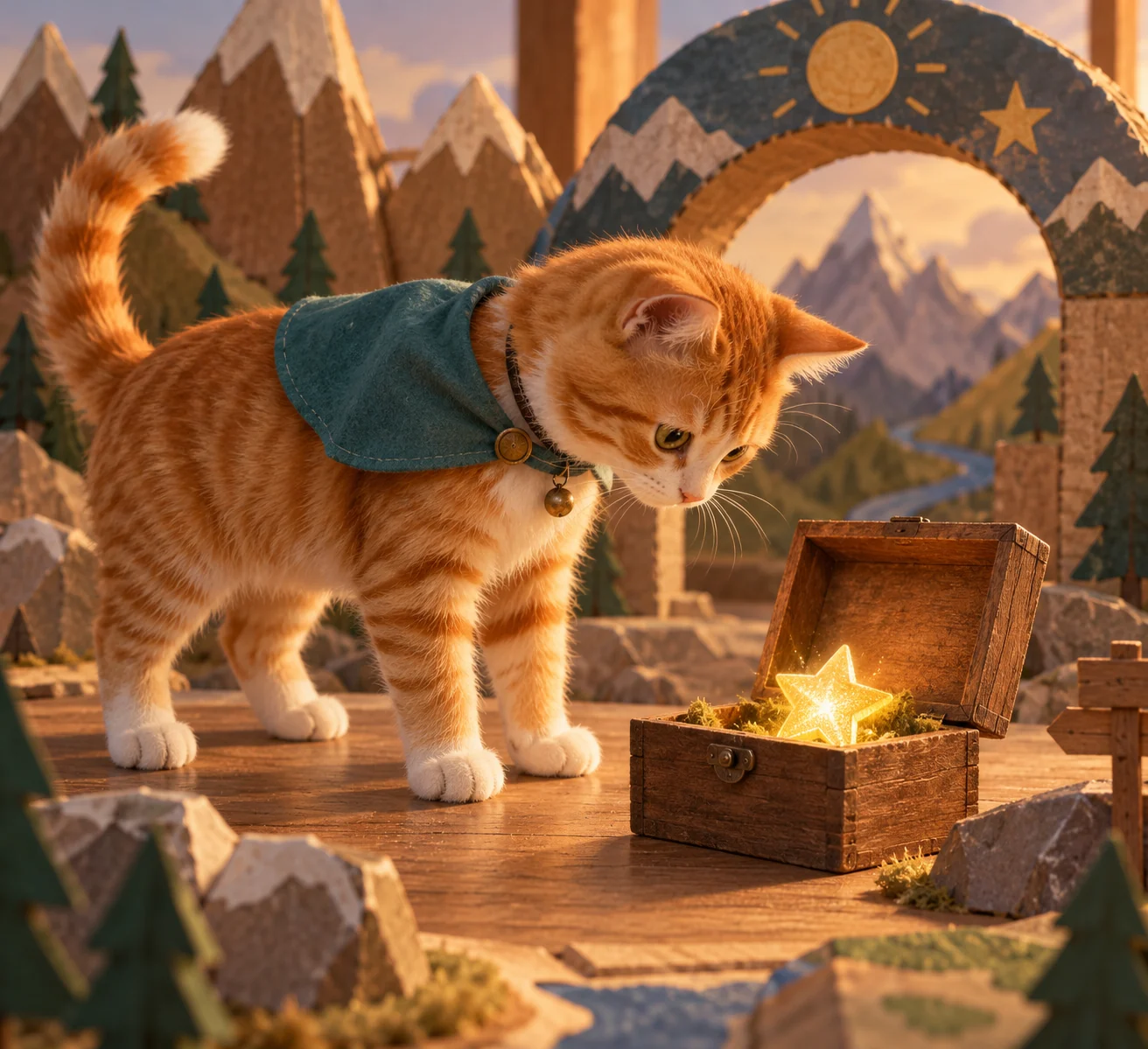
AI Pet Generator
Turn a dog or cat photo into a playful character scene. Generate a 15-second AI pet video with a costume reveal and a short adventure.
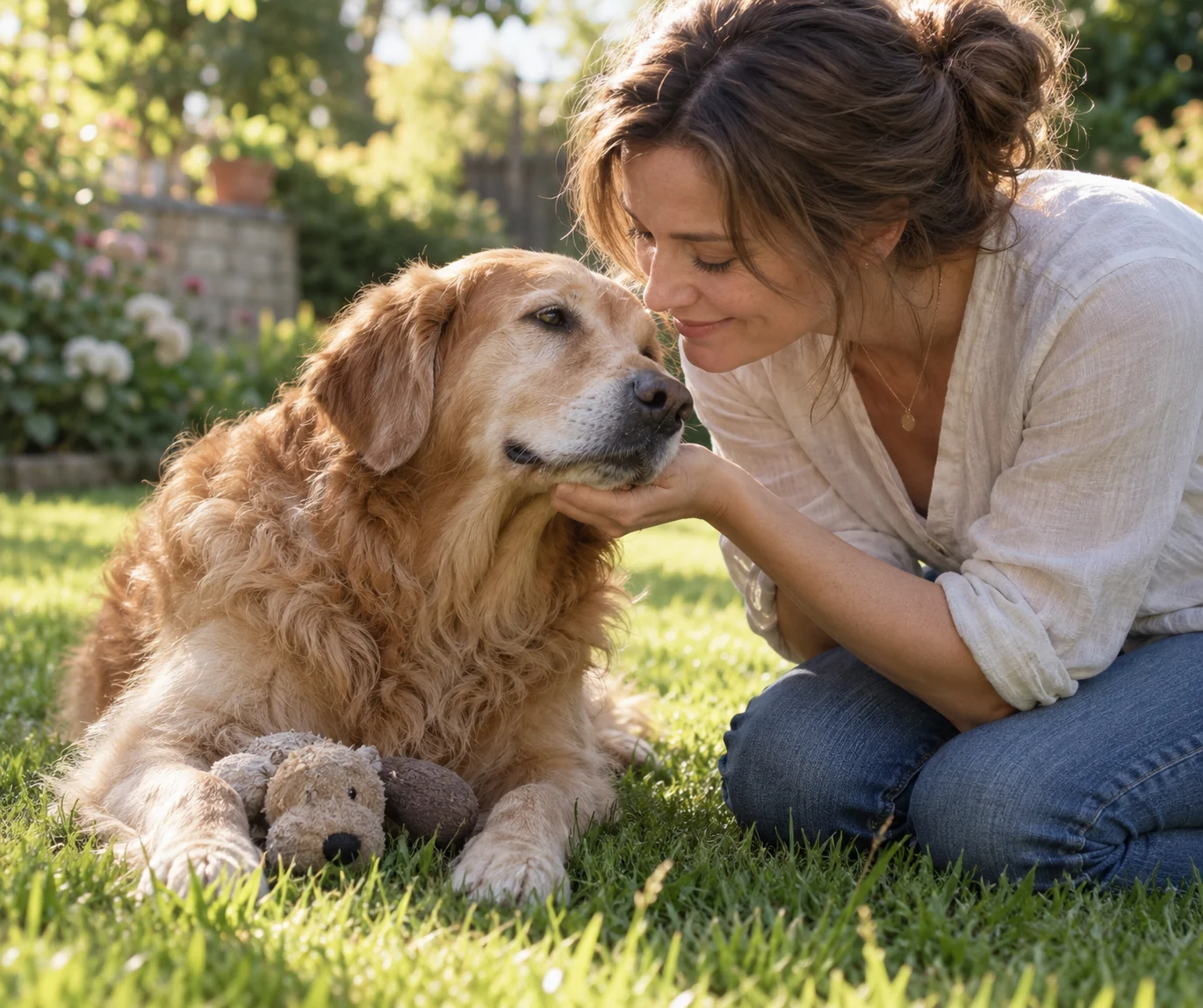
Pet Reunion
Create an emotional pet reunion video from a pet photo, with an optional owner portrait. A familiar touch cuts from a quiet courtyard to a warm memory.
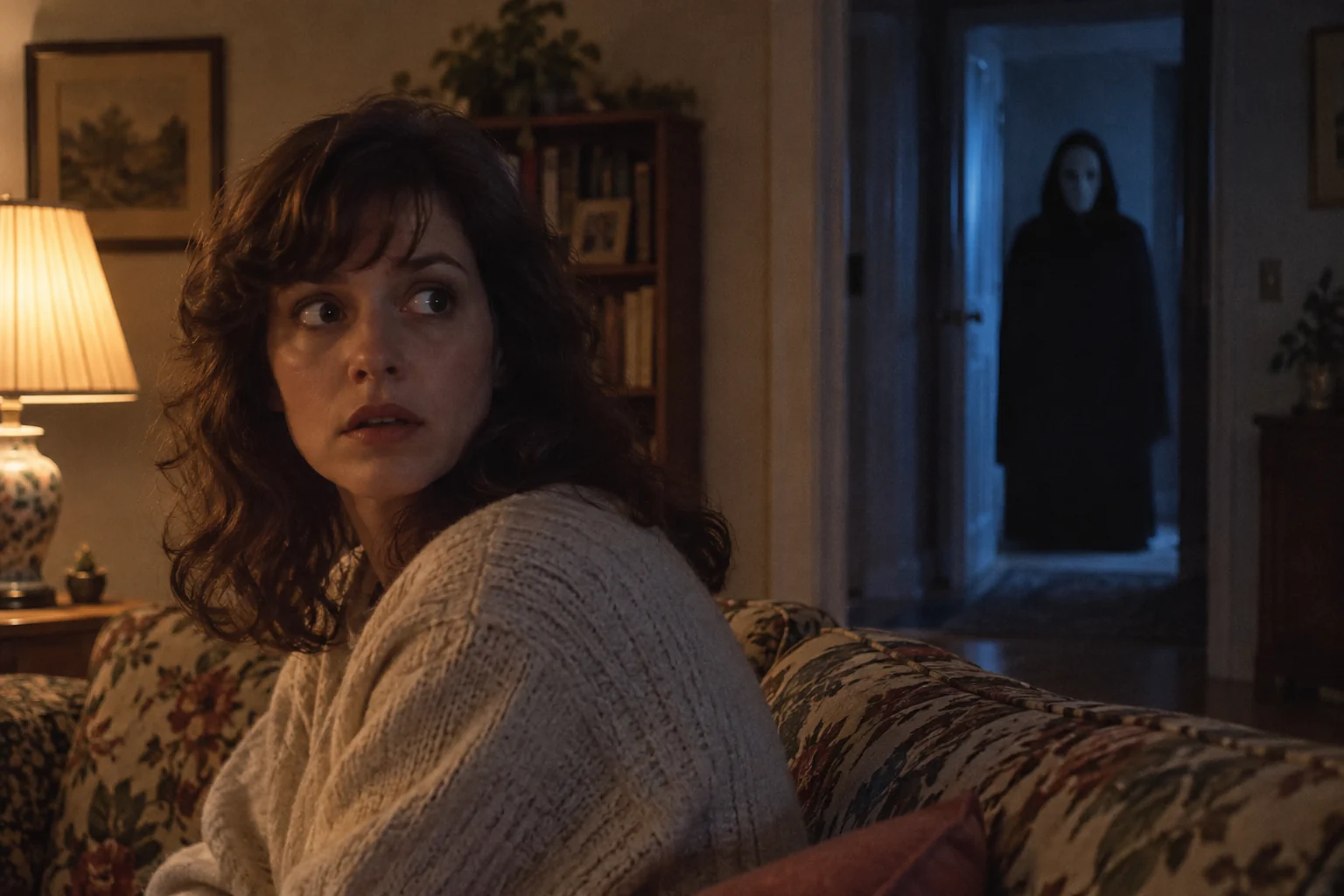
Ghostface AI
Create a retro suspense video from one portrait. A distant masked presence, warm room lighting and a slow reaction shape this 15-second AI scene.
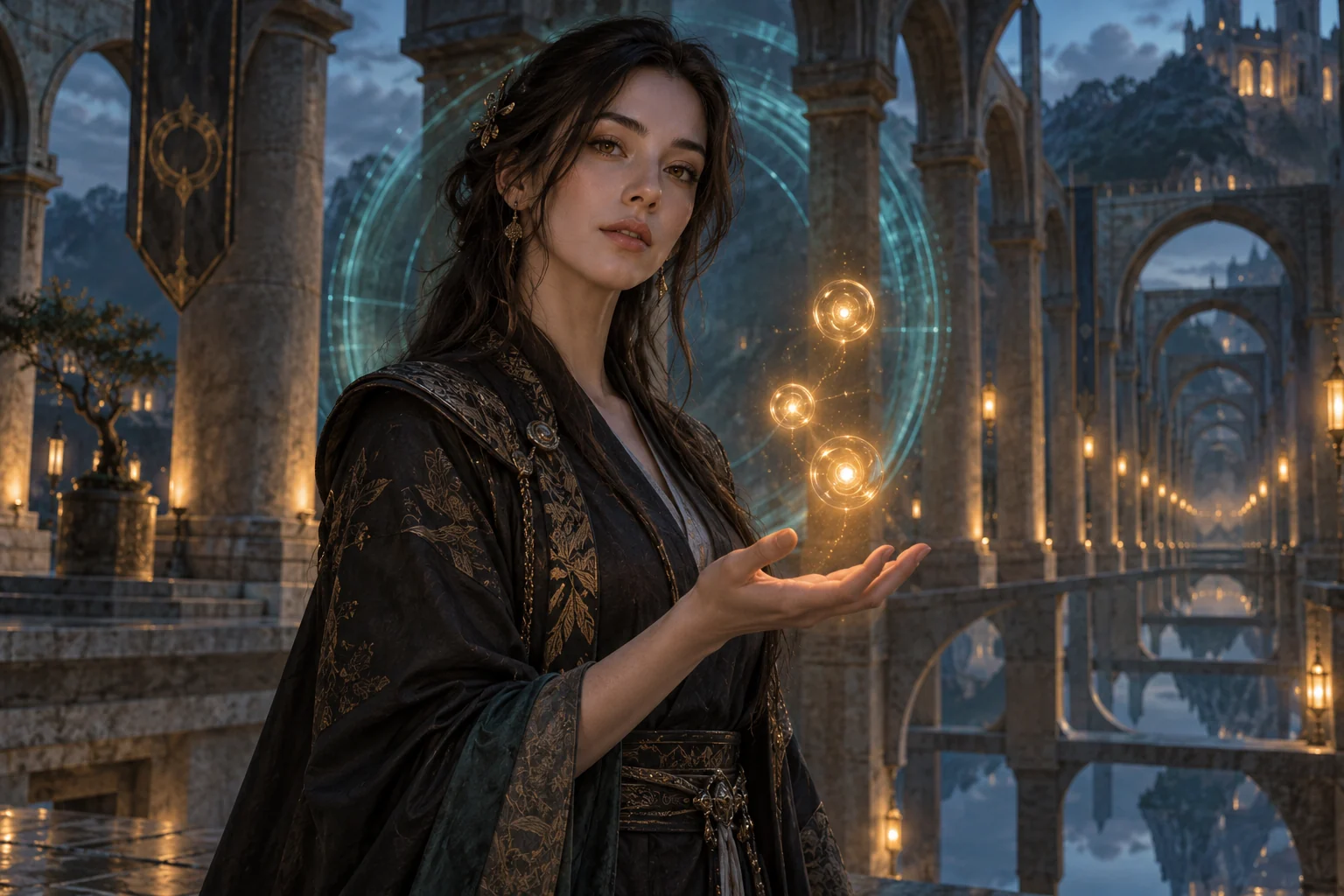
Genjutsu AI
Create a dreamlike illusion effect from one portrait. The Genjutsu AI template combines a recognizable face, surreal surroundings and a return to reality.
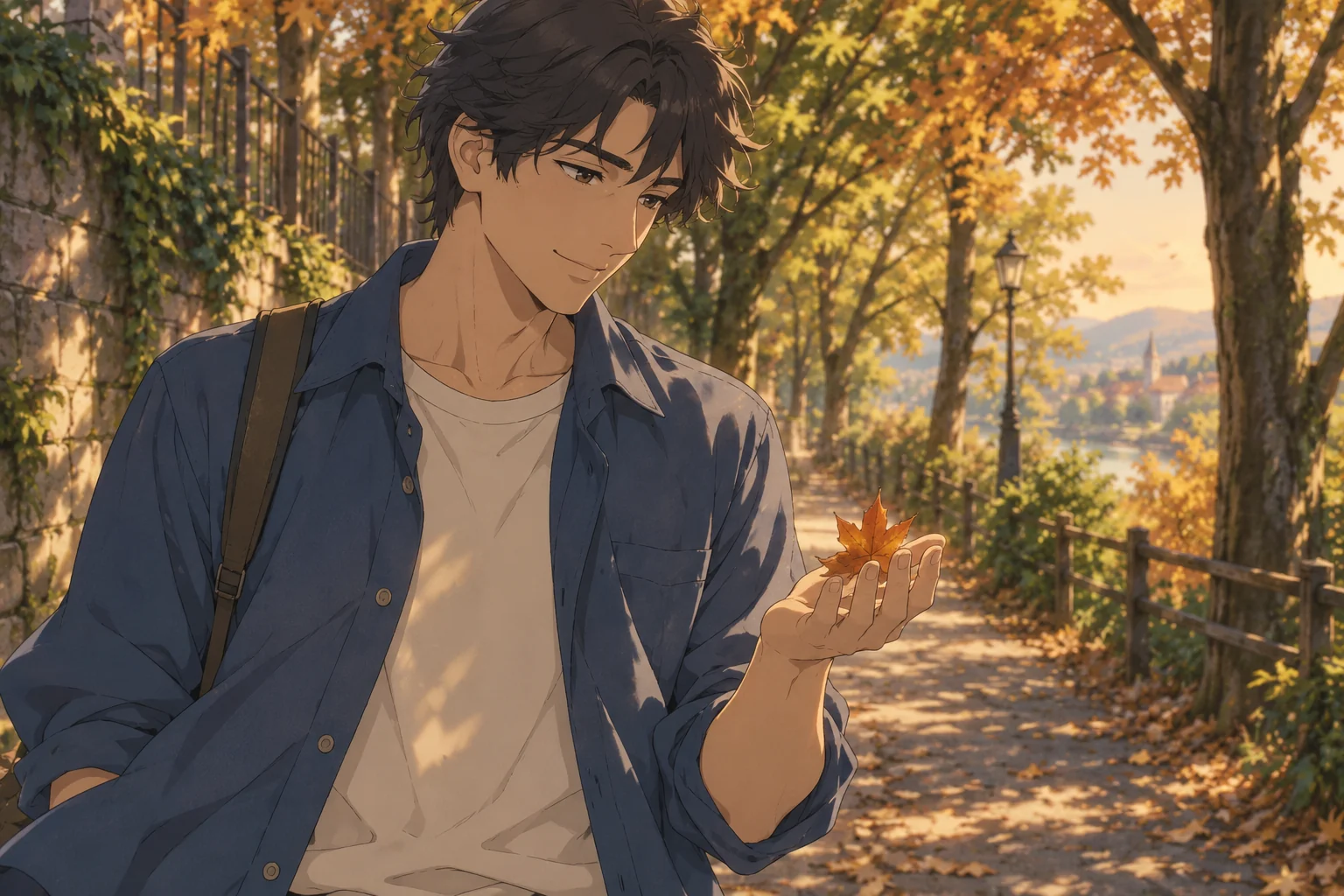
AI Anime Creator
Turn an adult portrait or single character illustration into a 15-second anime-style video. Create a short scene with 2D styling and a preset action.
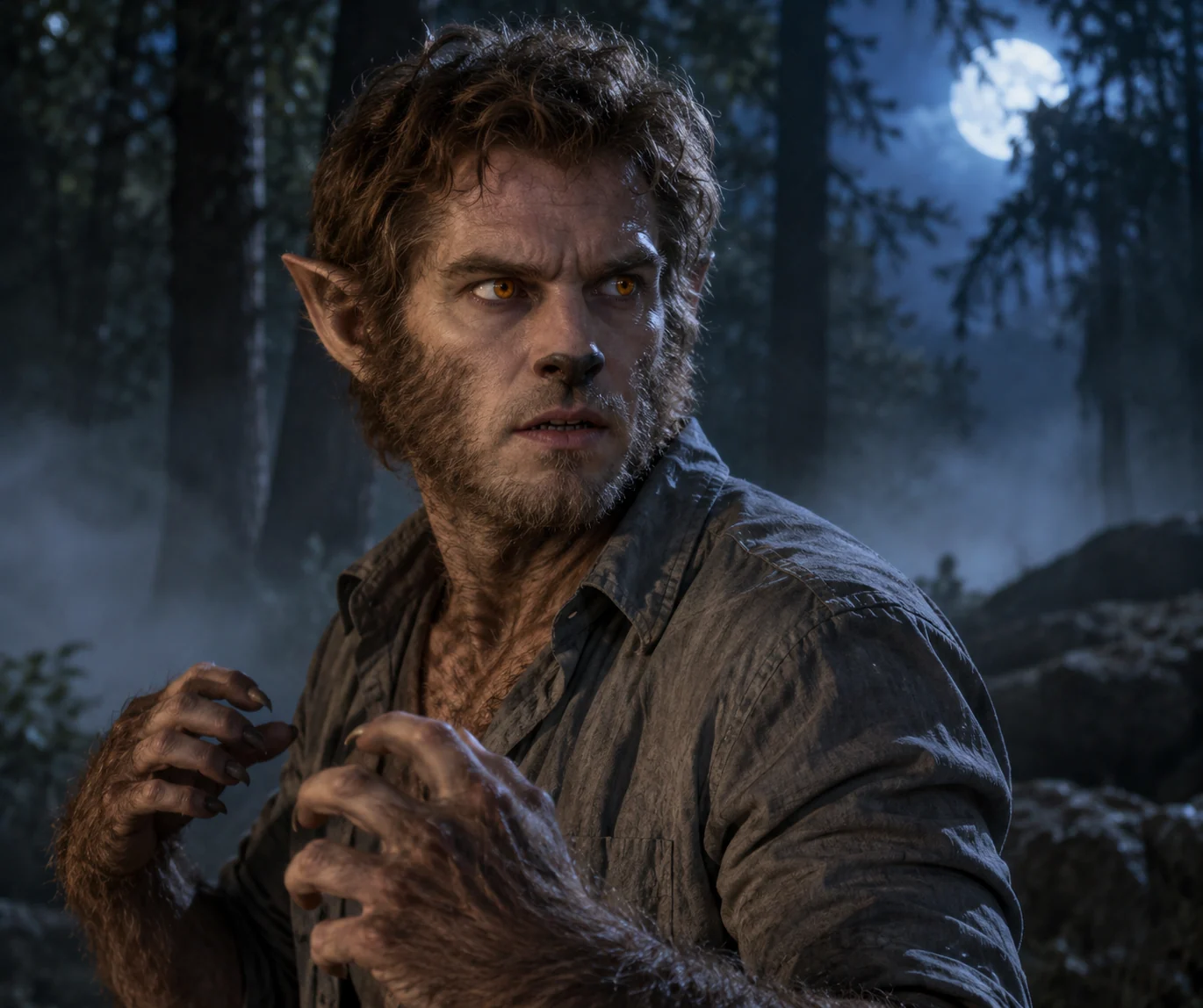
Werewolf Transformation
Create a gradual werewolf transformation from one portrait. Amber eyes, pointed ears and fur build toward an upright creature reveal in 15 seconds.
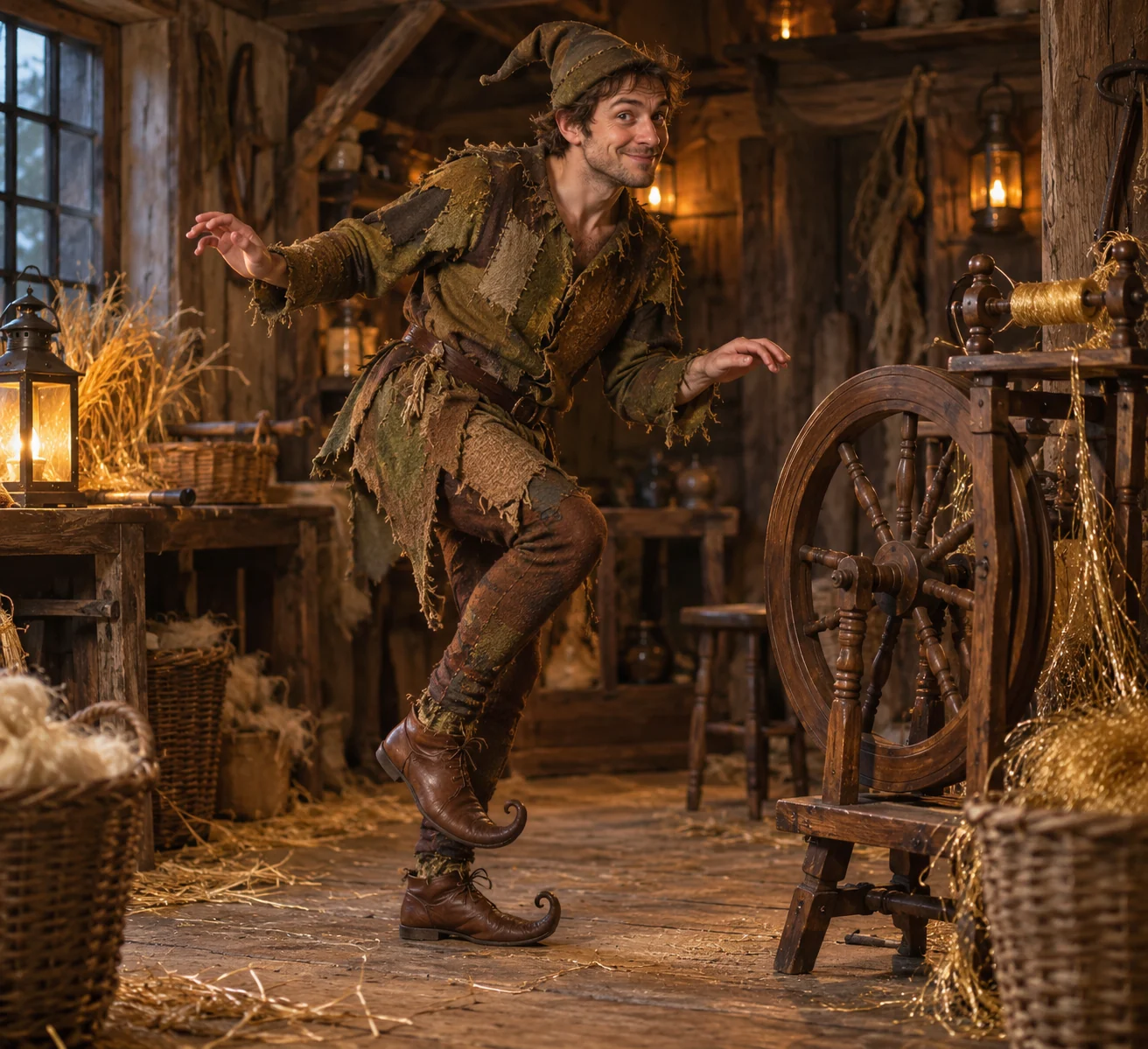
Rumpelstiltskin AI
Turn your photo into an original fairy-tale imp performing a tiptoe dance beside a spinning wheel. Create a 15-second Rumpelstiltskin AI video.
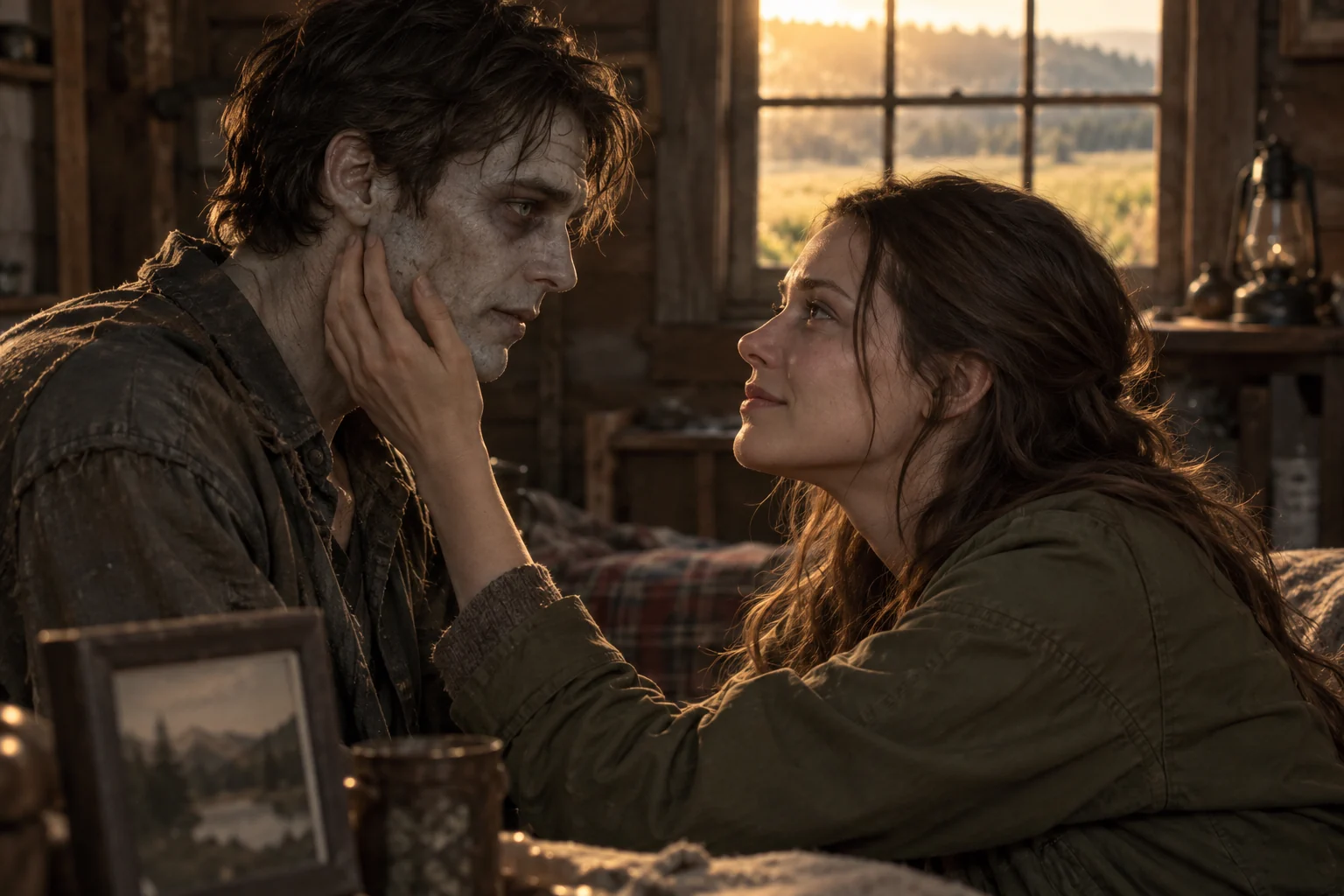
Zombie Love Story
Create a 15-second zombie love story from two portraits or one couple photo. A ruined-cabin encounter cuts into a warm reunion memory.
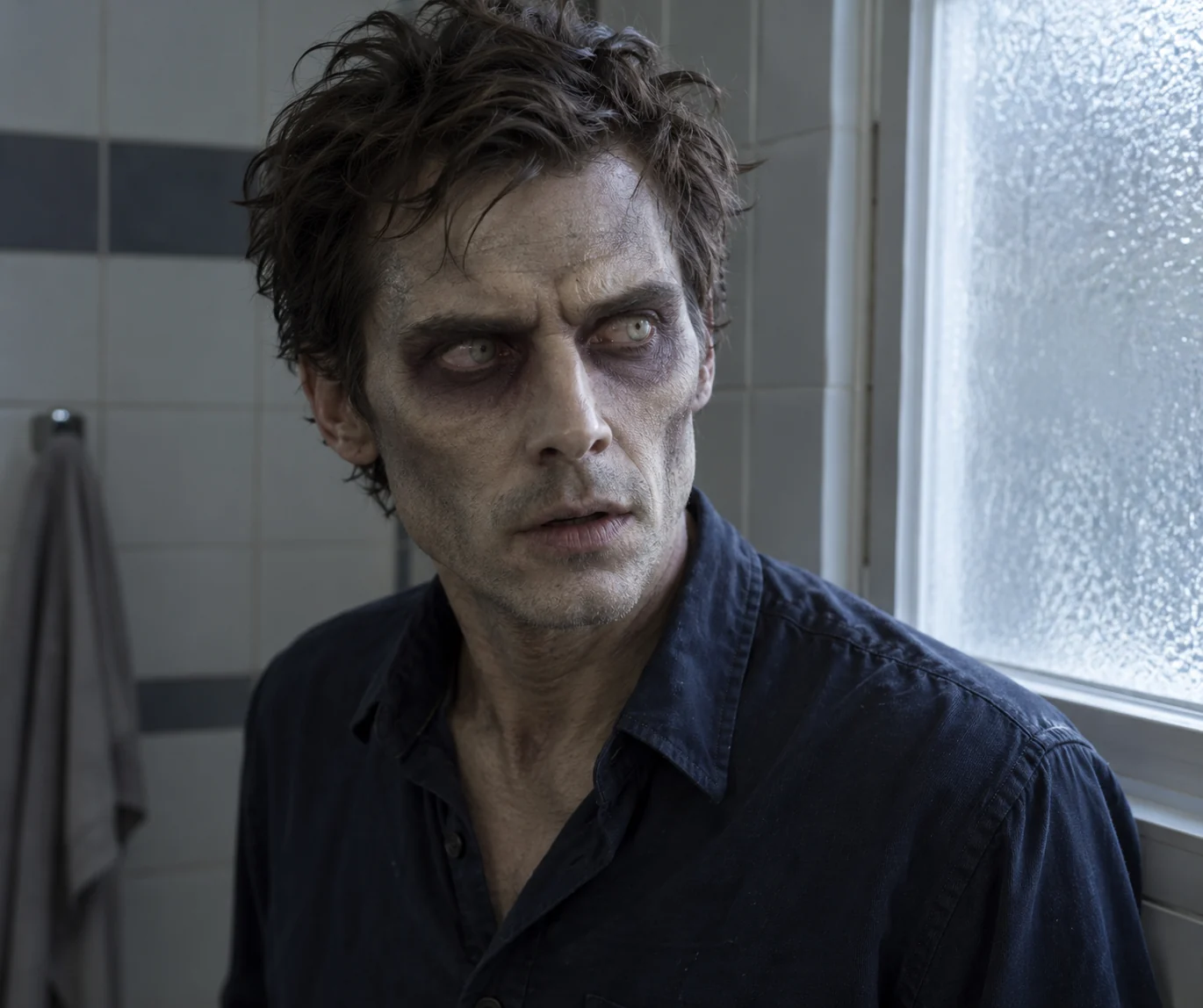
Zombie Transformation
Turn a portrait into a gradual zombie transformation. Create a 15-second video with changing skin, pale eyes and a held final character reveal.
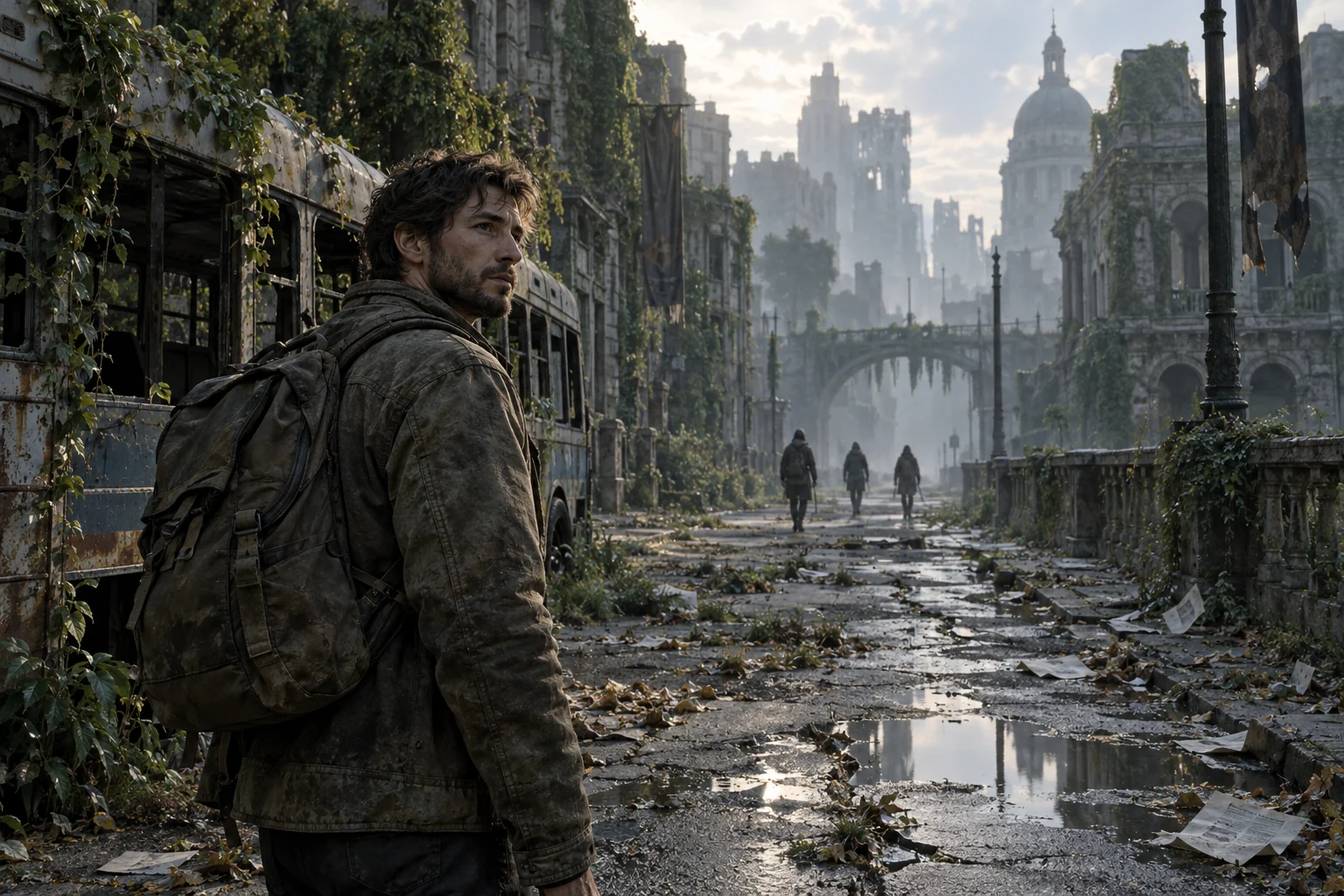
Zombie Apocalypse
Put your portrait into a deserted-city survival scene. Generate a 15-second zombie apocalypse video with distant walkers and a final infection reveal.
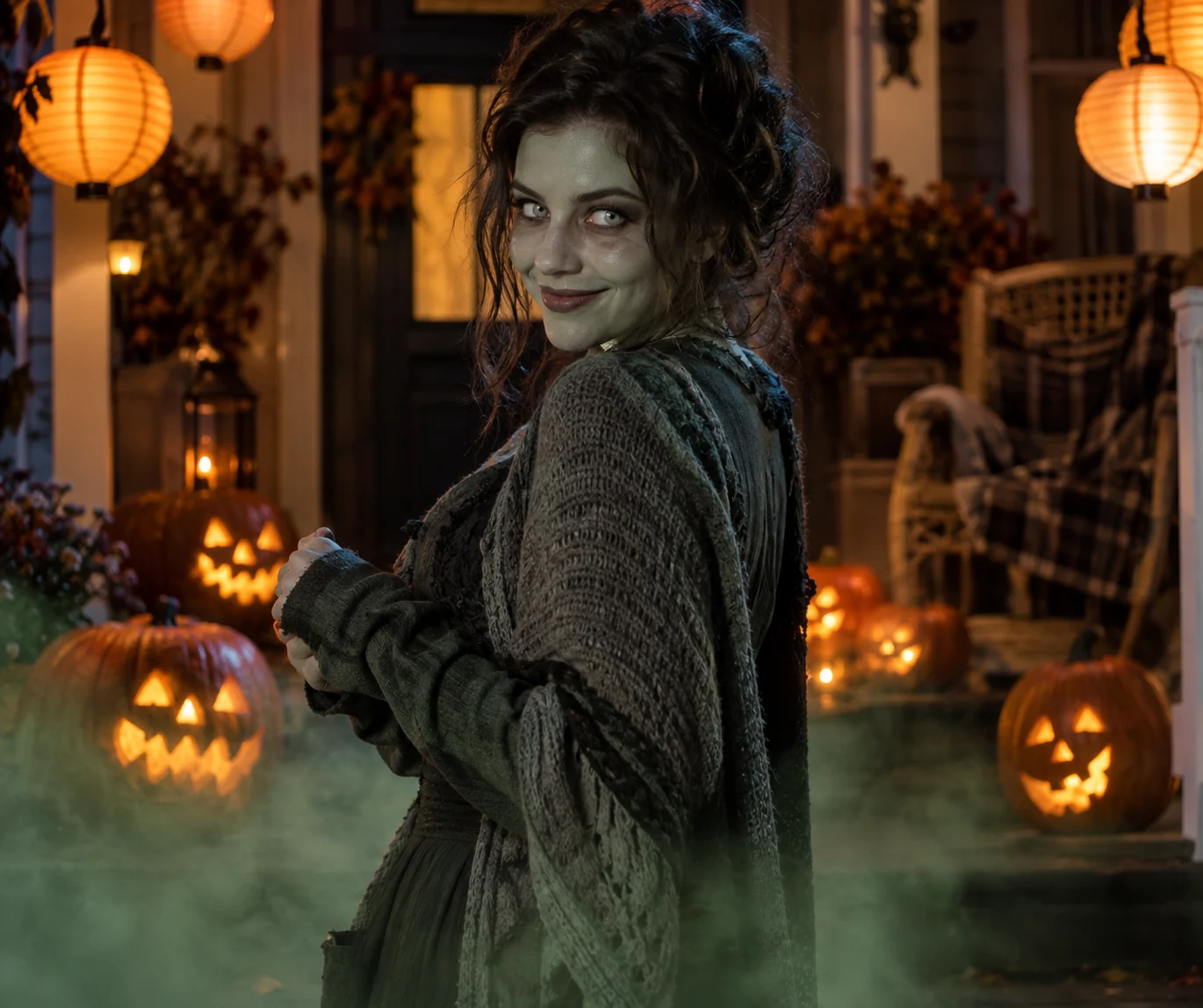
Halloween Zombie
Create a playful Halloween zombie reveal from one portrait. Pumpkins, stage fog and theatrical makeup shape a 15-second costume video.
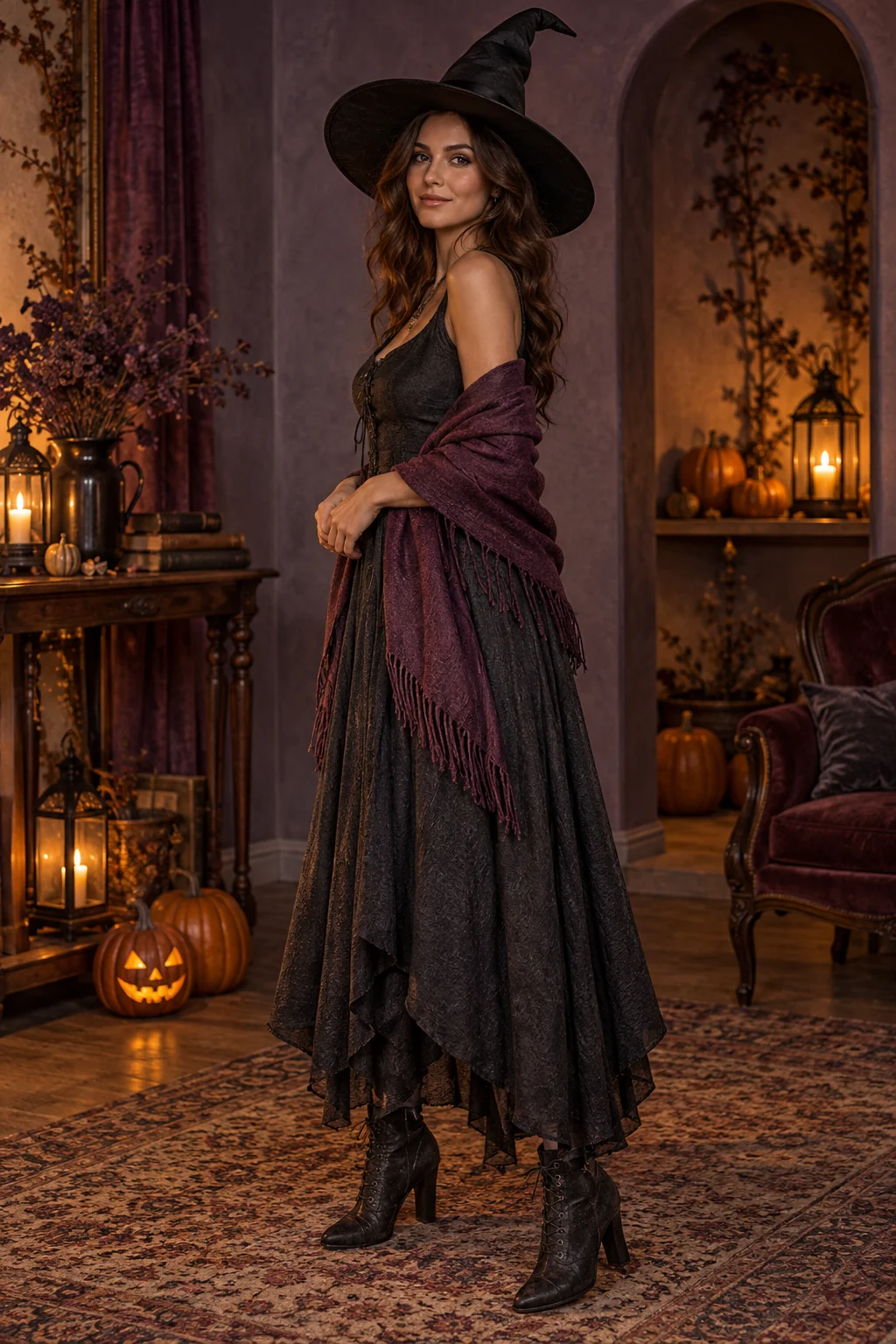
Halloween Costume
Turn one photo into a Halloween costume-change video. Reveal witch, vampire, skeleton-print and pirate outfits in a 15-second AI scene.
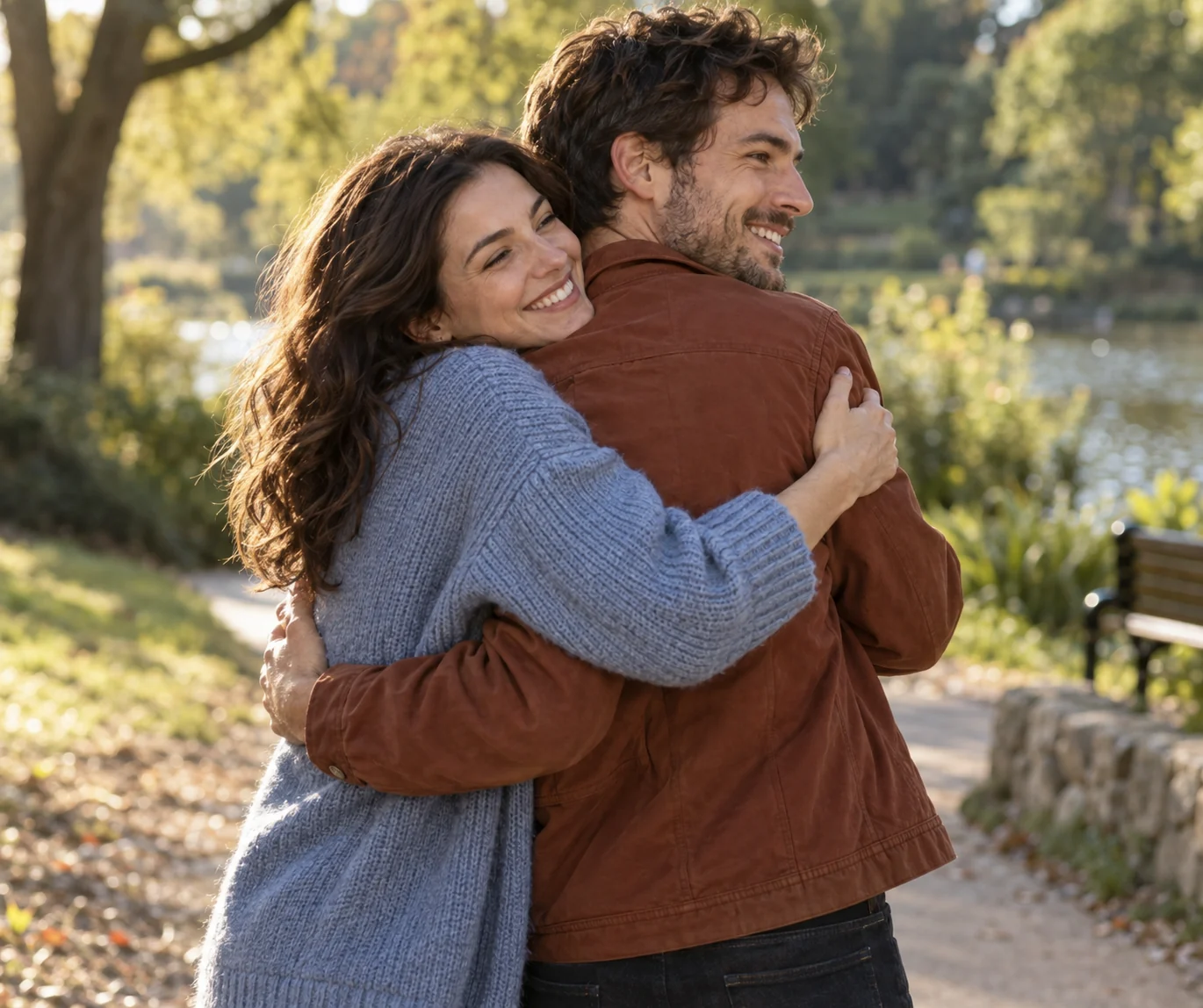
AI Hug
Make two people hug in a 15-second AI video. Upload separate portraits or one two-person photo for a warm, platonic park reunion.
From your photos to a short film
- 1
Choose your references
Follow the role labels and upload the required photos. Select one or two photos where the template offers both options.
- 2
Confirm the format
Choose portrait or landscape. The template supplies the scene script, 15-second duration and 768P resolution; the credit cost appears before submission.
- 3
Generate and review
Create the video, check identities and motion, then play or download the MP4. Completed videos also appear in My Creations.