




Text-to-Image Generation
Create product scenes, social media visuals, and illustrations from a prompt. Describe your subject, lighting, and mood to get started.
Generate an imageGenerate and edit AI visuals with FLUX.2 on FluxContext. Free to try with no account required.

1K generation and editing with up to 4 references.

GPT Image 2.6 Flare for visual briefs and focused edits.
Everyday image creation and reference-based editing.
Typography and controlled image creation.

1K/2K creation and up to 4 references.
2K–4K tiers for concepts and reference compositions.

Visual layouts and reference editing in 1K–4K.
Text-led creation and descriptive image editing.
 Holiday Portrait
 VideoZombie Love Story
 Baseball Bobblehead
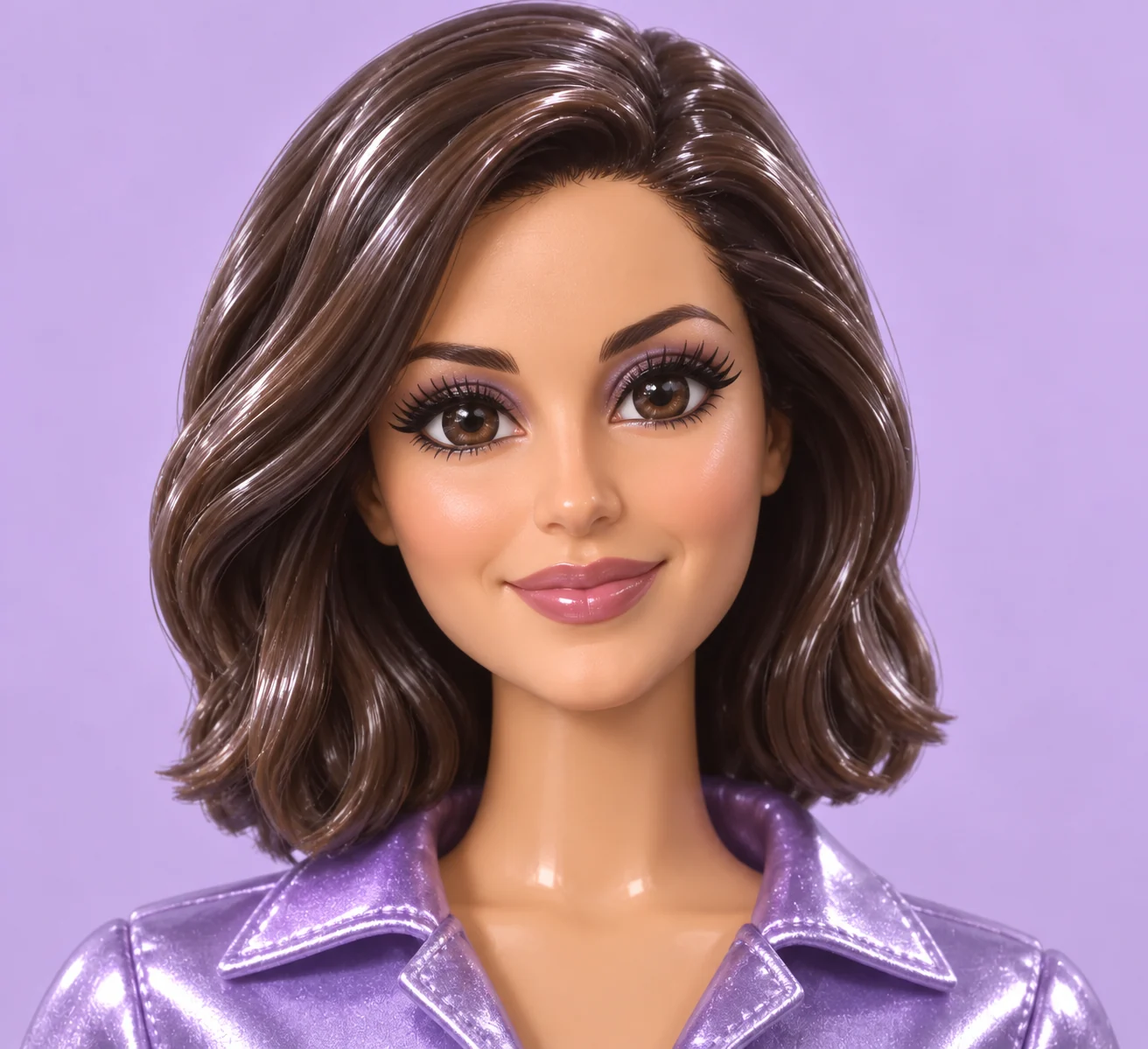 3D Glam Doll
 VideoWerewolf Transformation
 Dramatic Black & White
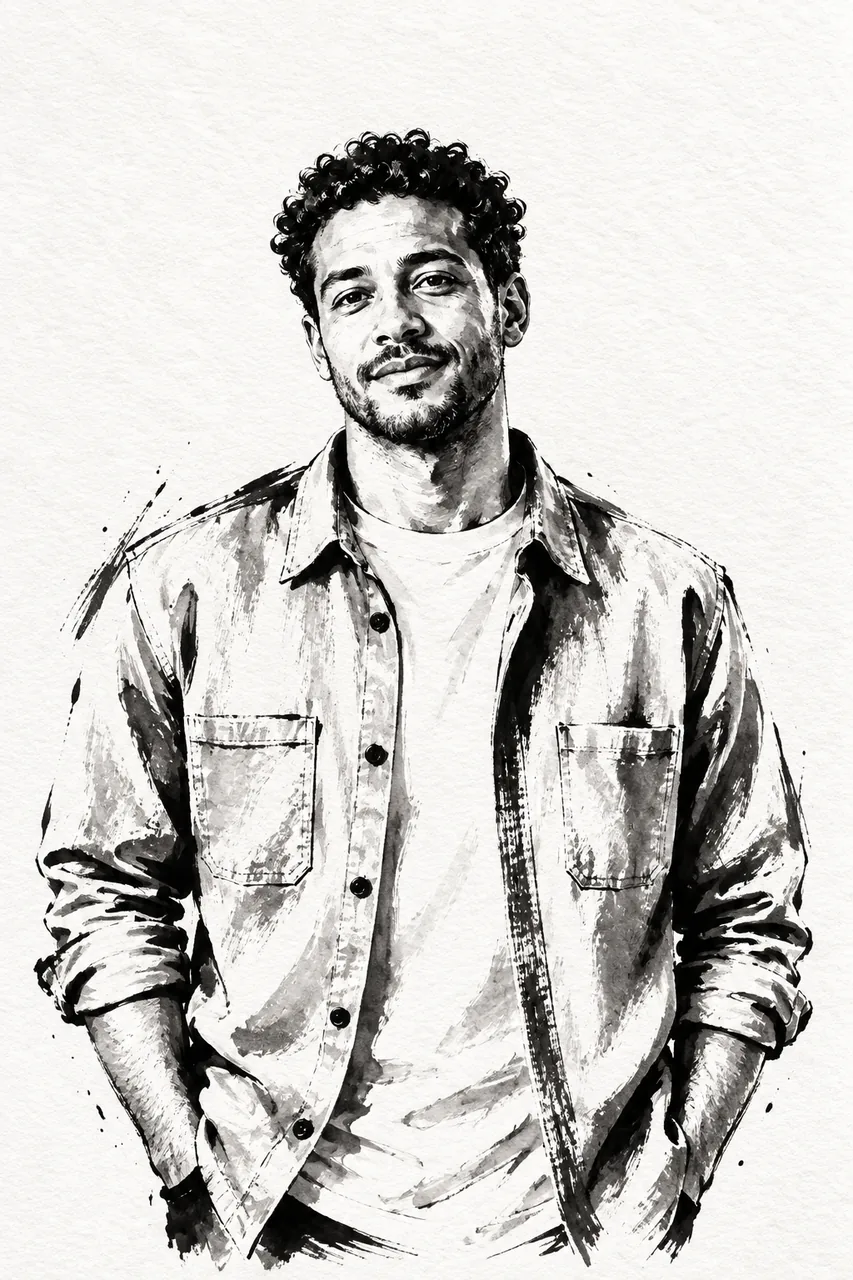 Ink Illustration
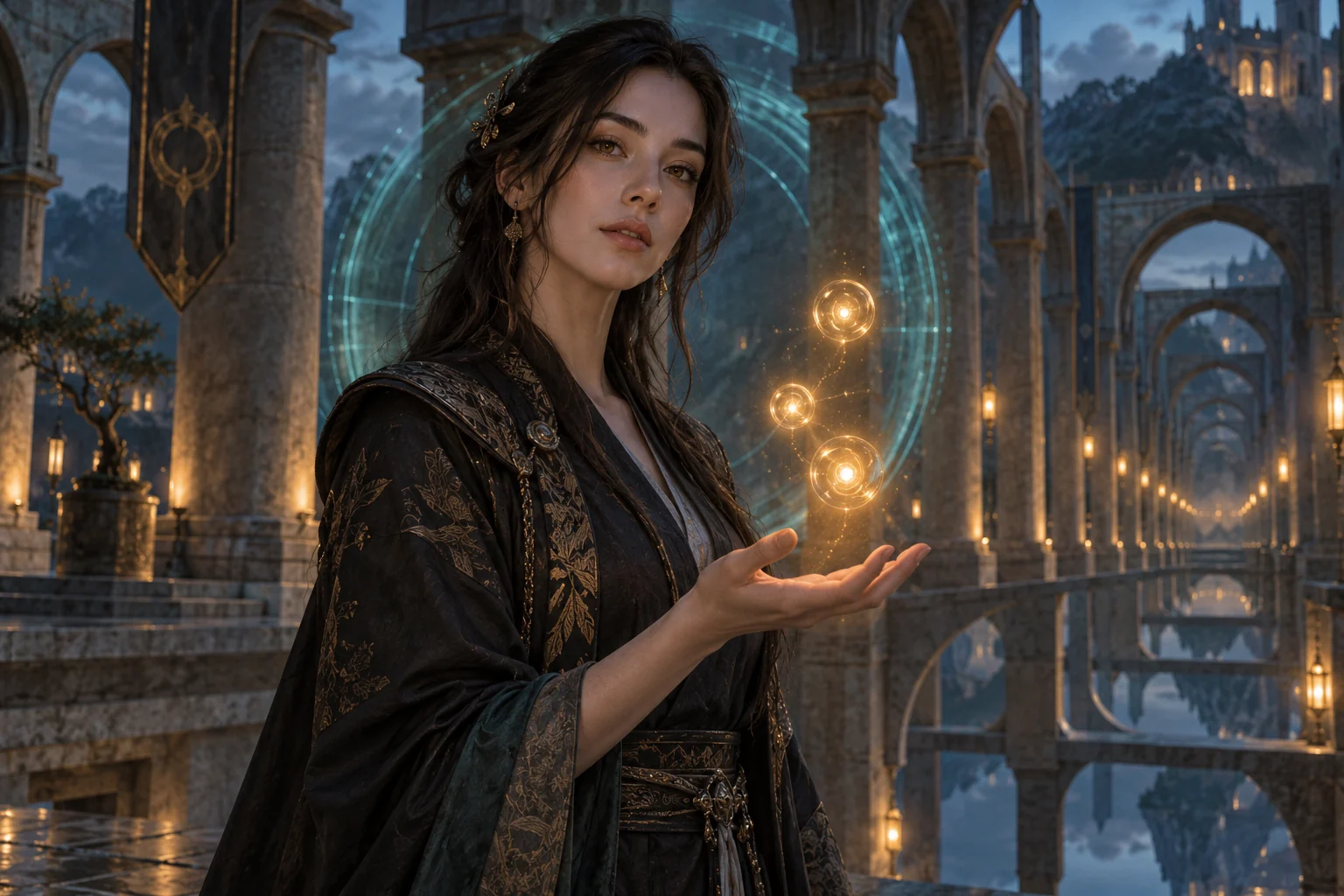 VideoGenjutsu AI
 Christmas Ornament
 VideoRaindance AI
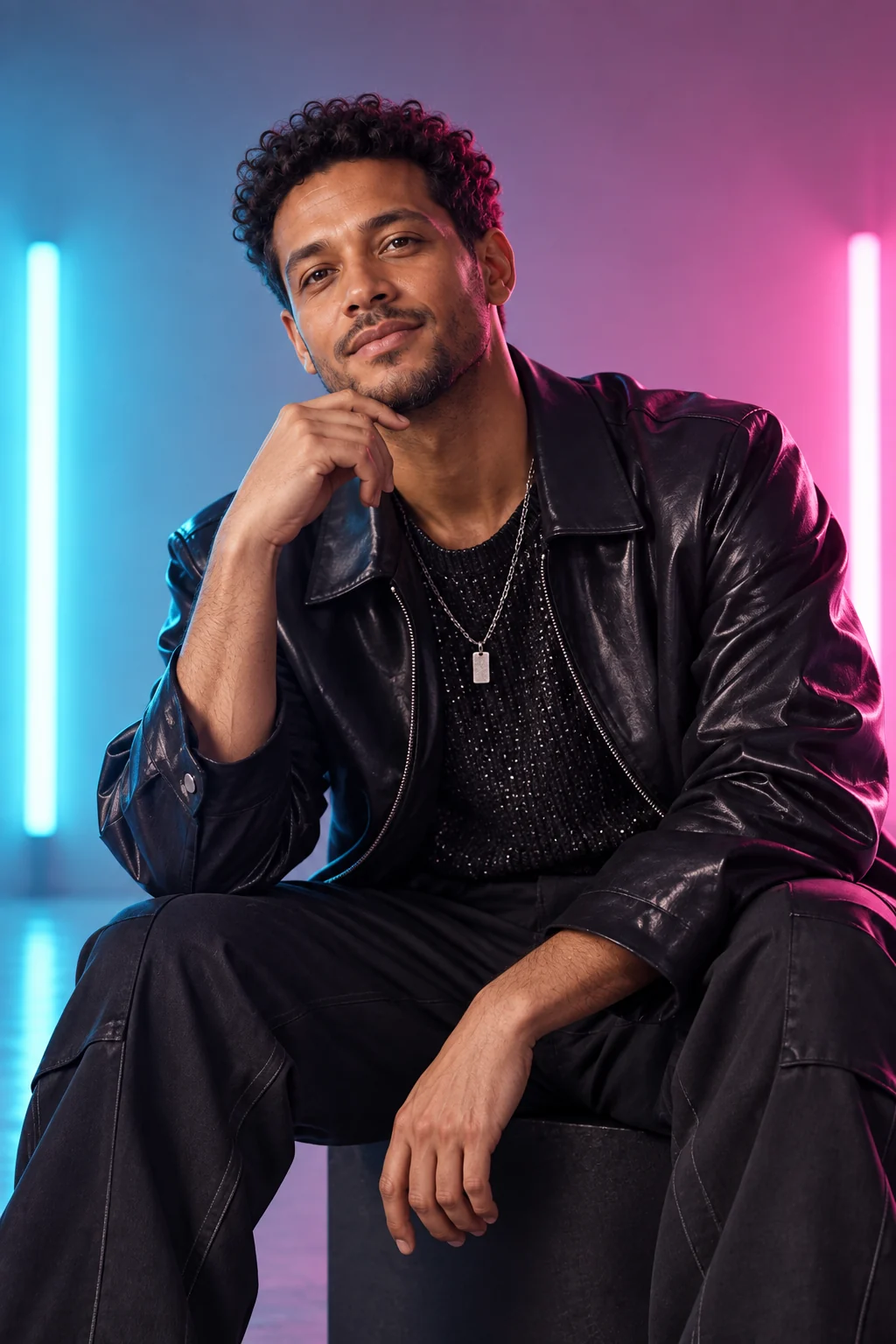 K-Pop Studio Portrait
 Room Redesign
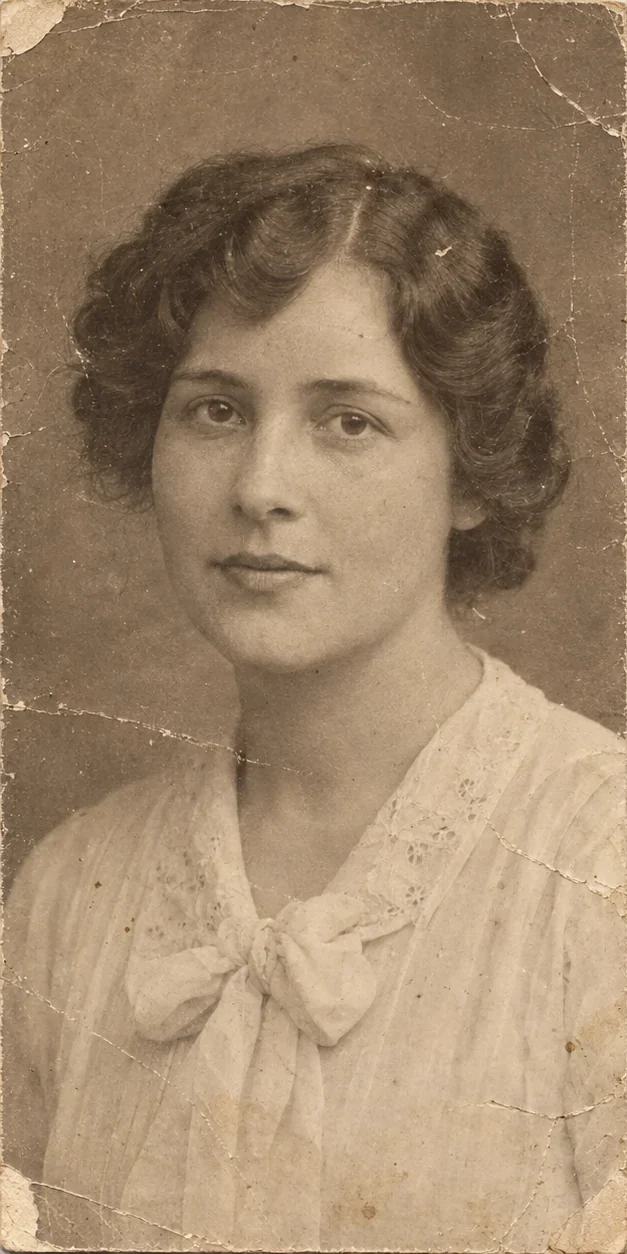
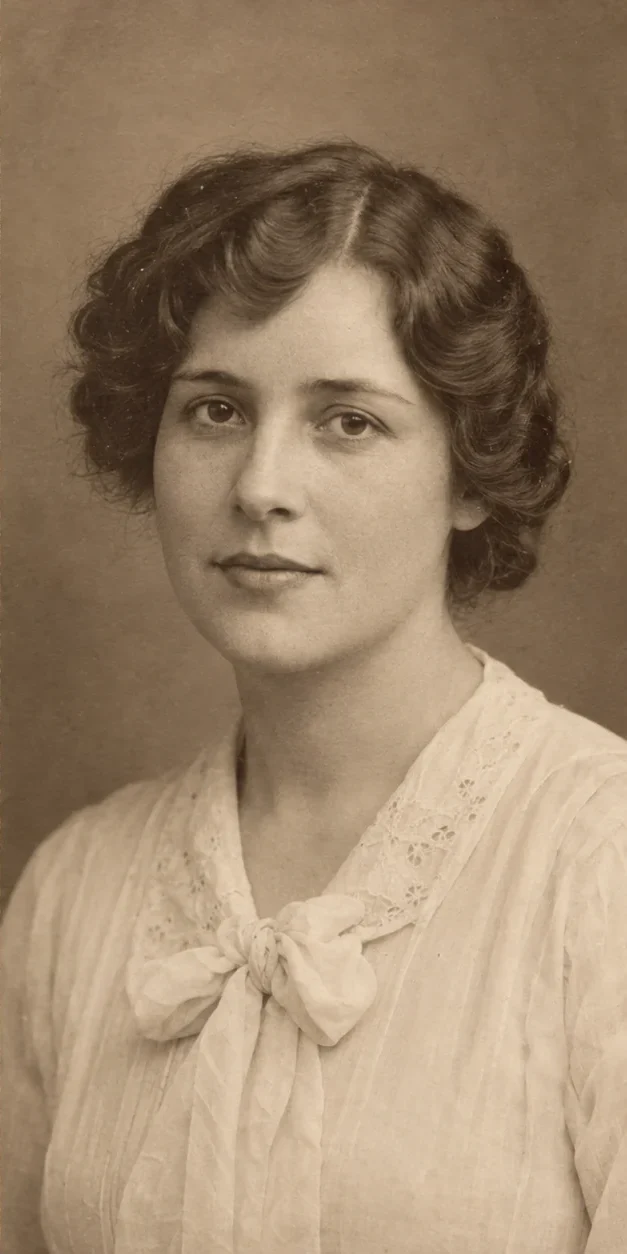
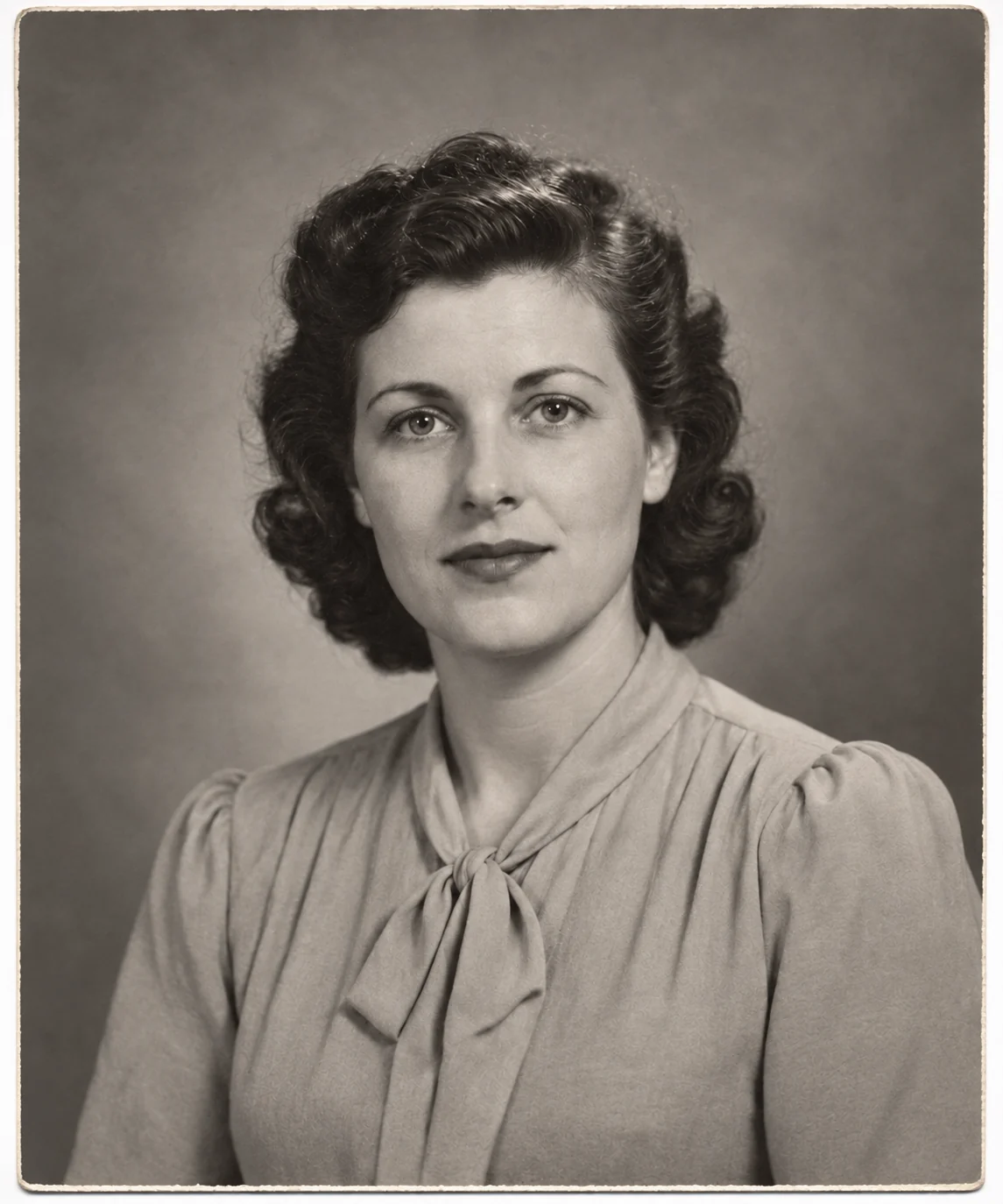 Old Photo Restoration
 Miniature Keychain
 Photo to Sketch
 Professional Headshot
 Plush Toy
 Pop Art Portrait
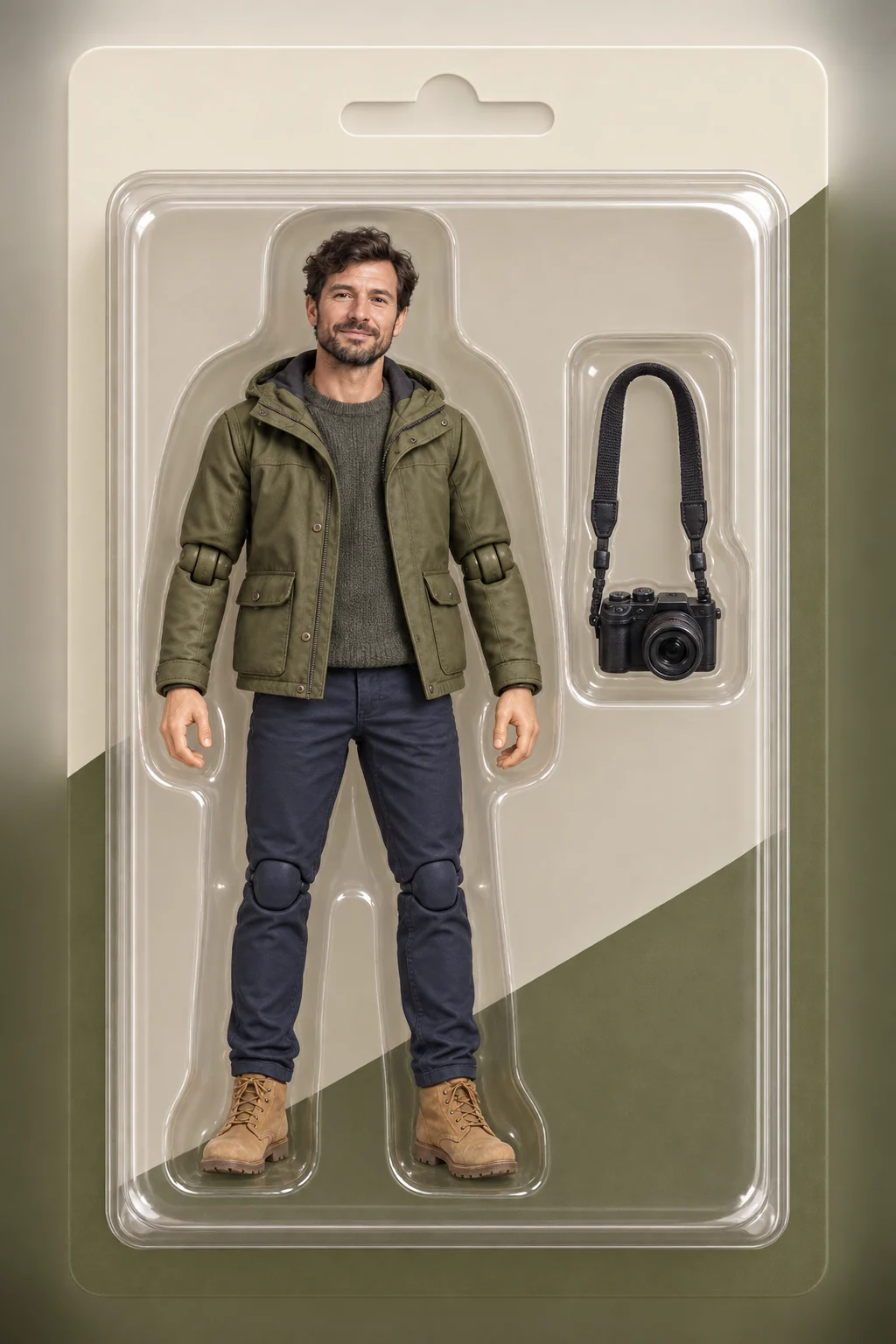 AI Action Figure
 Product Photography
 VideoAI Hug
 VideoAI Pet Dance
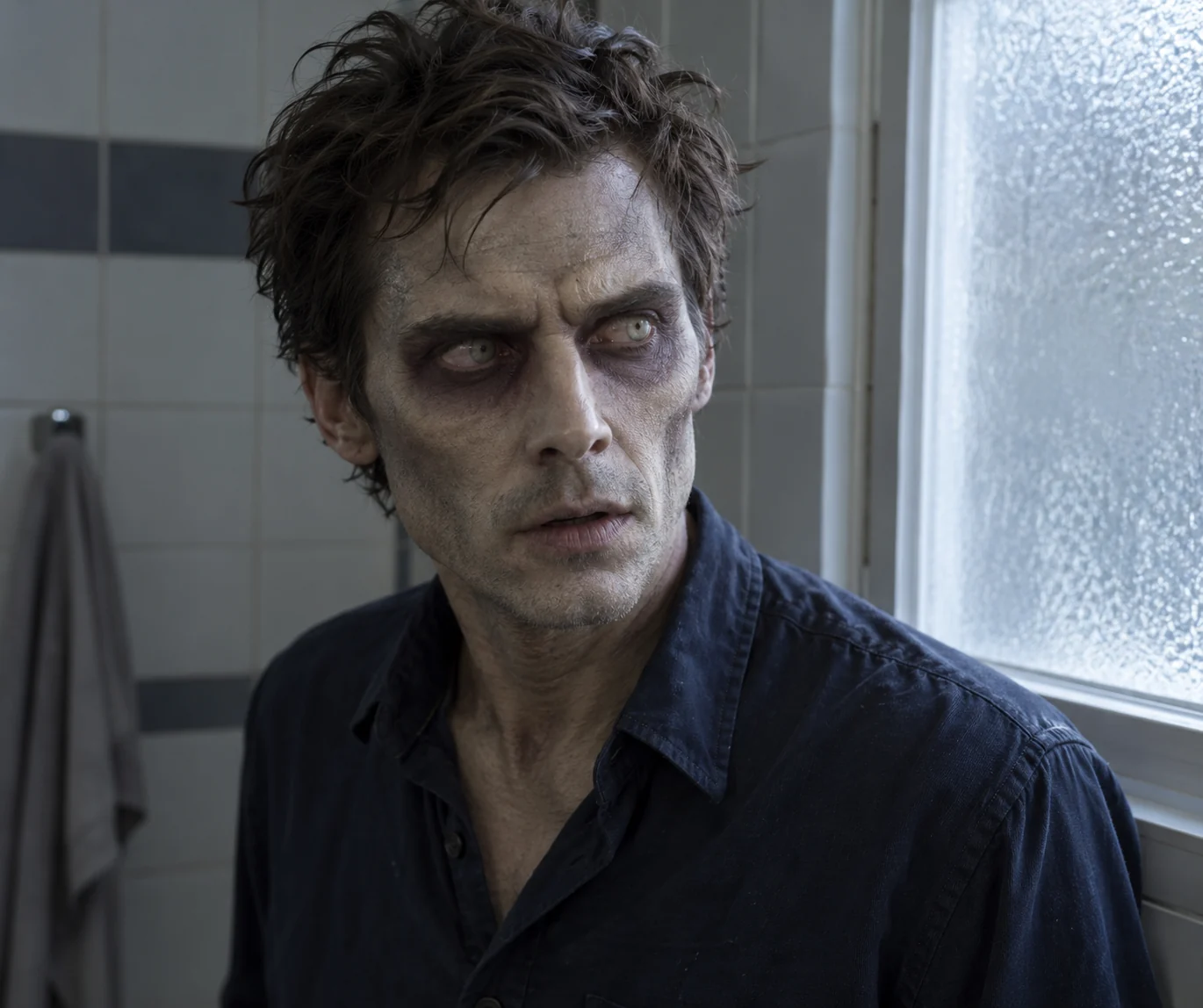 VideoZombie Transformation
 VideoHotel Lobby AI
 VideoAI Anime Creator
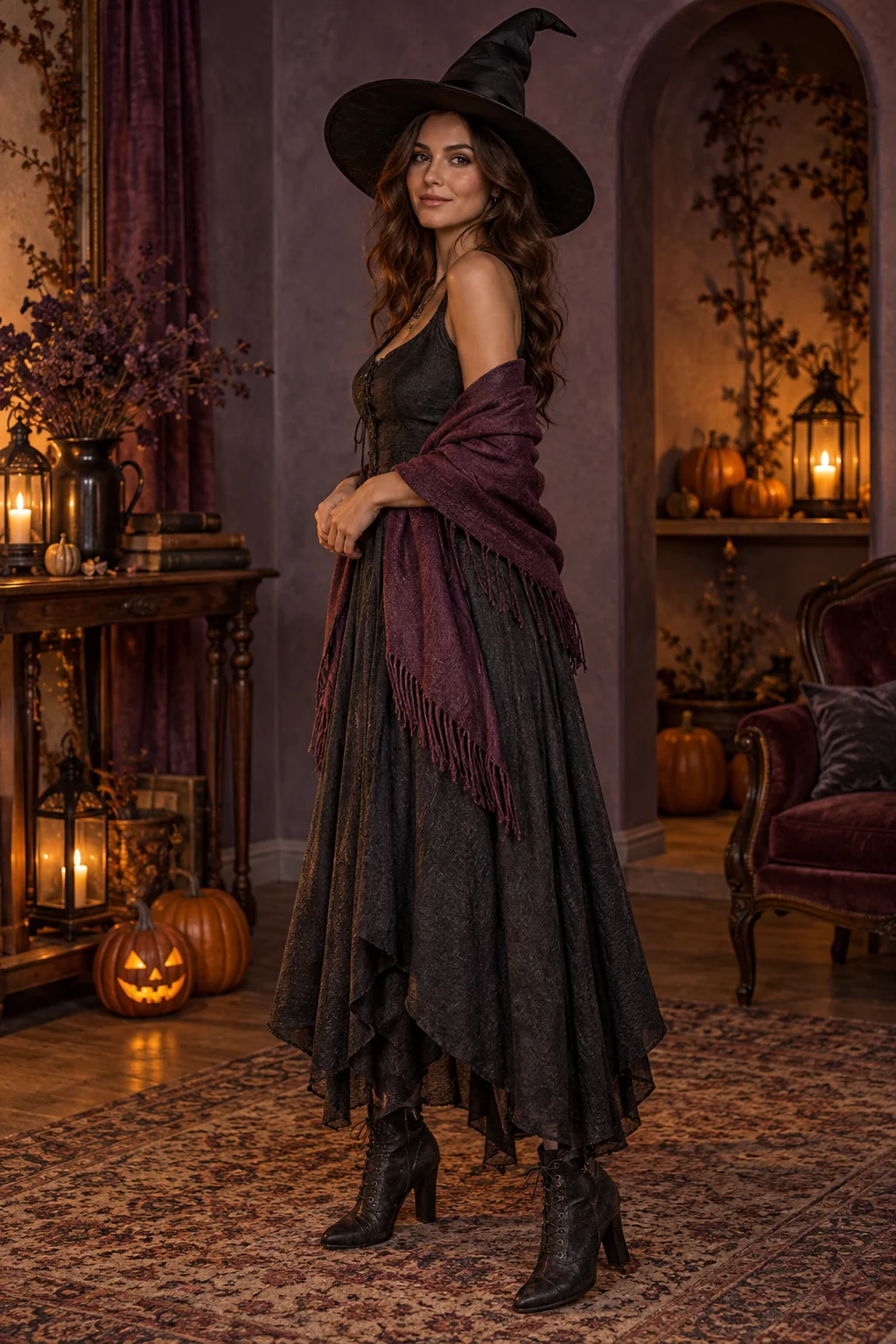 VideoHalloween Costume
 VideoOzil Goal AI
 VideoAI Pet Generator
 Bicep Heart Photo
 Doodle Portrait
 Fisheye Portrait
 Sugar Cookie Art
 Art School Portrait
 Holiday Card
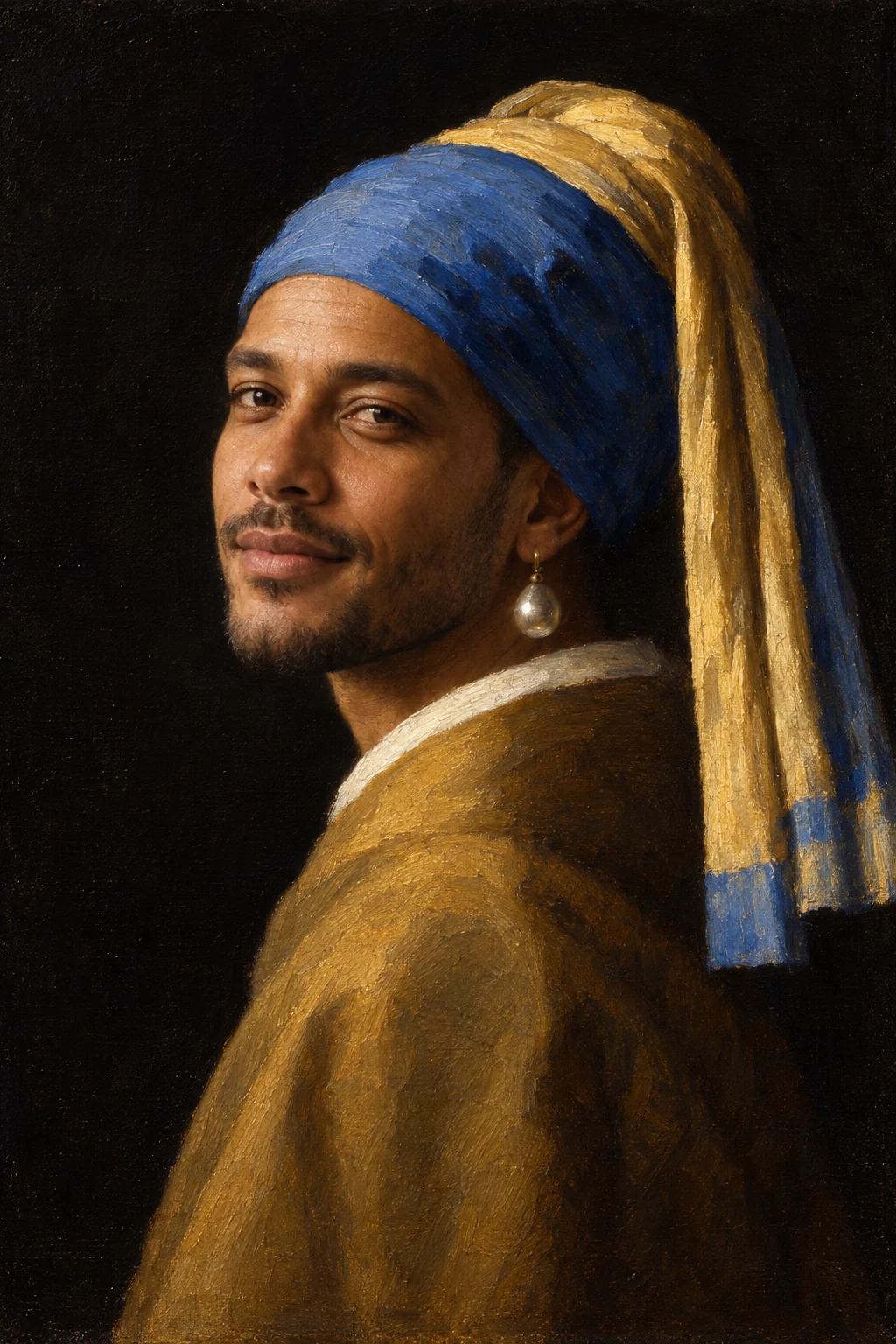 Pearl Earring Portrait
 Album Cover
 Matching Outfits
 Remove Background People
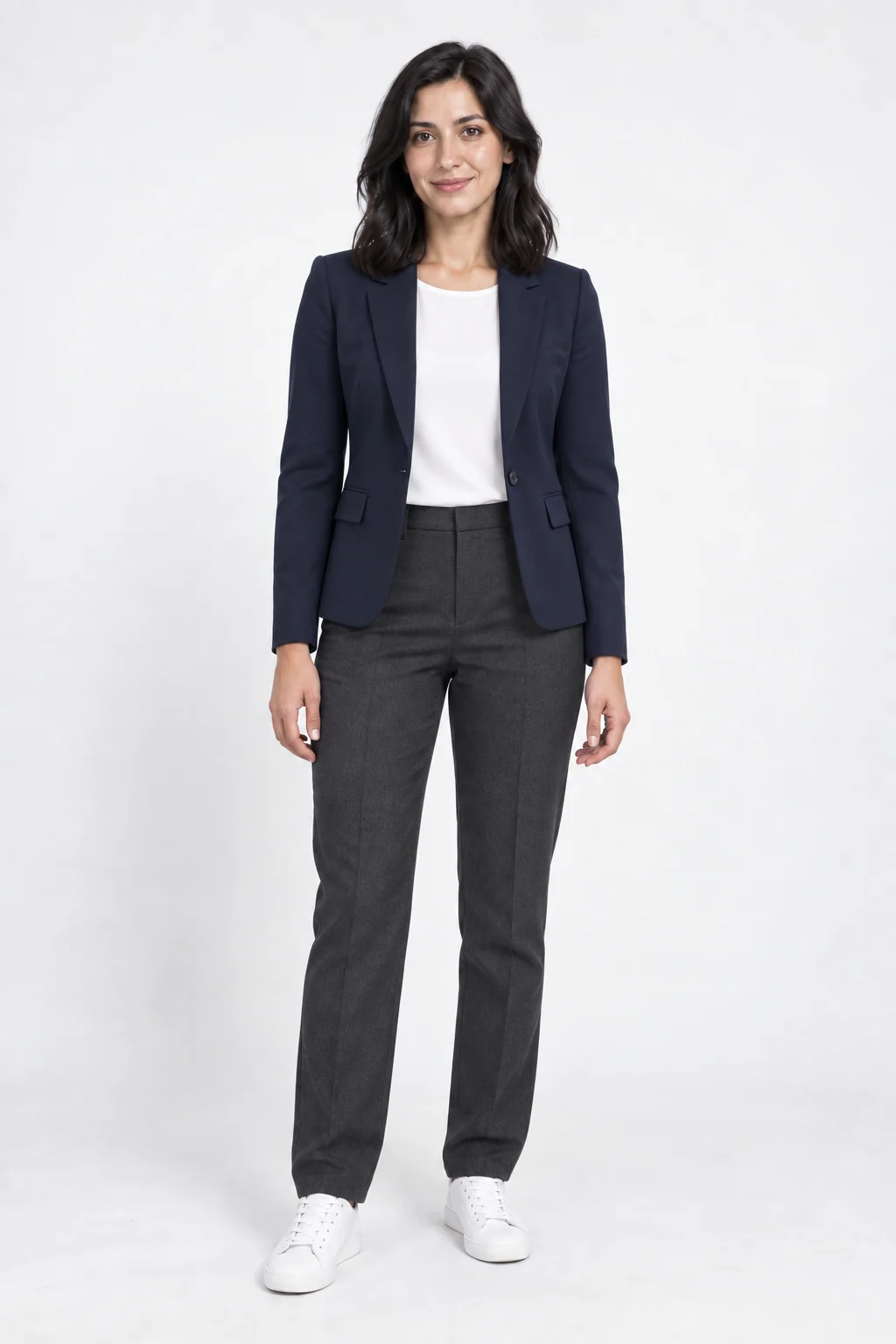 AI Outfit Generator
 Ad Poster
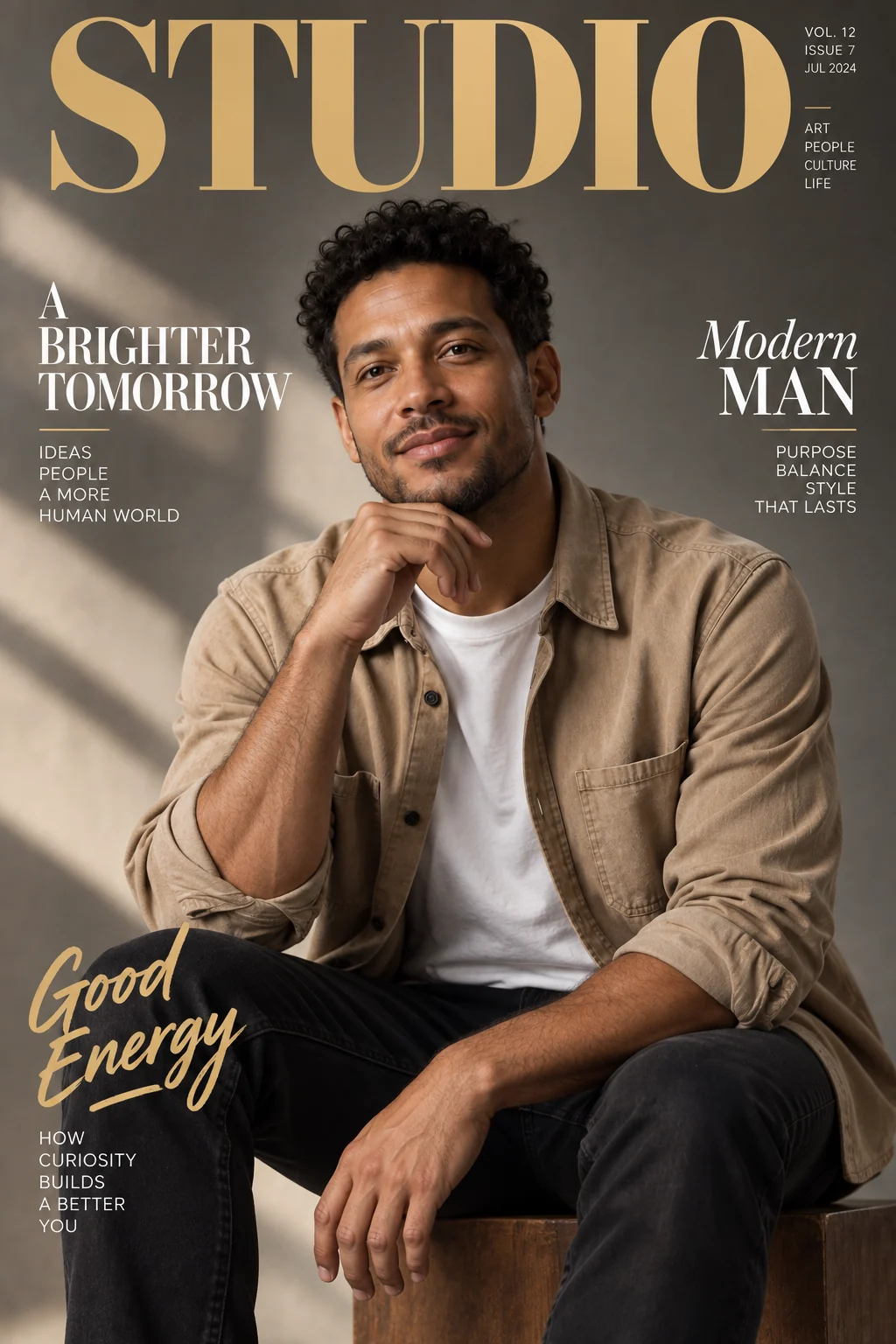 Magazine Cover
 Fun Effect
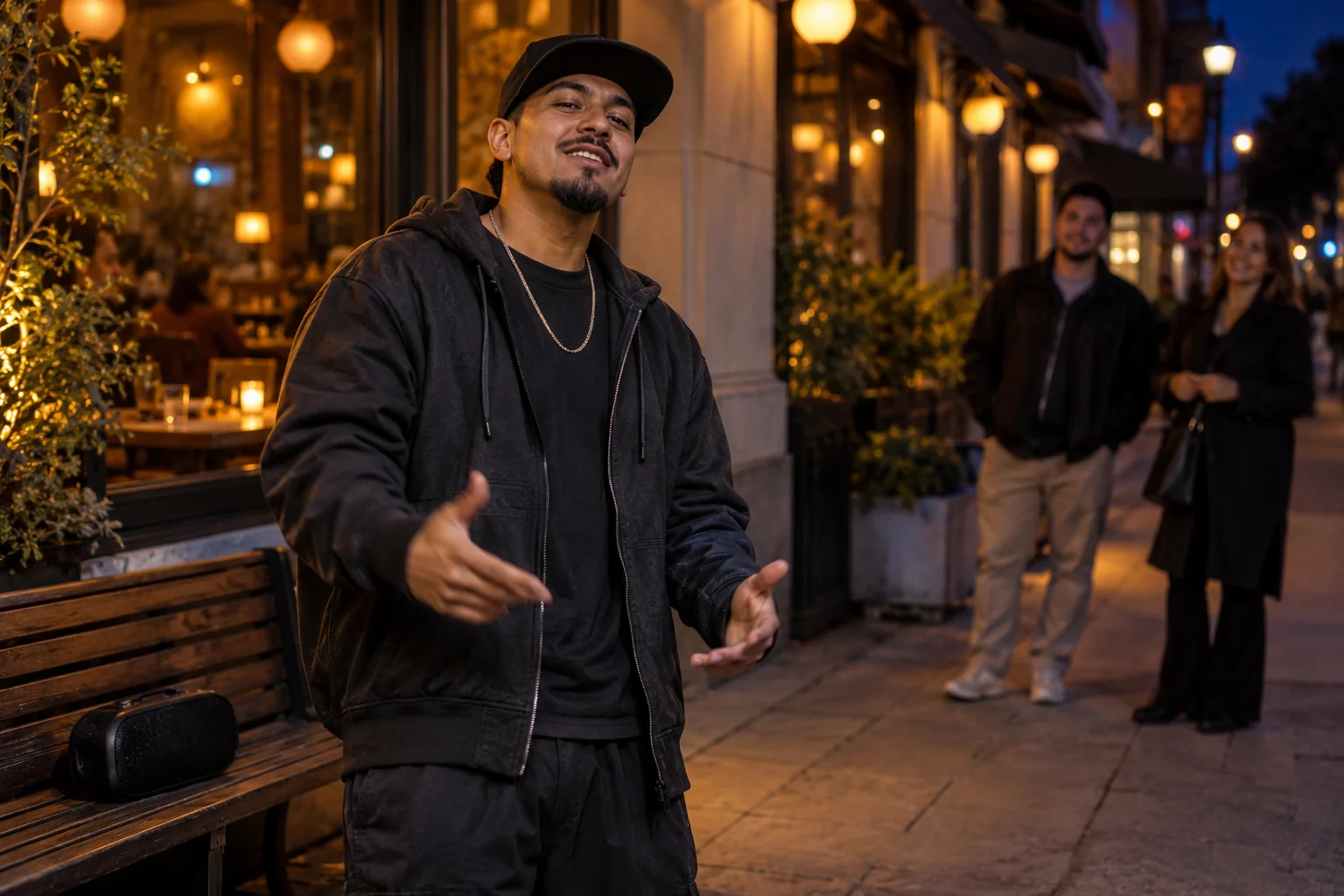 VideoBulin 47 AI
 VideoBurning Bridges AI
 VideoAlors on Danse AIVideoBicep Heart AI
 VideoPet Reunion
 VideoGhostface AI
 VideoRumpelstiltskin AI
 VideoZombie Apocalypse
 VideoHalloween Zombie
Examples from FluxContext templates. Tap one to try it.
Restoring workspace…

1K generation and editing with up to 4 references.
GPT Image 2.6 Flare for visual briefs and focused edits.
Everyday image creation and reference-based editing.
Typography and controlled image creation.
1K/2K creation and up to 4 references.
2K–4K tiers for concepts and reference compositions.
Visual layouts and reference editing in 1K–4K.
Text-led creation and descriptive image editing.
Workflows in Flux Context
Create product scenes, social media visuals, and illustrations from a prompt. Describe your subject, lighting, and mood to get started.
Generate an imageCombine reference images to direct character consistency, lighting, and style with FLUX.2 inside FluxContext.
Use referencesChoose your tools
Compare models and credit costs across the Flux Context creative suite. Explore the guides to match generation, reference, and editing workflows to your project.
Compare modelsStart from text or animate an image with AI video models in FluxContext. Compare models, frame controls and credit costs before generating.
Before you begin
The essentials for your first creation in FluxContext.
FluxContext (also known as Flux Context) is an all-in-one creative AI studio. It brings together leading image models (FLUX.2, Seedream, Nano Banana, GPT Image), continuous multi-reference image editing, and cinematic AI video generation (MiniMax, Kling, Veo, Seedance) in one unified workspace.
Yes. You can test text-to-image and single-image editing for free on FluxContext without an account using the FLUX.2 model. Signing in unlocks watermark-free downloads and gives you 10 free credits to explore Pro image and video models.
Yes. Upload your photos in Image Editing to make precise natural-language modifications, use Multi-Reference to composite multiple photos with character consistency, or bring an image into our AI Video studio as a starting frame to generate motion.
Credits are universal across all image and video models in FluxContext. Before you submit, the Generate button always shows the exact credit cost. If a generation ever fails or times out, your deducted credits are refunded automatically.
You can download full-resolution images (JPEG/PNG) and cinematic video files (MP4). All creations generated with credits include full commercial rights for client deliverables, advertising, and commercial products.
Bring your ideas to life with state-of-the-art AI generation and editing in Flux Context.