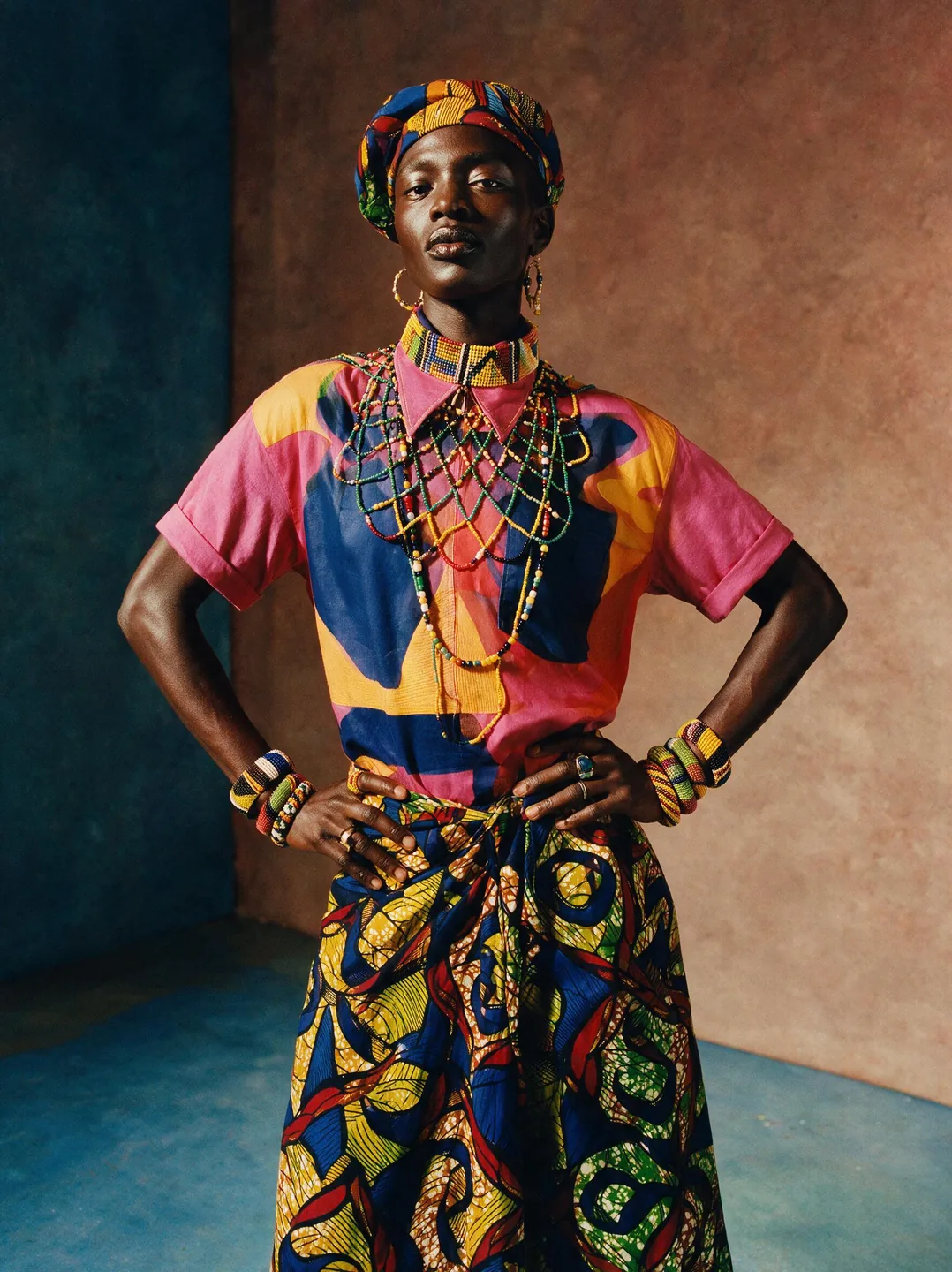
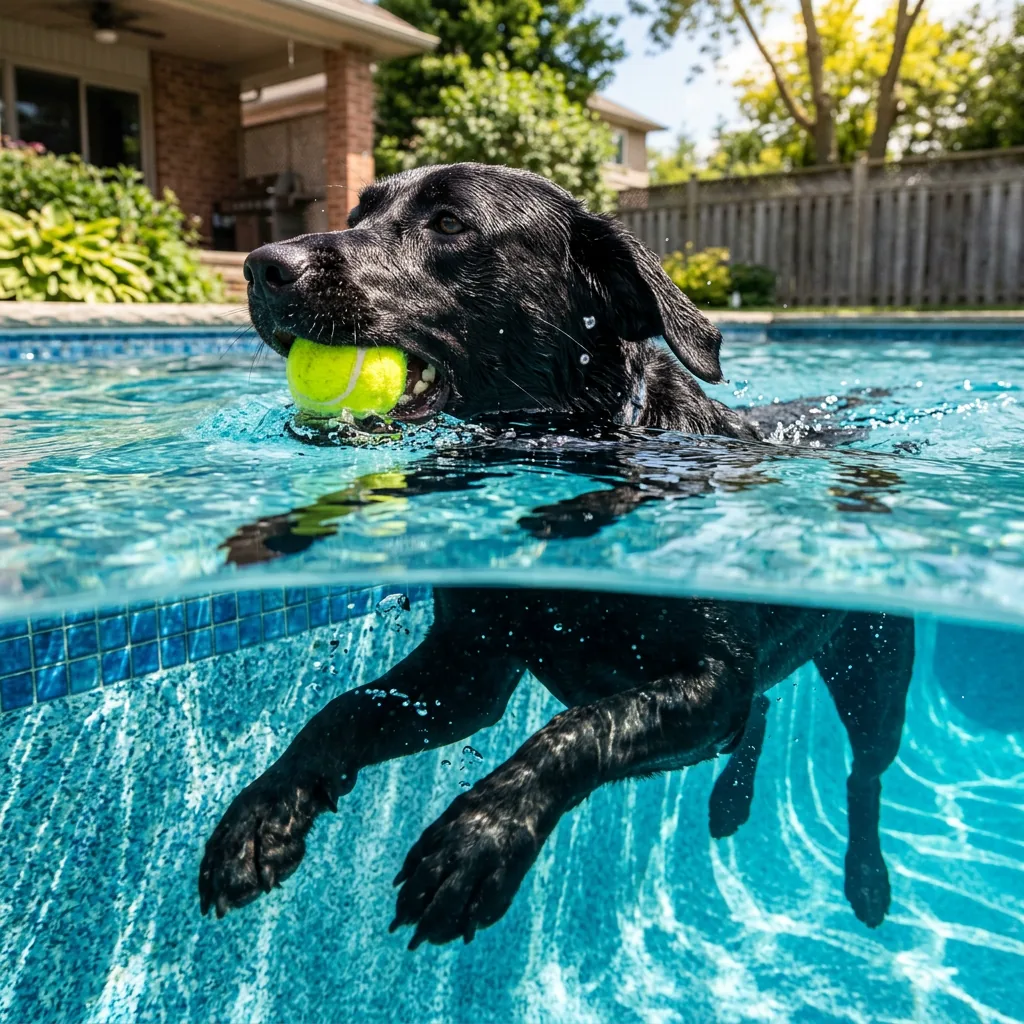
Product and setting
Upload your images before generating.
Place the product from @image1 into the setting from @image2. Preserve its shape and label. Match scale, camera height, lighting and contact shadows.
Create image concepts and combine references with Seedream 5.0 Lite, from 2K through 4K.
Find a visual direction, then make the prompt your own.
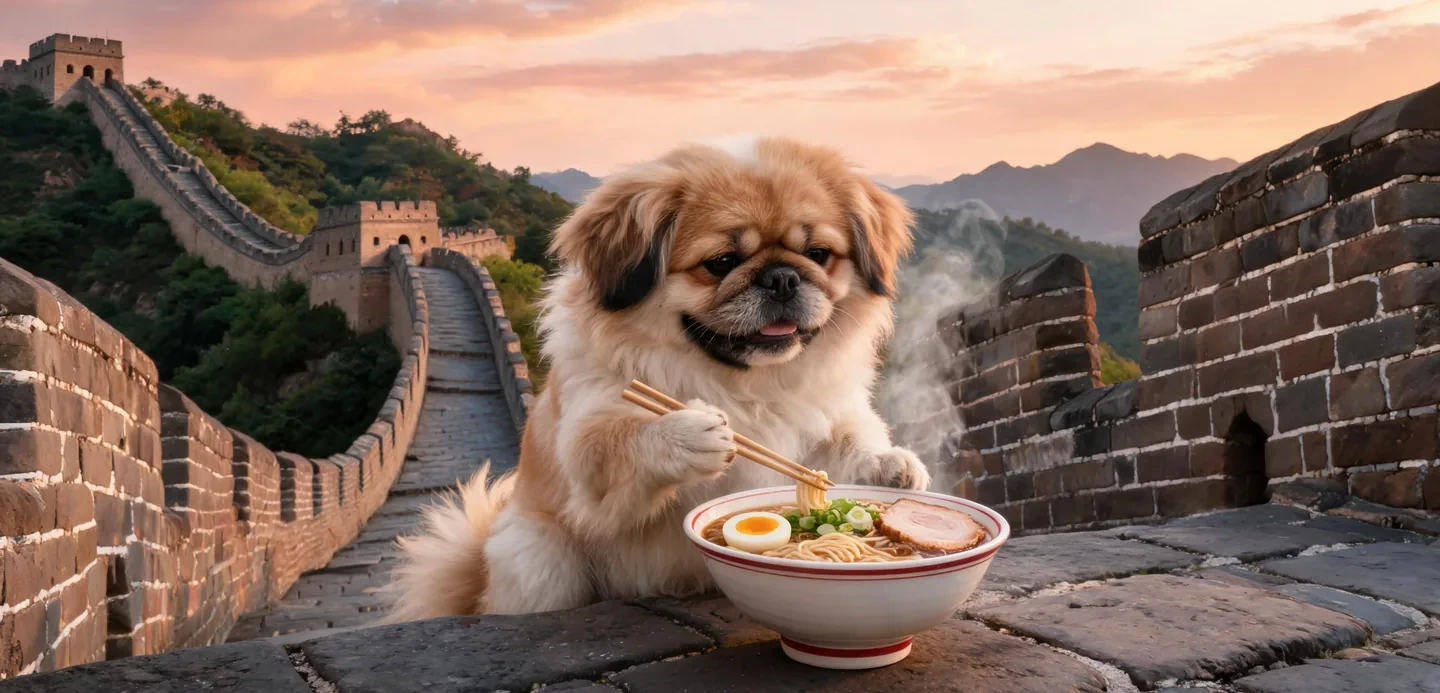
Give the subject something to do, name the location and describe the visual style. Concrete instructions make a useful starting point for exploring a concept.
Prompt to try
Realistic DSLR photograph of anthropomorphic Penkingese dog enjoying a bowl of ramen on the Great Wall of China.
Detail crop of the example image.
Upload your images before generating.
Place the product from @image1 into the setting from @image2. Preserve its shape and label. Match scale, camera height, lighting and contact shadows.
Swap in your subject and keep the structure.
A folded linen shirt on a wooden bench beside a sunlit window. Natural wrinkles, soft shadows, warm neutral colors. Editorial photograph, no logos.
Choose a square, portrait or landscape composition and a 2K, 3K or 4K tier. Create one image, review it, then refine the prompt rather than changing every setting at once.
Compare the settings available for your next image.
| Settings | Flux.2 Pro | Flux.2 Max | Flux.2 Flex | Flux.2 Klein | Seedream 5.0 Lite | Seedream 5.0 Pro | Nano Banana 2 | GPT Image 2.5 |
|---|---|---|---|---|---|---|---|---|
| Resolution tiers | Standard | Standard | Standard | Standard | 2K / 3K / 4K | 1K / 2K | 0.5K / 1K / 2K / 4K | Source size when editing |
| Quality levels | Standard | Standard | Standard | Standard | Standard | Standard | Standard | Low / Medium / High |
| Reference images | Up to 4 | Up to 4 | Up to 4 | Up to 4 | Up to 4 | Up to 4 | Up to 4 | Up to 4 |
| Images per generation | 1 | 1 | 1 | 1 | 1 | 1 | 1 | 1 |
| Base credits | 17 credits | 38 credits | 38 credits | 10 credits | 14 credits | 54 credits | 32 credits | 16 credits |
| Base credits by tier | 2K: 14 / 3K: 14 / 4K: 14 | 1K: 27 / 2K: 54 | 0.5K: 24 / 1K: 32 / 2K: 48 / 4K: 63 | Low: 8 / Medium: 16 / High: 32 |
The Generate button shows the cost for your selected settings and references.
Inputs, editing, and credits—before you start.
Generate an image from a written brief, edit one uploaded image, or combine references. Start with a subject, setting, lighting and the details that matter to you.
FluxContext supports up to 4 references for this model. Upload your own JPG, PNG or WebP images, up to 4 MB each.
Available choices: 2K / 3K / 4K. Choose your framing and add references when you want to guide the result.
Pricing uses fixed tiers for settings and reference images. The Generate button shows the cost of your image.
Yes. Choose Edit on a delivered image to use it as your next input. Describe the change and what should stay the same. Each new generation has its own credit charge.
This model requires sign-in and enough credits. For a free first experiment, use Flux.2 on the main generator.
Not always. Review faces, product details, spelling and composition before using an image. An editing instruction is guidance, not a guarantee that every other pixel remains unchanged.
Describe your idea and start creating.