Explore an idea for free
Use Flux.2 for a first draft. Move to Klein when you want to explore variations with a paid model.
Choose a model available on FluxContext to generate, edit or combine references.
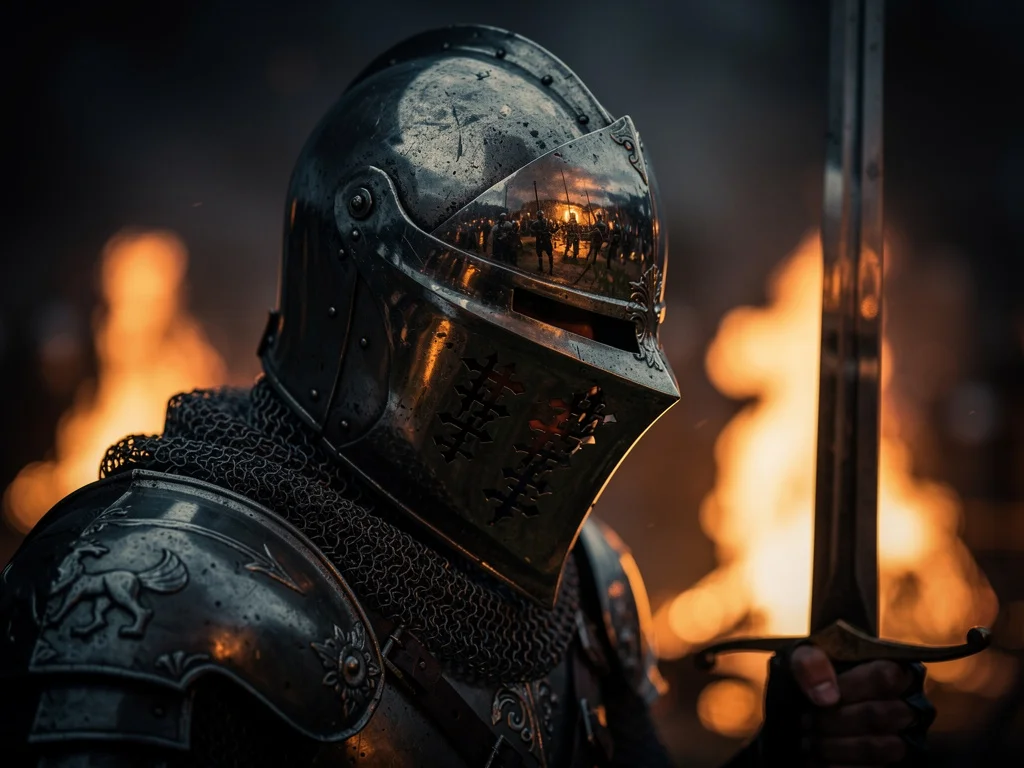

Everyday image creation and reference-based editing.
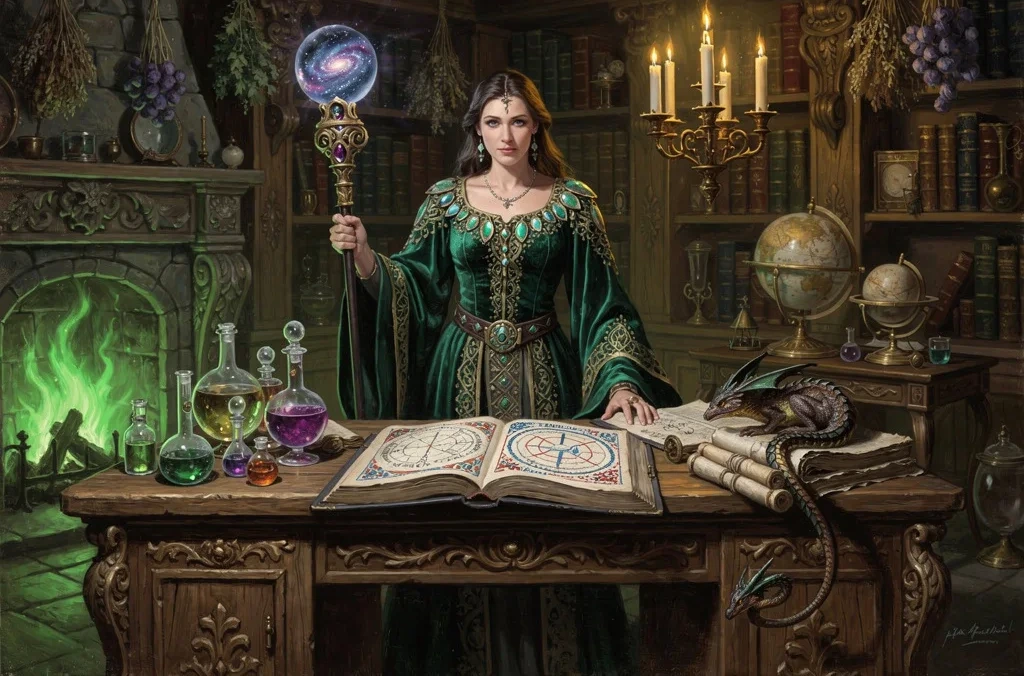
Detailed imagery for final visual work.

Typography and controlled image creation.
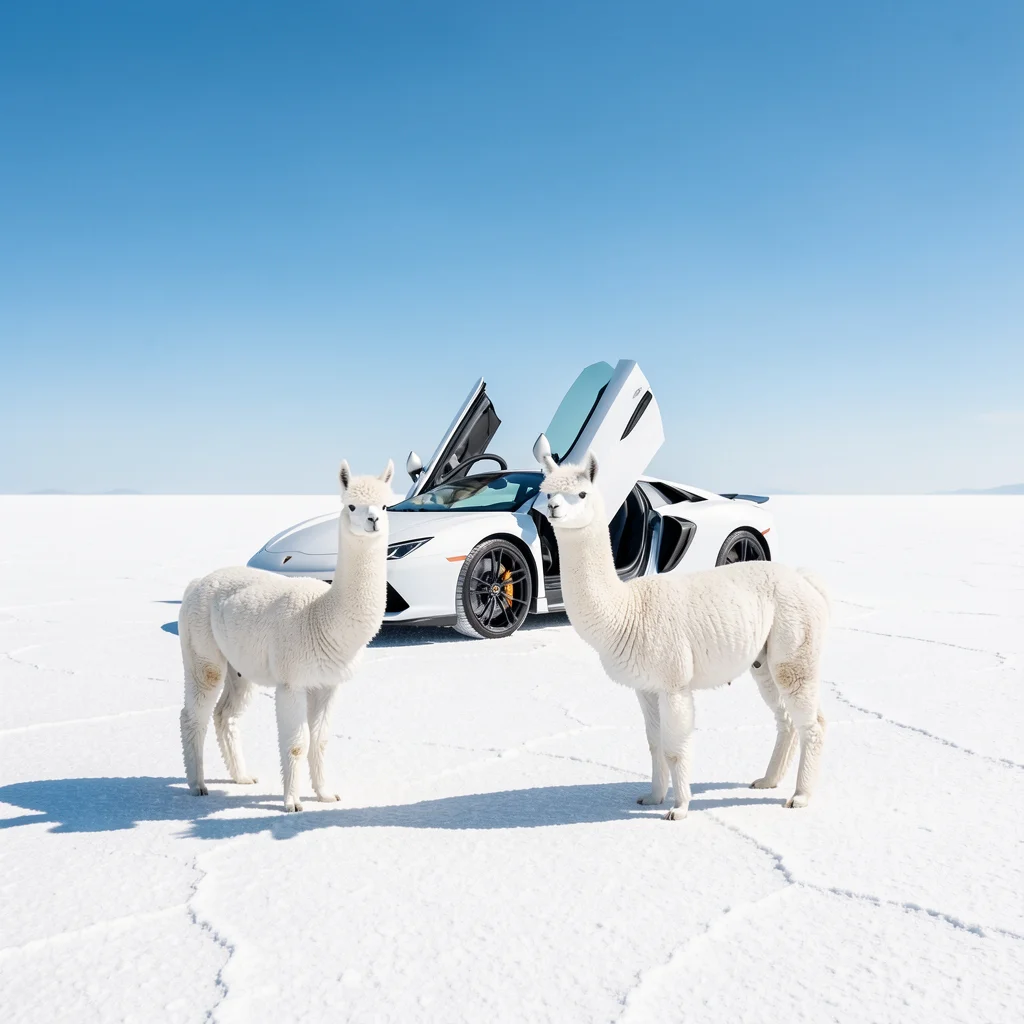
Fast drafts and visual variations.
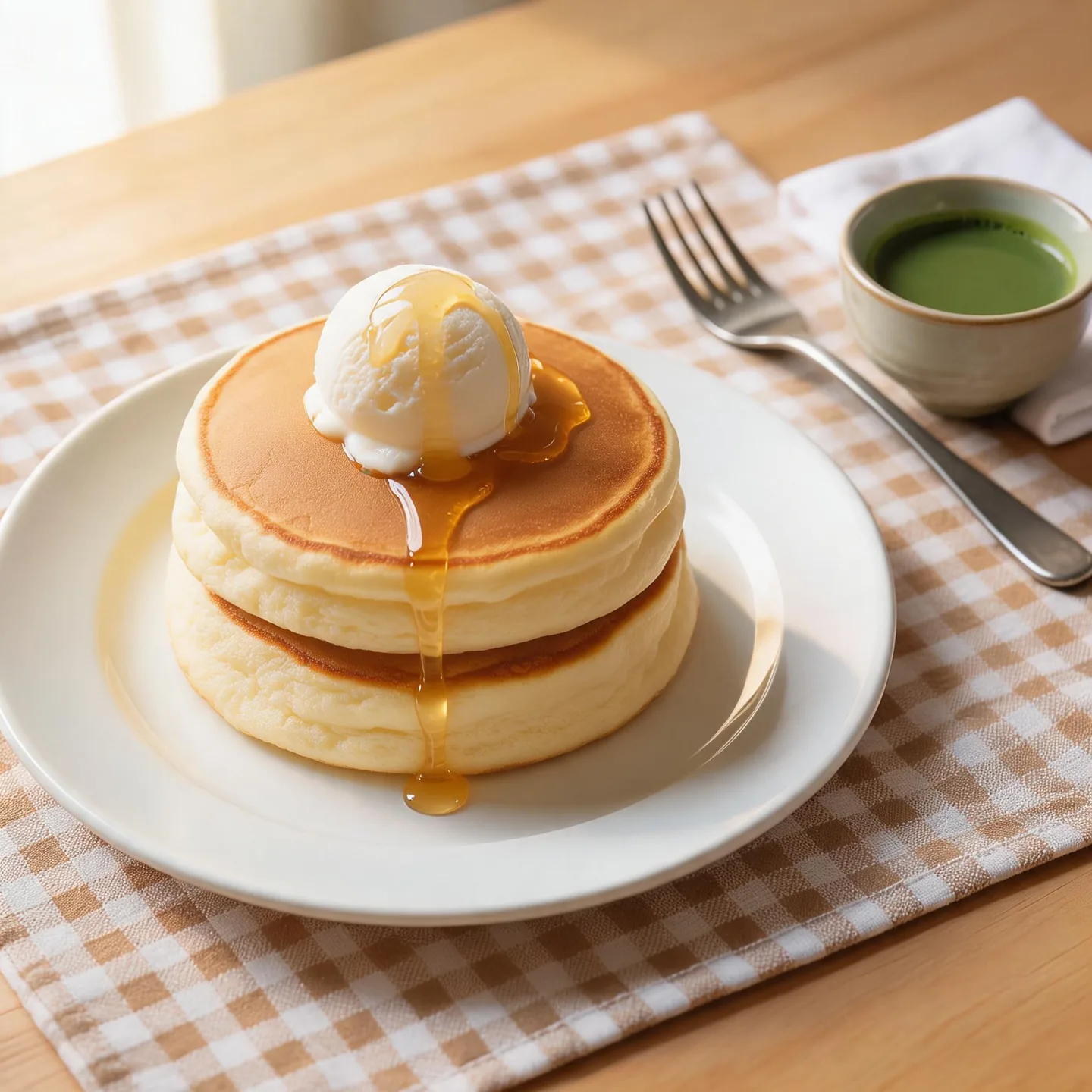

2K–4K tiers for concepts and reference compositions.
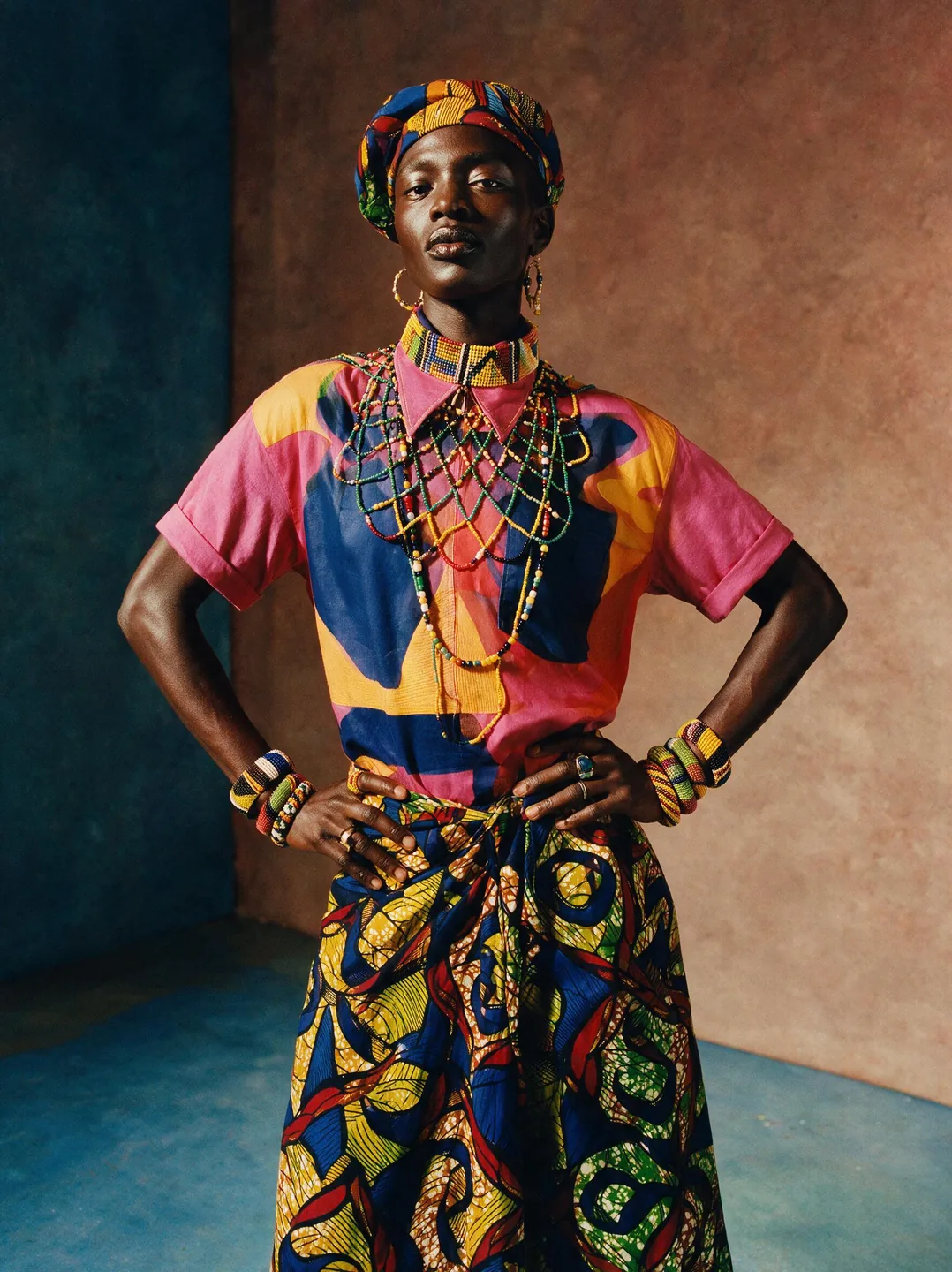
1K/2K creation and up to 4 references.
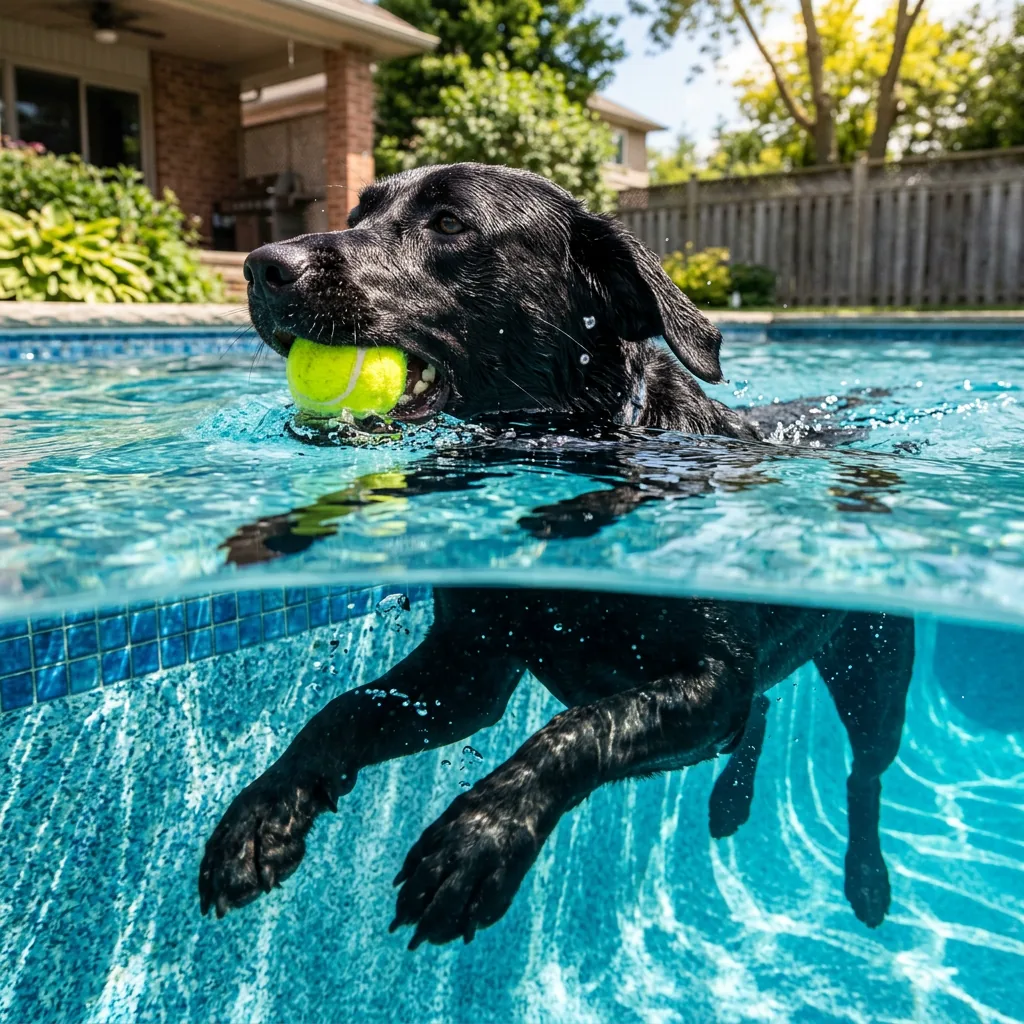

Flexible resolutions and reference-based creation.
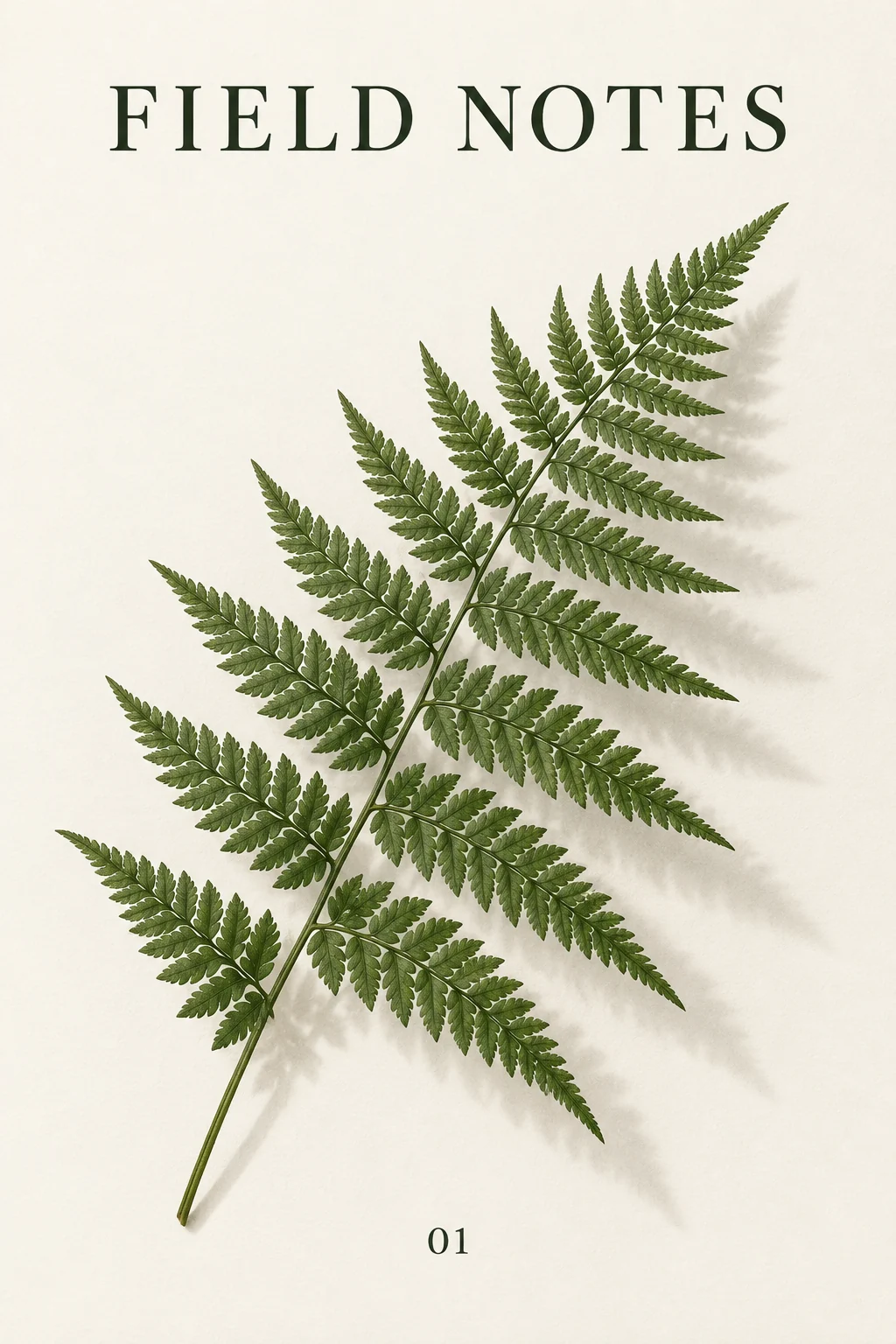

Text-led creation and descriptive image editing.
Flux.2Try text-to-image and single-image editing with the free Flux.2 model.These are starting points, not a quality ranking. Try the same brief in models that fit your task.
Use Flux.2 for a first draft. Move to Klein when you want to explore variations with a paid model.
FLUX supports up to four references; Seedream supports up to ten. Choose for the number of elements you need to combine.
Compare Flex and GPT Image for posters and layouts with lettering. Always check spelling and placement.
Try Max for detailed scenes or Nano Banana when you need a resolution choice. Inspect the result at full size.
Keep the prompt and references, change one model, and check identity, lettering, composition and cost. Examples on individual pages use different briefs; they are not a head-to-head benchmark.
No. Your brief, reference images and intended result matter more than a general ranking.
Yes. The selector shows models compatible with your current mode. Check the settings and credit cost when you switch.