


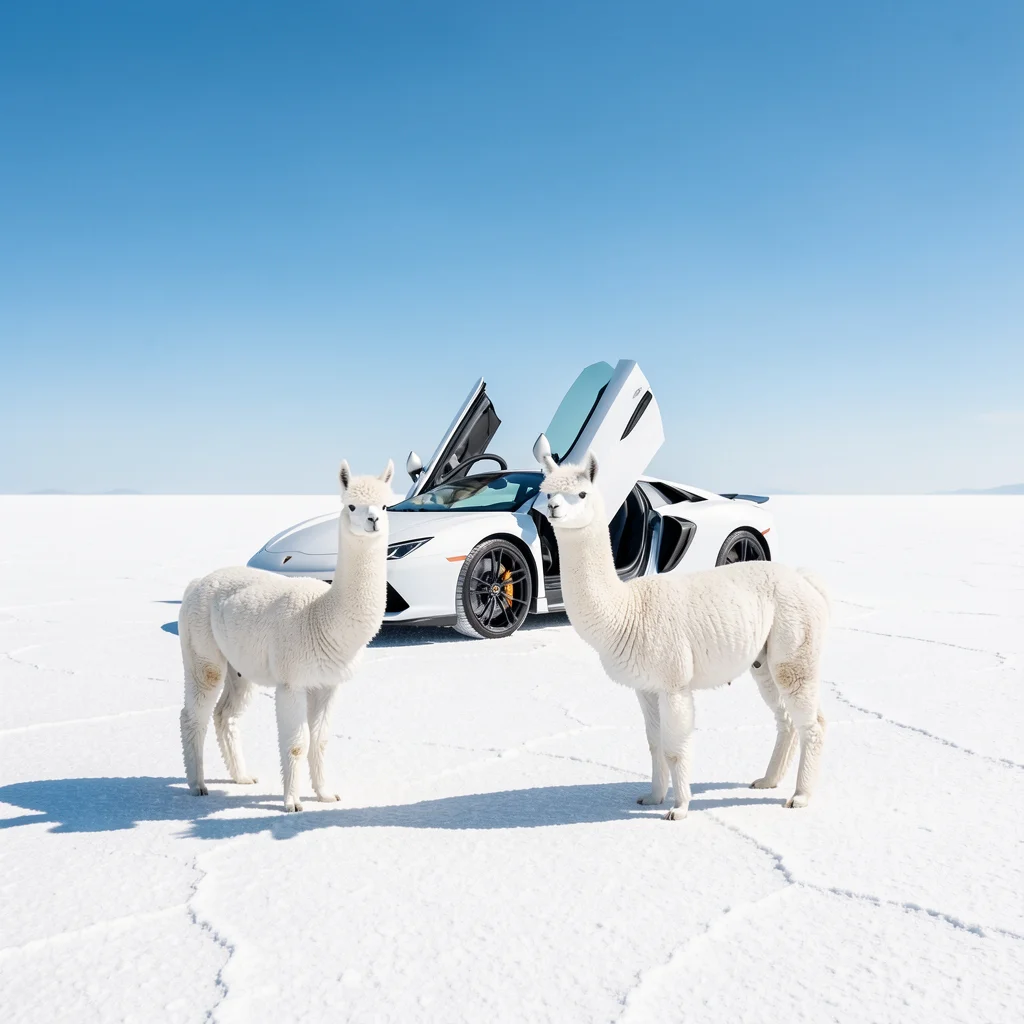
Flux.2 Pro17 credits
Product visuals, portraits and scenes for everyday production.
If you are still looking for a composition, try Klein before spending more on variations.
Compare FLUX.2 Pro, Max, Flex, and Klein. Find the right model for everyday generation, detailed scenes, typography, or fast drafts.
Product visuals, portraits and scenes for everyday production.
If you are still looking for a composition, try Klein before spending more on variations.
Finished scenes with multiple materials, objects and relationships.
If you are still changing the overall idea, return to Pro or Klein. Save Max for a brief you have already refined.
Layouts where lettering and its placement matter.
If typography is not central to your brief, compare Pro for general visual work.
Early variations in composition, color and mood.
Once your direction is clear, compare Pro to develop a finished image.
Credit costs depend on the selected settings and reference inputs.
Start with Klein or the free model to explore subject, framing and mood.
Try Pro for everyday work, Max for a detailed scene, or Flex when typography drives the layout.
Use your result as a reference, describe one change, and check what should stay the same.
The free model uses Klein 4B. Paid Klein uses 9B and supports multi-reference workflows. Their prices and limits differ.
Yes. All four paid models support up to four references here.
No. Compare using your own prompt and inspect the details. These roles are starting points, not guarantees.