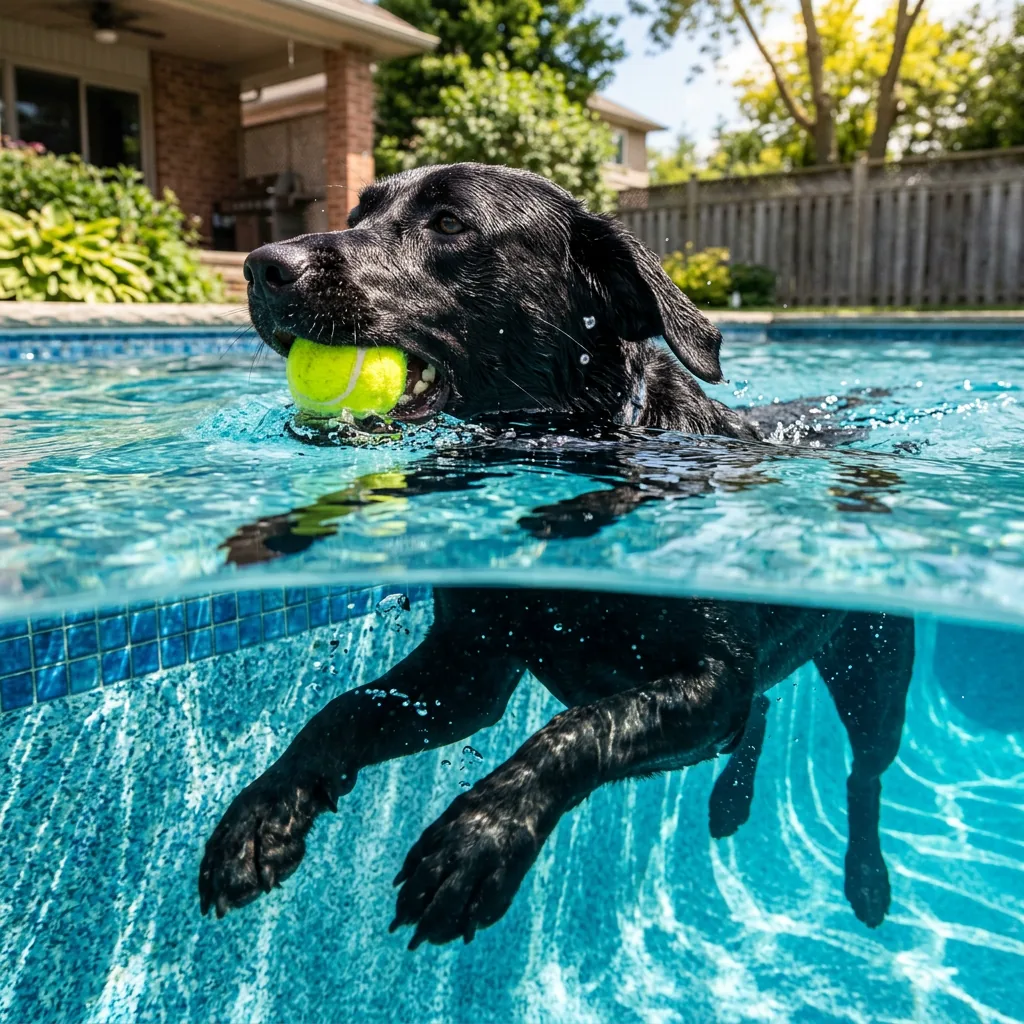
Typography-led poster
Swap in your subject and keep the structure.
Create a restrained botanical poster with a fern drawing. Exact title: "FIELD NOTES". Off-white paper, dark green illustration, clear title at the top. No additional words.
Turn detailed briefs into images, or describe changes to a photo with GPT Image 2.5 Flare.
Explore our own examples, then use a prompt as your starting point.
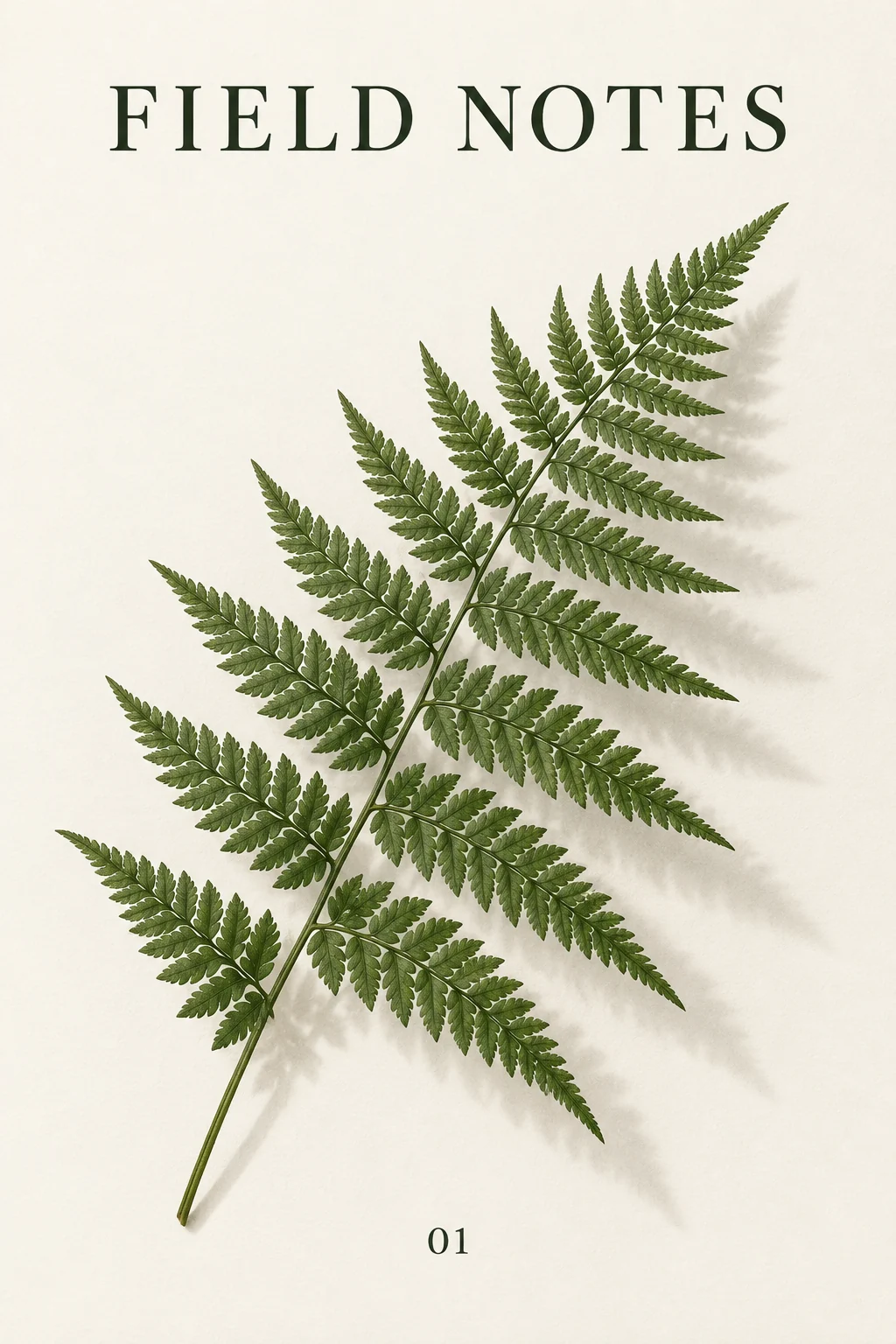
Specify the subject, exact words and layout together. This botanical poster brings a fern, paper texture and the title FIELD NOTES into a single restrained composition. Check important lettering before using a design.
Example prompt
Create a clean editorial poster for a fictional botanical journal. The exact masthead is "FIELD NOTES" and the only other text is "01". A detailed green fern frond and its soft shadow on warm white paper, generous margins, carefully aligned dark serif type, cohesive restrained composition. No existing brand, extra words or watermark.
Swap in your subject and keep the structure.
Create a restrained botanical poster with a fern drawing. Exact title: "FIELD NOTES". Off-white paper, dark green illustration, clear title at the top. No additional words.
Upload your images before generating.
In @image1 change only the chair upholstery to muted blue. Keep the chair shape, texture, room layout, other objects, camera angle and lighting unchanged.
Low, Medium and High are available here. Higher quality costs more credits. In editing mode the output follows the source image, so the controls show Source size instead of an ineffective ratio picker.
Compare the settings available for your next image.
| Settings | Flux.2 Pro | Flux.2 Max | Flux.2 Flex | Flux.2 Klein | Seedream 5.0 Lite | Seedream 5.0 Pro | Nano Banana 2 | GPT Image 2.5 |
|---|---|---|---|---|---|---|---|---|
| Resolution tiers | Standard | Standard | Standard | Standard | 2K / 3K / 4K | 1K / 2K | 0.5K / 1K / 2K / 4K | Source size when editing |
| Quality levels | Standard | Standard | Standard | Standard | Standard | Standard | Standard | Low / Medium / High |
| Reference images | Up to 4 | Up to 4 | Up to 4 | Up to 4 | Up to 4 | Up to 4 | Up to 4 | Up to 4 |
| Images per generation | 1 | 1 | 1 | 1 | 1 | 1 | 1 | 1 |
| Base credits | 17 credits | 38 credits | 38 credits | 10 credits | 14 credits | 54 credits | 32 credits | 16 credits |
| Base credits by tier | 2K: 14 / 3K: 14 / 4K: 14 | 1K: 27 / 2K: 54 | 0.5K: 24 / 1K: 32 / 2K: 48 / 4K: 63 | Low: 8 / Medium: 16 / High: 32 |
The Generate button shows the cost for your selected settings and references.
Inputs, editing, and credits—before you start.
Generate an image from a written brief, edit one uploaded image, or combine references. Start with a subject, setting, lighting and the details that matter to you.
FluxContext supports up to 4 references for this model. Upload your own JPG, PNG or WebP images, up to 4 MB each.
Available choices: Low / Medium / High. Choose your framing and add references when you want to guide the result.
Pricing uses fixed tiers for settings and reference images. The Generate button shows the cost of your image.
Yes. Choose Edit on a delivered image to use it as your next input. Describe the change and what should stay the same. Each new generation has its own credit charge.
This model requires sign-in and enough credits. For a free first experiment, use Flux.2 on the main generator.
Not always. Review faces, product details, spelling and composition before using an image. An editing instruction is guidance, not a guarantee that every other pixel remains unchanged.
Describe your idea and start creating.