AI professional headshot generator
Turn a portrait into a polished professional headshot.
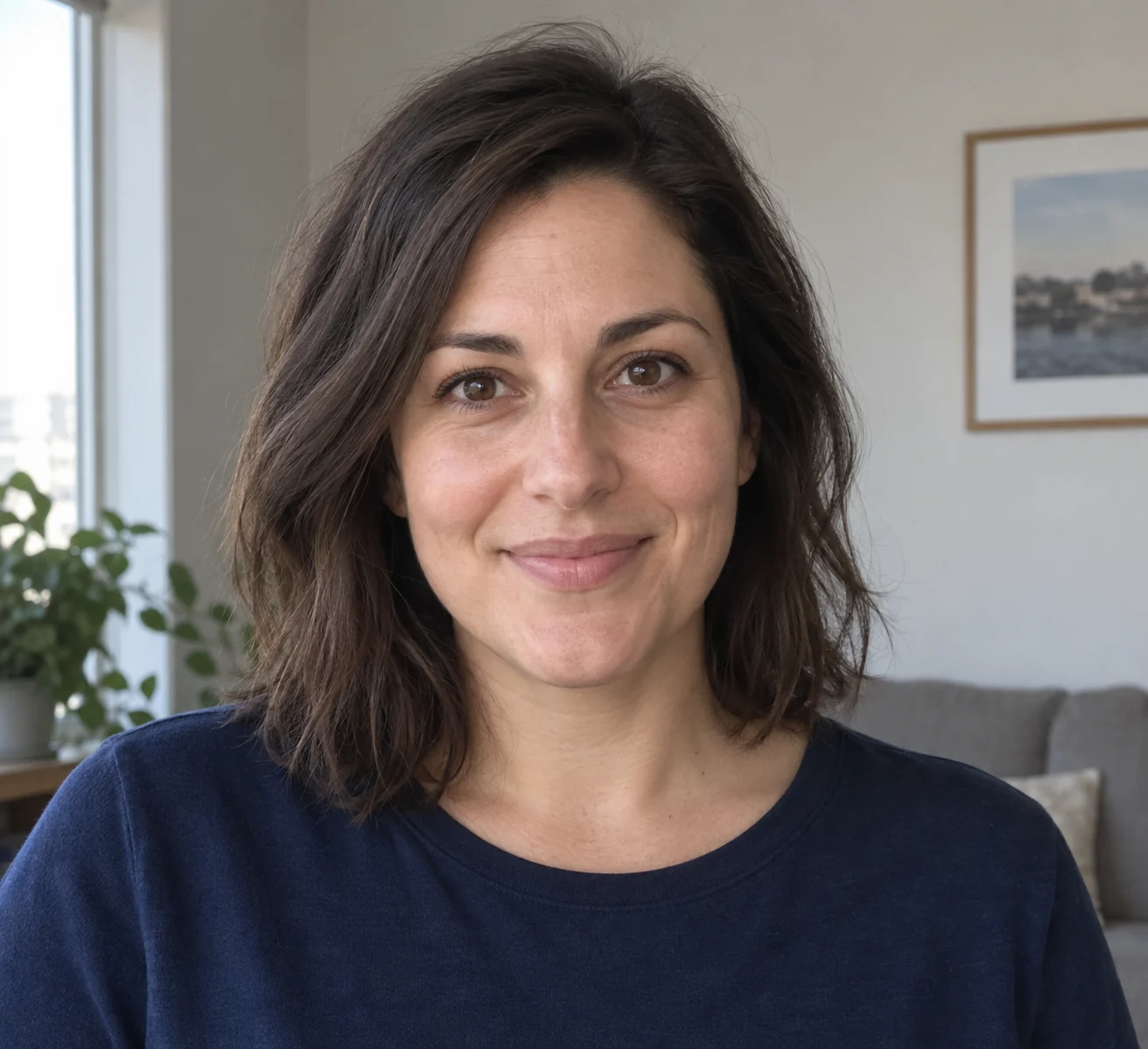
Reduce distractions around the person
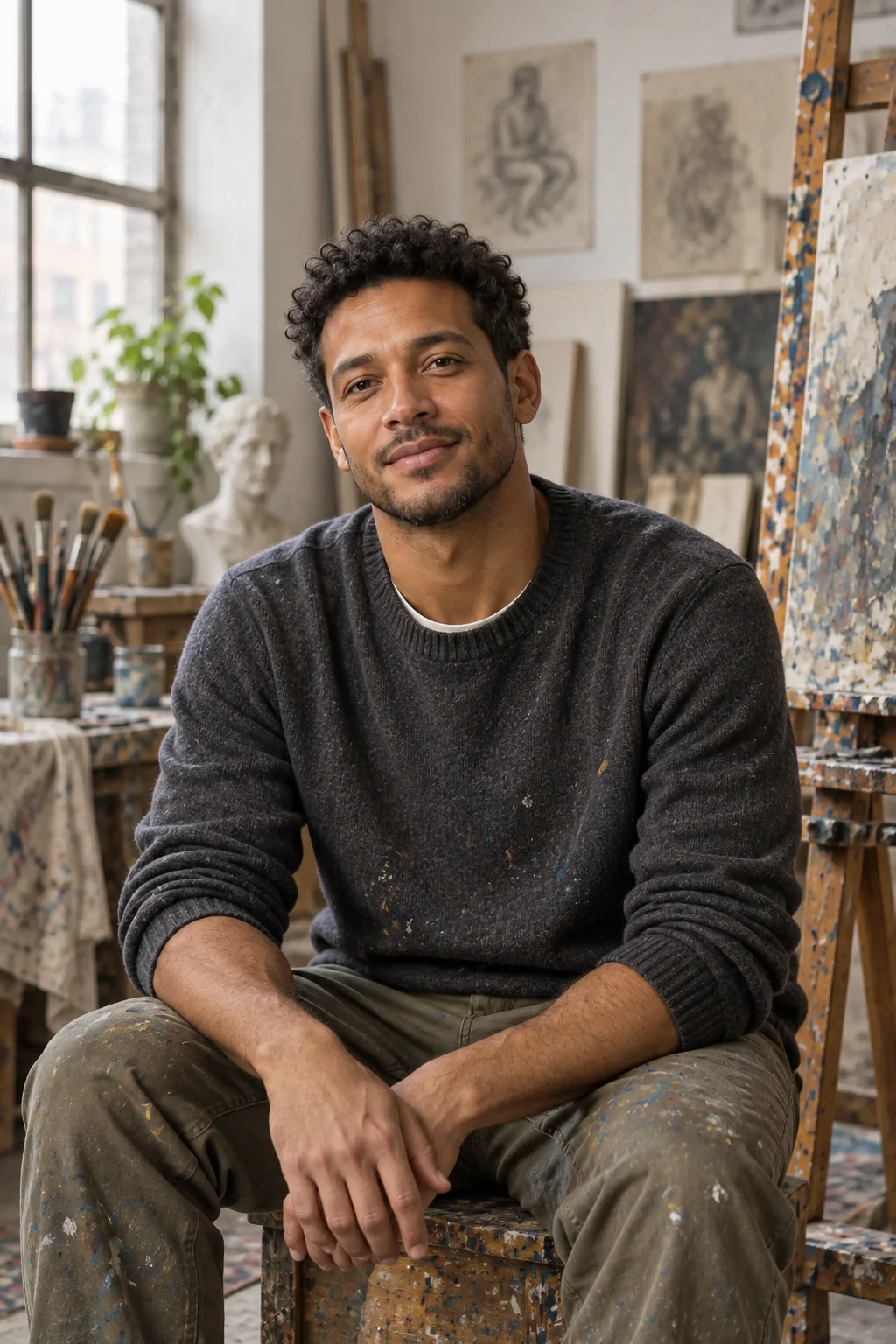
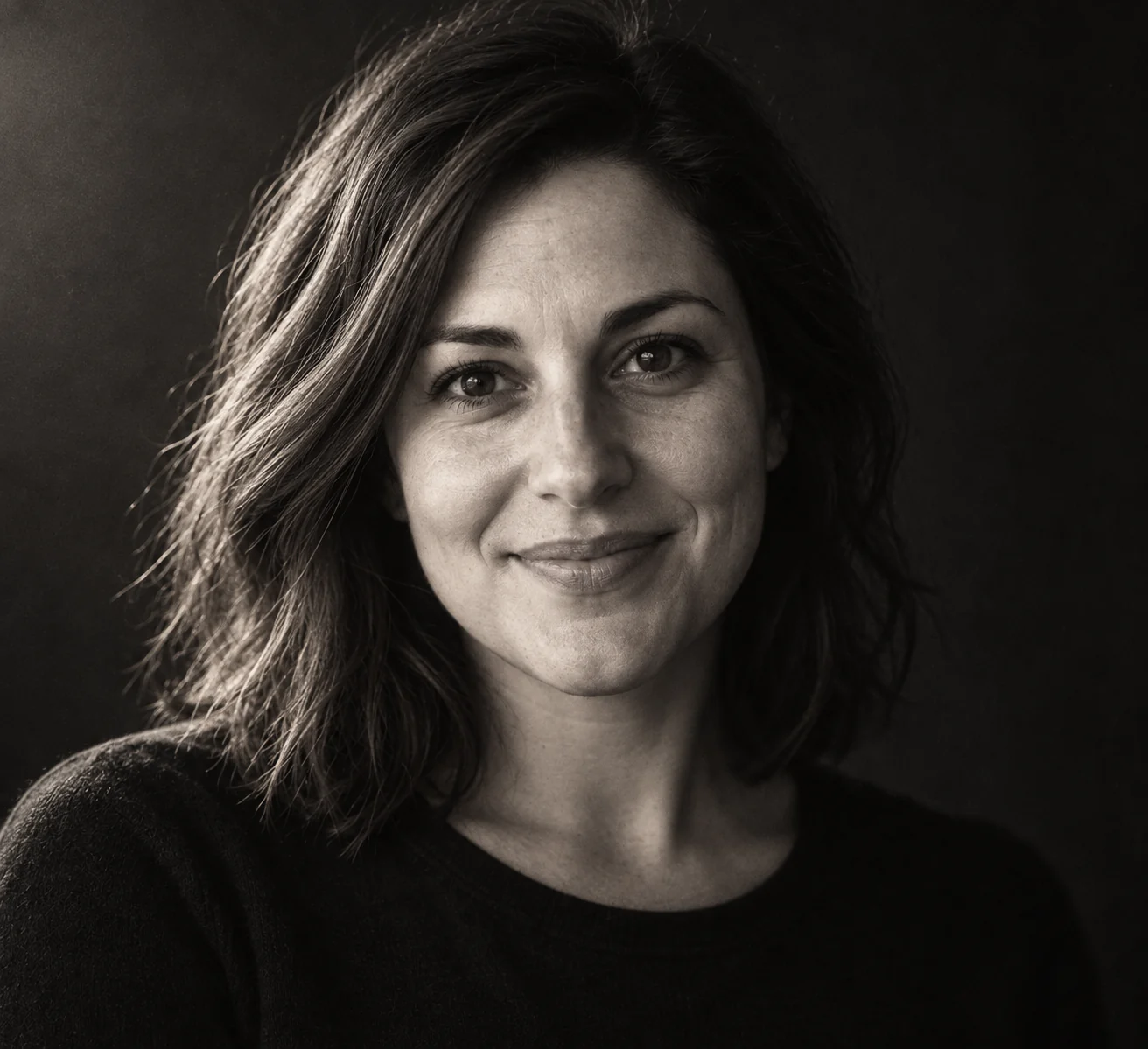
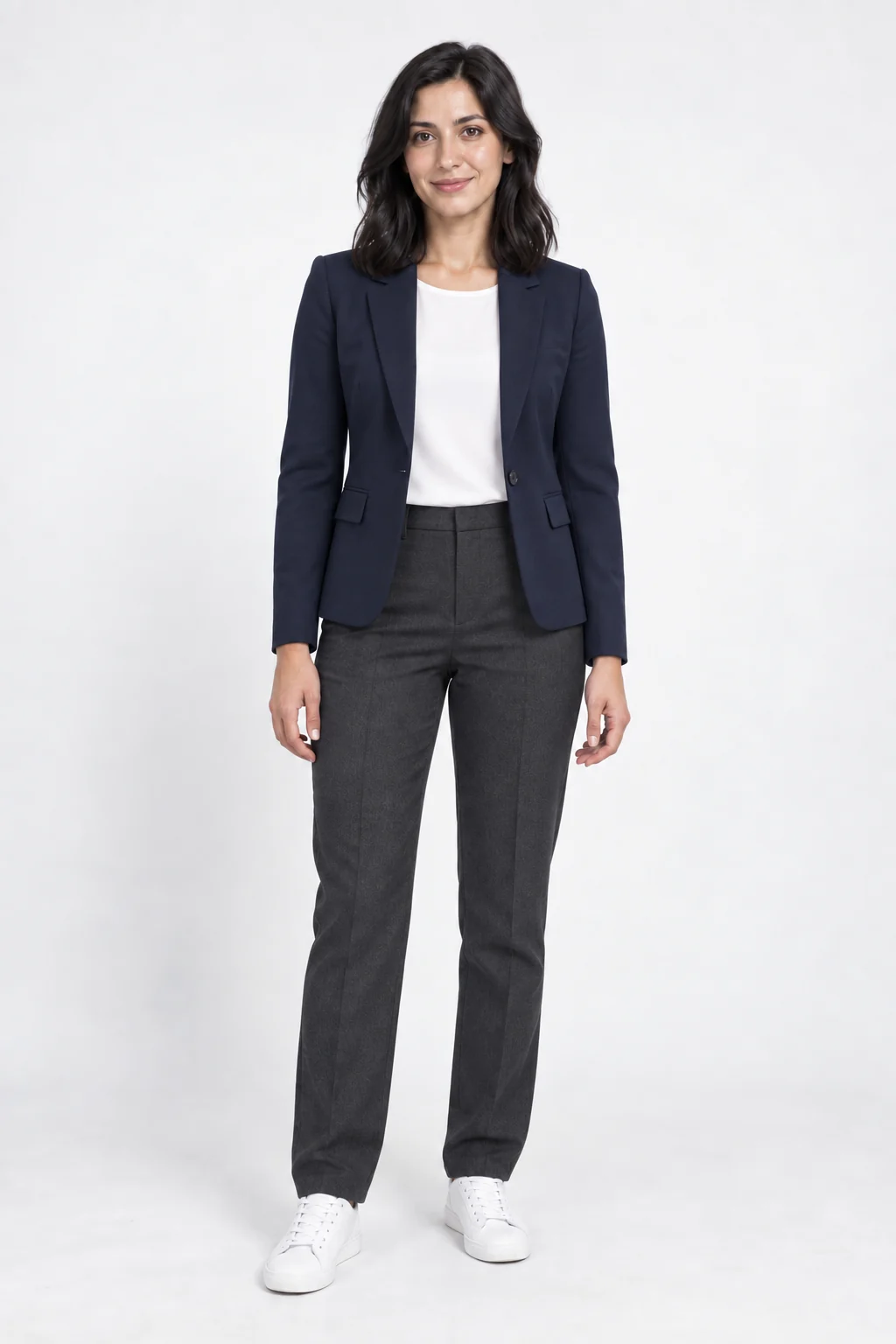
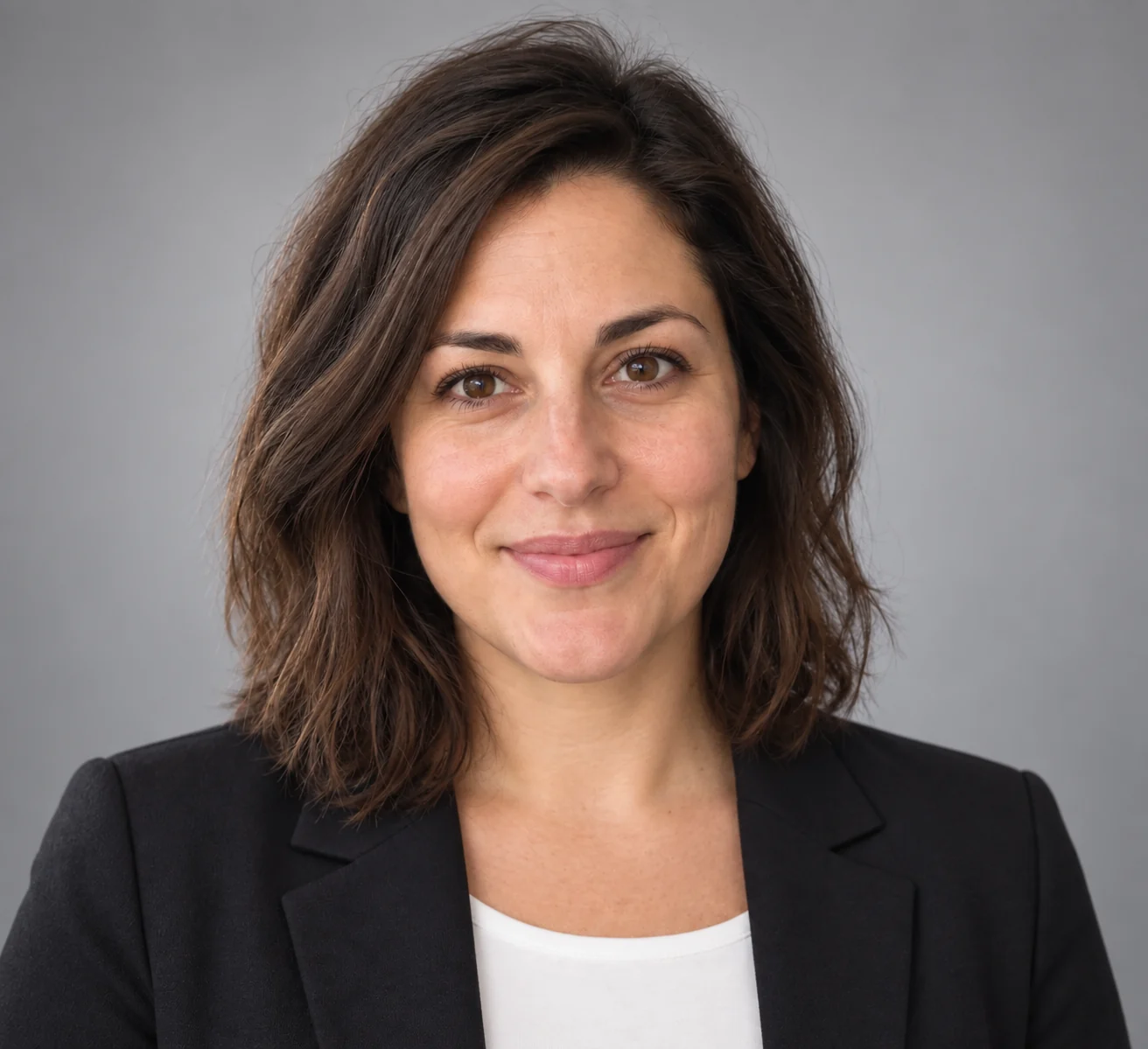
The sample replaces a casual setting with a neutral backdrop and business clothing. The face should remain the focal point rather than becoming a generic studio portrait.
Choose the tone of the headshot
- Corporate neutral
- A soft gray backdrop and conventional presentation.
- Studio executive
- More directional lighting and a formal mood.
- Natural daylight
- A less formal treatment for a creative profile.
Prepare a recent portrait
Keep features clear
Avoid sunglasses and heavy beauty filters.
Include head and shoulders
Leave margin around hair and clothing for the crop.
Before updating your profile
- Compare facial proportions and distinctive features.
- Check hair edges and collar shape.
- Preview the image at avatar size.
Using a professional AI portrait
What makes a useful input photo?
Use a clear photo of one person, with the face unobstructed and enough room around the head and shoulders. Select corporate, executive or natural daylight styling.
Will the result look exactly like me?
The template asks the model to preserve facial features, but edits can introduce differences. Review the face, hair and clothing before using the portrait; this is not an identity-document photo service.
Can this be used as a passport photo?
This is not a document-photo compliance service; do not assume its framing or edited features meet official requirements.
Does opening a template spend credits?
No. You only use credits when you generate an image. The Generate button shows the cost.