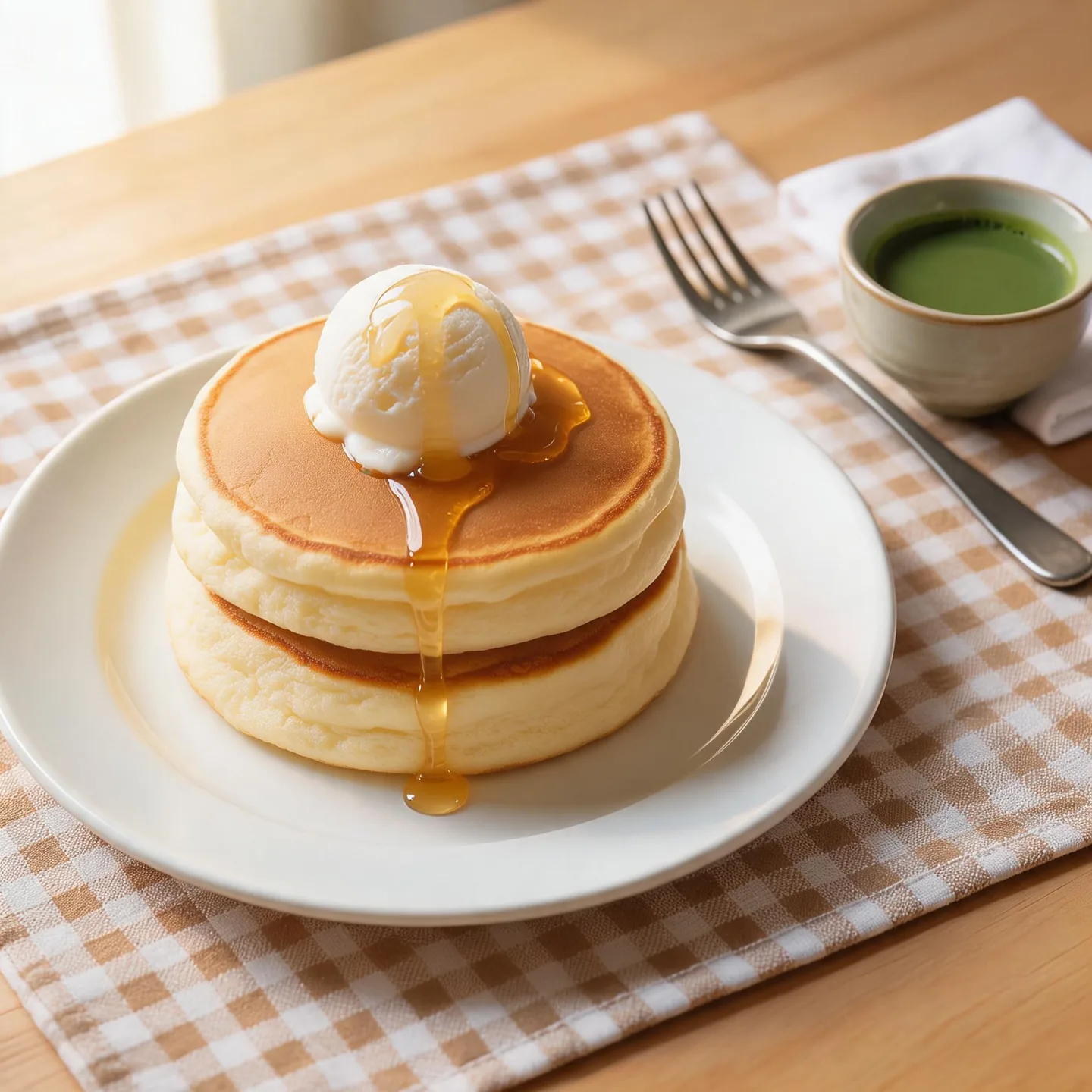
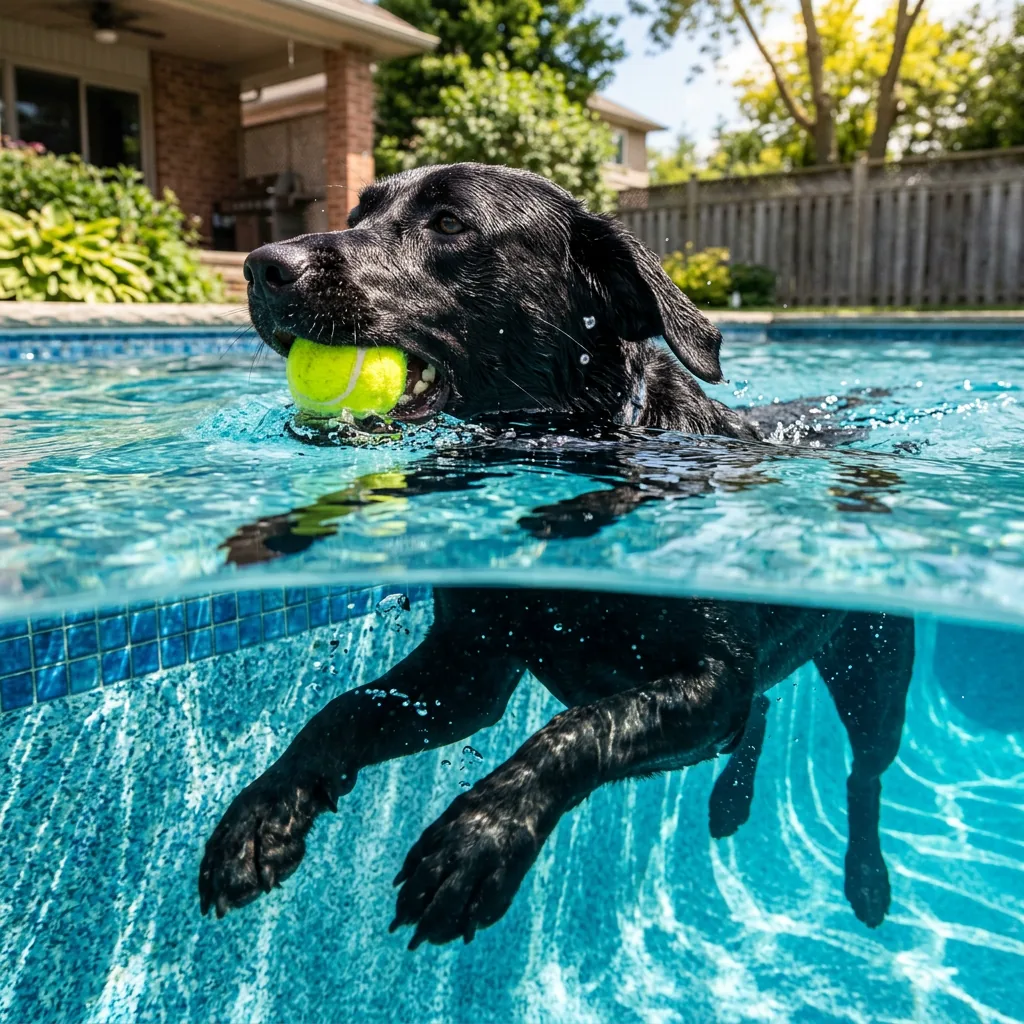
Reference composition
Upload your images before generating.
Use @image1 as the product and @image2 as the background. Place the product in the foreground with realistic scale and grounded shadows. Keep its color and recognizable details.
Create editorial imagery and product compositions with Seedream 5.0 Pro, using text or multiple references.
Find a visual direction, then make the prompt your own.
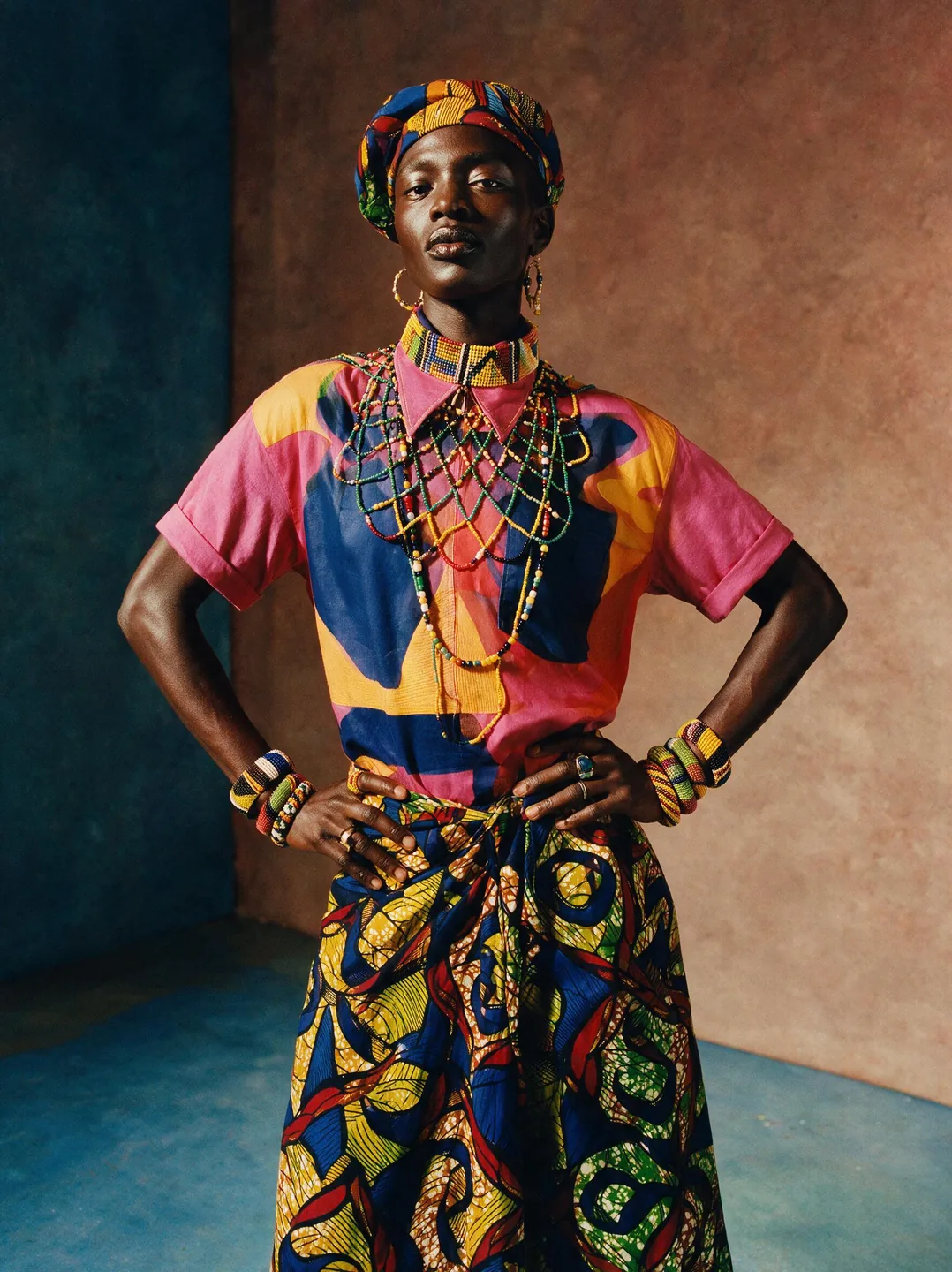
Specify fabrics, color, lighting and composition together. A clear fashion direction gives you more control than a request for a beautiful image.
Example prompt
Vibrant editorial of a model in contemporary fashion fused with West African textile patterns and beadwork, Campbell Addy bold aesthetic, saturated palette, dramatic studio lighting, celebratory cultural richness, striking contemporary portraiture
Upload your images before generating.
Use @image1 as the product and @image2 as the background. Place the product in the foreground with realistic scale and grounded shadows. Keep its color and recognizable details.
Swap in your subject and keep the structure.
An editorial portrait in a minimal concrete studio. One person wearing an emerald coat, centered framing, soft directional light, natural fabric texture and a quiet background.
Choose 1K or 2K and the aspect ratio for your layout. Up to four references can inform the composition. Review the result before using it in a campaign or product listing.
Compare the settings available for your next image.
| Settings | Flux.2 Pro | Flux.2 Max | Flux.2 Flex | Flux.2 Klein | Seedream 5.0 Lite | Seedream 5.0 Pro | Nano Banana 2 | GPT Image 2.5 |
|---|---|---|---|---|---|---|---|---|
| Resolution tiers | Standard | Standard | Standard | Standard | 2K / 3K / 4K | 1K / 2K | 0.5K / 1K / 2K / 4K | Source size when editing |
| Quality levels | Standard | Standard | Standard | Standard | Standard | Standard | Standard | Low / Medium / High |
| Reference images | Up to 4 | Up to 4 | Up to 4 | Up to 4 | Up to 4 | Up to 4 | Up to 4 | Up to 4 |
| Images per generation | 1 | 1 | 1 | 1 | 1 | 1 | 1 | 1 |
| Base credits | 17 credits | 38 credits | 38 credits | 10 credits | 14 credits | 54 credits | 32 credits | 16 credits |
| Base credits by tier | 2K: 14 / 3K: 14 / 4K: 14 | 1K: 27 / 2K: 54 | 0.5K: 24 / 1K: 32 / 2K: 48 / 4K: 63 | Low: 8 / Medium: 16 / High: 32 |
The Generate button shows the cost for your selected settings and references.
Inputs, editing, and credits—before you start.
Generate an image from a written brief, edit one uploaded image, or combine references. Start with a subject, setting, lighting and the details that matter to you.
FluxContext supports up to 4 references for this model. Upload your own JPG, PNG or WebP images, up to 4 MB each.
Available choices: 1K / 2K. Choose your framing and add references when you want to guide the result.
Pricing uses fixed tiers for settings and reference images. The Generate button shows the cost of your image.
Yes. Choose Edit on a delivered image to use it as your next input. Describe the change and what should stay the same. Each new generation has its own credit charge.
This model requires sign-in and enough credits. For a free first experiment, use Flux.2 on the main generator.
Not always. Review faces, product details, spelling and composition before using an image. An editing instruction is guidance, not a guarantee that every other pixel remains unchanged.
Describe your idea and start creating.