Image tools
Start with an image you already have. Choose the tool for the change you need, then keep working with the result.
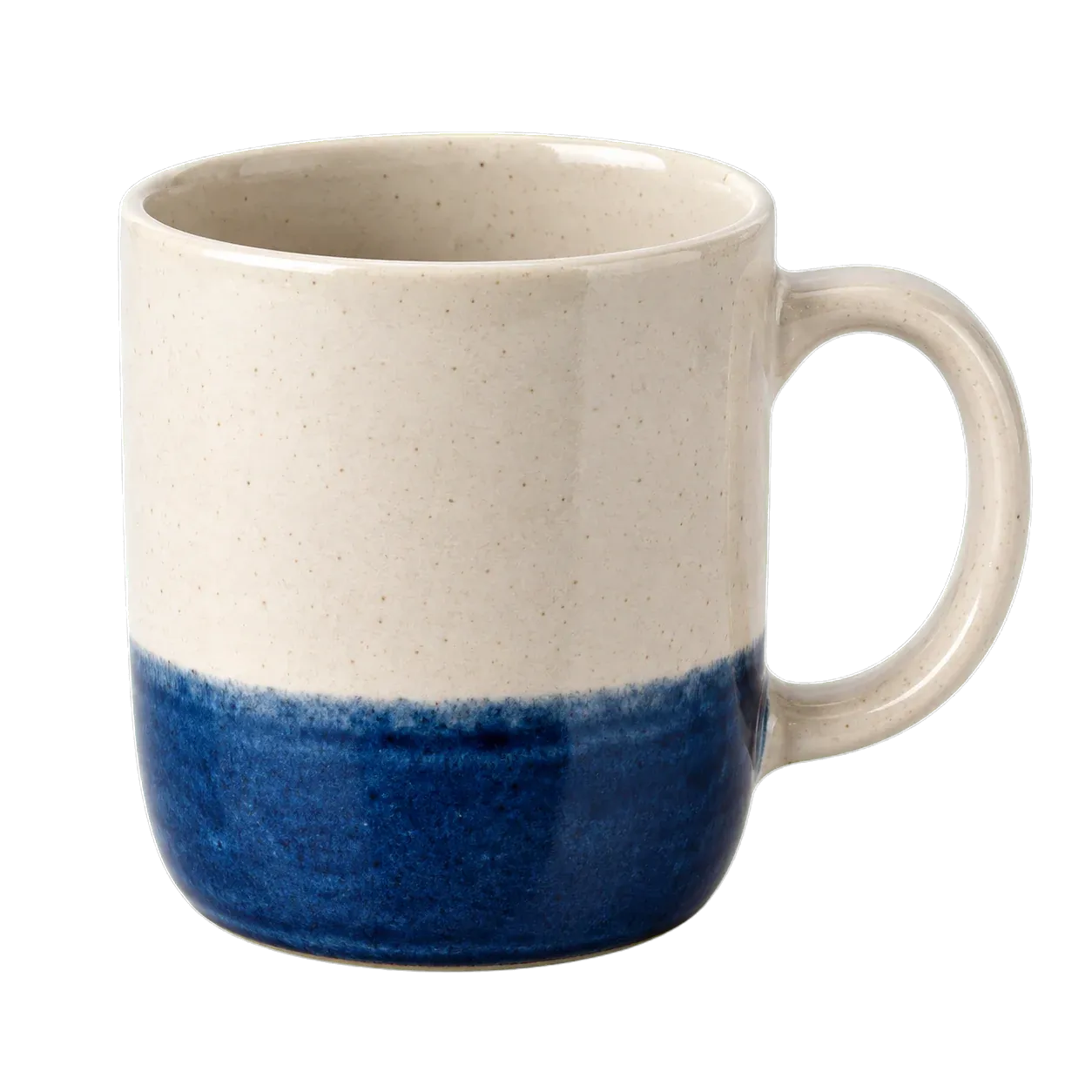
Remove background
Keep the subject and download a transparent PNG.

Upscale image
Enlarge a photo by 2x or 4x while keeping the source proportions.
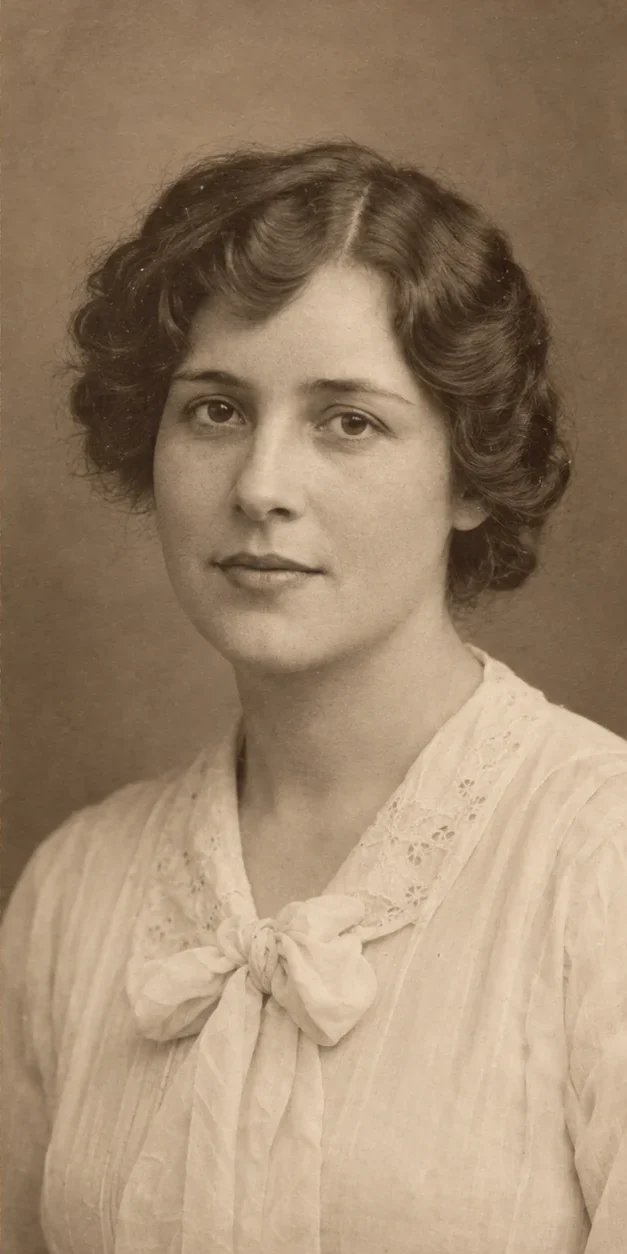
Restore photo
Repair visible damage and compare the result with your original.
Image to prompt
Get an English description you can edit, copy or use to create a new image.
One image, a clear next step
- 1
Choose the change
Remove the background for a cutout, upscale for more pixels, or expand the canvas for more space around your image.
- 2
Upload and set up
Sign in and upload one PNG, JPG or WebP up to 4MB. Set the scale or canvas where needed, and review the credit total before processing.
- 3
Keep working
Download the image, copy the description, or use a saved image in another tool. Moving between tools does not start a paid task.