AI old photo restoration
Reduce scratches and fading while retaining the original character.
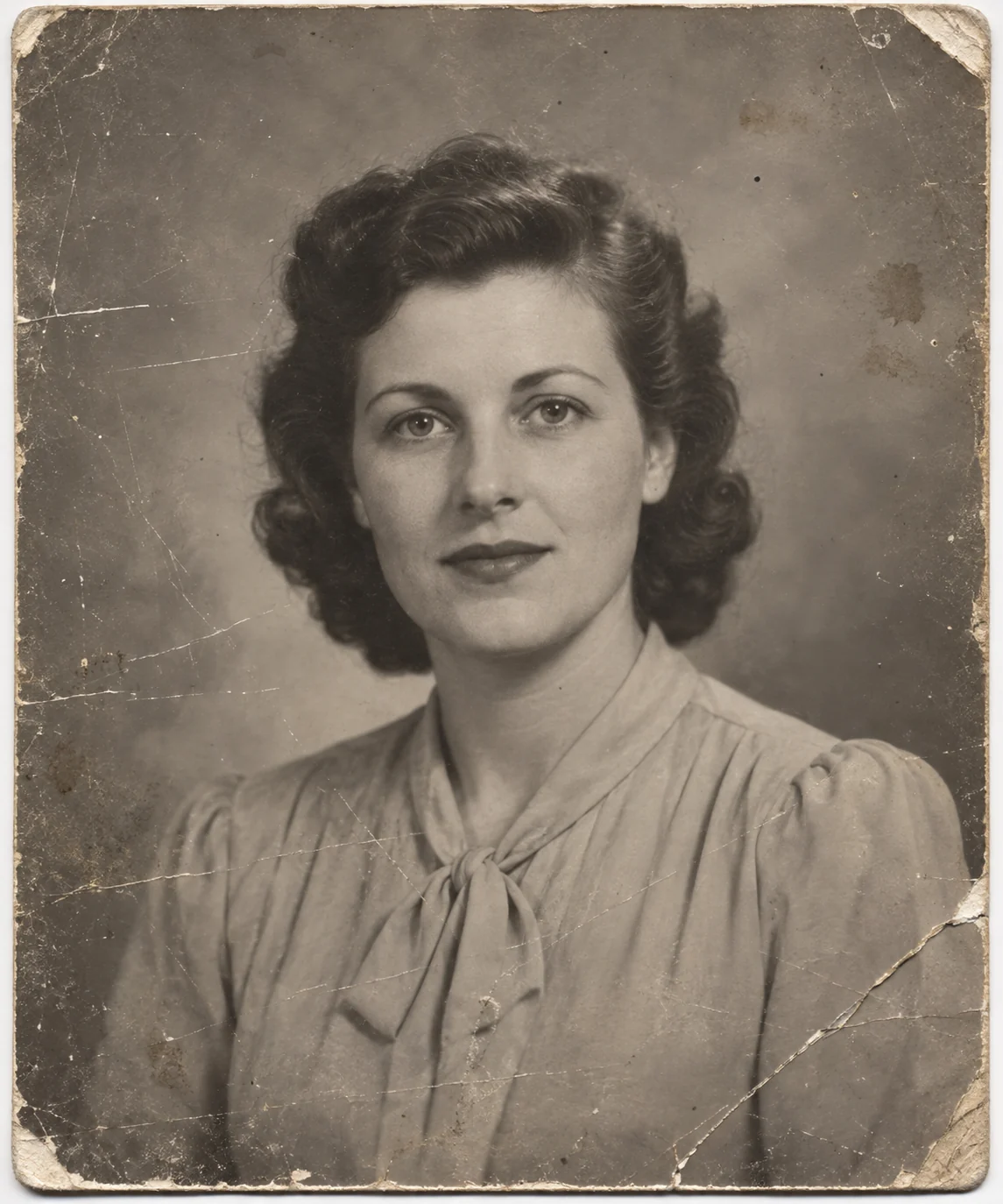
Repair the print without rewriting the memory
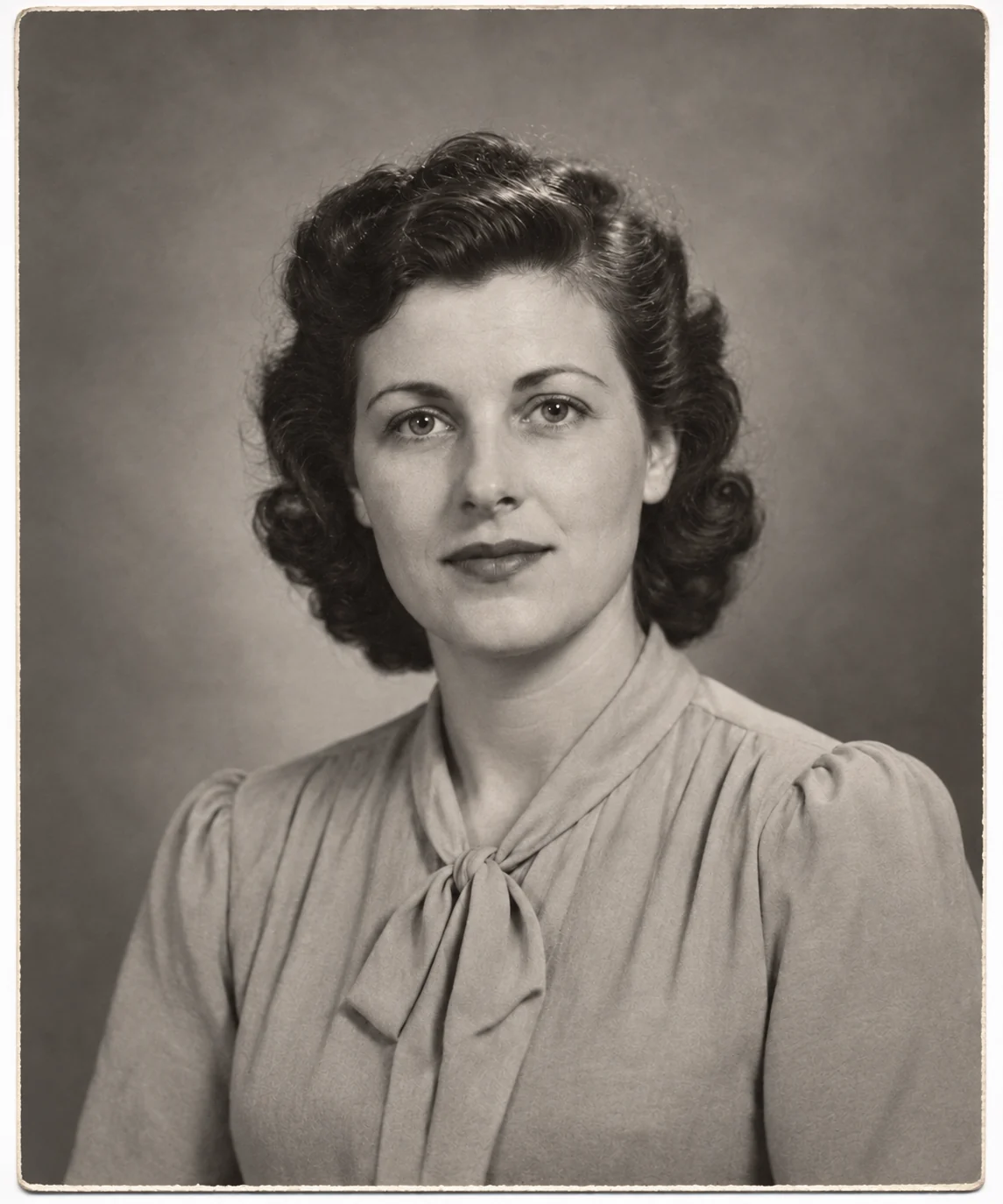
In the portrait above, the scratches, worn edges and uneven fading are reduced while the face, blouse and pose remain recognizable. That is the distinction to watch: a cleaner print should not quietly become a different person.
Match the repair to the damage
| What you can see | What to expect |
|---|---|
| Scratches, dust and crease marks | The edit can fill small damaged areas using the surrounding image. Inspect any repair crossing an eye, mouth or other identifying feature. |
| Fading and uneven contrast | The preset asks for more balanced tones and clearer surviving detail. Compare bright areas so skin and light clothing do not lose texture. |
| Missing or heavily blurred detail | Information that is not visible cannot be verified from this image alone. A newly detailed face or object may be an interpretation, not a recovered fact. |
Start with a clear copy of the print
Scan it, or photograph it flat
Face the camera squarely toward the print. Use even light and move lamps if glare hides the image.
Include the full photograph
Keep the people and original framing visible. Crop away the surrounding table, scanner lid or unrelated pictures.
Choose the color treatment
Keep black and white is the default. Add natural color requests a colorized interpretation; it does not recover documented original colors.
Compare details that carry meaning
- Compare eyes, mouth, hairstyle and expression with the original.
- Check clothing, jewelry and objects for invented or missing details.
- Keep the original scan and save the restoration as a separate copy.
Restoring family photographs
Can I keep the photo in black and white?
Yes. Keep black and white is selected by default. Leave that setting in place if you want to repair the print without requesting colorization.
Will colorization recover the original colors?
No. The Add natural color option asks for plausible colors. Clothing, skin tones and surroundings can be inferred differently from how they actually appeared.
Can a missing face be restored accurately?
Not reliably from a photo where that face is missing or unreadable. AI can fill the area, but the added features are not evidence of the person's appearance. Keep an unedited copy for family or archival reference.