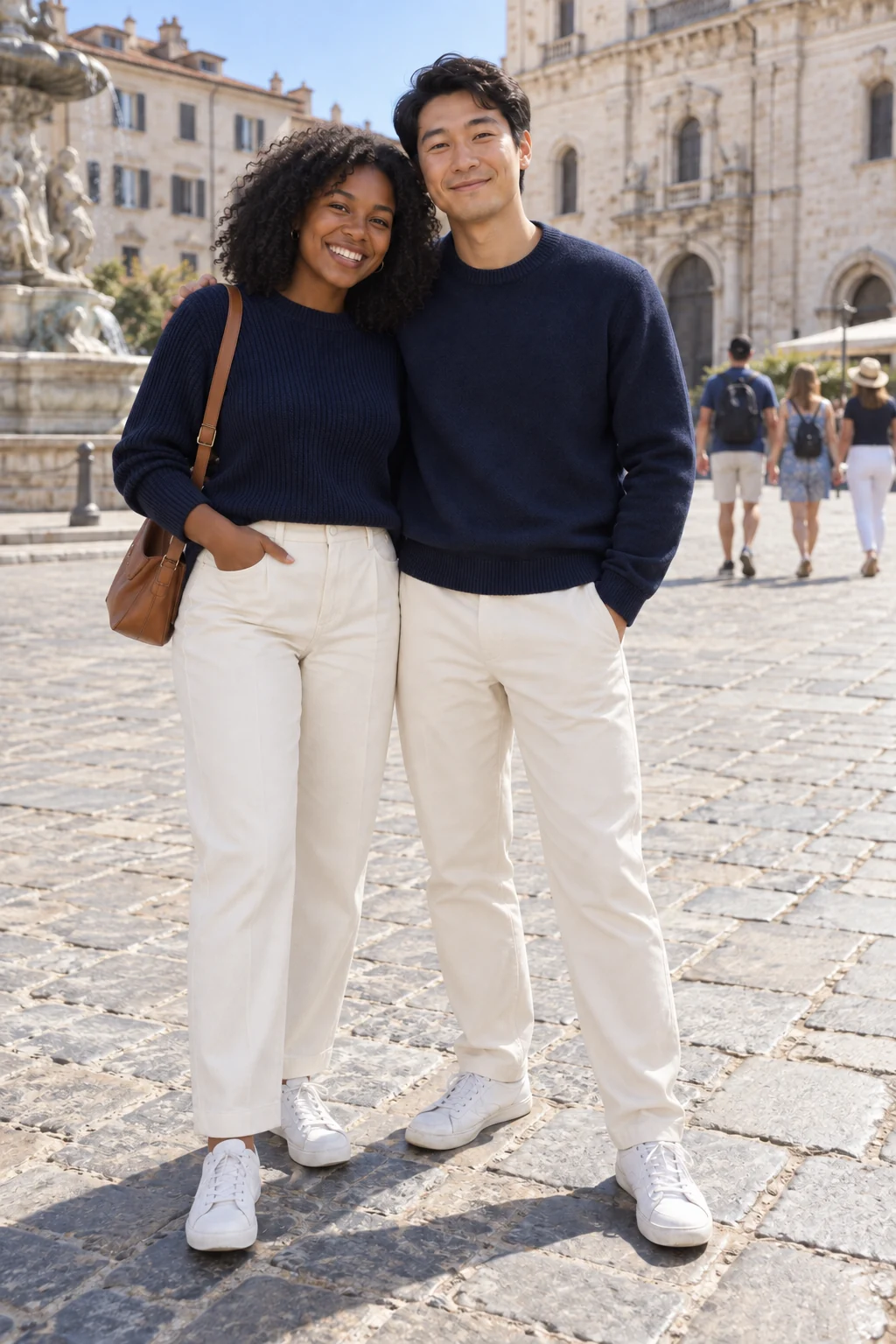
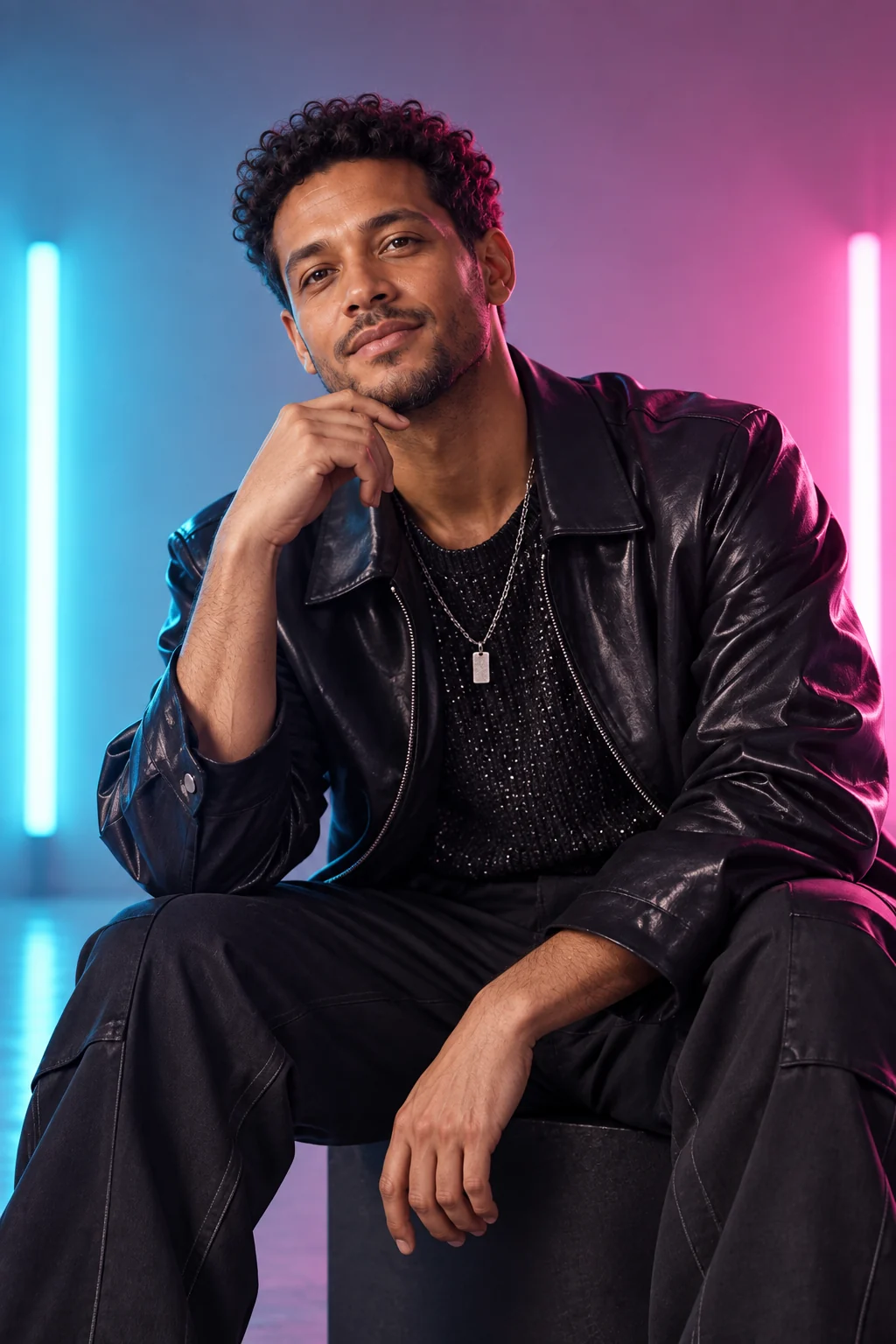
AI outfit generator and clothes changer
Describe a new outfit and change the clothes in your photo while keeping the person and setting.
Change the clothes, not the person
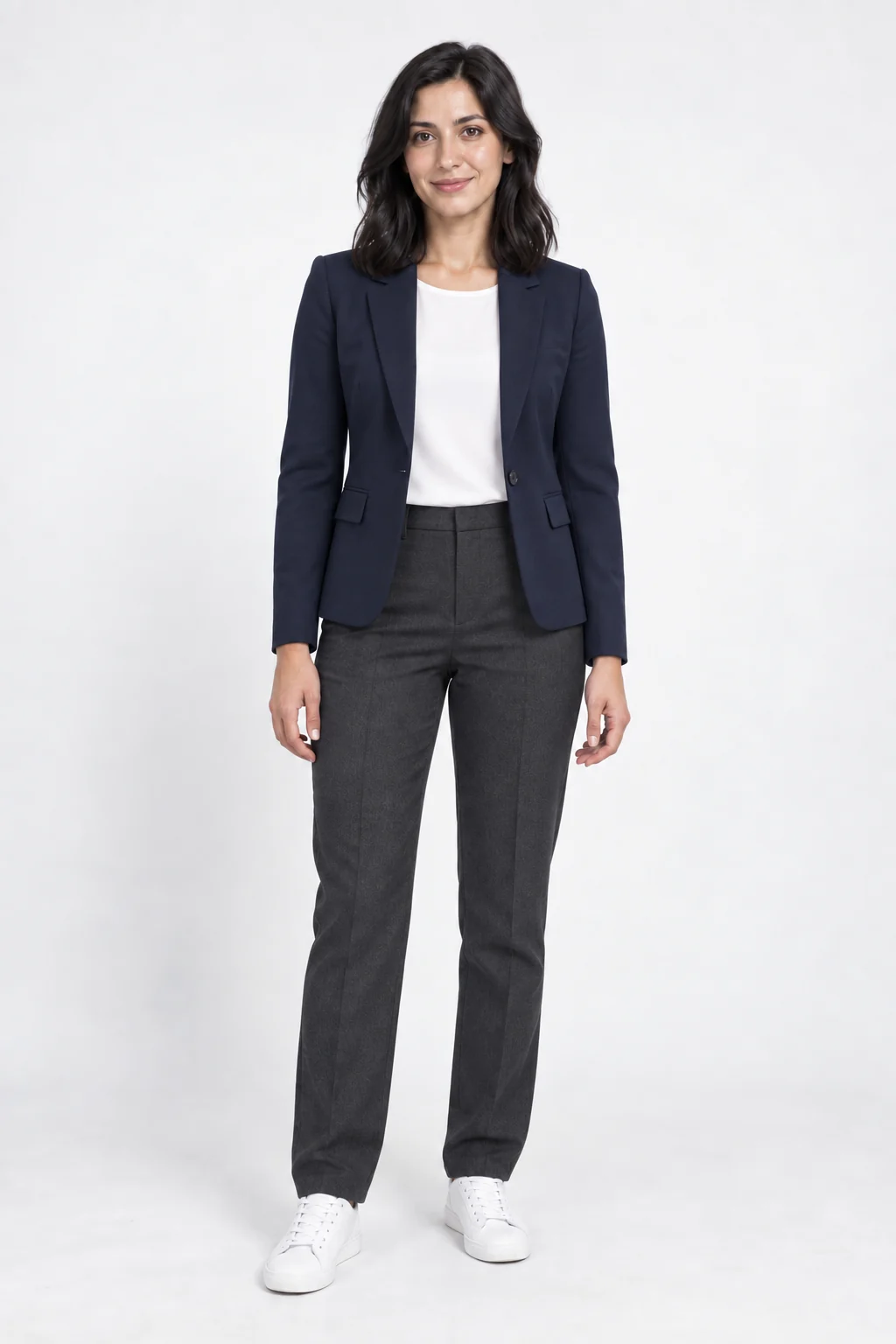
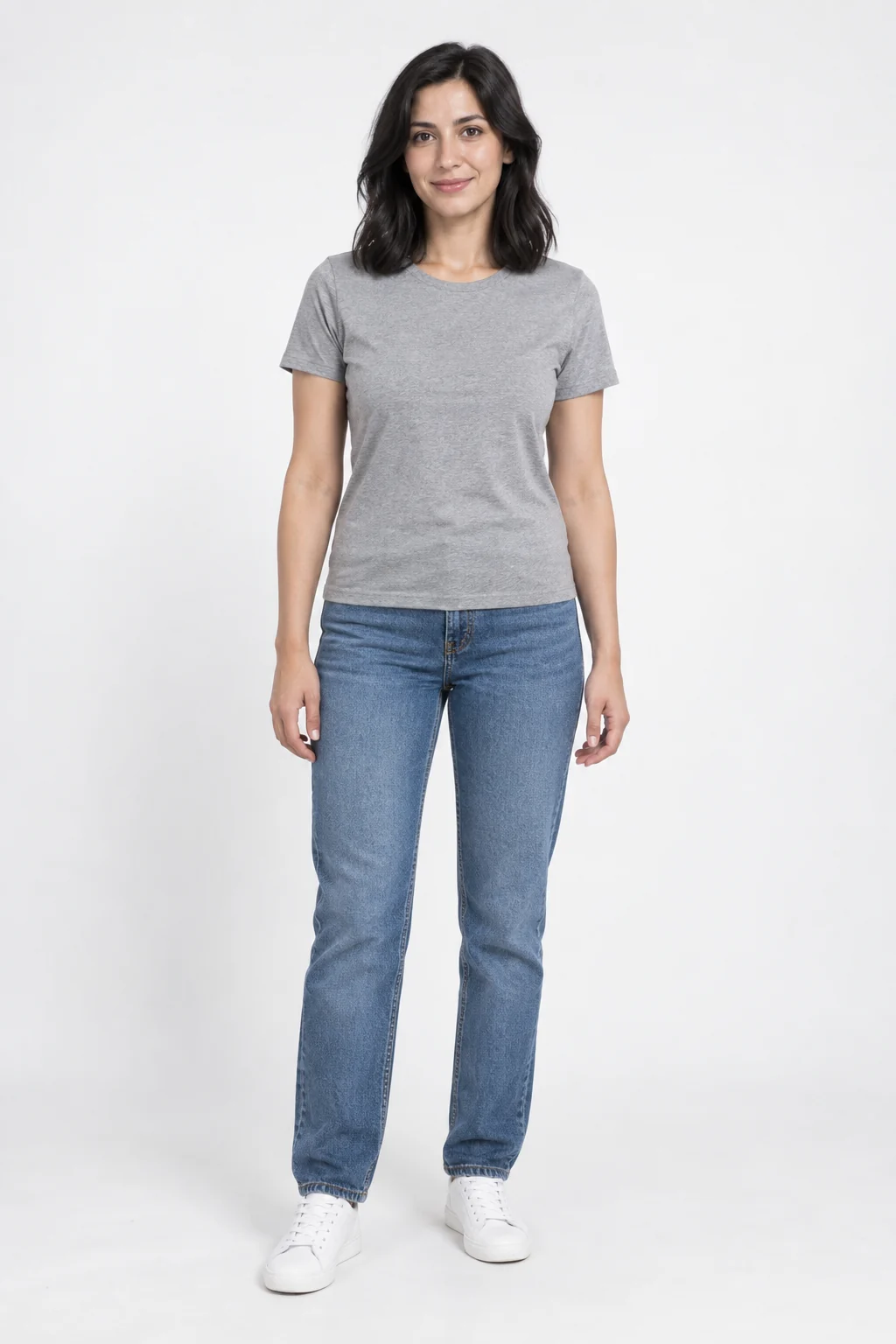
The sample swaps a gray T-shirt and jeans for dark tailoring while retaining a standing pose. Compare the face and body position independently of whether you like the outfit.
Make the clothing request concrete
- Garment types
- A blazer, blouse and trousers is clearer than a new look.
- Color and fabric
- Include material and color when the combination matters.
- Visible coverage
- The source must show the areas you want to dress differently.
Prepare the photo and description
Avoid obstruction
Choose one person with torso and legs clearly separated from nearby objects.
Describe a fully clothed outfit
Use the outfit field, up to 400 characters, for clothes rather than a new scene.
Inspect the clothing edit
- Check cuffs, layers and waistlines.
- Compare hands and body proportions.
- Look for consistent lighting and background.
Changing an outfit with words
What should my photo show?
Use one clearly visible person. Show the full clothing area you want to change and describe garment types, colors and materials. The template asks the model to keep the face, pose and surroundings.
Is this an exact virtual fitting?
No. This is a creative clothing edit from a written description, not a measurement-based fitting or an exact reproduction of a shop item. Check the face, hands and clothing details in the result.
Can I add a garment photo as a second reference?
This template takes one person photo and a written outfit description, not a second garment image.
Does opening a template spend credits?
No. You only use credits when you generate an image. The Generate button shows the cost.