Zombie Apocalypse AI Video Generator
Put your portrait into a deserted-city survival scene. Generate a 15-second zombie apocalypse video with distant walkers and a final infection reveal.
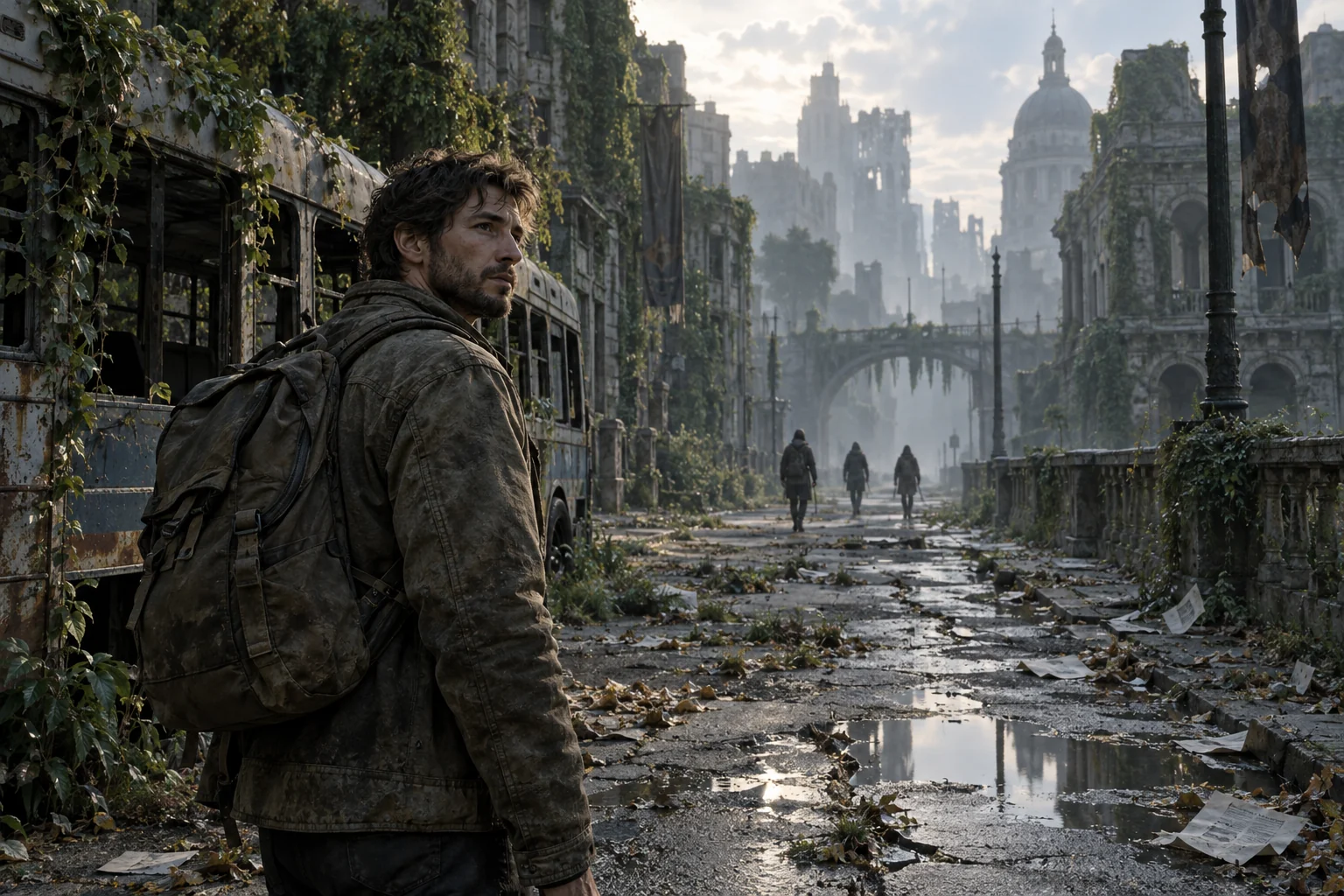
Put your portrait into a deserted-city survival scene. Generate a 15-second zombie apocalypse video with distant walkers and a final infection reveal.
Zombie Apocalypse: Cross the Empty City. Discover the Twist.
The Zombie Apocalypse template places one referenced hero in an abandoned city. Distant walkers create pressure, a brief escape brings the character into shelter, and a final close-up reveals the infection. The story is environmental first, unlike a template focused entirely on facial transformation.
The Scene, from Opening to Ending
- 01
Set the Scene
Cross an empty street near a stalled bus as distant walkers appear through the haze.
- 02
Build the Moment
Run along a clear alley and stop at a recessed doorway, keeping the hero's outfit consistent.
- 03
Resolve the Story
Notice a change at the wrist, then end on a recognizable infected face in soft light.
Choose Photos for This Scene
Photo Setup
Use a clear adult photo with the face and upper body visible. A jacket or simple outdoor outfit suits the survivor role.
Photo Requirements
Avoid several people in the reference. Background walkers are anonymous scene characters, not additional uploaded identities.
Before You Generate
- Check the upload labels: reference photos define identities, not start and end frames.
- Choose portrait for a vertical post or landscape for a wider scene. The source photo does not lock the output framing.
- The script, duration and resolution are preset. Generate only after checking the credit cost.
From Your Photos to a Short Film
- 1
Choose Your References
Follow the role labels and upload the required photos. Select one or two photos where the template offers both options.
- 2
Confirm the Format
Choose portrait or landscape. The template supplies the scene script, 15-second duration and 768P resolution; the credit cost appears before submission.
- 3
Generate and Review
Create the video, check identities and motion, then play or download the MP4. Completed videos also appear in My Creations.
Questions About This Video Template
Can I Upload a Group of Survivors in Zombie Apocalypse?
The Zombie Apocalypse template is written for one referenced hero. The distant walkers are generated background figures.
Does the Hero Stay Uninfected in Zombie Apocalypse?
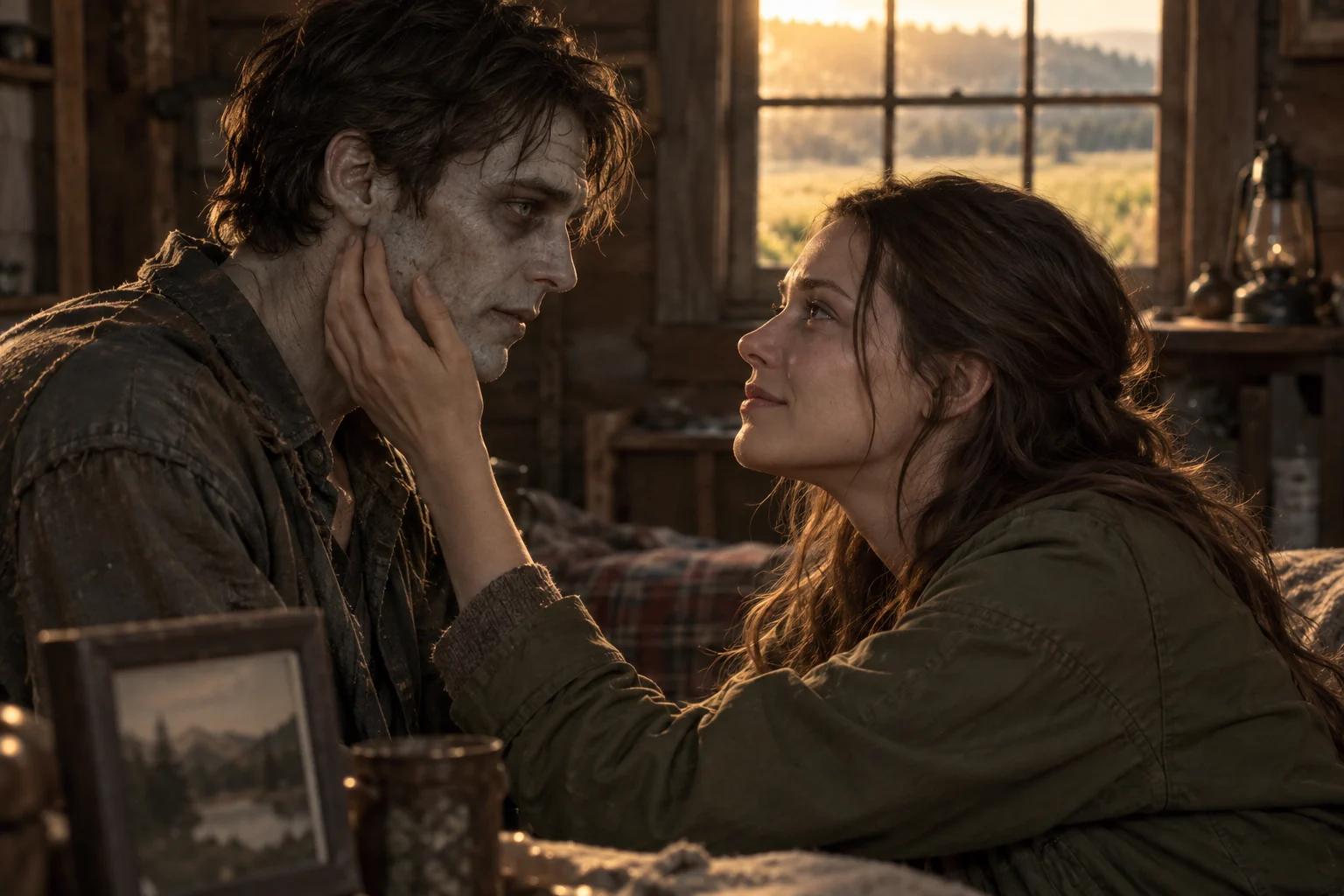
The fixed Zombie Apocalypse story concludes with a dramatic infection reveal. For a wholesome reunion, use the AI Hug template instead.
Is This Video Template Free?
Video generation requires sign-in and credits. See Video templates on the Pricing page for the preset cost. Image trial allowances do not make this video free.
What Can I Edit, and Will Every Result Be Identical?
You can choose the reference photos, the supported photo setup and the output orientation. The script and video settings are fixed. Faces, timing, motion and sound are generated and can vary.
What Happens If Generation Fails?
Confirmed generation failures follow the site's credit-refund flow. A connection interruption is not proof of failure: retry the same request or check My Creations. Closing the page does not cancel a submitted task.
Try a Different Scene
All video templates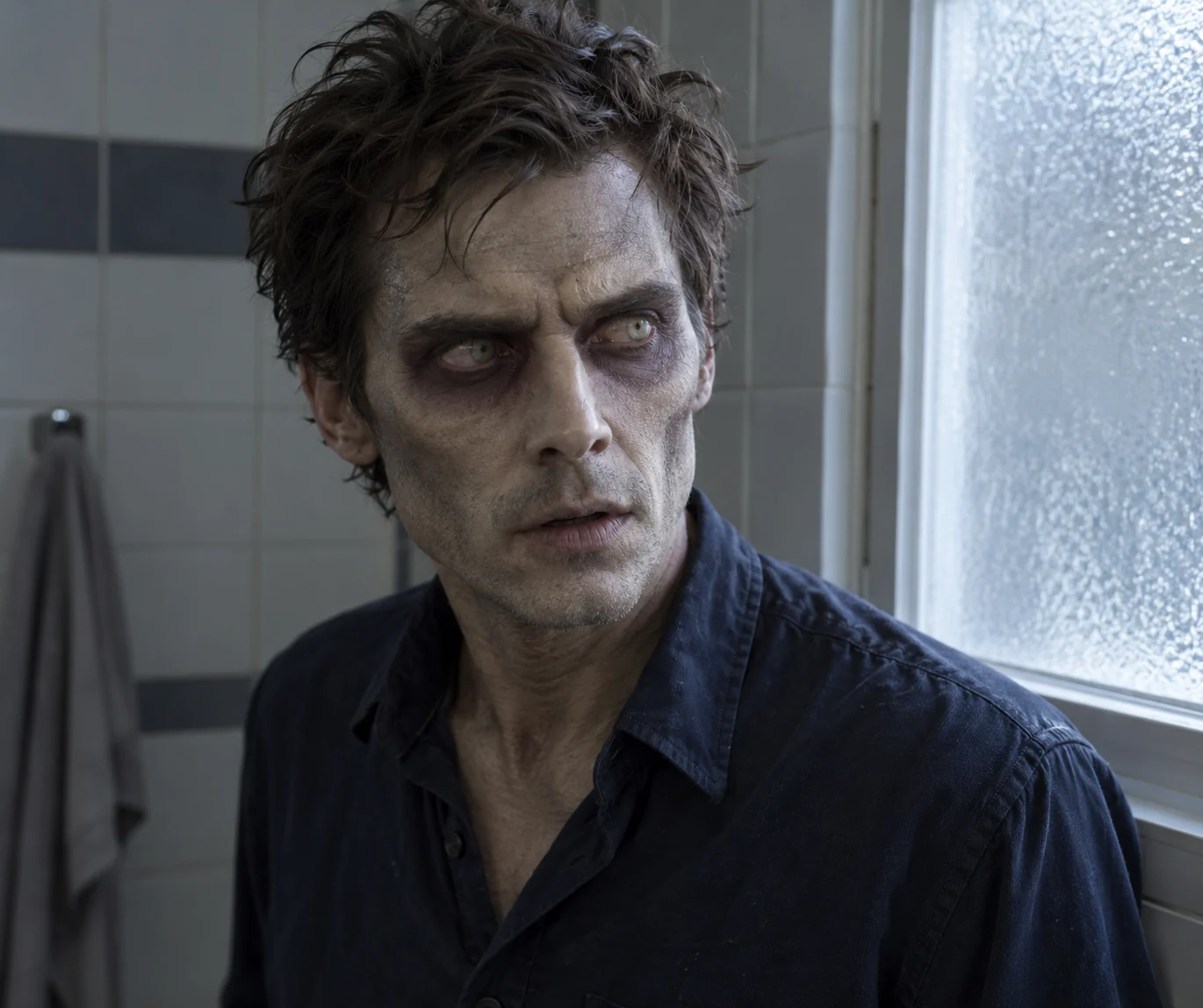
Ready to Put Your Photos in the Scene?
Choose the references above and review the credit cost before creating your video.