Alors on Danse AI Video Generator
Create a two-person music-session video from separate portraits. Assign the keyboard player and laptop partner in this 15-second AI template.
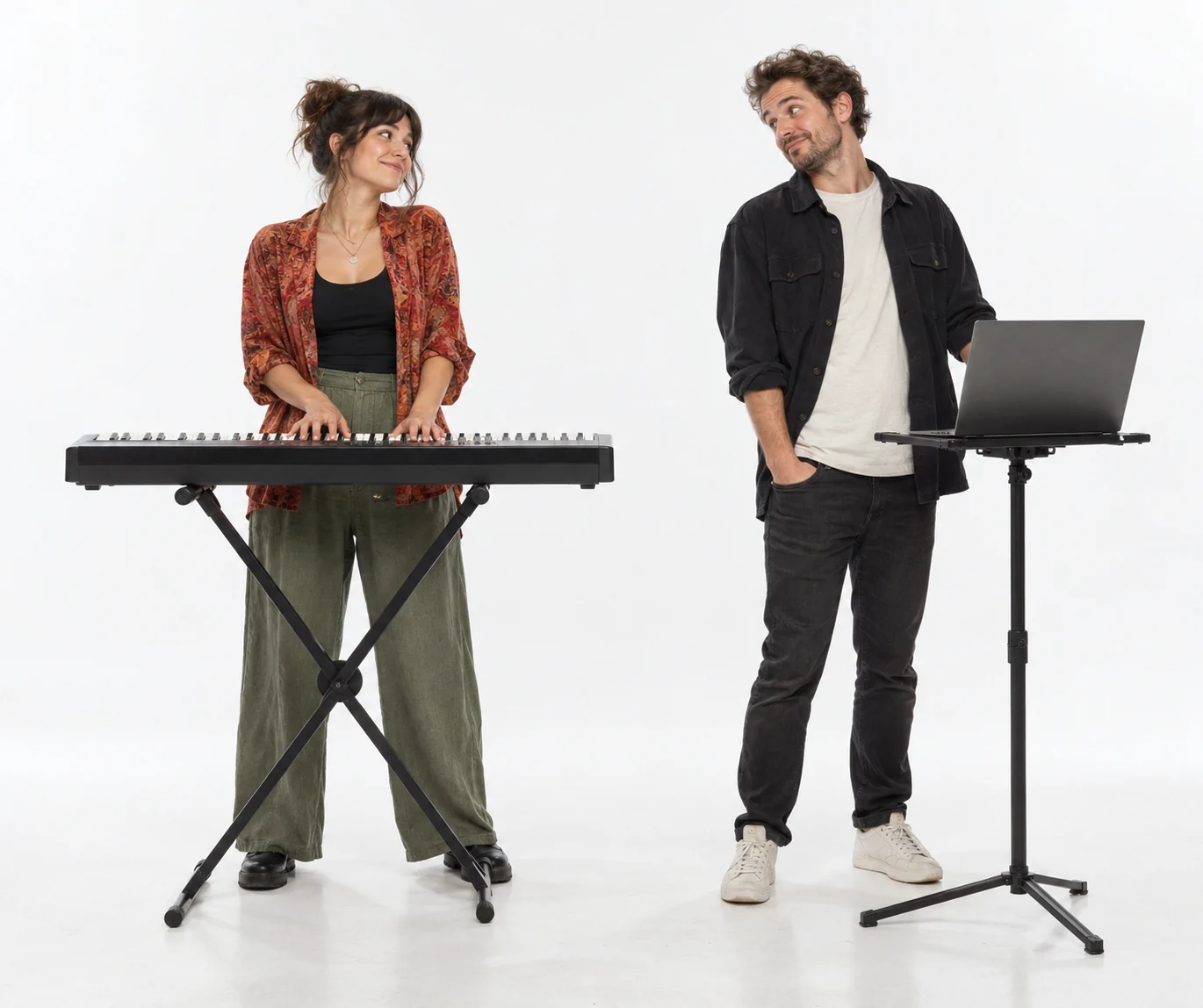
Two faces, two roles, one shared groove
This Alors on Danse AI template builds a compact music-session scene around a keyboard player and a laptop partner. Their interaction and small rhythmic movements give the clip its personality. The upload order matters: the two photos define different roles, not the first and last frames.
The scene, from opening to ending
- 01
Set the scene
Introduce the keyboard player and laptop partner together, keeping their faces and equipment distinct.
- 02
Build the moment
Let the performers respond to the rhythm with small gestures and a shared moment of recognition.
- 03
Resolve the story
Return to a readable two-person composition and finish the short session without changing identities.
Choose photos for this scene
Photo setup
Photo 1 is the keyboard player. Photo 2 is the laptop partner. Use one adult in each photo.
Before you generate
Choose faces at a similar scale, without sunglasses or hands covering features. You do not need instruments in the uploaded images.
Before you generate
- Check the upload labels: reference photos define identities, not start and end frames.
- Choose portrait for a vertical post or landscape for a wider scene. The source photo does not lock the output framing.
- The script, duration and resolution are preset. Generate only after checking the credit cost.
From your photos to a short film
- 1
Choose your references
Follow the role labels and upload the required photos. Select one or two photos where the template offers both options.
- 2
Confirm the format
Choose portrait or landscape. The template supplies the scene script, 15-second duration and 768P resolution; the credit cost appears before submission.
- 3
Generate and review
Create the video, check identities and motion, then play or download the MP4. Completed videos also appear in My Creations.
Questions about this video template
Do my photos need to show a keyboard and laptop?
No. Your photos supply the identities. The template stages the equipment and assigns each person a role.
Can the two people switch roles?
Yes: place their portraits in the opposite upload slots before generating. The first slot is always the keyboard player.
Is this video template free?
Video generation requires sign-in and credits. See Video templates on the Pricing page for the preset cost. Image trial allowances do not make this video free.
What can I edit, and will every result be identical?
You can choose the reference photos, the supported photo setup and the output orientation. The script and video settings are fixed. Faces, timing, motion and sound are generated and can vary.
What happens if generation fails?
Confirmed generation failures follow the site's credit-refund flow. A connection interruption is not proof of failure: retry the same request or check My Creations. Closing the page does not cancel a submitted task.
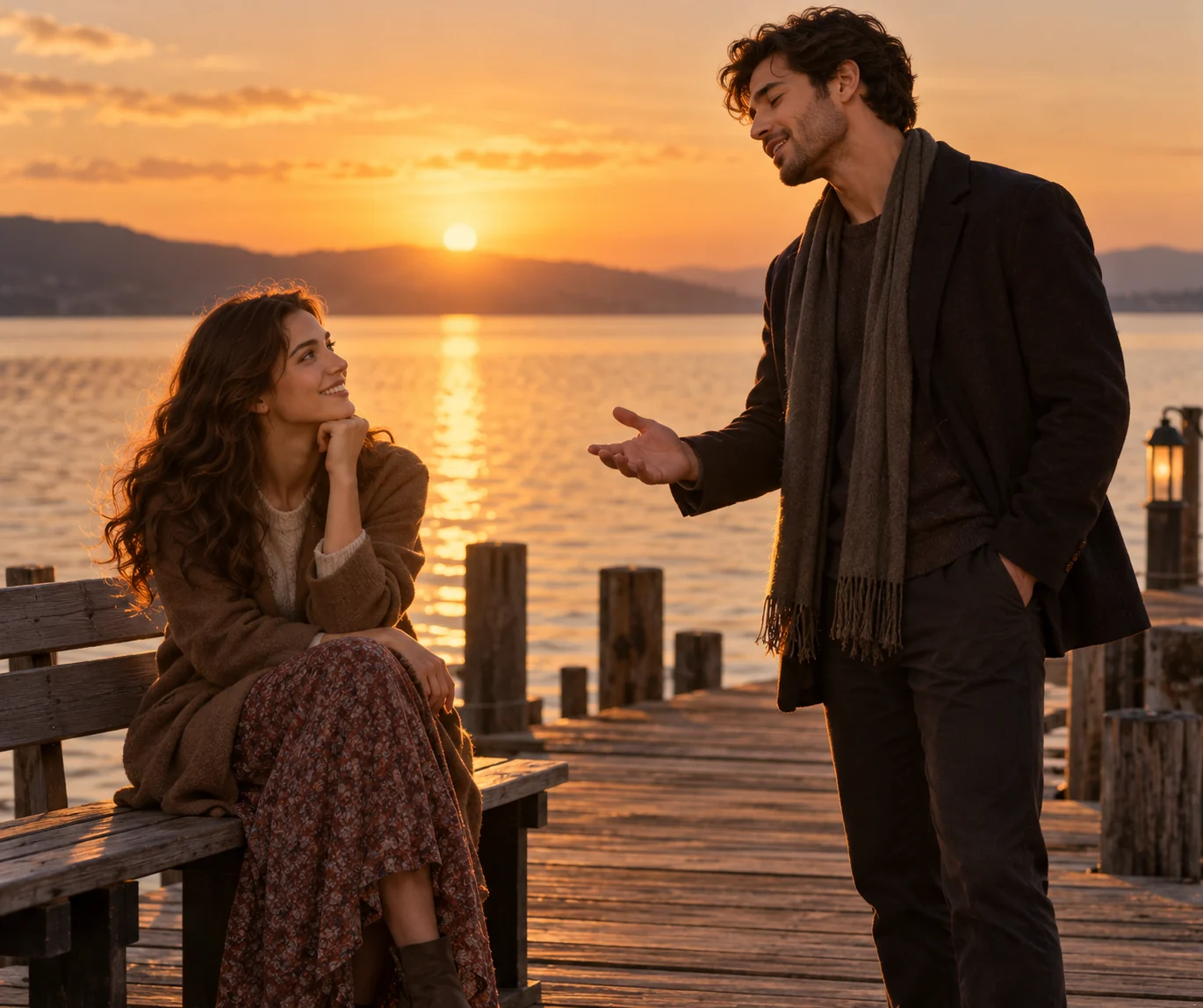
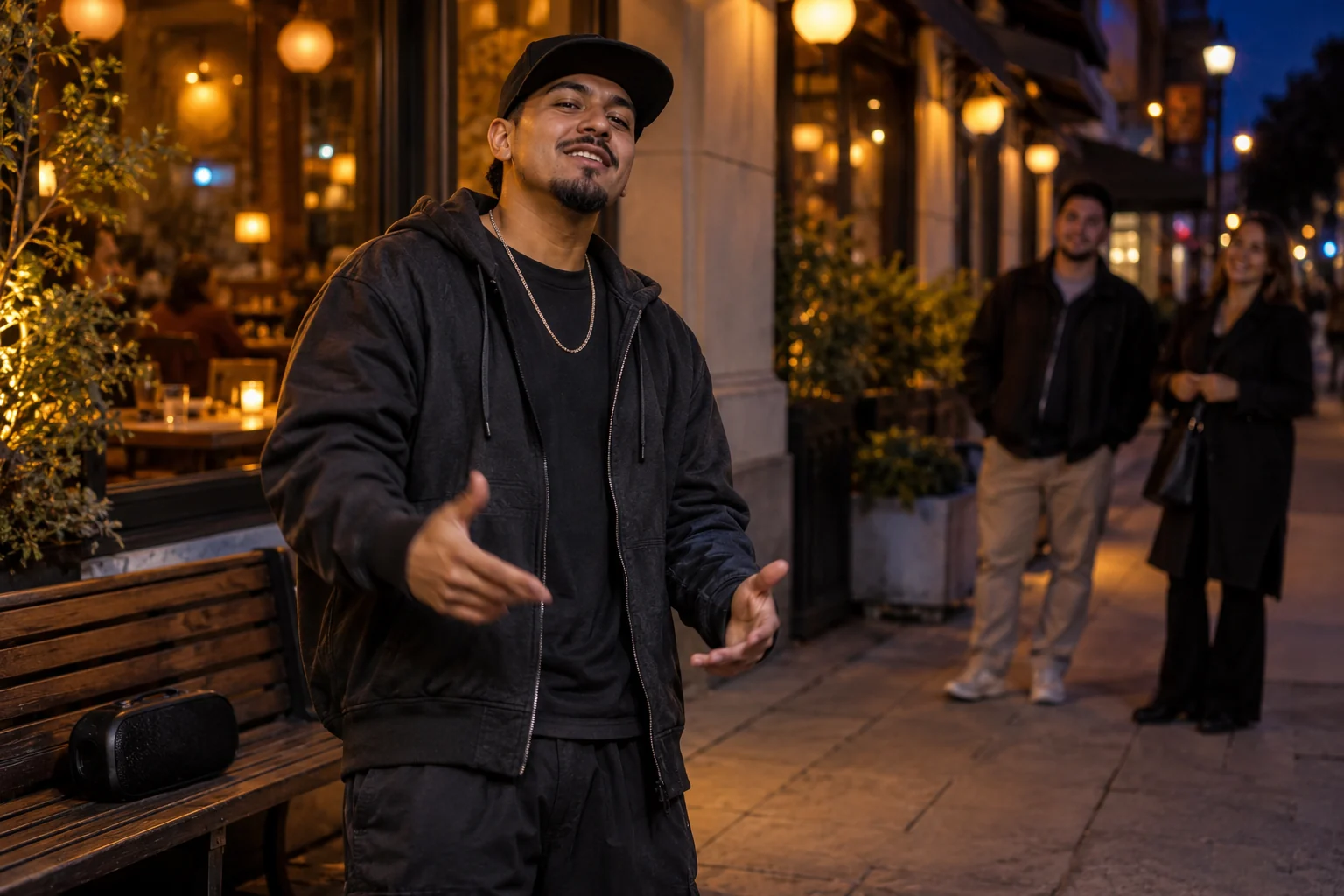
Try a different scene
All video templates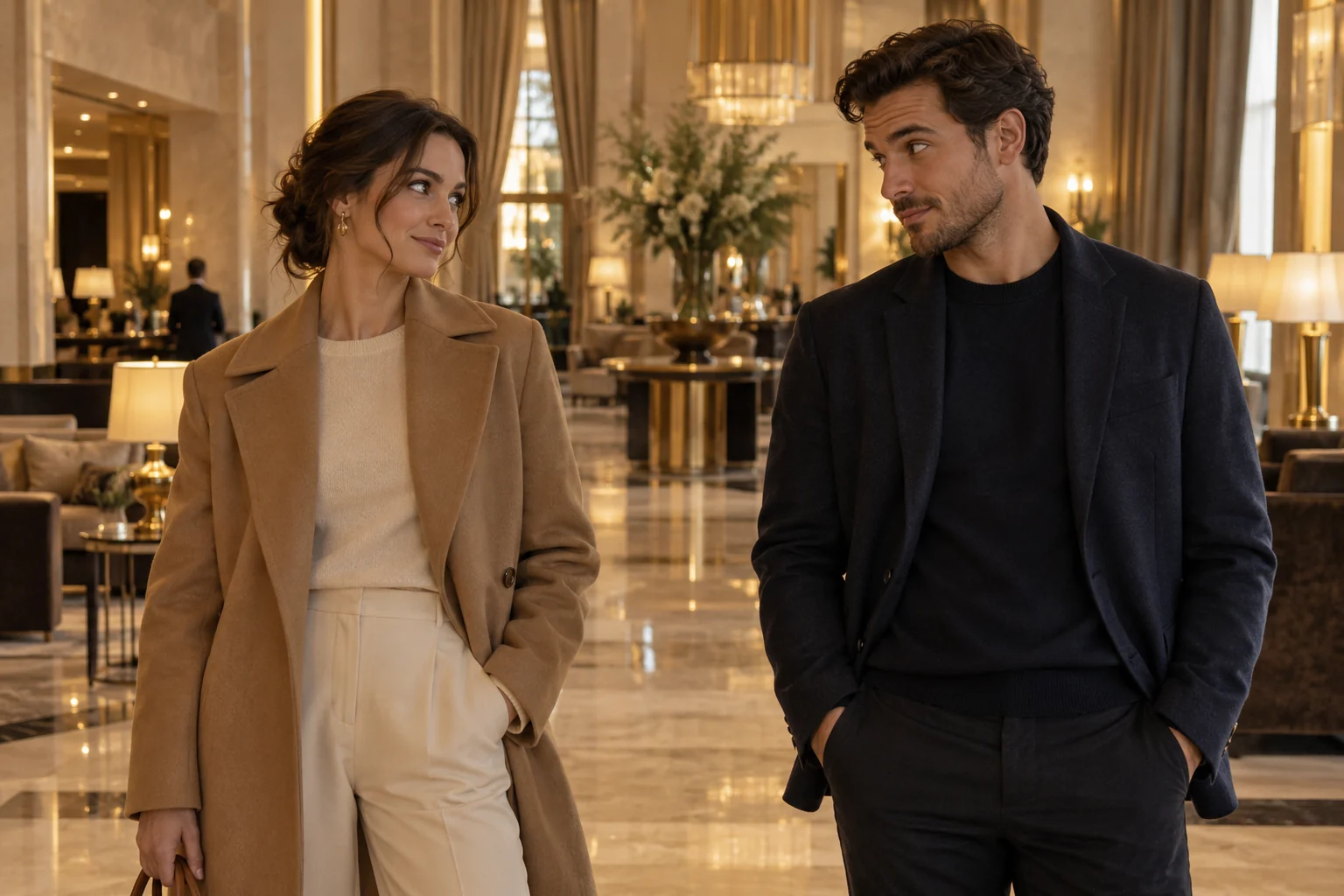
Ready to put your photos in the scene?
Choose the references above and review the credit cost before creating your video.