Bulin 47 AI Video Generator
Put your portrait into an original street freestyle scene with Spanish rap, shoulder bounces and a confident finish. Generate a 15-second Bulin 47 AI video.
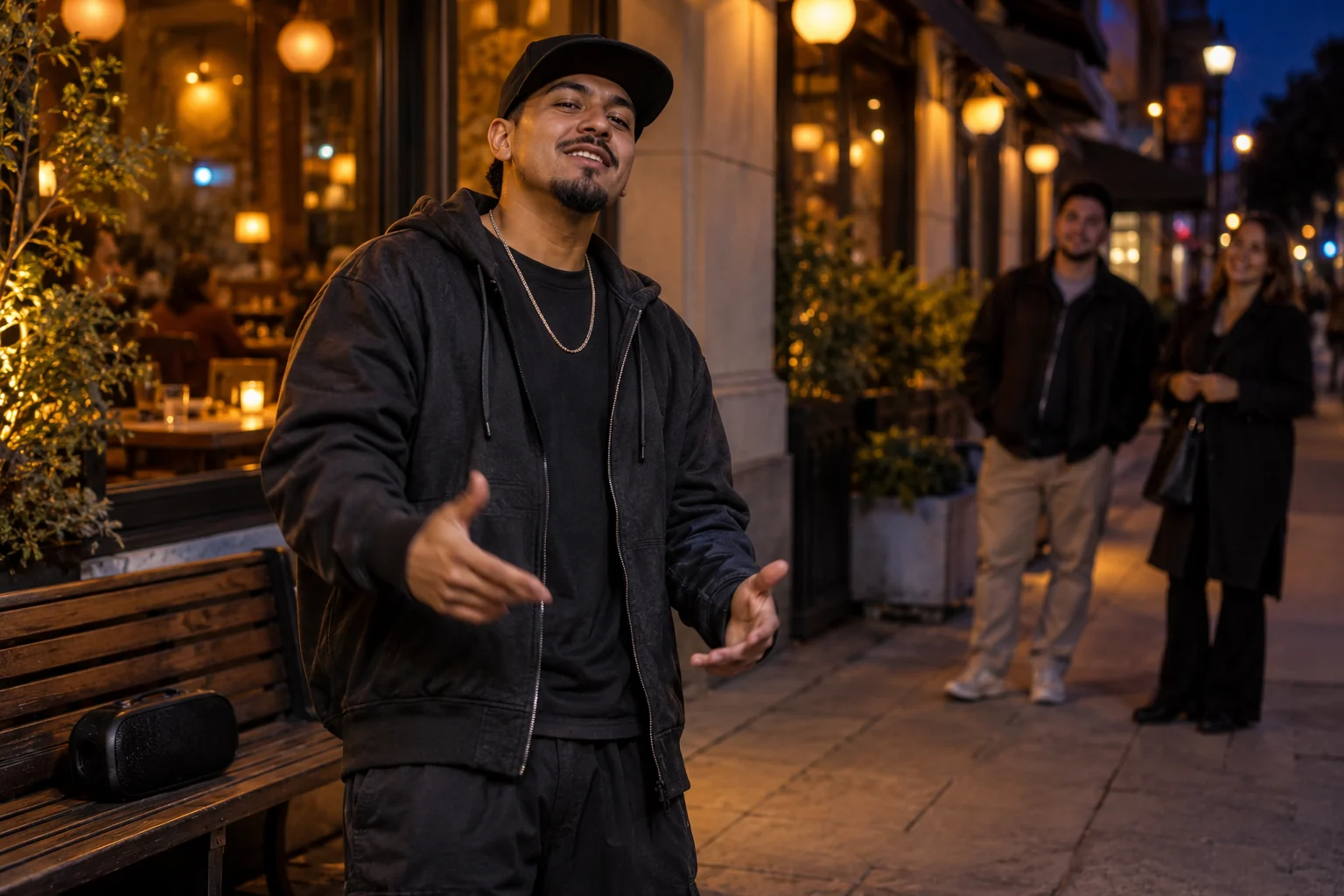
Put your portrait into an original street freestyle scene with Spanish rap, shoulder bounces and a confident finish. Generate a 15-second Bulin 47 AI video.
Bulin 47 AI: Your Portrait, a Street Corner and an Original Verse
For the Bulin 47 AI scene, the photo becomes the lead performer outside a restaurant at night. The script combines a short Spanish verse with broad, readable gestures. The focus stays on your character, with background spectators supporting the performance instead of taking it over.
The Scene, from Opening to Ending
- 01
Set the Scene
Find the beat beside a small speaker, with warm storefront lighting keeping the face visible.
- 02
Build the Moment
Deliver two original Spanish phrases with an easy shoulder bounce and one open-hand gesture.
- 03
Resolve the Story
Finish the verse, take a short side-step and hold a confident smile as the spectators clap.
Choose Photos for This Scene
Photo Setup
Use one clear adult portrait, ideally from head to waist or knees. Your face and visible clothes guide the character.
Photo Requirements
Keep the mouth unobstructed. A neutral expression and simple background are easier to read than a stage photo with strong coloured lighting.
Before You Generate
- Check the upload labels: reference photos define identities, not start and end frames.
- Choose portrait for a vertical post or landscape for a wider scene. The source photo does not lock the output framing.
- The script, duration and resolution are preset. Generate only after checking the credit cost.
From Your Photos to a Short Film
- 1
Choose Your References
Follow the role labels and upload the required photos. Select one or two photos where the template offers both options.
- 2
Confirm the Format
Choose portrait or landscape. The template supplies the scene script, 15-second duration and 768P resolution; the credit cost appears before submission.
- 3
Generate and Review
Create the video, check identities and motion, then play or download the MP4. Completed videos also appear in My Creations.
Questions About This Video Template
Does the Bulin 47 AI Video Use Bulin 47's Voice or Music?
The Bulin 47 AI scene requests an original adult voice, an original Spanish phrase and a simple beat. It does not include an artist recording or voice-cloning control.
Can I Upload a Custom Audio Track to Bulin 47 AI?
Bulin 47 AI is a photo-based video template. It accepts one portrait image, not an external audio track or pre-recorded performance video.
Is This Video Template Free?
Video generation requires sign-in and credits. See Video templates on the Pricing page for the preset cost. Image trial allowances do not make this video free.
What Can I Edit, and Will Every Result Be Identical?
You can choose the reference photos, the supported photo setup and the output orientation. The script and video settings are fixed. Faces, timing, motion and sound are generated and can vary.
What Happens If Generation Fails?
Confirmed generation failures follow the site's credit-refund flow. A connection interruption is not proof of failure: retry the same request or check My Creations. Closing the page does not cancel a submitted task.
Try a Different Scene
All video templates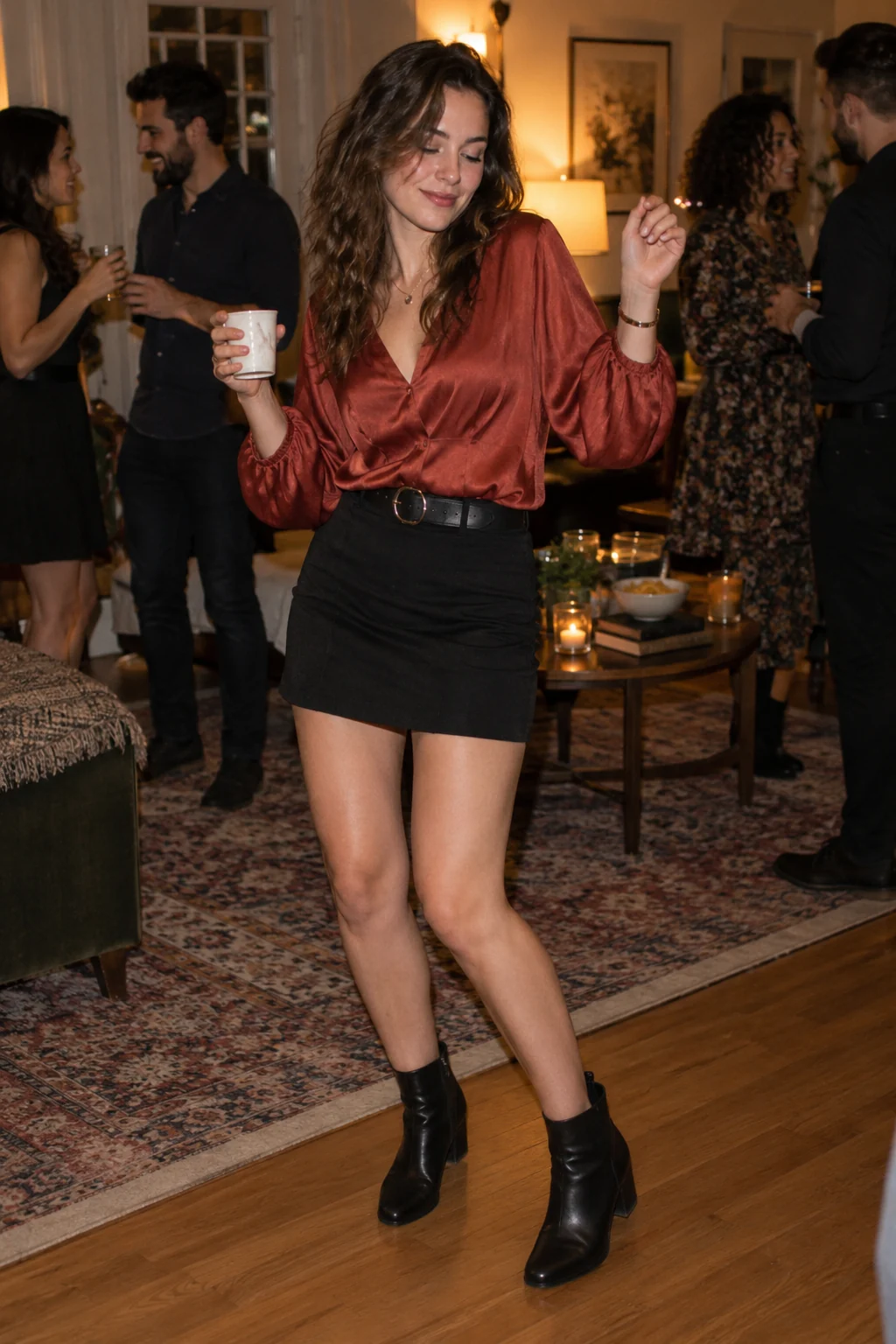
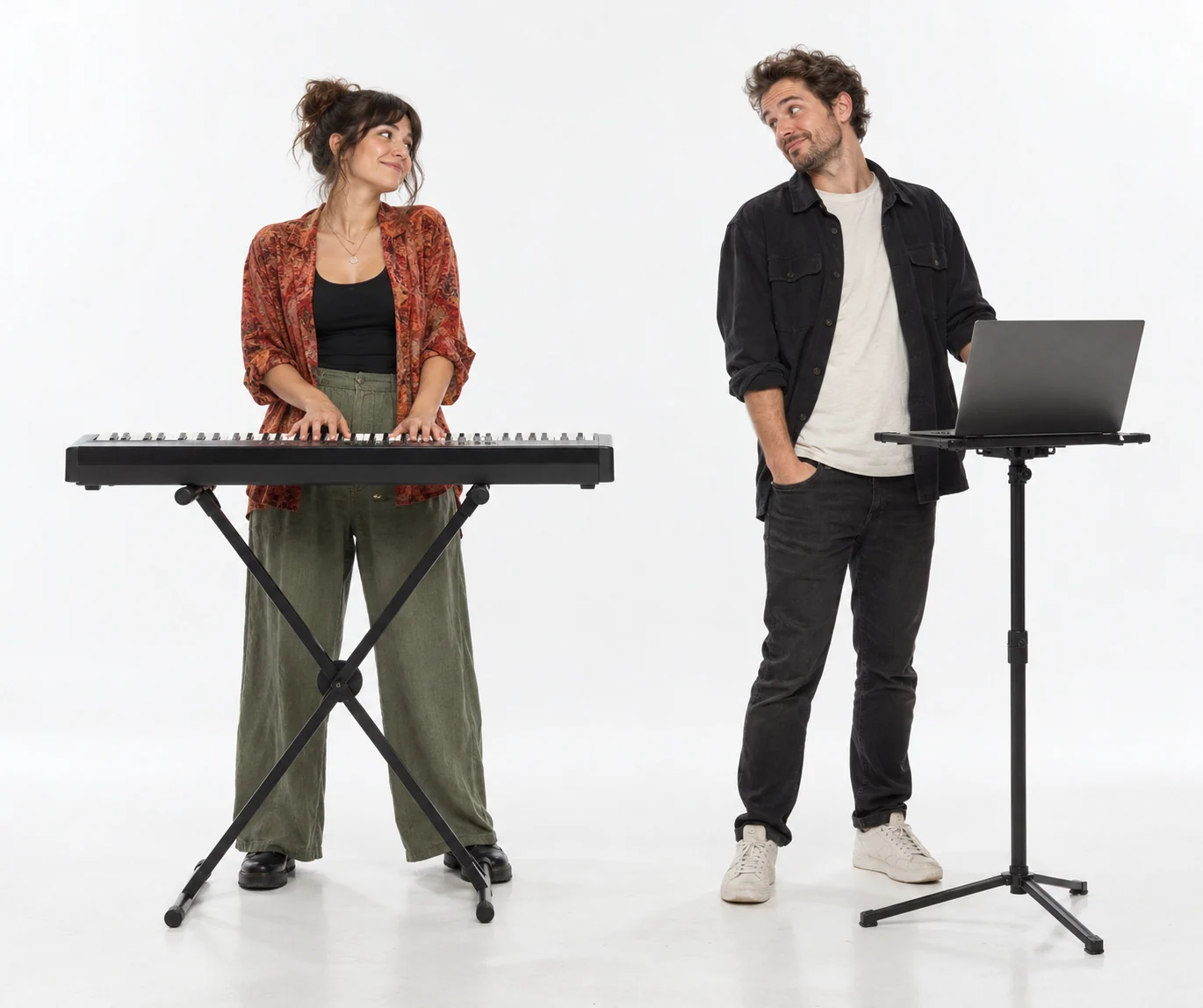
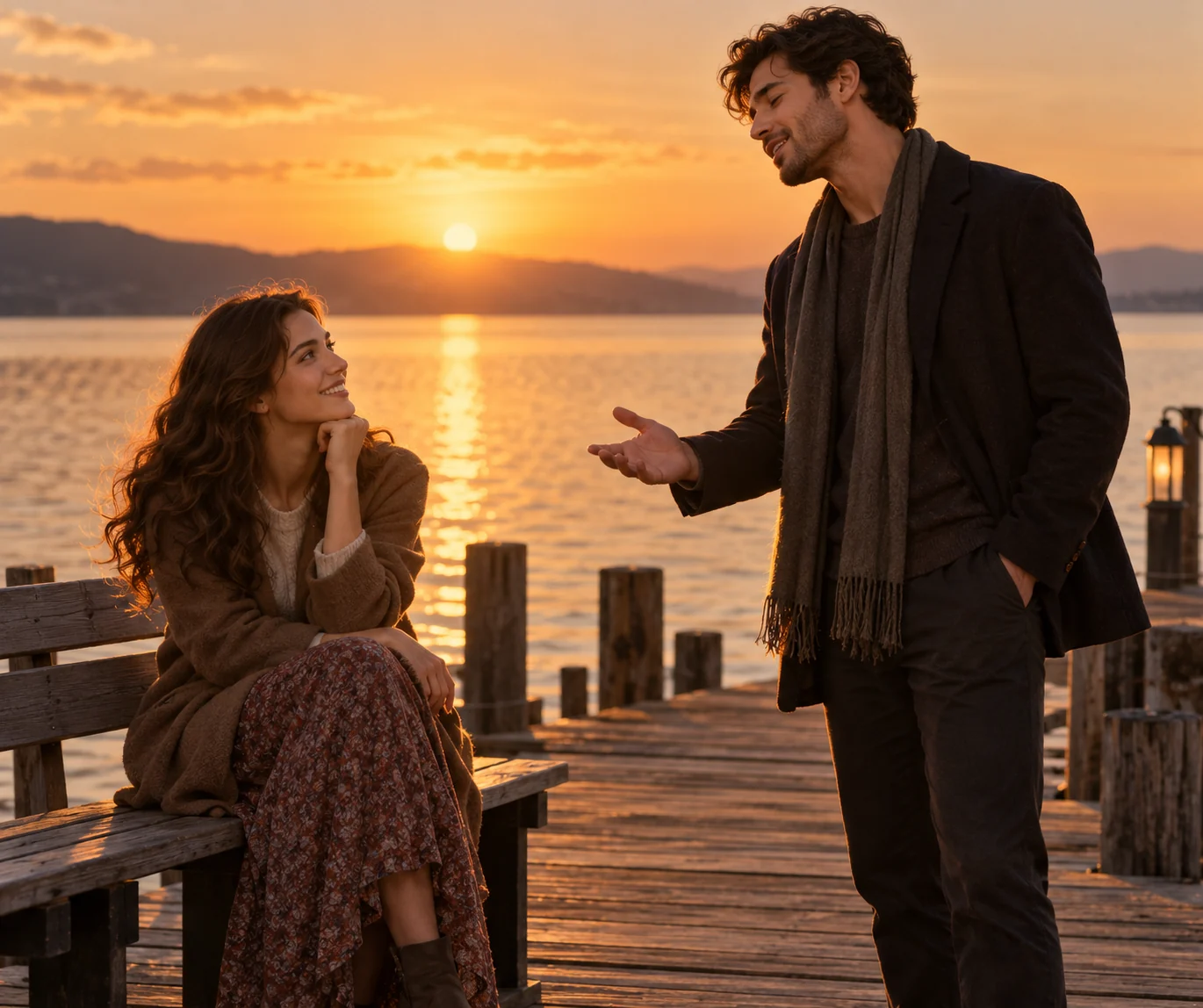
Ready to Put Your Photos in the Scene?
Choose the references above and review the credit cost before creating your video.