Rumpelstiltskin AI Video Generator
Turn your photo into an original fairy-tale imp performing a tiptoe dance beside a spinning wheel. Create a 15-second Rumpelstiltskin AI video.
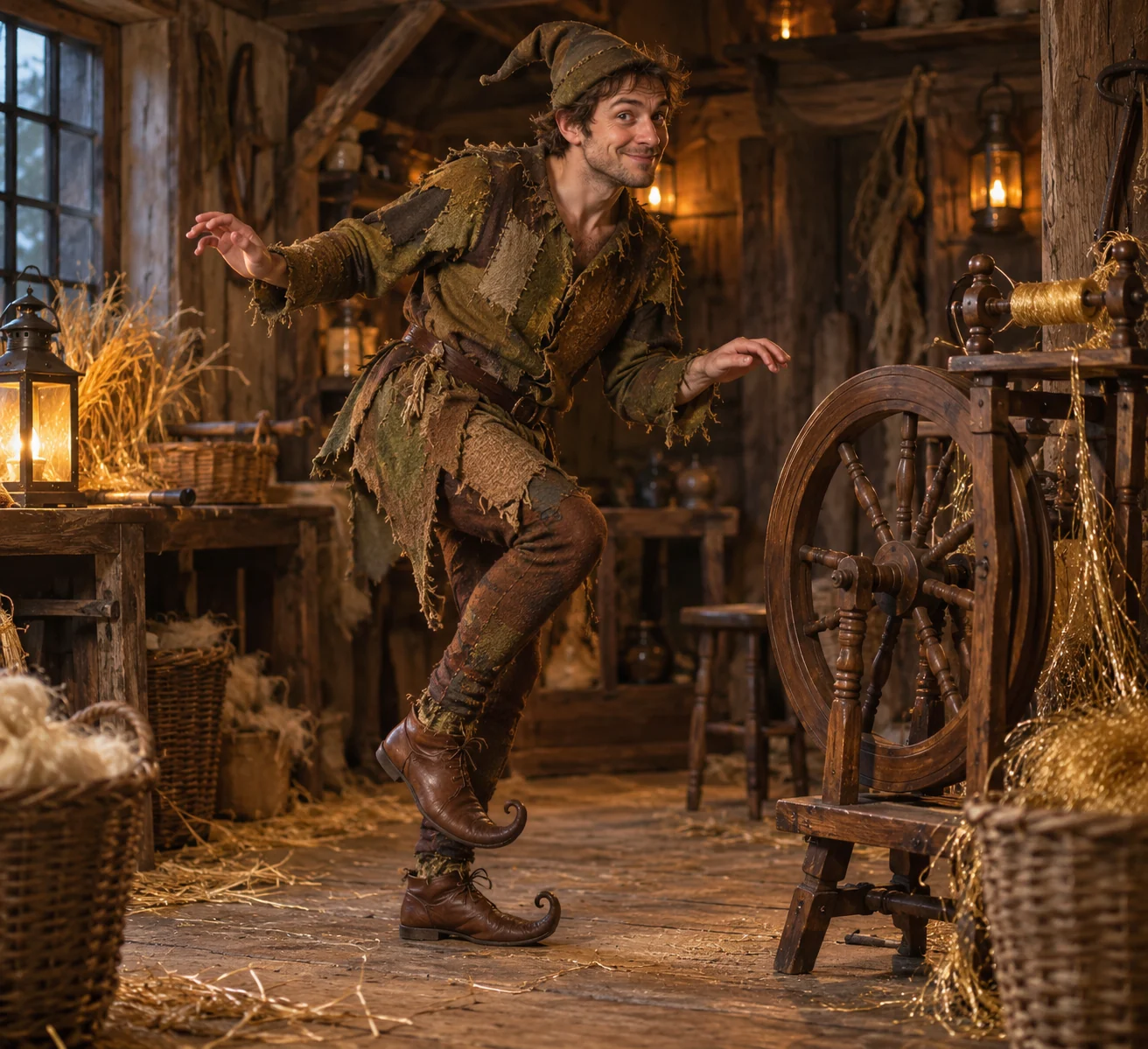
Step into a lantern-lit fairy tale
The Rumpelstiltskin AI template gives your character a moss-brown patchwork costume and a small tiptoe dance in a timber workshop. Straw, thread and a spinning wheel establish the storybook world. The person stays adult-sized and recognizable rather than becoming a child or a selected movie character.
The scene, from opening to ending
- 01
Set the scene
Peek from beside a straw bundle and step into the workshop's clear floor area.
- 02
Build the moment
Take small toe-first steps around the stationary spinning wheel, with both shoes visible.
- 03
Resolve the story
Finish a measured twirl beside golden thread, wink and settle into a balanced pose.
Choose photos for this scene
Photo setup
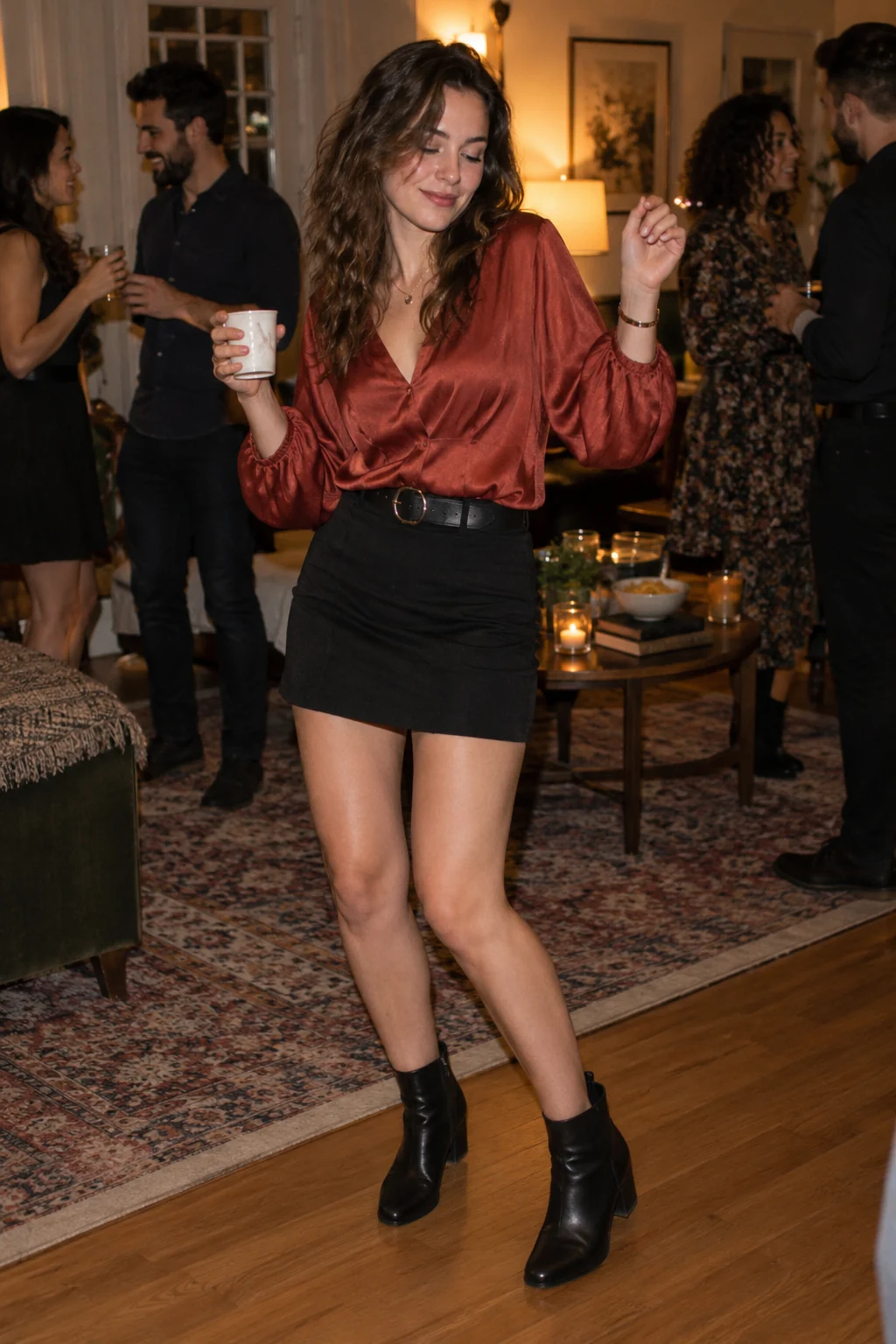
A full-body adult photo with visible shoes gives the dance a clear body reference.
Before you generate
Keep the face unobstructed and avoid crouching or seated poses. The template adds its own tunic, cap and curled shoes.
Before you generate
- Check the upload labels: reference photos define identities, not start and end frames.
- Choose portrait for a vertical post or landscape for a wider scene. The source photo does not lock the output framing.
- The script, duration and resolution are preset. Generate only after checking the credit cost.
From your photos to a short film
- 1
Choose your references
Follow the role labels and upload the required photos. Select one or two photos where the template offers both options.
- 2
Confirm the format
Choose portrait or landscape. The template supplies the scene script, 15-second duration and 768P resolution; the credit cost appears before submission.
- 3
Generate and review
Create the video, check identities and motion, then play or download the MP4. Completed videos also appear in My Creations.
Questions about this video template
Will the character look like a particular film version?
The preset requests an original fairy-tale costume based on your identity, not a branded film costume or actor likeness.
Can I upload a close-up portrait?
A clear face can supply identity, but a full-body photo is more useful for this template's visible footwork. Unseen clothing and body details must be generated.
Is this video template free?
Video generation requires sign-in and credits. See Video templates on the Pricing page for the preset cost. Image trial allowances do not make this video free.
What can I edit, and will every result be identical?
You can choose the reference photos, the supported photo setup and the output orientation. The script and video settings are fixed. Faces, timing, motion and sound are generated and can vary.
What happens if generation fails?
Confirmed generation failures follow the site's credit-refund flow. A connection interruption is not proof of failure: retry the same request or check My Creations. Closing the page does not cancel a submitted task.
Try a different scene
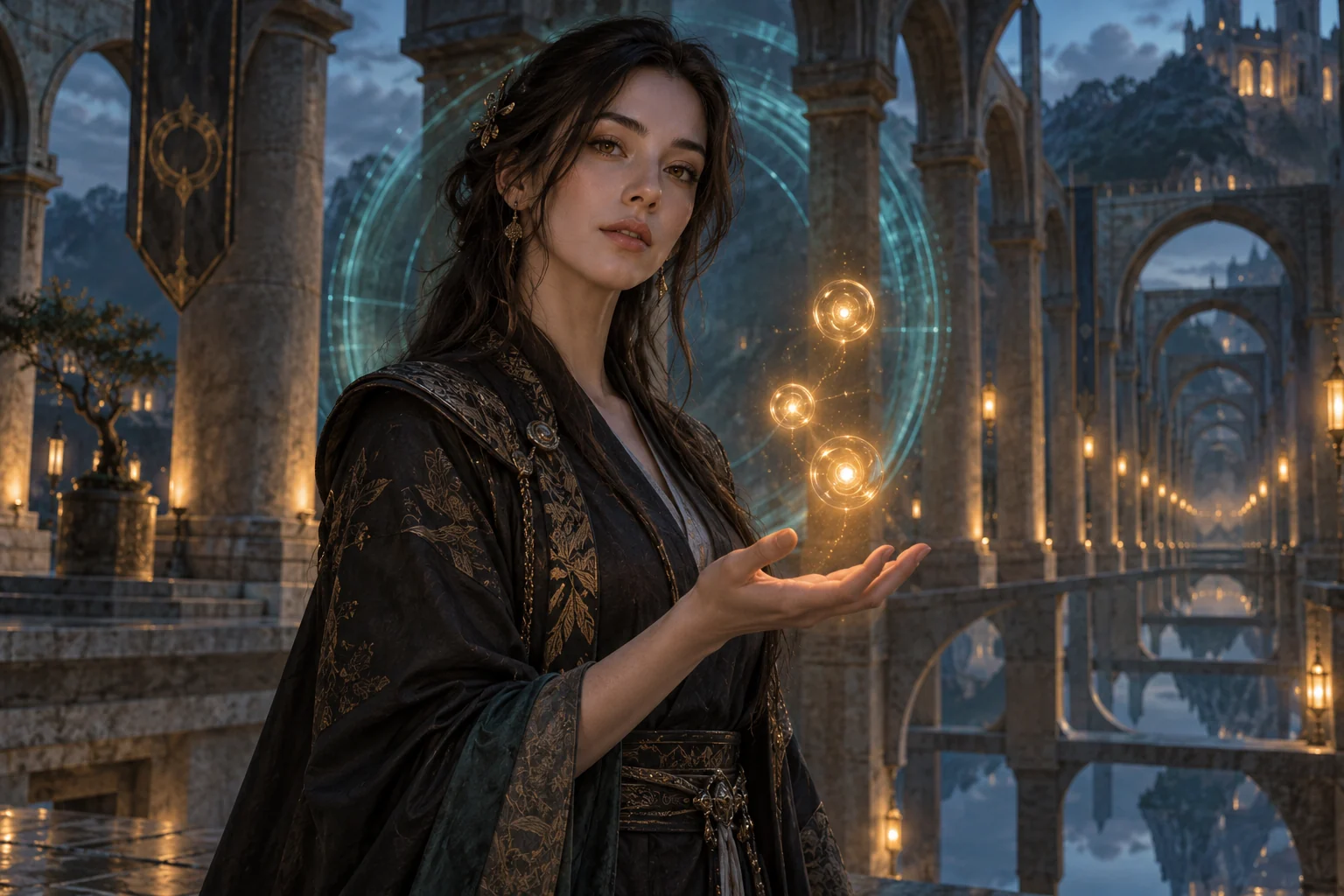
All video templates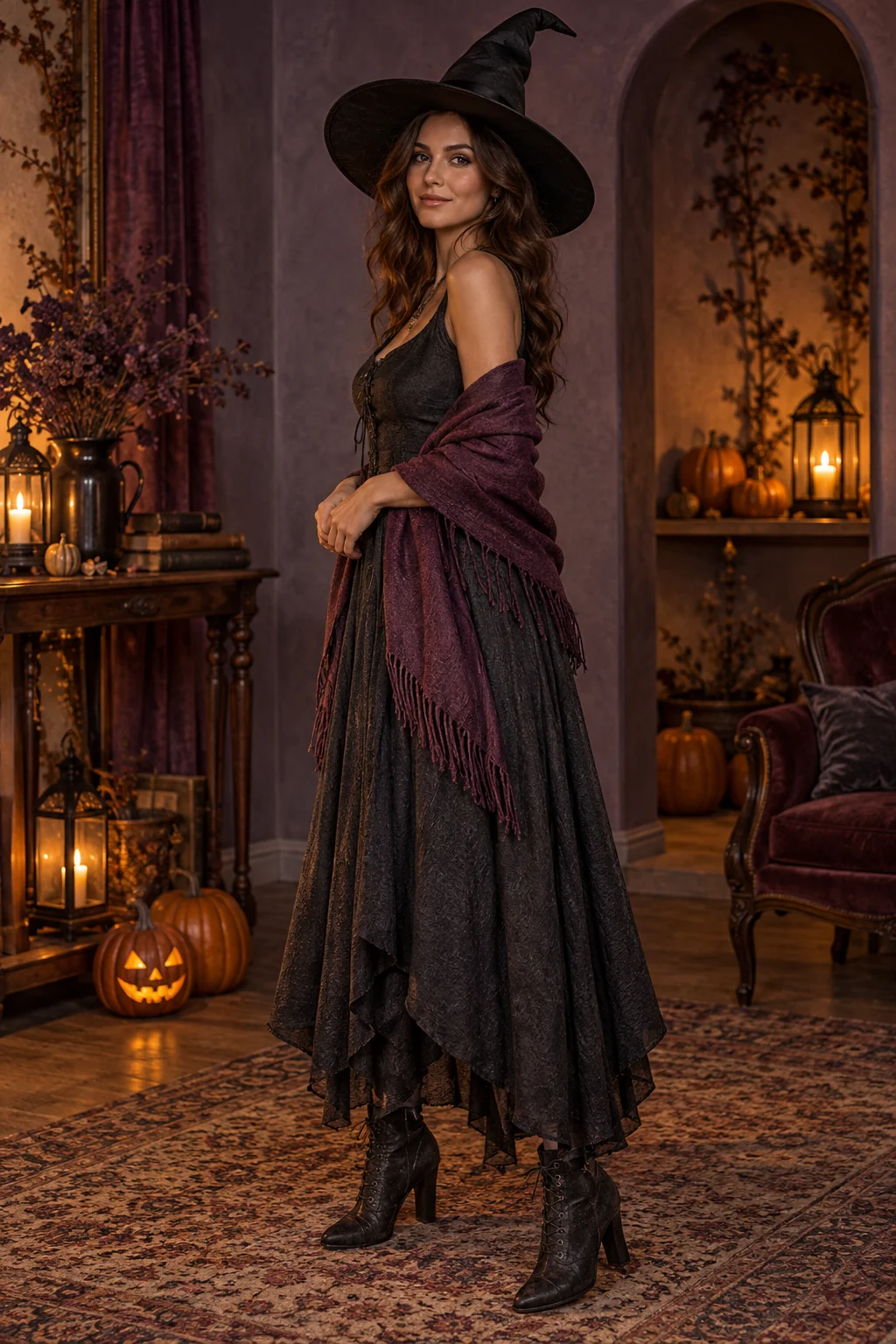
Ready to put your photos in the scene?
Choose the references above and review the credit cost before creating your video.