Burning Bridges AI Video Generator
Create a relaxed party dance video from one portrait. The Burning Bridges AI template combines a cup-in-hand groove with a playful 15-second scene.
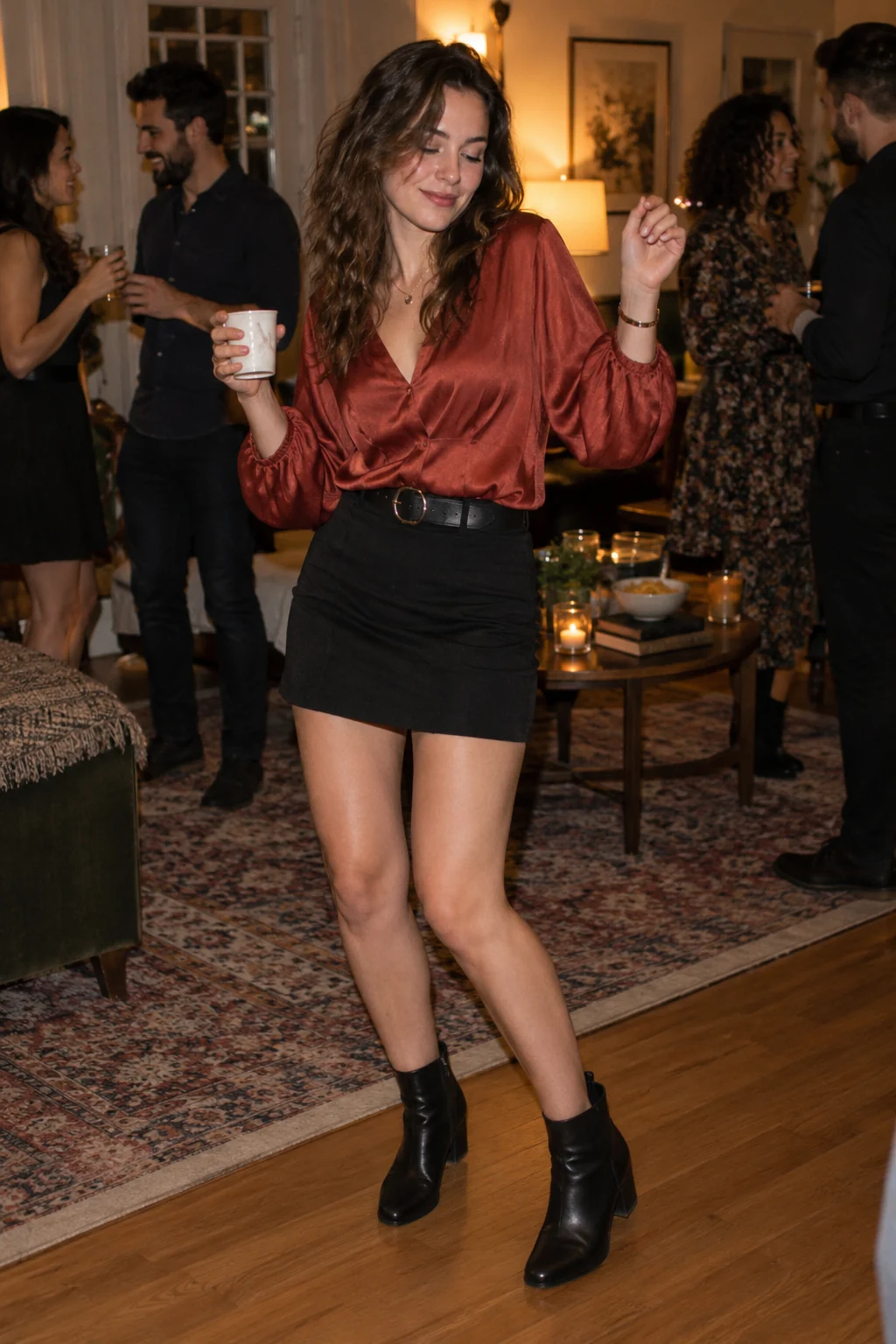
A small dance moment with party-film energy
The Burning Bridges AI template is a party performance, not a scene with flames or a collapsing bridge. Your character holds a cup, settles into the beat and makes a short, casual dance gesture. The restrained movement keeps attention on the face and expression.
The scene, from opening to ending
- 01
Set the scene
Establish the performer in a warm indoor party, with the cup clearly held in the right hand.
- 02
Build the moment
Move through a compact groove while the cup stays upright and the body remains balanced.
- 03
Resolve the story
Ease out of the movement and end on a relaxed expression instead of a new scene or costume change.
Choose photos for this scene
Photo setup
Use one adult photo showing the face, shoulders and preferably the waist. Leave enough space to understand the body position.
Before you generate
Avoid cropped wrists, busy props and several people in the foreground. A simple outfit gives the generated movement a clearer silhouette.
Before you generate
- Check the upload labels: reference photos define identities, not start and end frames.
- Choose portrait for a vertical post or landscape for a wider scene. The source photo does not lock the output framing.
- The script, duration and resolution are preset. Generate only after checking the credit cost.
From your photos to a short film
- 1
Choose your references
Follow the role labels and upload the required photos. Select one or two photos where the template offers both options.
- 2
Confirm the format
Choose portrait or landscape. The template supplies the scene script, 15-second duration and 768P resolution; the credit cost appears before submission.
- 3
Generate and review
Create the video, check identities and motion, then play or download the MP4. Completed videos also appear in My Creations.
Questions about this video template
Is this a fire or destruction effect?
No. This template targets the party-dance interpretation: one person, a cup and a relaxed groove in an indoor gathering.
Will it reproduce a specific music video?
The preset generates its own party scene from your photo. There is no reference-video upload or original-song playback control.
Is this video template free?
Video generation requires sign-in and credits. See Video templates on the Pricing page for the preset cost. Image trial allowances do not make this video free.
What can I edit, and will every result be identical?
You can choose the reference photos, the supported photo setup and the output orientation. The script and video settings are fixed. Faces, timing, motion and sound are generated and can vary.
What happens if generation fails?
Confirmed generation failures follow the site's credit-refund flow. A connection interruption is not proof of failure: retry the same request or check My Creations. Closing the page does not cancel a submitted task.
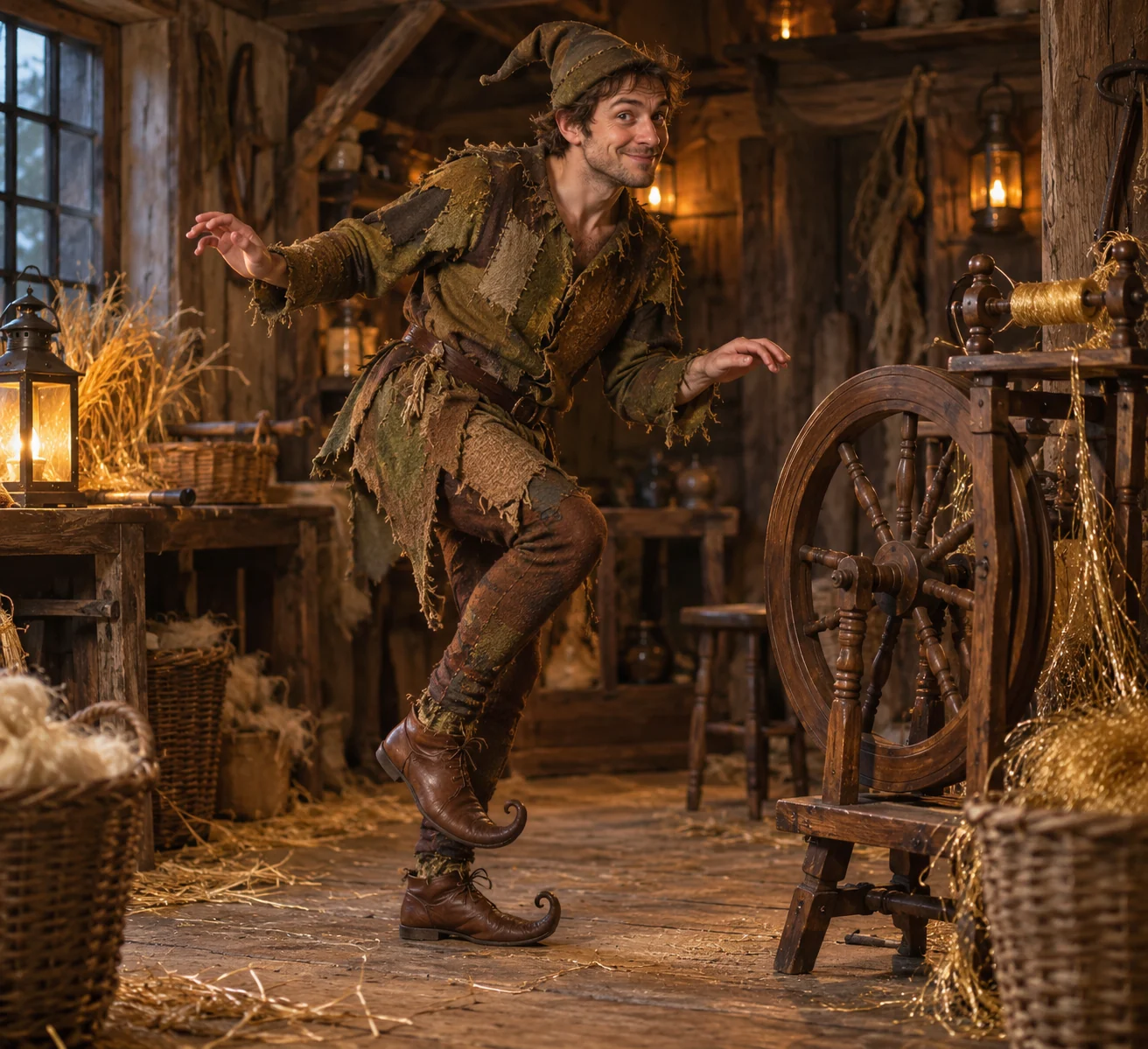
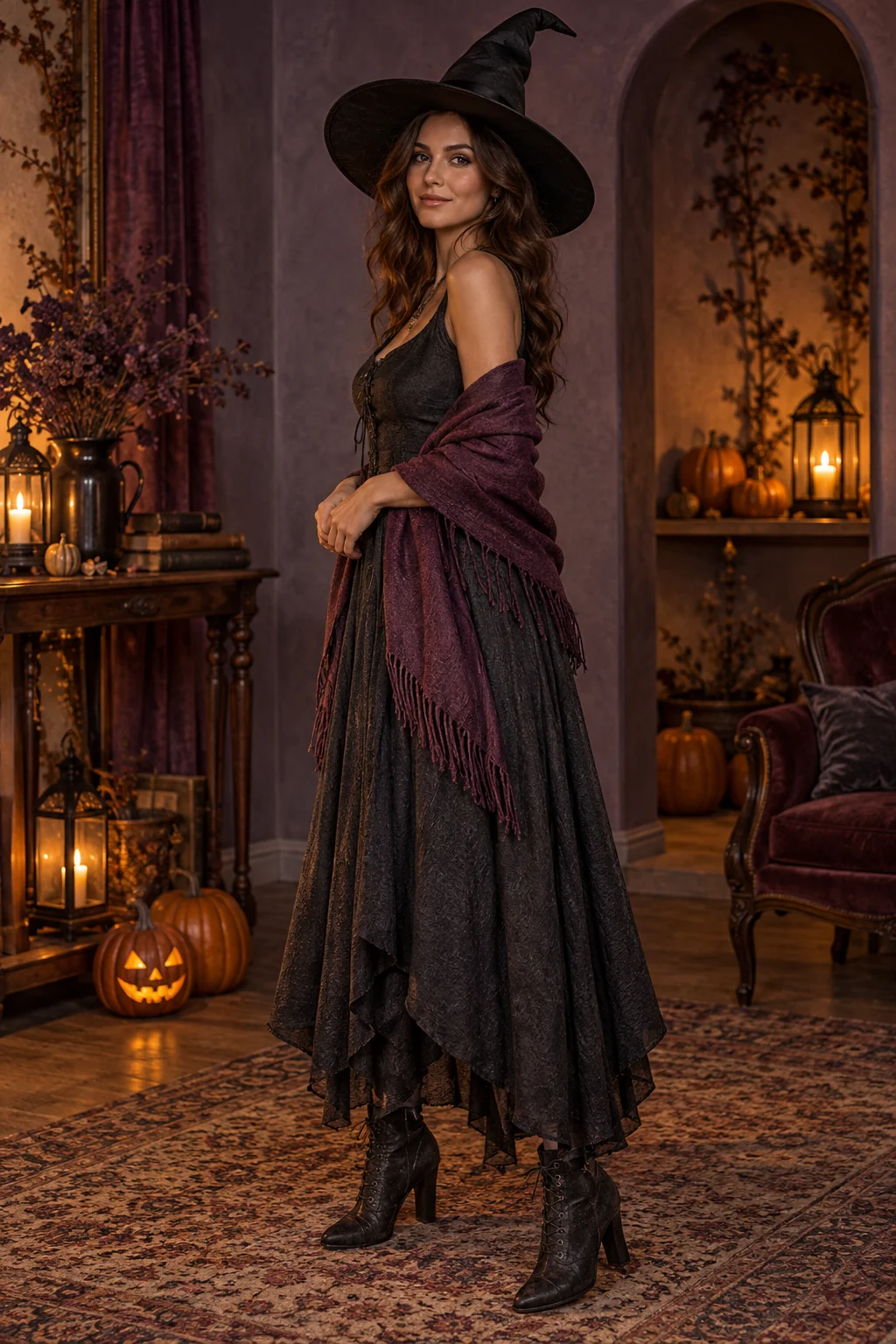
Try a different scene
All video templates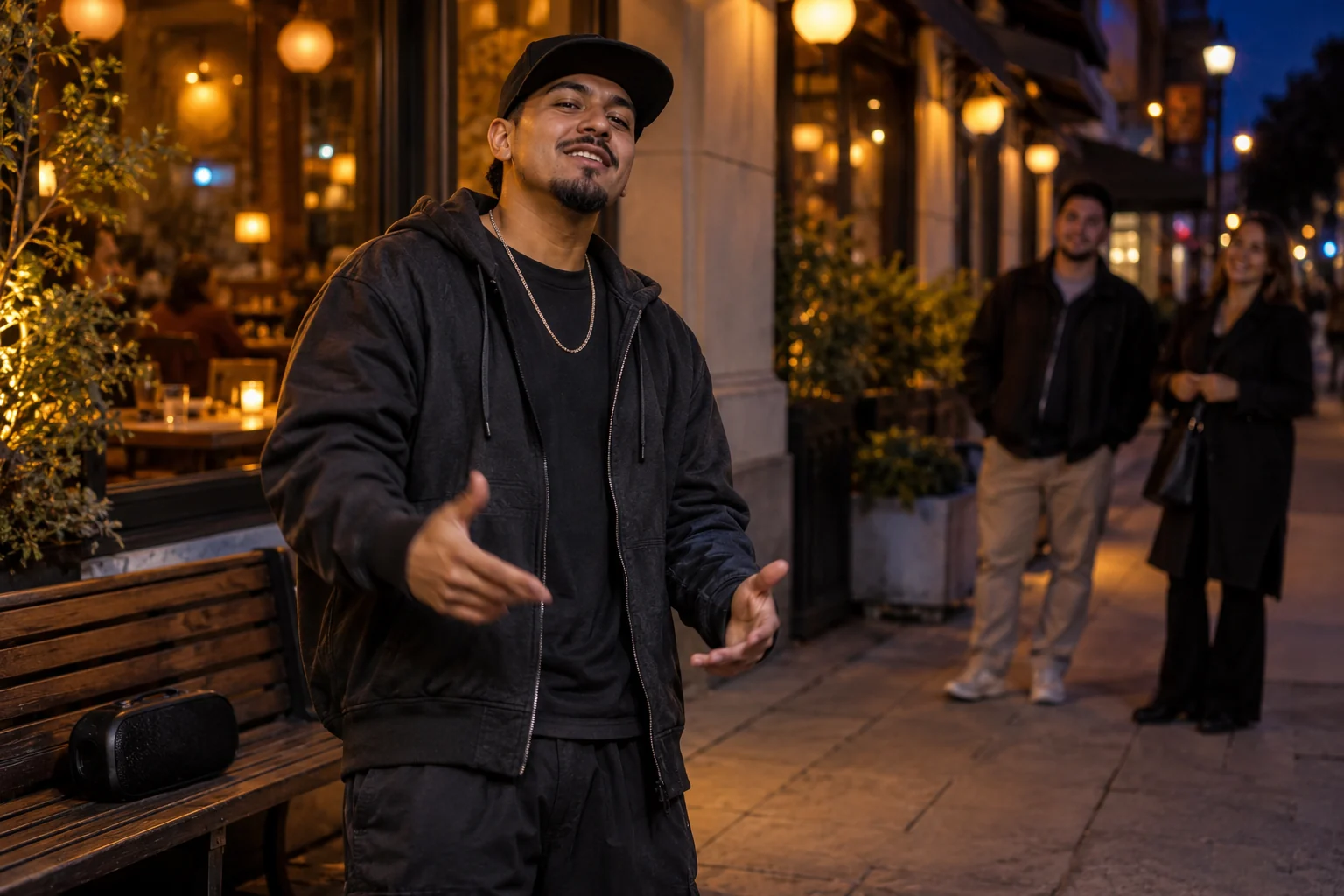
Ready to put your photos in the scene?
Choose the references above and review the credit cost before creating your video.