Product Still Life
Swap in your subject and keep the structure.
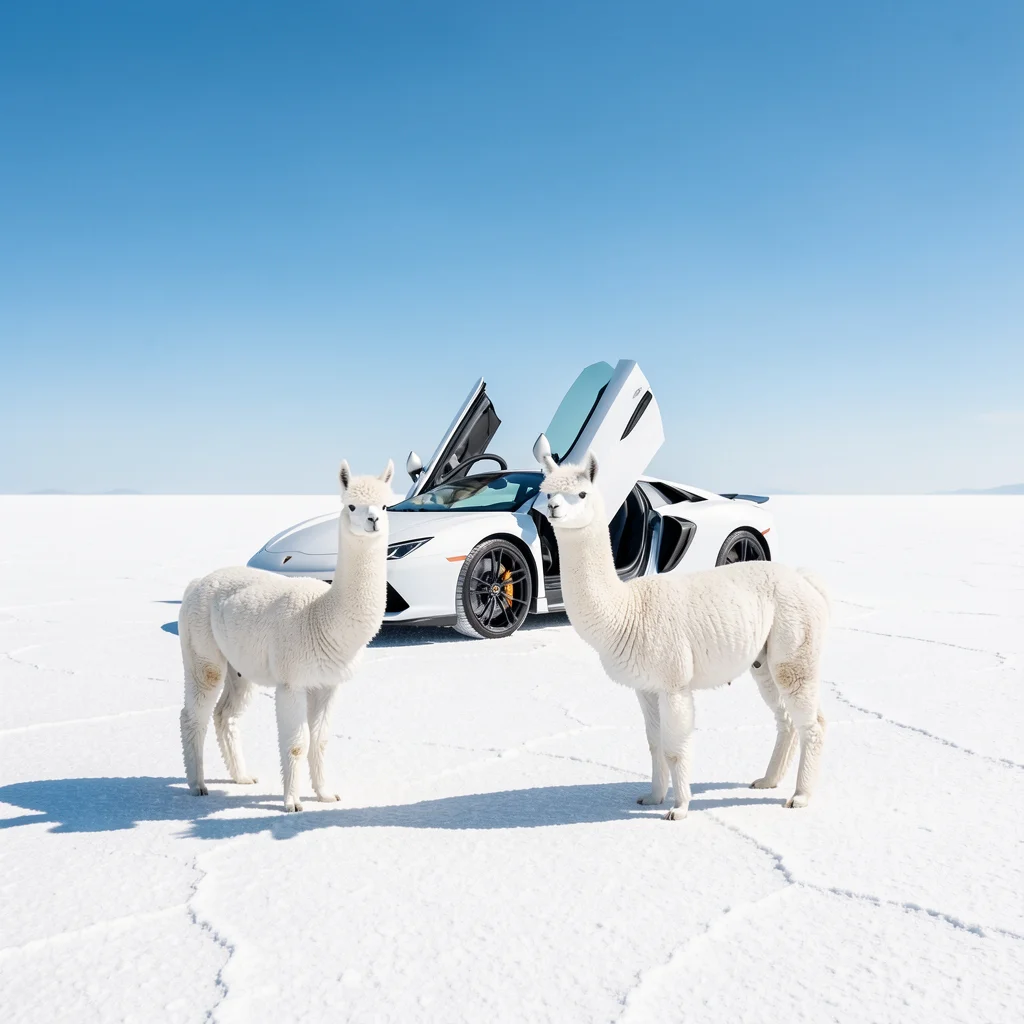
Photograph a matte ivory teapot on gray linen, soft side light, eye-level camera, realistic glaze. No lettering or extra objects.
Start with an idea
Describe what you want to create. Add a reference if you need one, then adjust the options below.
Generate and edit images with FLUX.2 [pro]. Balanced for everyday visual production, prompt accuracy, and multi-reference workflows.
Find a visual direction, then make the prompt your own.

Product visuals, portraits and scenes for everyday production.
Example prompt
An intense close-up of knight's visor reflecting battle, sword raised, flames in background, chiaroscuro helmet shadows, hyper-detailed armor, square medieval, cinematic lighting
Swap in your subject and keep the structure.
Photograph a matte ivory teapot on gray linen, soft side light, eye-level camera, realistic glaze. No lettering or extra objects.
Upload your images before generating.
Change only the jacket in @image1 to navy blue. Keep the face, pose, texture, background and lighting unchanged.
Credit costs depend on the selected settings and reference inputs.
Each cell is the total for one image, not an additional reference charge. Reference counts within the same band have the same price.
| Settings | Generate · no references | Edit · 1 reference images | Edit · 2–4 reference images |
|---|---|---|---|
| Standard output | 17 credits | 28 credits | 62 credits |
| Settings | Generate · no references | Edit · 1 reference images | Edit · 2–4 reference images |
|---|---|---|---|
| Large output / Auto edit | 28 credits | 39 credits | 73 credits |
Standard covers outputs up to 2,097,152 pixels, including all preset ratios. Large covers larger supported outputs up to 4,194,304 pixels. Auto-sized edits use the Large tier.
If you are still looking for a composition, try Klein before spending more on variations.
Compare the settings available for your next image.
| Settings | Flux.2 ProCurrent model | Flux.2 Max | Flux.2 Flex | Flux.2 Klein | Flux 3 | Seedream 5.0 Lite | Seedream 5.0 Pro | Nano Banana 2 | Nano Banana 2.1 | GPT Image 2.5 |
|---|---|---|---|---|---|---|---|---|---|---|
| Resolution tiers | Standard | Standard | Standard | Standard | 1K | 2K / 3K / 4K | 1K / 2K | 0.5K / 1K / 2K / 4K | 1K / 2K / 4K | Source size when editing |
| Quality levels | Standard | Standard | Standard | Standard | Standard | Standard | Standard | Standard | Standard | Low / Medium / High |
| Reference images | Up to 4 | Up to 4 | Up to 4 | Up to 4 | Up to 4 | Up to 4 | Up to 4 | Up to 4 | Up to 4 | Up to 4 |
| Images per generation | 1 | 1 | 1 | 1 | 1 | 1 | 1 | 1 | 1 | 1 |
| Base credits | 17 credits | 38 credits | 38 credits | 10 credits | 20 credits | 14 credits | 54 credits | 32 credits | 24 credits | 16 credits |
| Base credits by tier | Standard output: 17 | Standard output: 38 | Standard output: 38 | Standard output: 10 | 1K: 20 | 2K: 14 / 3K: 14 / 4K: 14 | 1K: 27 / 2K: 54 | 0.5K: 24 / 1K: 32 / 2K: 48 / 4K: 63 | 1K: 24 / 2K: 32 / 4K: 63 | Low quality: 8 / Medium quality: 16 / High quality: 32 |
Credit costs depend on the selected settings and reference inputs.
Inputs, editing, and credits—before you start.
No. Pro is a paid option. The free model uses Klein 4B; the selector keeps them separate.
Flux.2 Pro is built for everyday image creation and reference-based editing. You can generate images from text briefs, edit uploaded photos with natural language, or guide composition with up to 4 reference images. All creations can also be used as starting frames for AI video generation.
FluxContext supports up to 4 reference images for Flux.2 Pro. You can assign roles (Subject, Background, Style) and upload JPG, PNG, or WebP files up to 4MB each.
Available settings: Standard. Choose your preferred aspect ratio, framing, and quality tier. Adding references helps guide identity, background, and style.
Generation starts from 17 credits for standard aspect ratios. Pricing adjusts transparently based on your resolution, quality tier, and reference inputs. See the pricing information on this page for model credit costs.
Yes. Click Edit on any delivered image to continue refining with natural language while preserving earlier versions in your history. You can also click Generate video to turn it into an animated clip.
Yes. Flux.2 Pro is a premium production model that requires signing in and credits. New accounts receive 10 free credits to test models upon sign-up, or you can try our free FLUX.2 model without an account.
AI image editing interprets your prompt within the visual context rather than locking exact pixels. To maximize detail preservation, clearly specify which elements must remain untouched and describe only the changes you need.
Describe your idea and start creating.