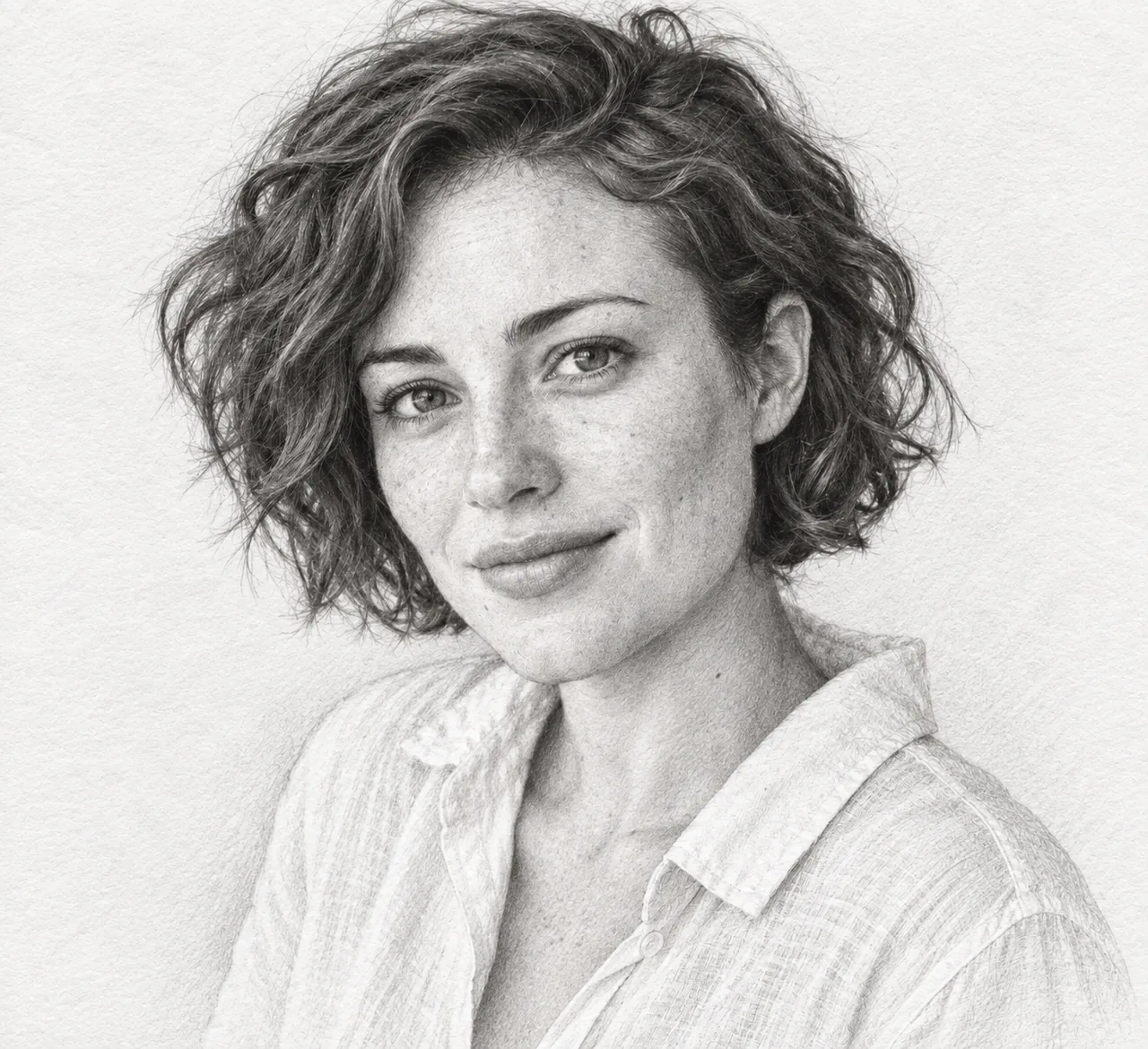
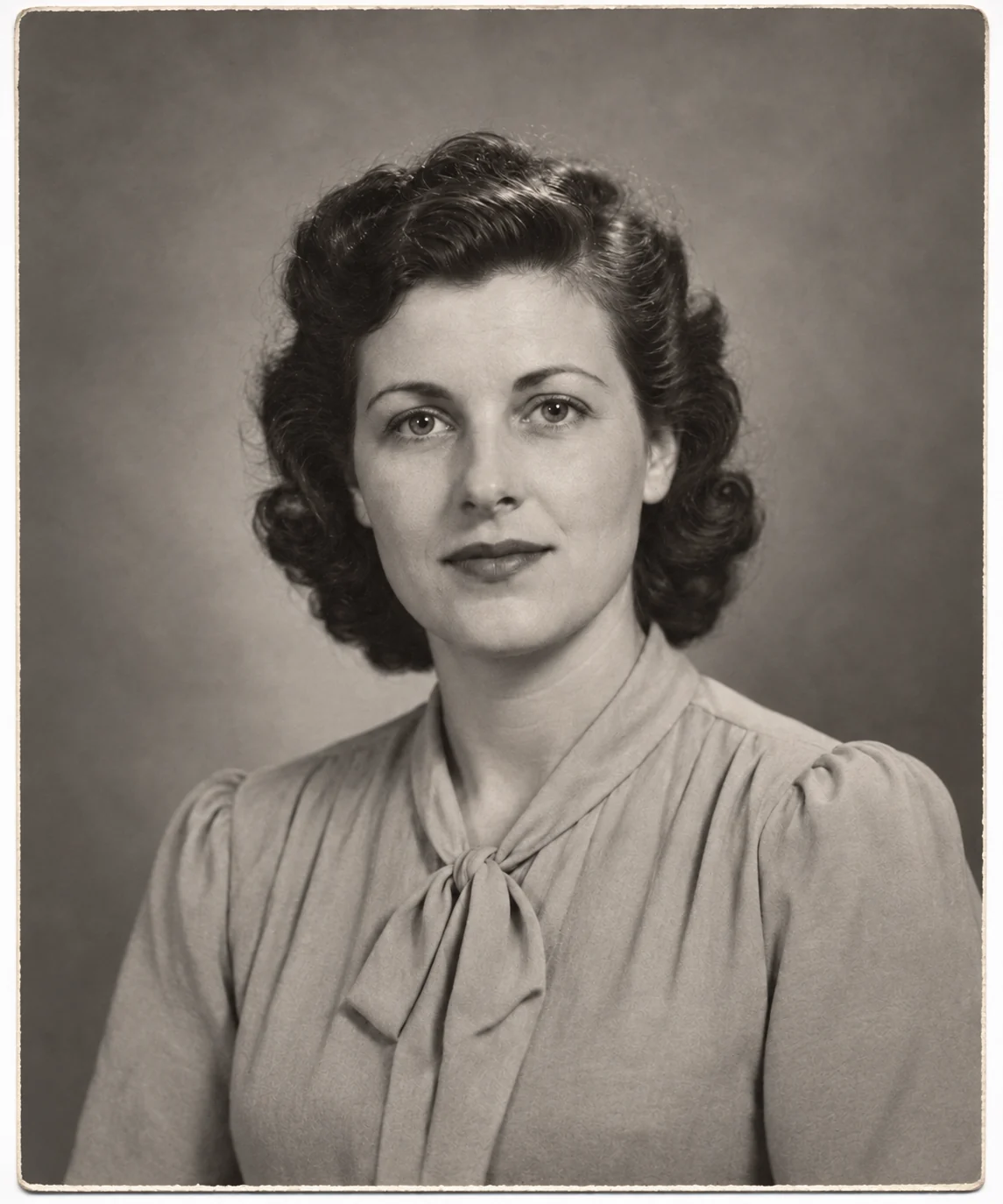
AI black-and-white portrait generator
Sculpt your portrait with directional light and deep monochrome tones.
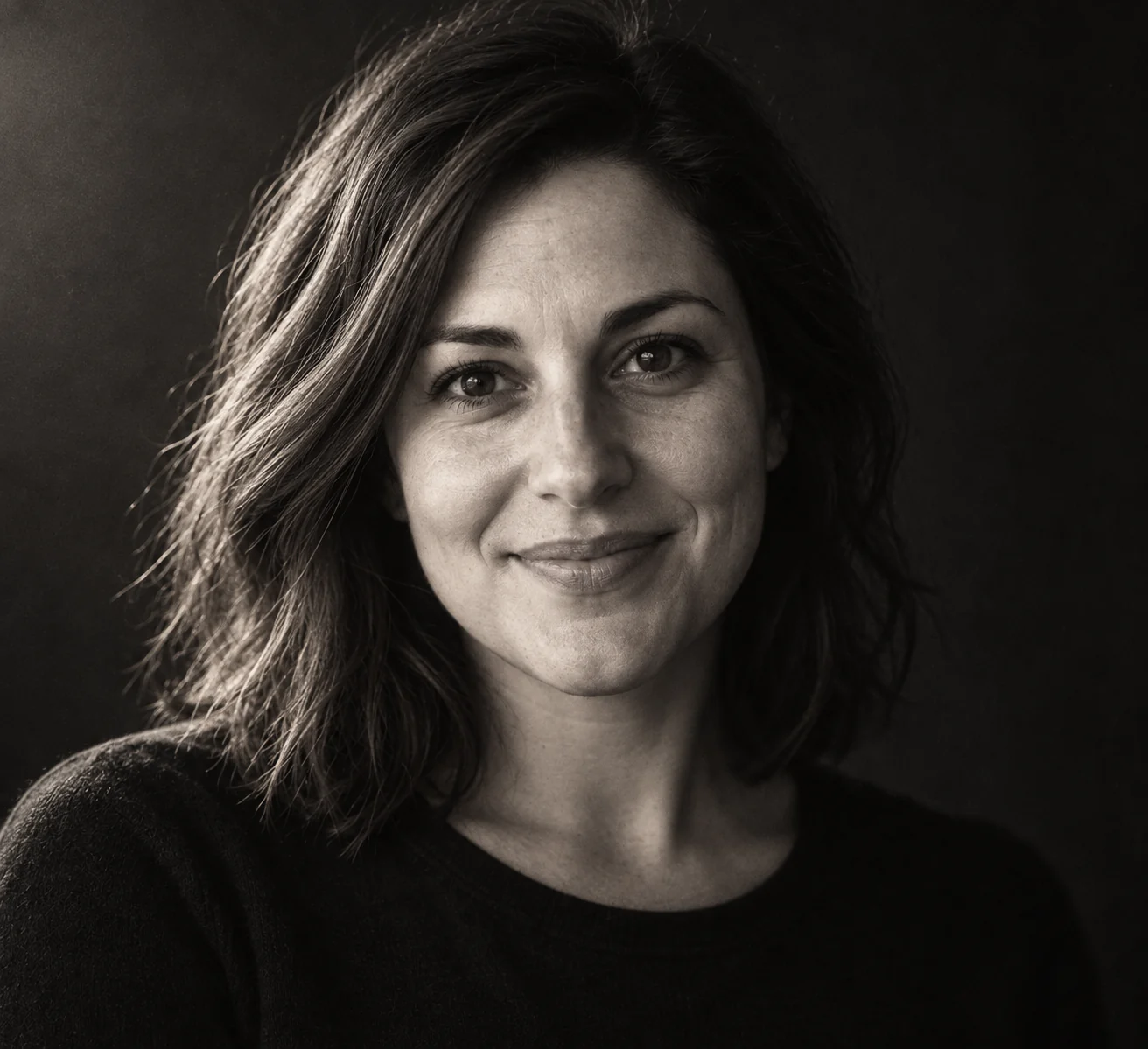

Contrast that shapes the face
The sample changes the lighting and background, not just the color. One side of the face falls into shadow while the brighter side carries the expression.
Look beyond desaturation
- Side lighting
- Highlights on the nose and cheek establish depth.
- Dark background
- The hair and jaw should remain distinguishable from the backdrop.
- Photo texture
- Skin detail and subtle grain separate this from a charcoal drawing.
Start with visible facial detail
Use a sharp source
Motion blur leaves less detail to retain in the shadows.
Avoid crushed blacks
An evenly lit source gives both sides of the face useful information.
Review the monochrome portrait
- Keep the eyes readable.
- Compare facial proportions with the source.
- Check hair edges for bright halos.
Dramatic monochrome, not a basic filter
Is this a grayscale filter?
No. The preset can change lighting and background as well as color.
Is there a contrast slider?
No. This is a fixed lighting treatment; use the image editor for a targeted follow-up.
Does it repair old black-and-white photos?
Use Old photo restoration for scratches and fading. This preset is for creative portraits.