AI background people remover
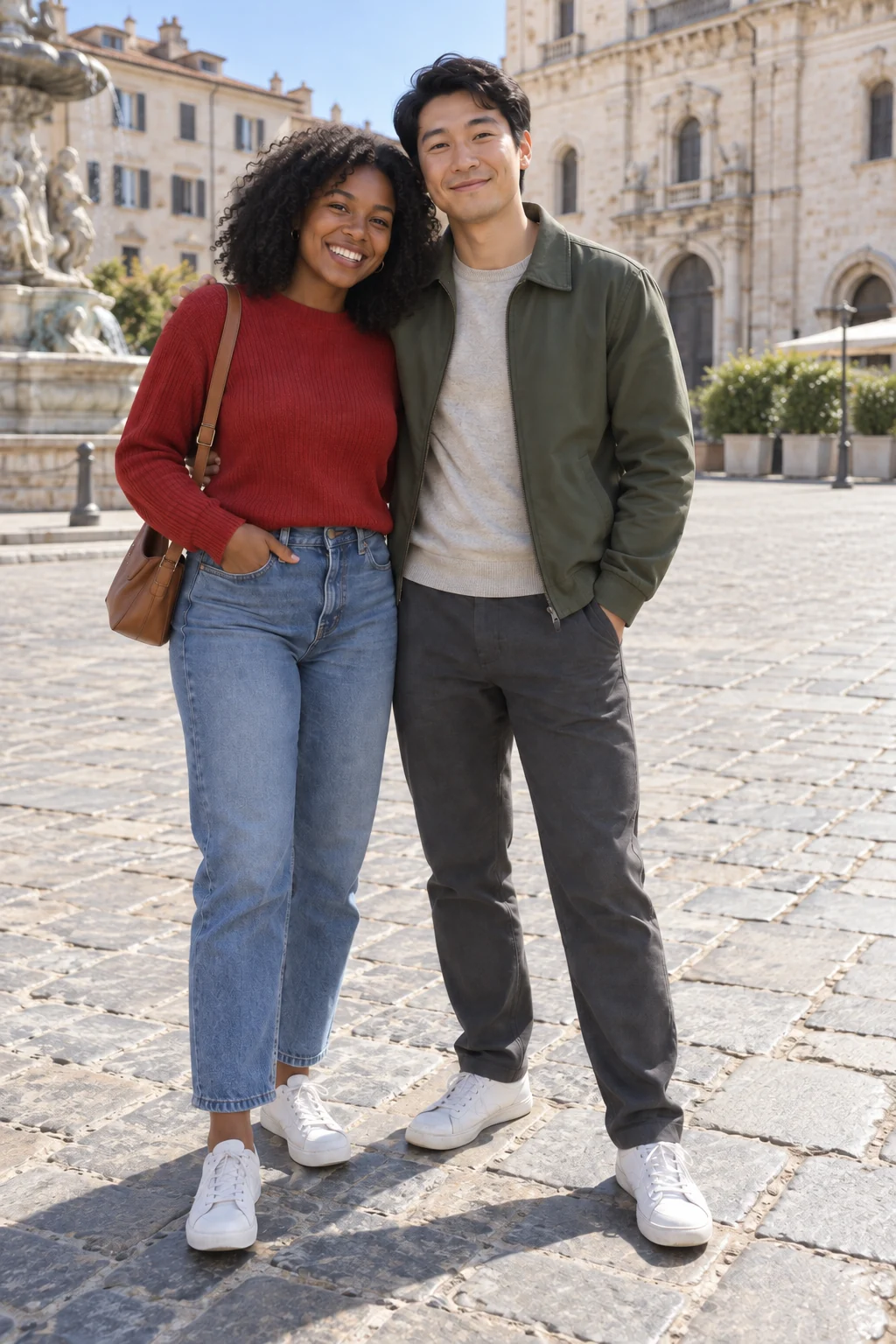
Clear distant bystanders while keeping the main subjects.
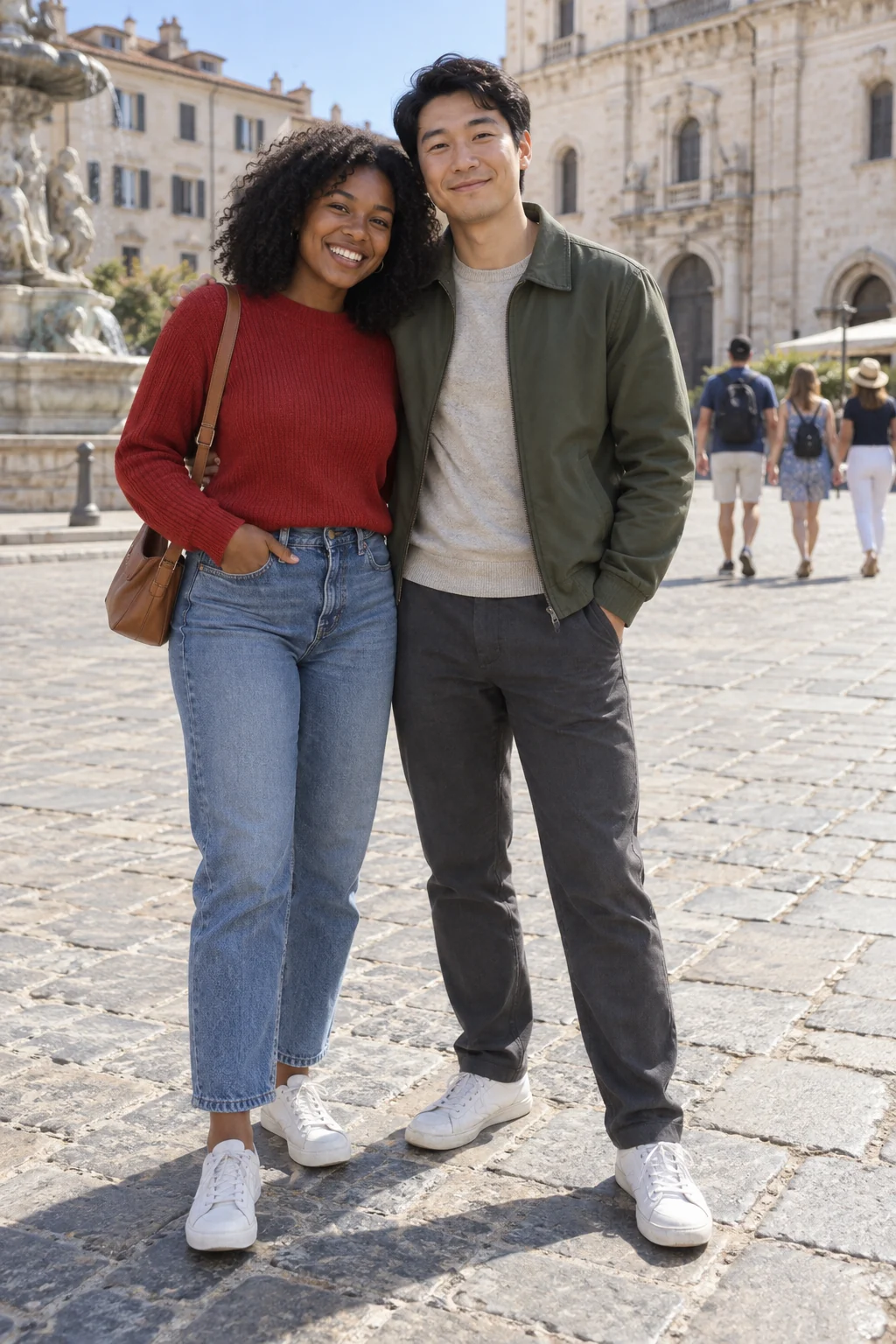
Keep the moment, clear the bystanders
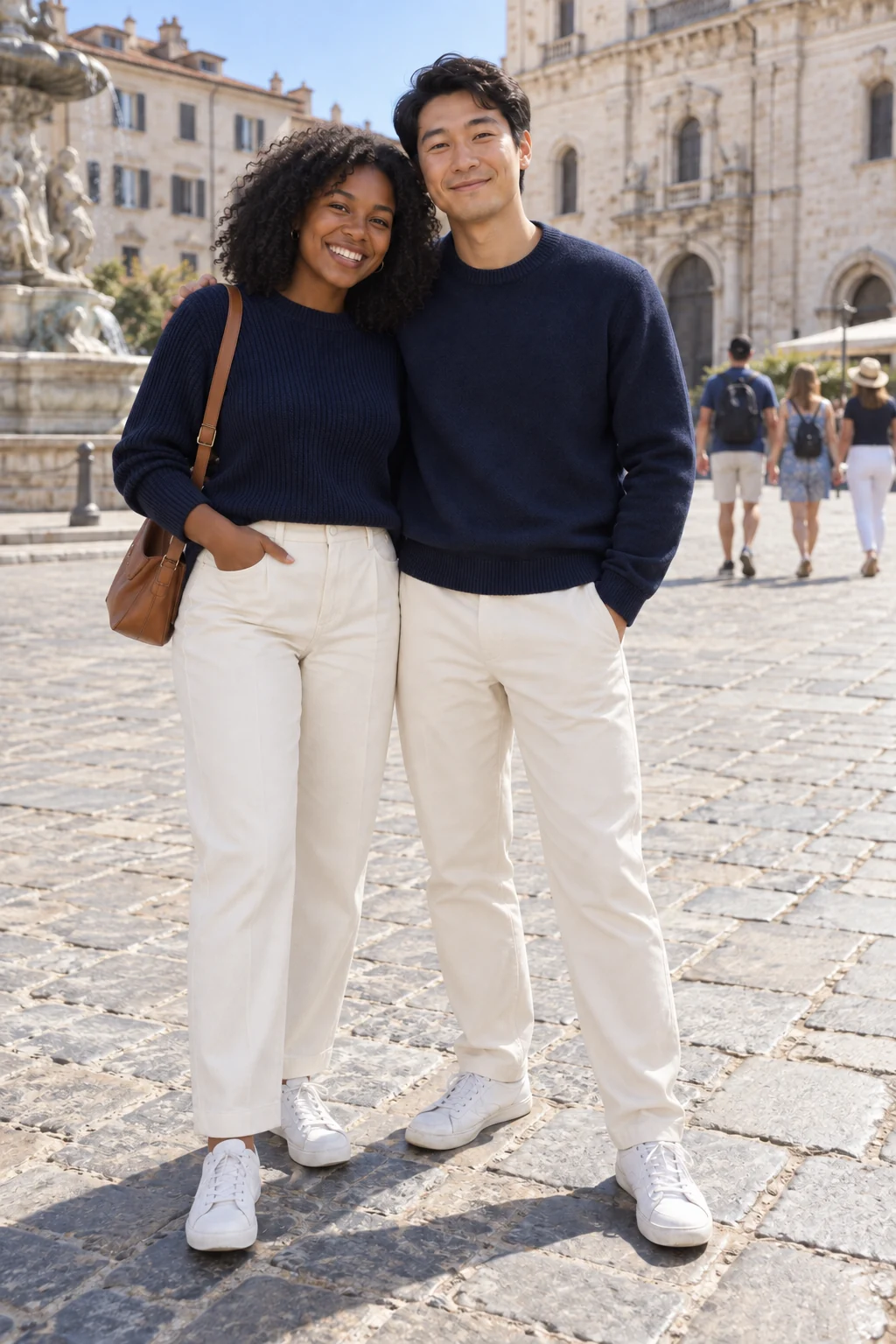
The example retains the two foreground friends and removes smaller background figures. Faces, clothing and the original group pose matter as much as the cleared space.
Identify the intended removal targets
- Foreground people
- The instructions retain the main foreground subjects.
- Distant figures
- Small background bystanders are the removal targets.
- Hidden scenery
- Covered areas are reconstructed, not uncovered from the source.
Choose a scene with separation
Make the main subjects obvious
A clear foreground group is easier to distinguish than a dense crowd at one distance.
Avoid overlap with faces
A bystander across the main person's face is harder to remove cleanly.
Inspect the rebuilt background
- Follow paving and railing lines through the edit.
- Look for leftover limbs or shadows.
- Compare the foreground faces and framing.
Removing people without removing the scene
Can I select a specific person with a mask?
This preset has no mask control. It targets distant people while keeping the foreground subjects.
Does it recover the real hidden background?
No. Missing areas are inferred from surrounding scenery.
Does this make the background transparent?
No. It keeps the scene and fills areas where people were removed.