Explore editorial layouts and product scenes, then adapt a prompt to your own project.
Describe the layout, not just the subject
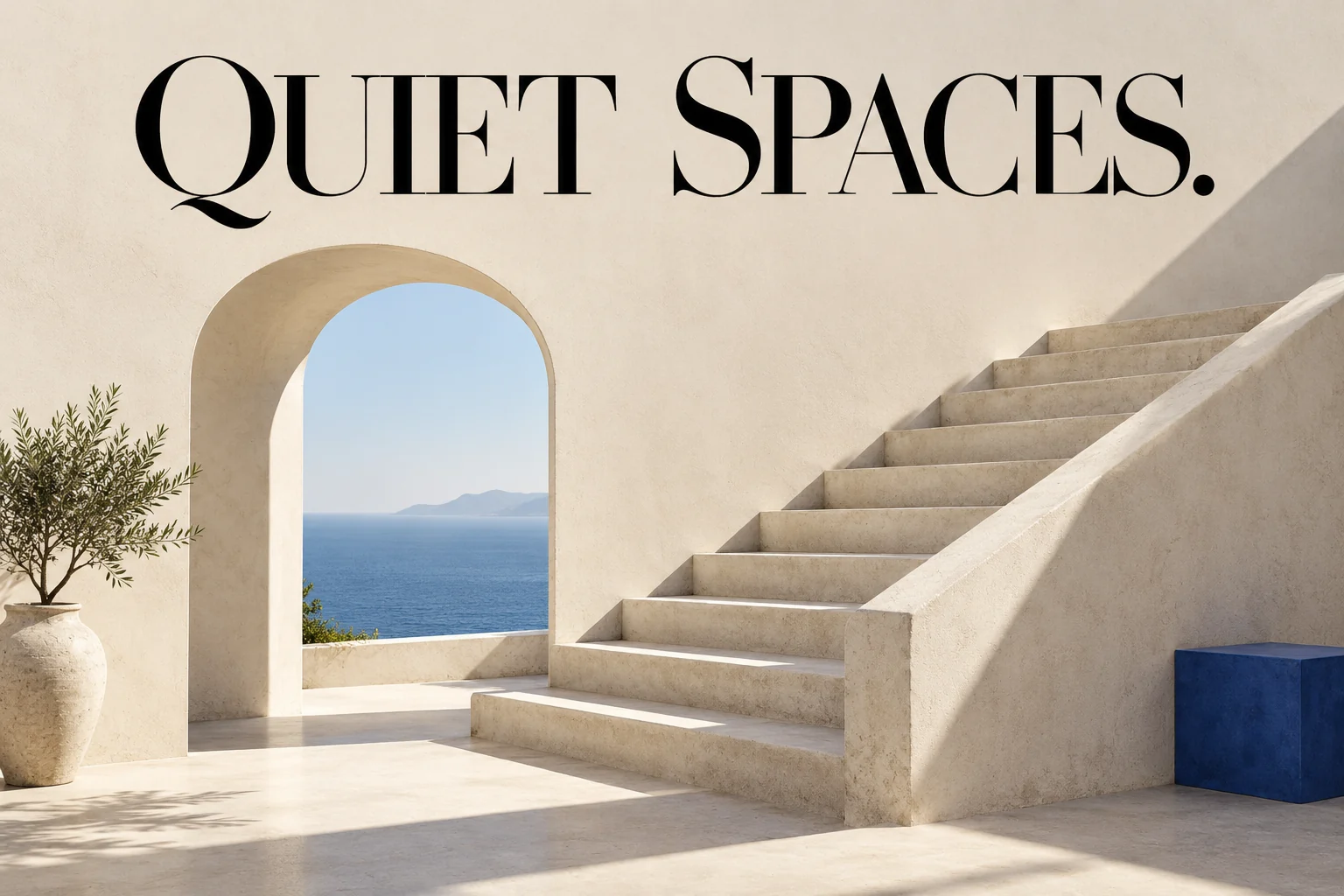
Explore an editorial layout with a clear heading, architectural subject and deliberate spacing. Take advantage of improved typography rendering by defining margins, placement, and headline text.
Prompt to try
Create an architectural editorial poster titled "QUIET SPACES". Sunlit concrete stairs, an arched opening, warm ivory surfaces and one cobalt-blue accent. Large readable black type above the scene, generous margins, no other words or logos.
Start with a practical brief
A clear editorial layout
Specify the placement of each element and check the final text.
Design an editorial cover for a fictional architecture journal. Exact heading: "QUIET SPACES". A sunlit concrete stairway occupies the lower two thirds. Place the heading in the open space above it, with generous margins. Warm gray and ivory palette. No other words or logos.
A consistent subject in new light
Upload a reference and state what must stay unchanged.
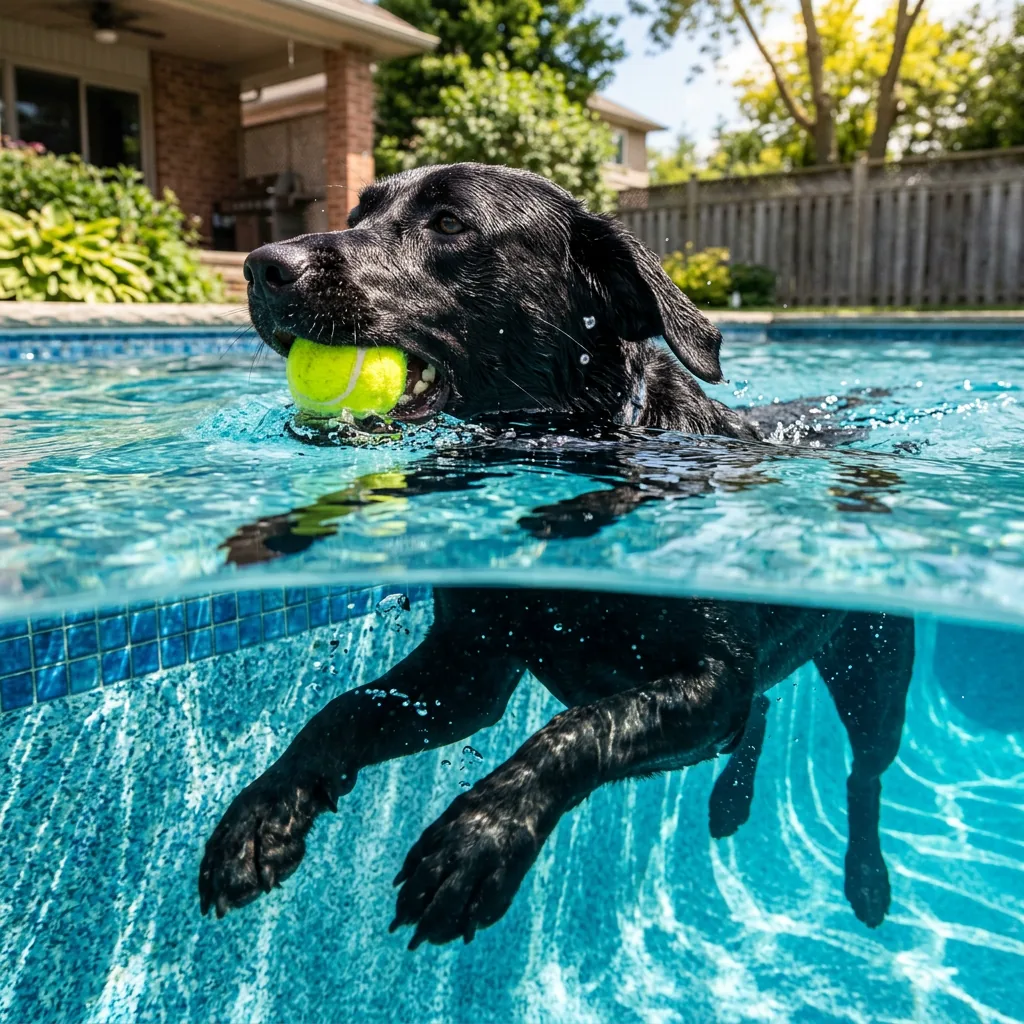
In @image1 keep the person's identity, expression, clothing, pose and camera framing unchanged. Change the scene to an overcast afternoon with soft window light and a neutral interior. Preserve skin texture, hands and clothing details. No added objects, text or beauty retouching.
Tips for reviewing your image
Review exact lettering and the spacing around it.
Compare the subject's face and details with the reference.
Choose 1K, 2K or 4K and review the credit quote.
Model specifications
The Generate button shows the cost for your selected settings and references.
Resolution tiers
1K / 2K / 4K
Reference images
Up to 4
Base credits
24 credits
Images per generation
1
Key enhancements in Nano Banana 2.1
Nano Banana 2.1 focuses on higher layout precision, readable typography, and tighter character consistency across multi-turn edits. While Nano Banana 2 remains ideal for fast drafting, 2.1 delivers production-ready visual structure for commercial designs and posters.
Nano Banana 2.1: capabilities and workflow guide
Precise typography and layout control
Enhanced text rendering enables clean headlines and labels within images. For best results, place required words in quotation marks and define layout spacing directly in your brief.
Consistent multi-turn reference editing
Optimized subject and character preservation across revisions. Combine up to four reference photos with @image tags to adapt products or portraits into new environments.
High-resolution production outputs
Generate or edit in 1K, 2K, or 4K with six aspect presets (square, portrait, landscape, cinematic). Export in JPEG or PNG with predictable, transparent credit quotes.
Actionable prompt best practices
Describe specific lighting, materials, and composition rather than relying on generic quality keywords. Verify spelling and margins on delivered designs before final use.
What can I make with Nano Banana 2.1, and how do I start?
Nano Banana 2.1 excels at graphic posters with readable typography, commercial product scenes, and multi-reference image edits. For a new image, describe the subject, layout, lighting, and any required text in quotation marks. For edits, upload your photo and specify what to change. Review your output and continue refining with follow-up instructions.
Can I use my own photos or combine several references?
Yes. You can upload up to 4 reference images here. Use prompt tags like @image1 for your subject and @image2 for background or setting. High-clarity photos produce the most coherent results. References are optional when creating from text alone.
Should I choose 1K, 2K or 4K?
Choose 1K to quickly explore ideas and compositions with the lowest credit cost. Select 2K for polished digital graphics and social media assets. Choose 4K when delivering final high-resolution artwork or print-ready layouts. Each resolution tier generates a distinct render tailored to your prompt.
How much will my image cost, and do references cost extra?
Text-to-image starts at 24 credits for the default 1K resolution. Selecting 2K or 4K, or attaching reference images, adjusts the quote. The Generate button dynamically displays the exact credit cost before you submit. Each generation or edit request is billed individually.
What is the difference between Nano Banana 2.1 and Nano Banana 2?
Nano Banana 2.1 provides targeted improvements in typography rendering, layout fidelity, and multi-turn character consistency across edits. It is ideal for commercial posters and strict reference preservation. Nano Banana 2 remains an agile, cost-effective choice for rapid concept generation and everyday drafting.
Can I try Nano Banana 2.1 without paying?
Nano Banana 2.1 is a premium production model that requires signing in and credits. New accounts receive 10 free credits upon sign-up to test models across FluxContext. You can also explore our free Flux.2 model without an account to try the basic image generation workflow.
How do I keep a face or product consistent when editing?
Upload a clear reference and describe what to preserve, such as facial features, product silhouette, color, and logo. State only the specific changes desired. Click Edit on any output to refine details iteratively with follow-up prompts.