AI magazine cover generator
Create an editorial cover from a portrait with a masthead.
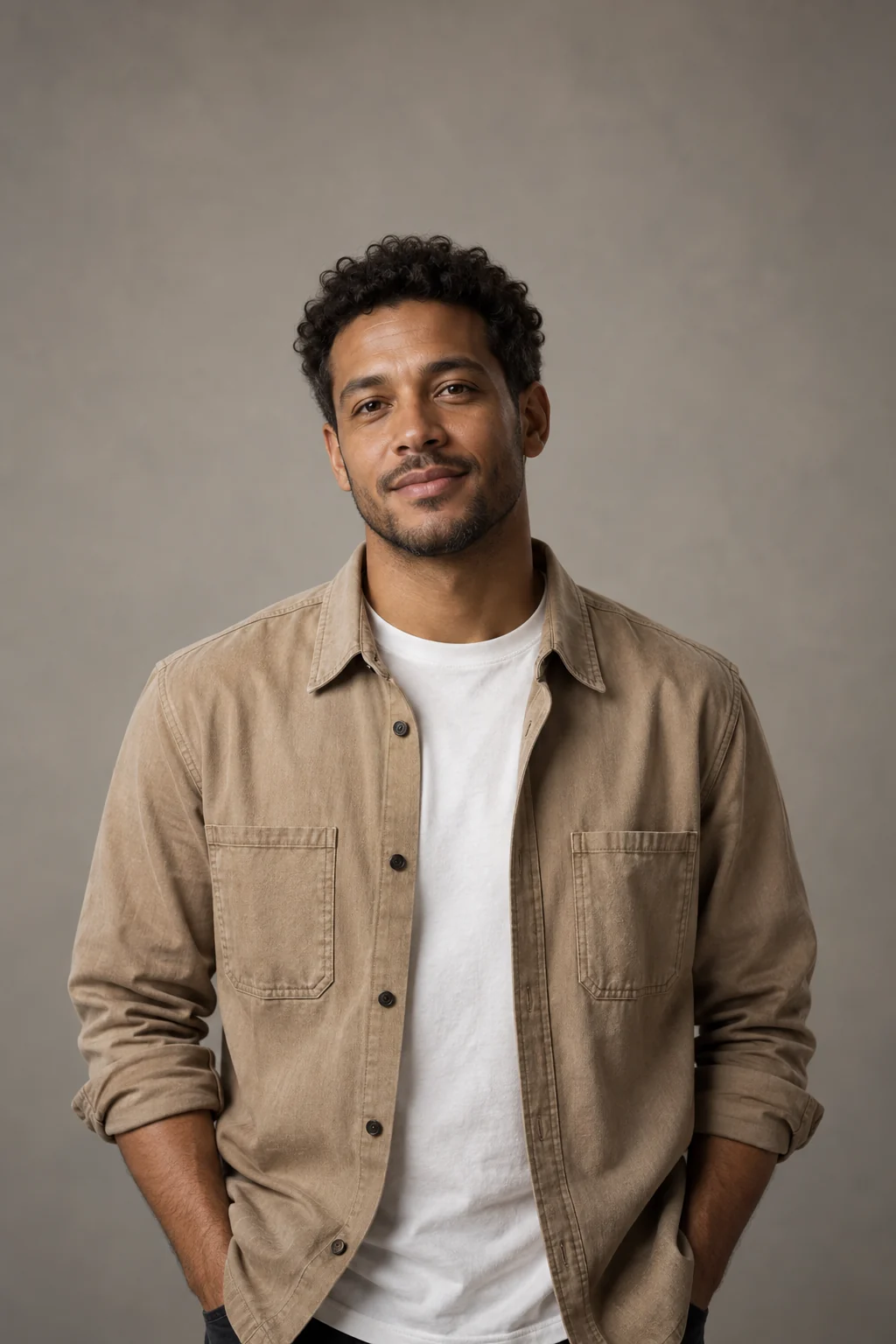
A portrait with an editorial hierarchy
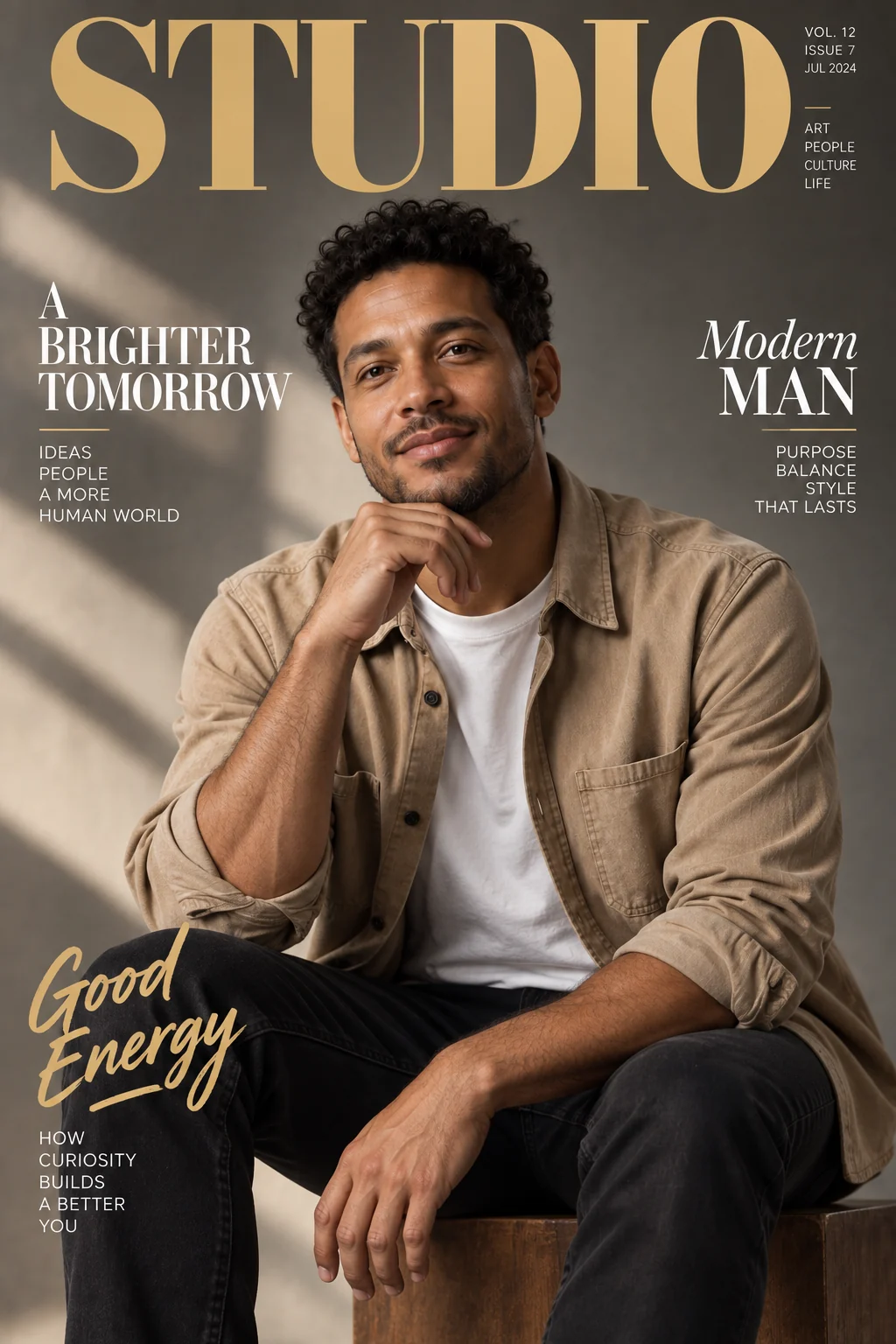
The sample places a large STUDIO masthead above a seated portrait, with smaller cover lettering around it. The masthead should be easy to identify without losing the person's face.
Decide what the cover needs to say
- Masthead
- Use the title field for the main publication name, up to 40 characters.
- Subtitle
- The optional subtitle accepts up to 60 characters.
- Portrait placement
- The pose and styling may change to suit an editorial composition.
Prepare a cover-ready reference
Leave room around the subject
A wider portrait gives the masthead and cover text room to breathe.
Keep the copy short
Avoid trying to fit a full article summary into the title or subtitle.
Proofread the whole cover
- Read both requested and incidental lettering.
- Check whether text covers important facial features.
- Review margins before cropping or printing.
Building an editorial cover image
Can I use my own magazine name?
Yes. Enter it in the Masthead field and check the generated spelling.
Can I control every cover line individually?
The controls provide a masthead and optional subtitle, not a full cover-line layout editor.
Does this generate the inside pages too?
No. The result is a single cover image, not a multi-page magazine or editable publishing document.