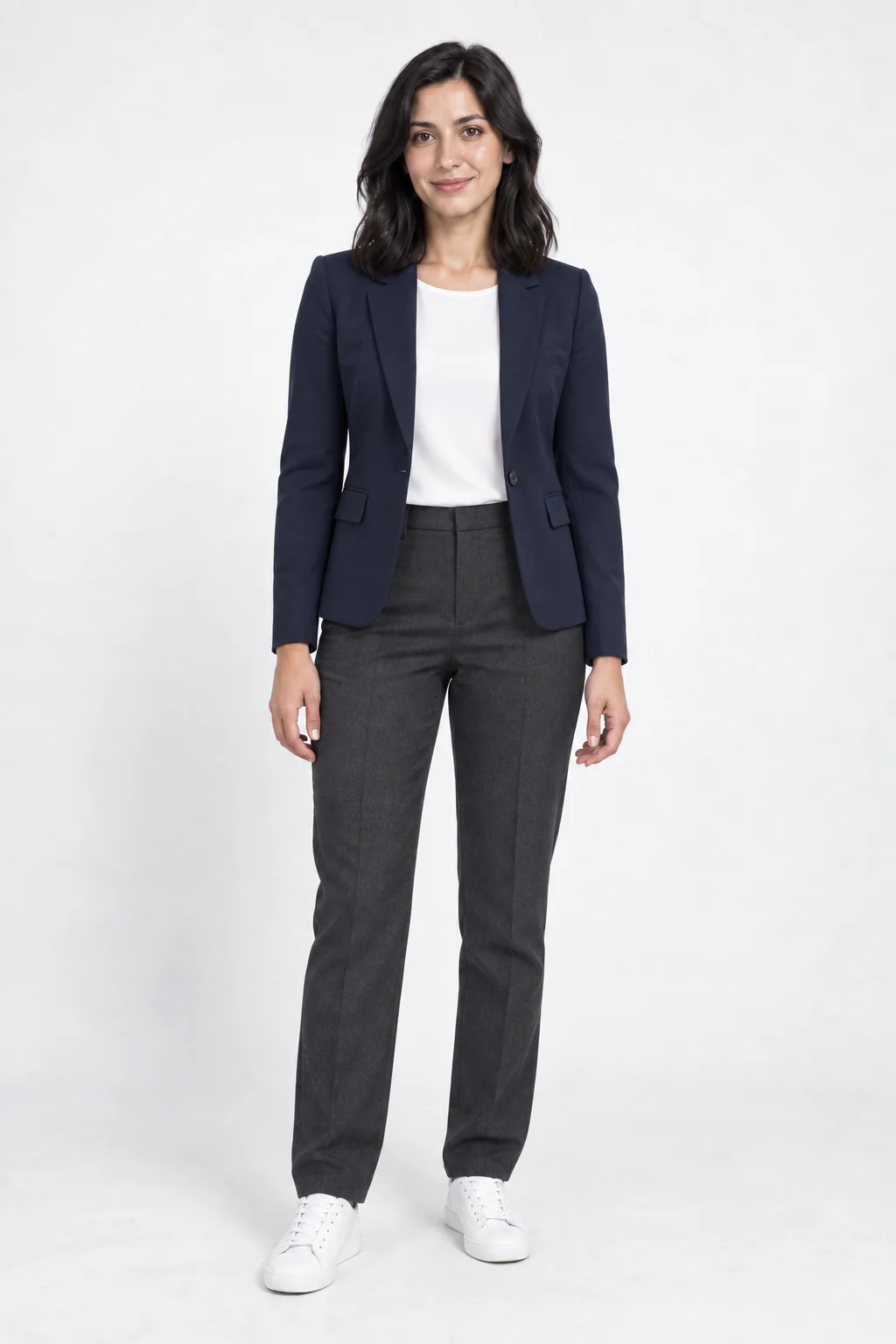
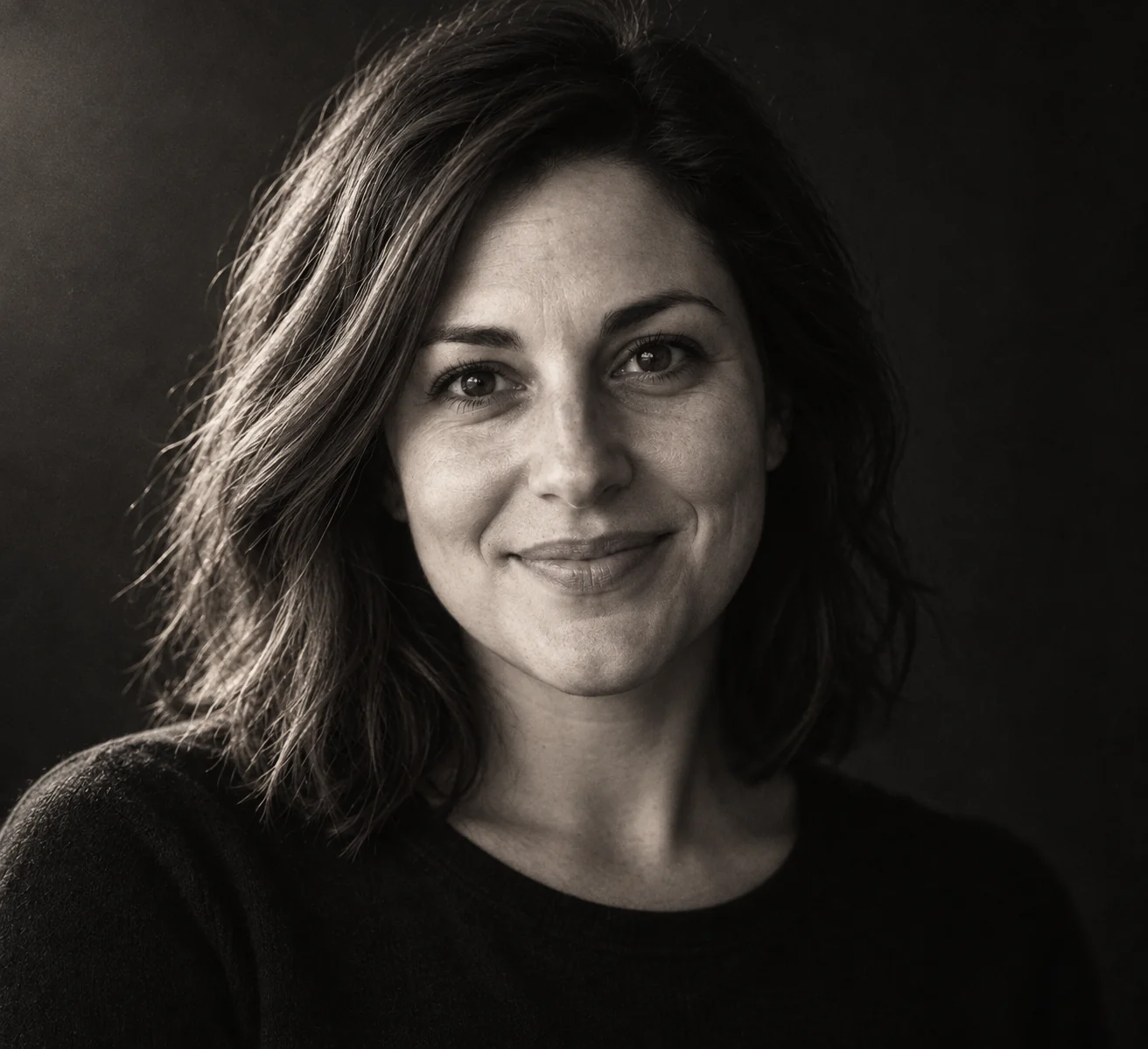
Bicep Heart AI Photo Generator
Turn one portrait into the Bicep Heart pose: flex one arm and curl the other hand into a heart beside your shoulder. Create a still image, not a video.
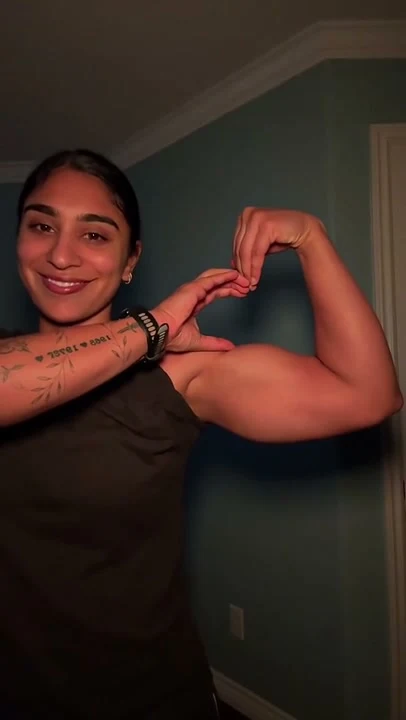
Turn one portrait into the Bicep Heart pose: flex one arm and curl the other hand into a heart beside your shoulder. Create a still image, not a video.
Make the Arm Heart Without Filming
The Bicep Heart pose closes a small heart between one flexed arm and the opposite curved hand, beside the shoulder. This template edits one adult portrait into that finished pose. It makes a single still image, not an animated clip or a muscle transformation.
The Shape Comes from the Pose
- One flexed arm
- The elbow bends outward and the fist sits beside the head. Natural body proportions stay the same.
- One curved hand
- The other hand crosses the chest, with fingers curling toward the fist and the thumb resting against the inner bicep to close the small heart.
- One finished image
- The prompt keeps the face, hair, clothing and setting recognizable while changing the arms. The preview shows the target pose.
Leave Room for Both Arms
One adult, head to waist
Choose a clear front-facing or slight three-quarter portrait. Include both shoulders, elbows and hands rather than a tightly cropped selfie.
Clear edges around the body
Avoid crossed arms, objects covering the chest, heavy blur and loose sleeves that hide the hands. You do not need to make the heart in the input photo.
Check the Heart Before Sharing
- The heart should sit beside one shoulder, not above the head or between two hands in front of the chest.
- Check both wrists, fingers and elbows for natural connections and a clear heart-shaped opening.
- Compare the face, clothing and body build with your original photo.
Making a Bicep Heart Photo
What Is a Bicep Heart?
It is an arm-and-hand pose: flex one arm, then curl the opposite hand toward the fist and bicep to close a small heart beside the shoulder. It does not require large muscles.
Do I Need to Pose in the Original Photo?
No. Upload one clear adult portrait with enough space around both arms. The template asks the image model to change the pose while preserving the recognizable person.
Does This Make a Photo or a Video?
This page creates one still image. To generate the movement from relaxed arms to the finished heart, use the Bicep Heart video template linked below.
When Are Credits Used?
Opening the template or choosing a photo does not submit a generation. Sign in, upload your photo and review the quoted image cost before generating.