AI photo effects for people and pets
Apply a playful effect to a person or pet.
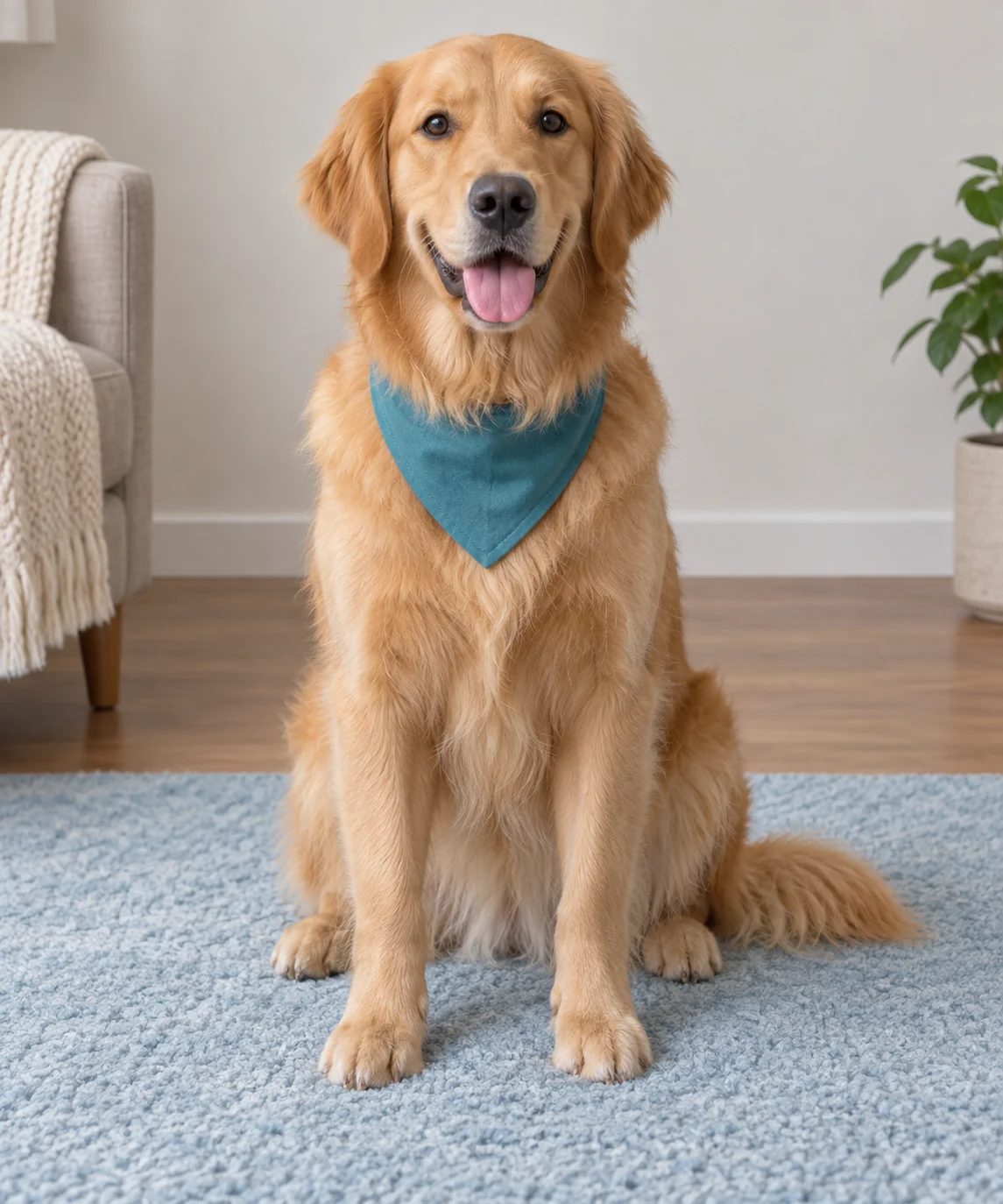
Choose the kind of transformation first
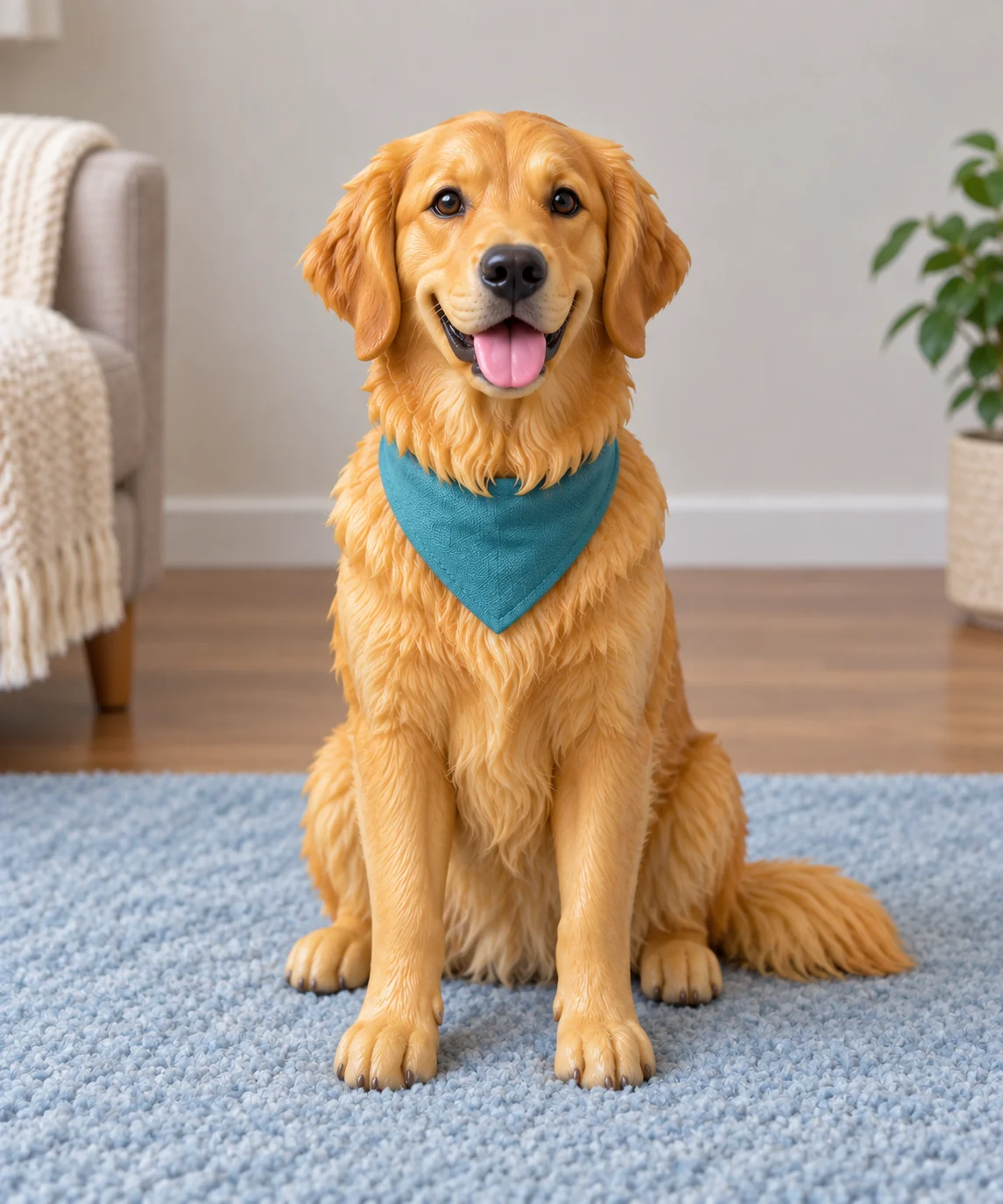
The sample shows a dog reimagined as a toy figure. The other menu choices are different briefs, not different strengths of that toy effect.
Compare the available effects
- Astronaut
- A space-suit and orbit setting changes clothing and context.
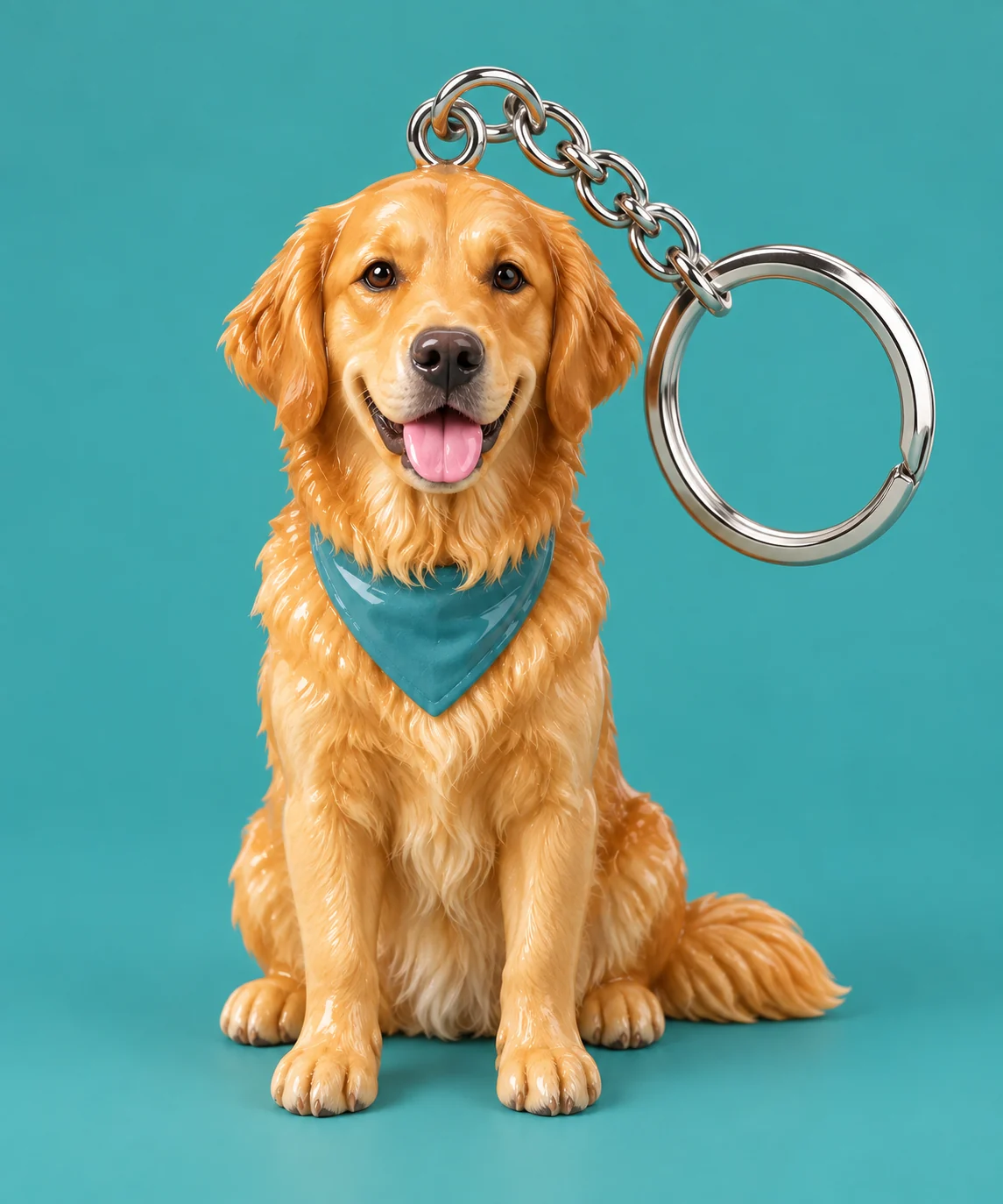
- Miniature figurine
- The subject becomes a toy rather than receiving a toy beside it.
- Vintage travel poster
- The direction is a retro graphic composition.
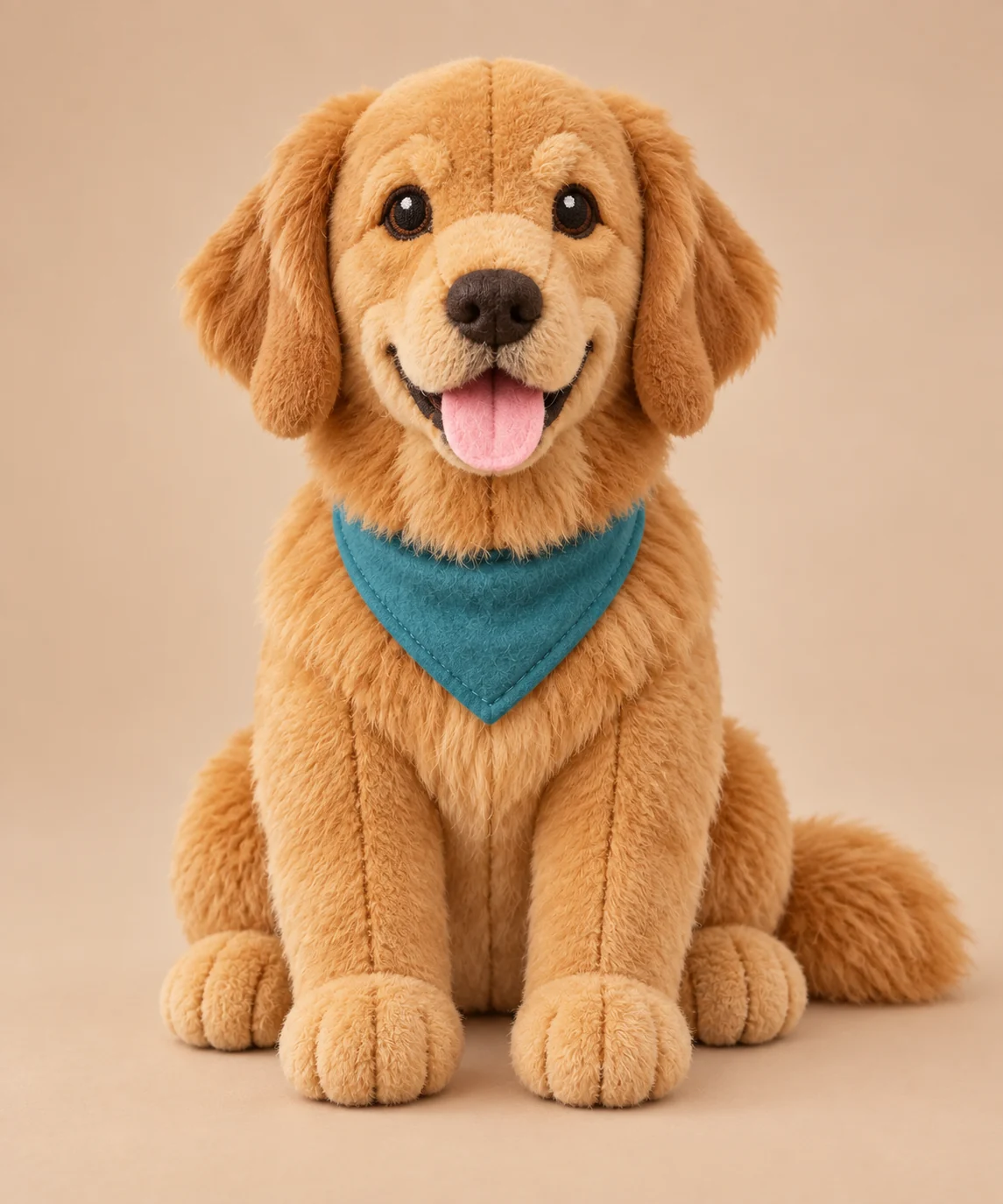
- Plush toy
- The transformation emphasizes soft fabric and toy proportions.
Set up a playful edit
Choose one clear subject
Keep recognizable facial features or pet markings visible.
Select the effect
Choose an option in the Effect menu before generating.
Check the chosen transformation
- Verify that the output follows the selected effect.
- Look for recognizable facial or coat details.
- For toy effects, reject a duplicated original subject beside the toy.
Choosing a playful photo effect
Can I combine all four effects at once?
This preset submits one selected effect per generation.
Why use the dedicated Plush toy template?
It has a more detailed plush-specific brief. This page is a selector for several different creative directions.
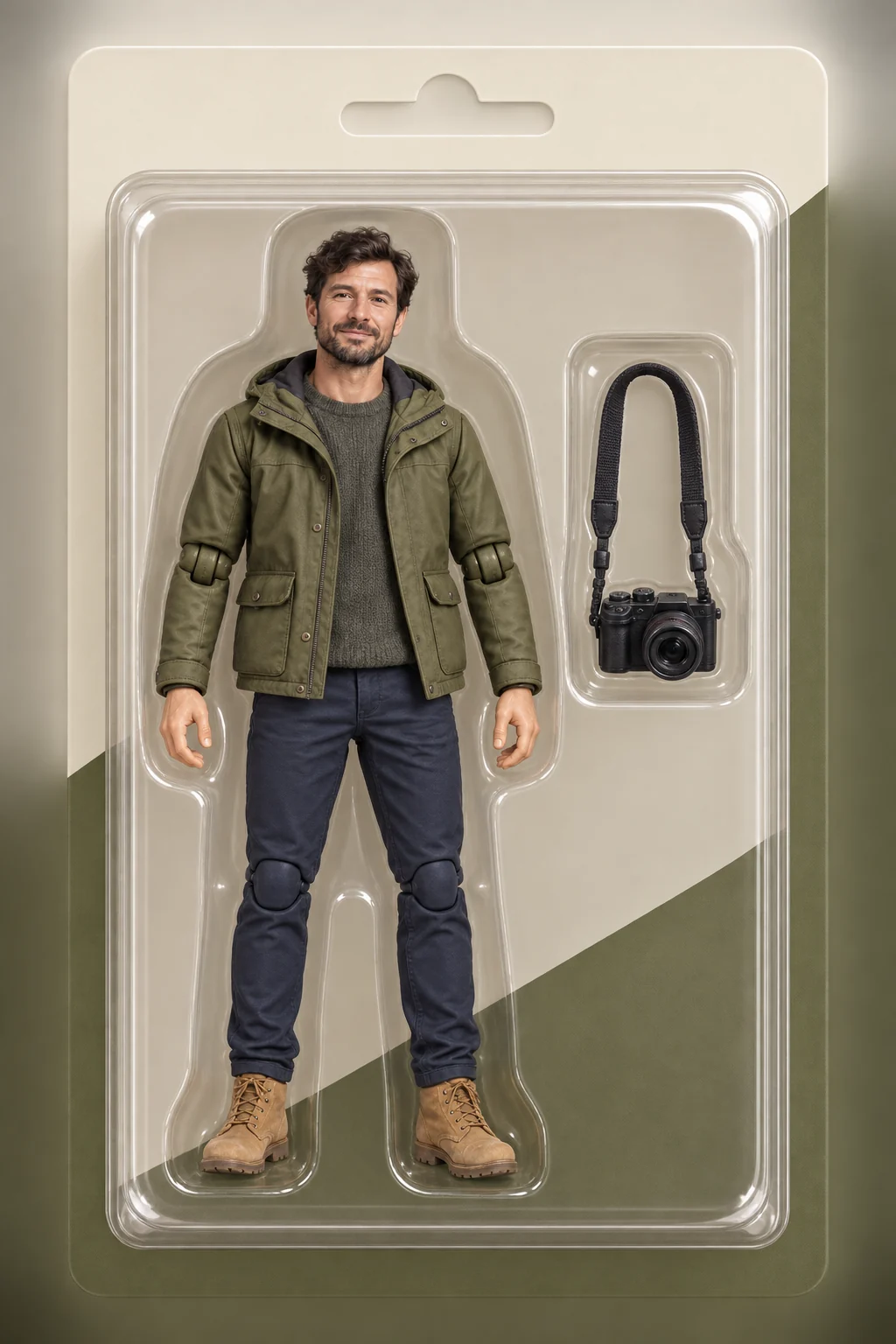
Can I add packaging and accessory fields here?
Use Action figure for those controls. They are not part of this effect selector.