AI keychain generator
Make a tiny 3D collectible with a metal keyring.

A small figure with a believable attachment
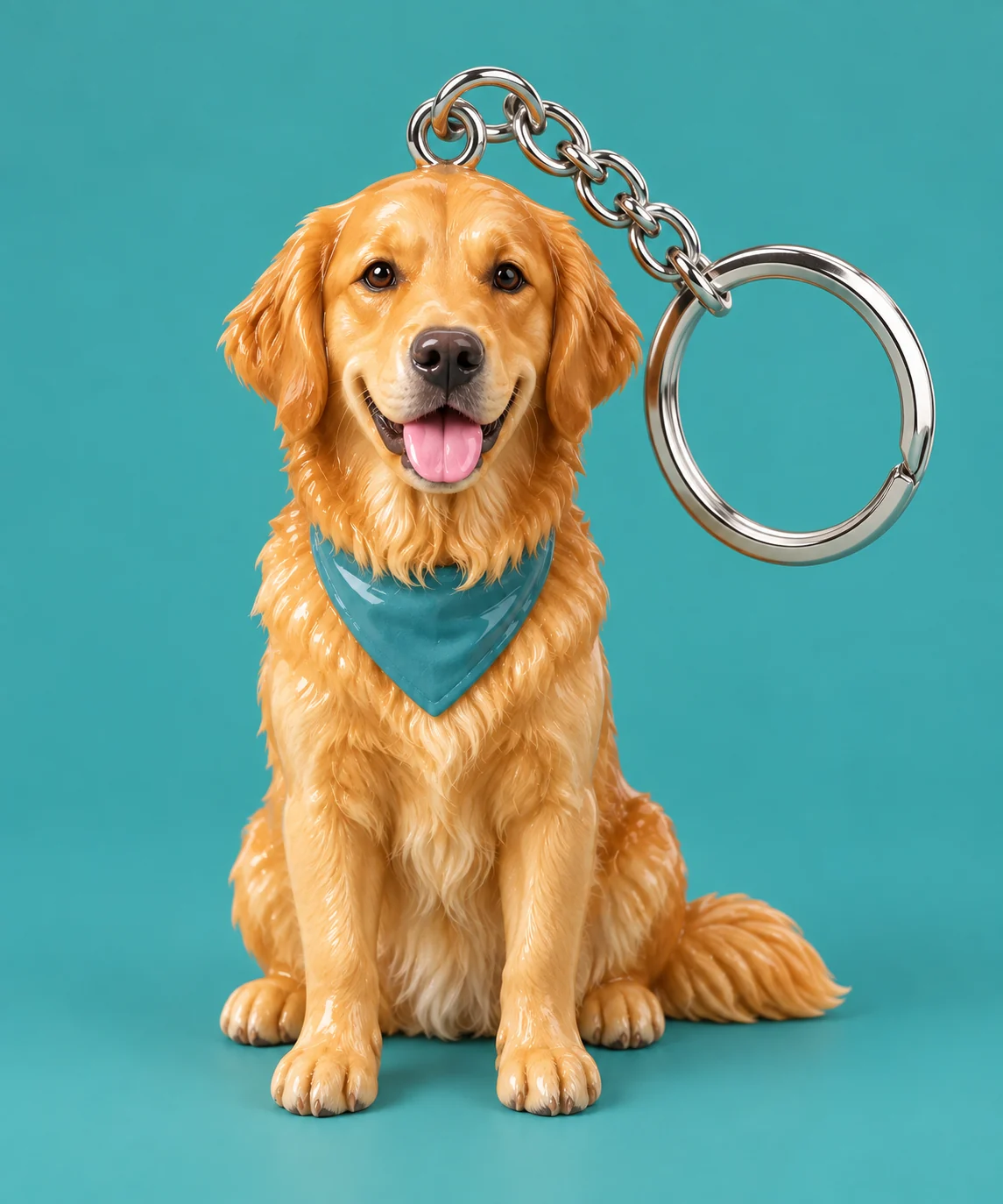
The sample keeps the dog's markings and bandana while adding a short chain and silver ring. The attachment matters as much as the miniature face: it should connect to the object.
Inspect the keychain construction
- Resin figure
- Painted, glossy surfaces should feel sculpted rather than furry.
- Eyelet and chain
- The connection should be continuous from the figure to the ring.
- Metal ring
- A complete split ring establishes the keychain function.
Use a recognizable miniature subject
Keep key features visible
Include distinctive hair, ears or color markings.
Leave space around the subject
Avoid a crop that cuts off the head or the intended figure silhouette.
Check the miniature before sharing
- Follow every chain link to the attachment.
- Check that the ring is not fused into the face.
- Make sure the original subject is not duplicated beside it.
Designing a keychain image
Does the keychain generator export a 3D model?
No. It creates a raster image, not a mesh or a file ready for 3D printing.
Can I add an engraved name?
This preset has no text field and requests no lettering.
How is this different from the action figure preset?
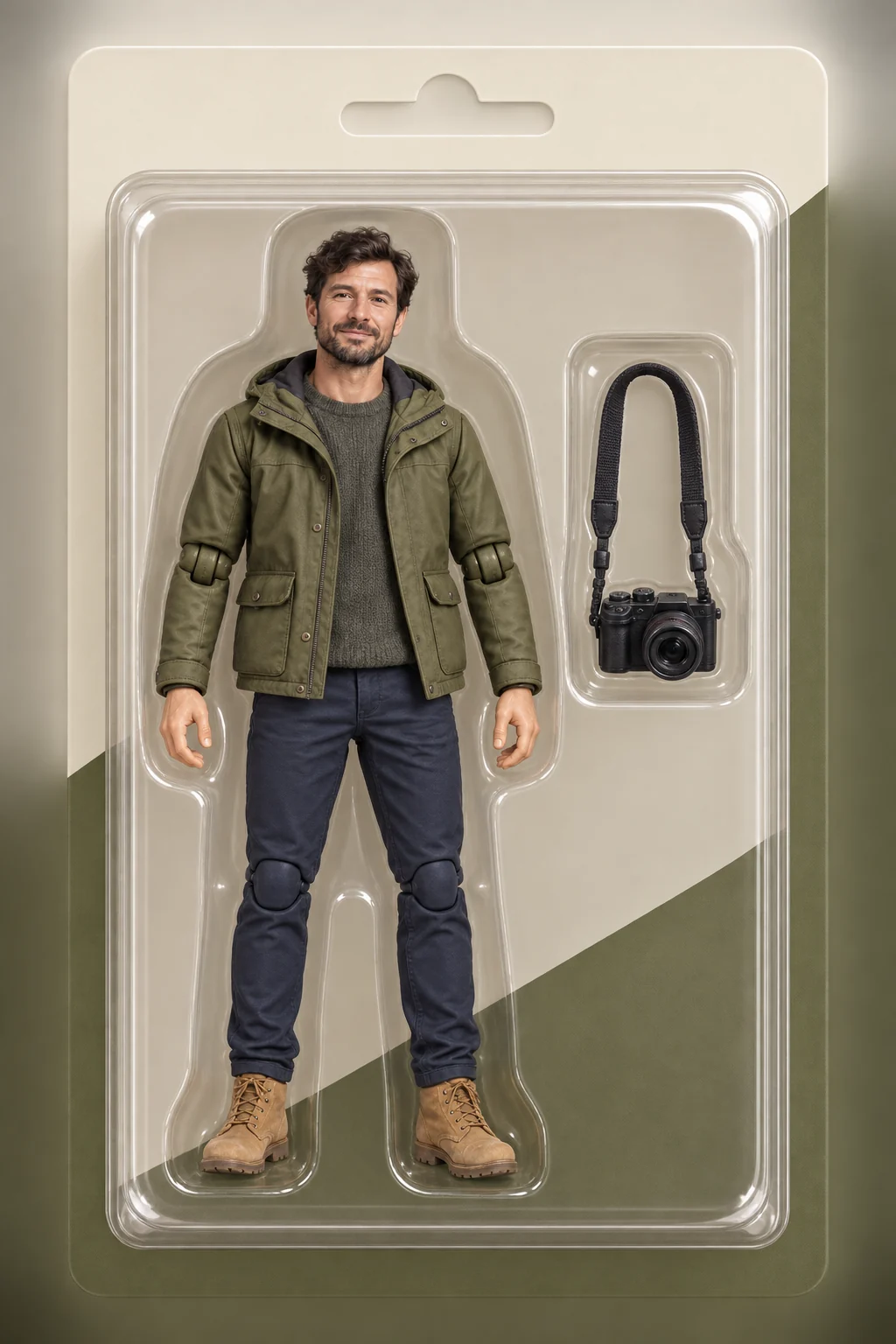
A keychain includes a ring and chain; the action figure uses a display package and optional accessories.