AI ink illustration generator
Bold brushwork, flowing ink and expressive black-and-white detail.
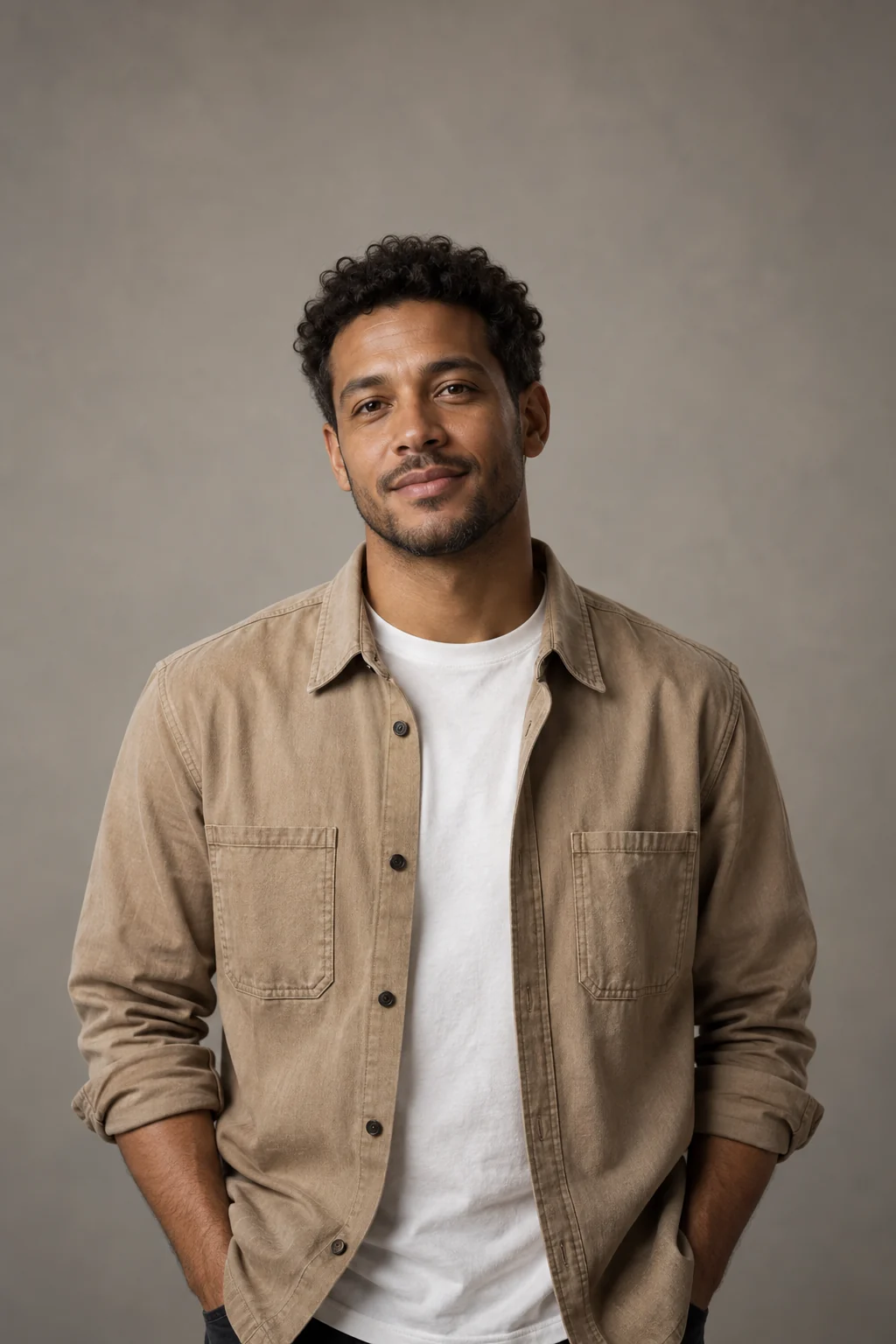
Use ink weight to describe the subject
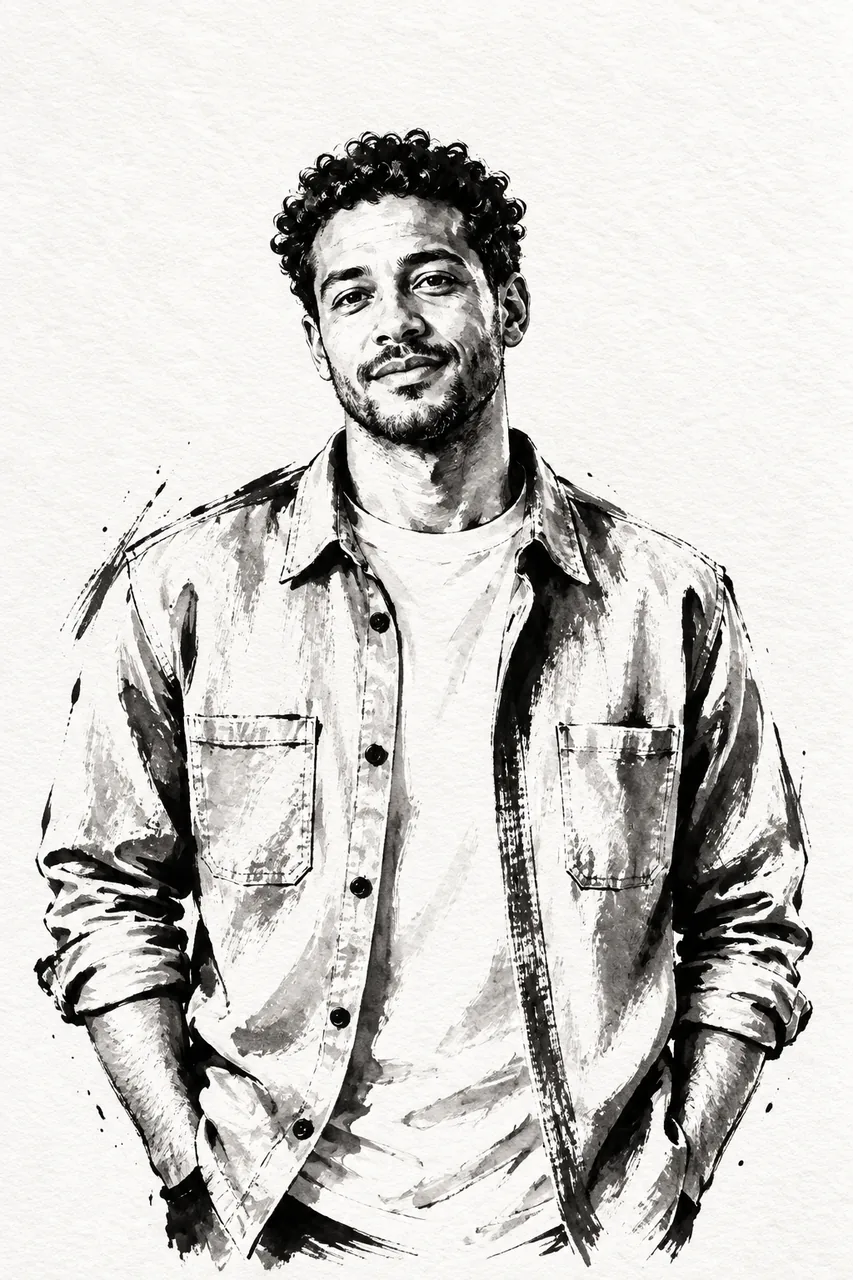
The sample reduces the portrait to black marks and open paper while keeping the jacket, posture and face readable. Dark shapes should describe form rather than hide every detail.
Look for a brush-and-wash treatment
- Strong contours
- Changing line thickness gives weight to the subject.
- Ink washes
- Lighter tones suggest shadow without photographic shading.
- Untouched paper
- Open areas help separate shapes and maintain legibility.
Prepare an image with a clear silhouette
Separate subject and background
Strong overlap with dark scenery can merge into large black areas.
Keep important edges visible
Include the face, hands or object outline that matters to the illustration.
Review the ink interpretation
- Check that black areas do not erase defining features.
- Follow contours through hands and clothing.
- Look for consistent paper and brush texture.
Working with a fixed ink style
Is this the same as the ink option in Photo to sketch?
This brief emphasizes brush shapes, dry-brush texture and washes. The sketch option requests a clean ink line drawing.
Can I add color to the ink illustration?
This preset requests black ink without color. Style transfer includes watercolor and other alternatives.
Does it export a print-ready vector?
It produces a raster image. Check resolution and edges for your intended print size.