AI doodle portrait generator
Loose, playful pen strokes with a hand-drawn character.
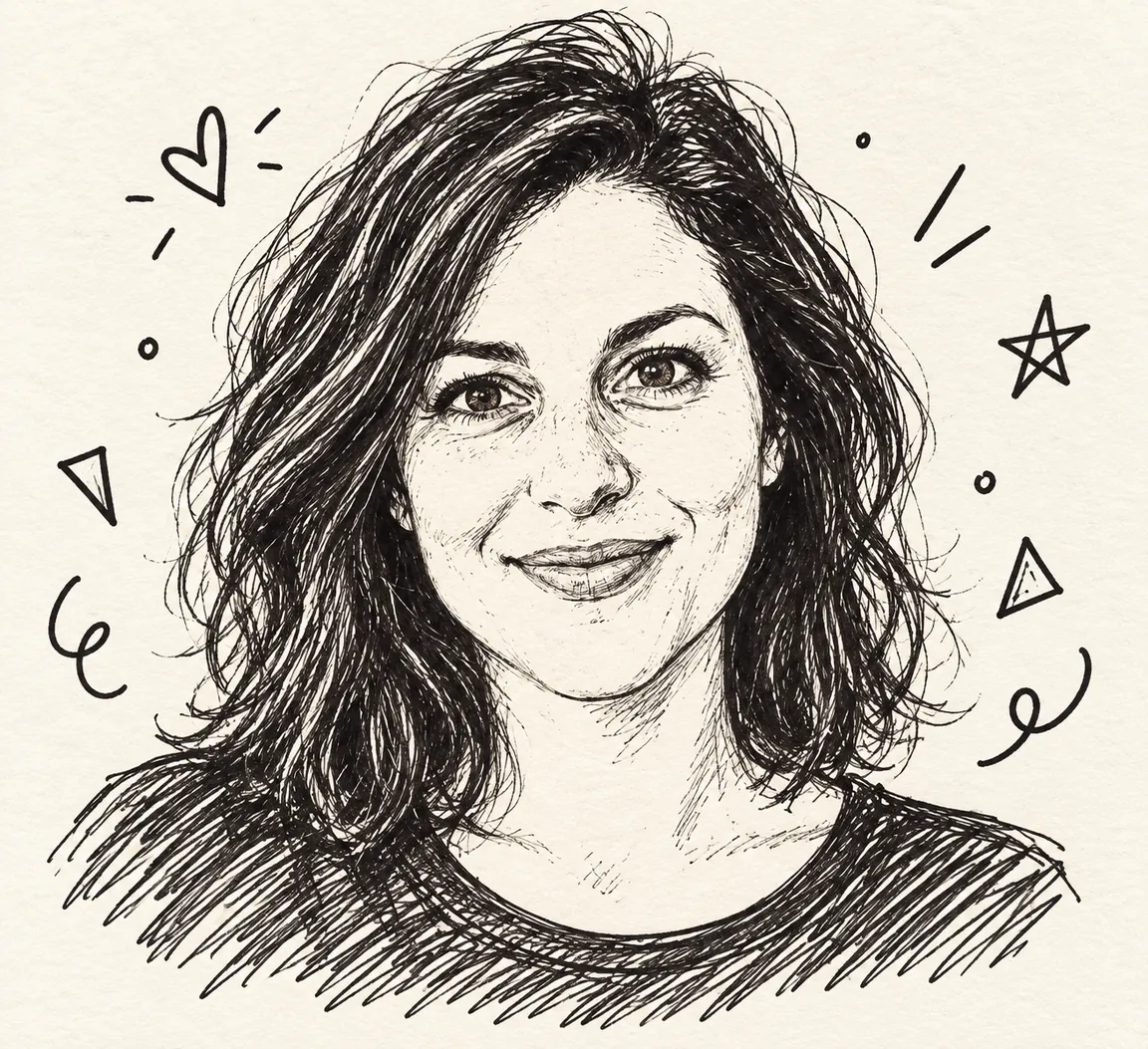
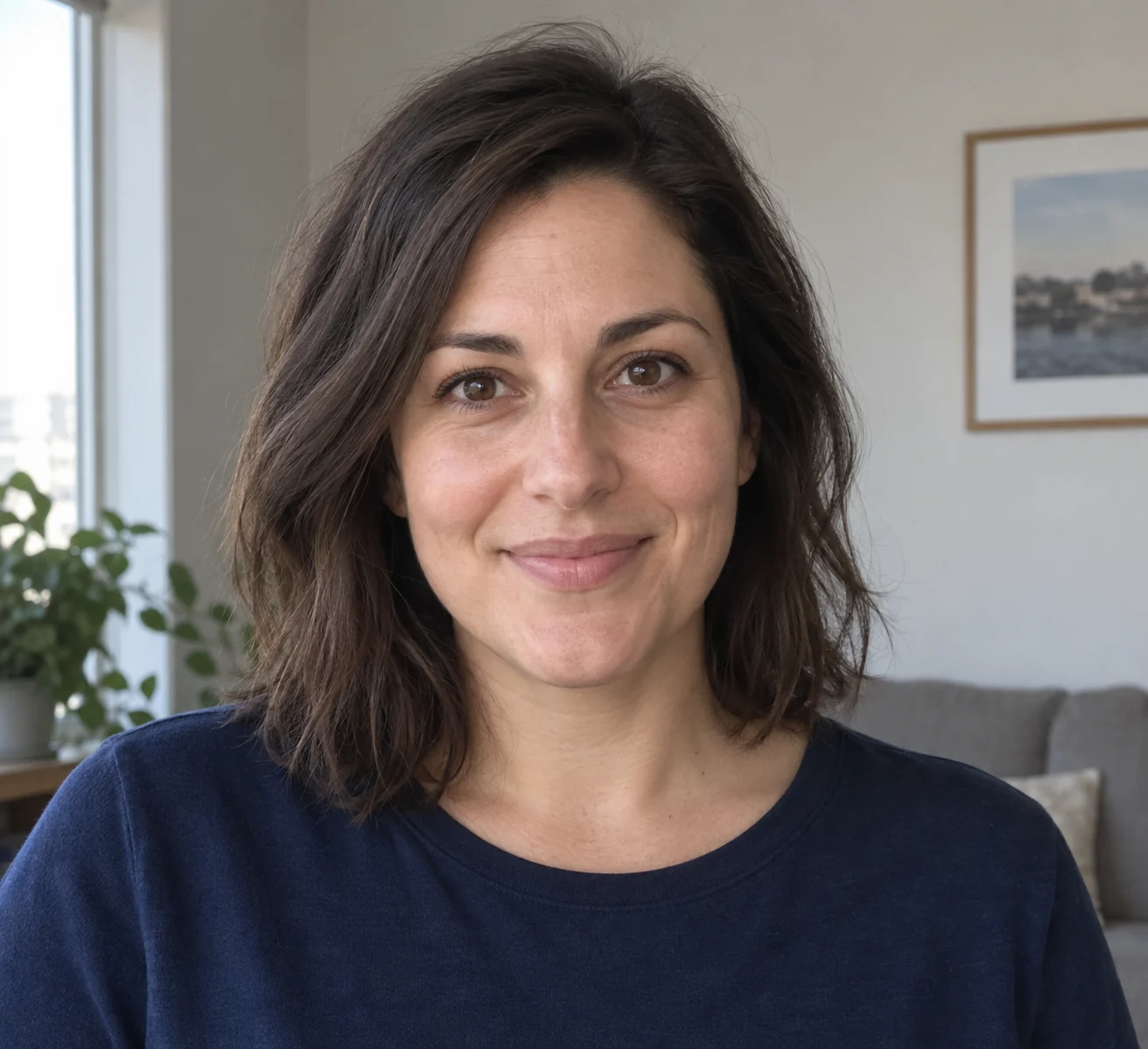
Loose lines with a recognizable expression
The sample simplifies the face into energetic pen strokes and adds small doodles around the head. It is deliberately less polished than a detailed pencil portrait.
Read the drawn character
- Irregular contours
- Uneven pen lines are part of the style.
- Simplified features
- Eyes, hair and expression carry more meaning than skin texture.
- Small surrounding marks
- Simple shapes provide playful framing without a written message.
Choose a face with clear expression
Use a simple portrait
A clear face keeps the drawing from becoming a tangle of background lines.
Keep hairstyle in frame
Hair shape is a useful recognition cue when details are simplified.
Check the doodle result
- Compare the expression with the photograph.
- Look for readable eyes and mouth.
- Check that extra marks do not resemble unwanted lettering.
Loose doodle versus detailed drawing
Can I choose pencil or charcoal here?
This preset uses loose black pen strokes. Photo to sketch offers selectable drawing media.
Does it produce editable vector strokes?
No. The output is a raster image rather than a vector drawing file.
Can I enter a handwritten caption?
There is no caption field; the brief requests a drawing without writing.