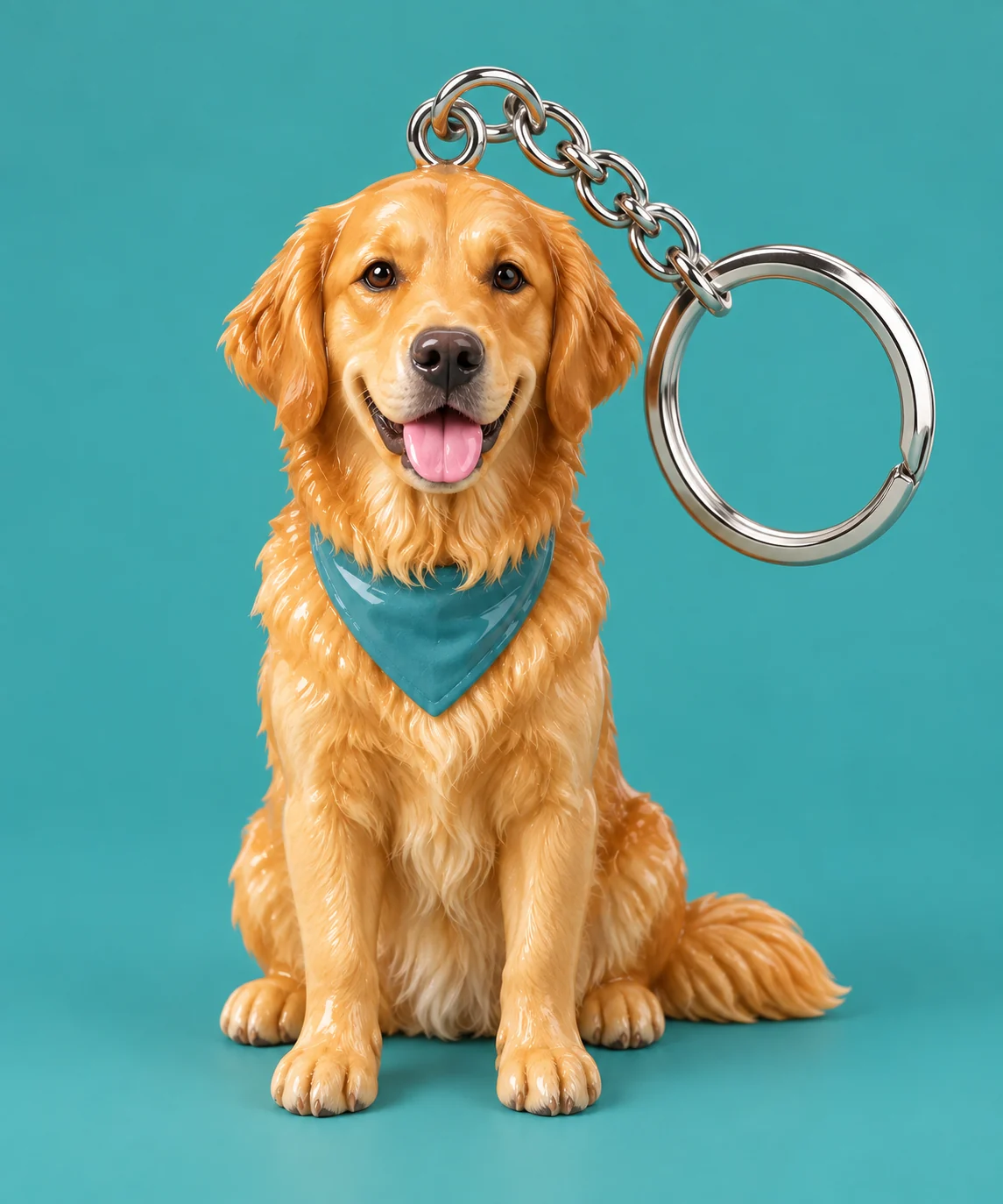
AI Christmas ornament photo generator
Turn your subject into a glossy ornament hanging from a tree.
Make the subject read as a hanging ornament
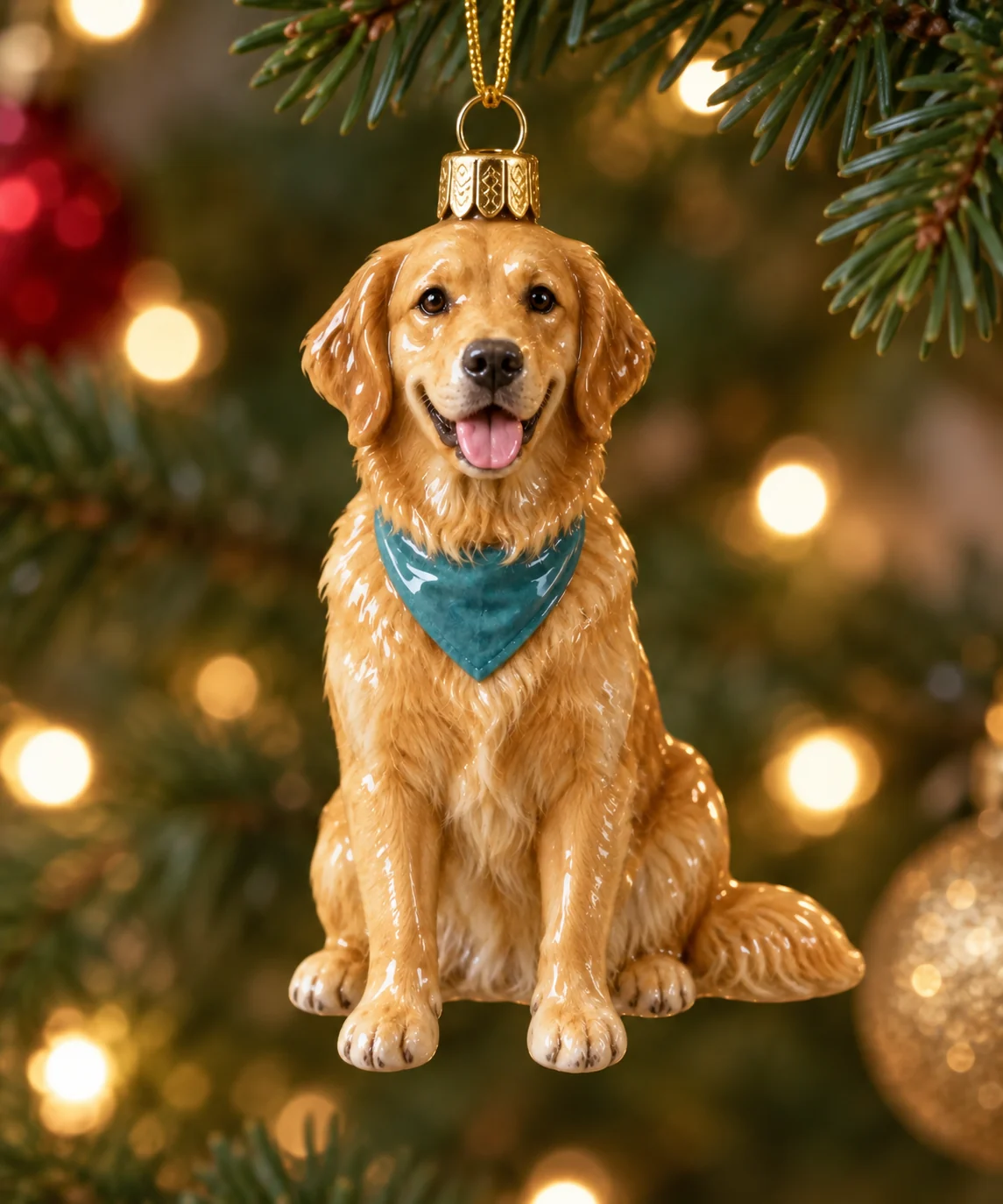
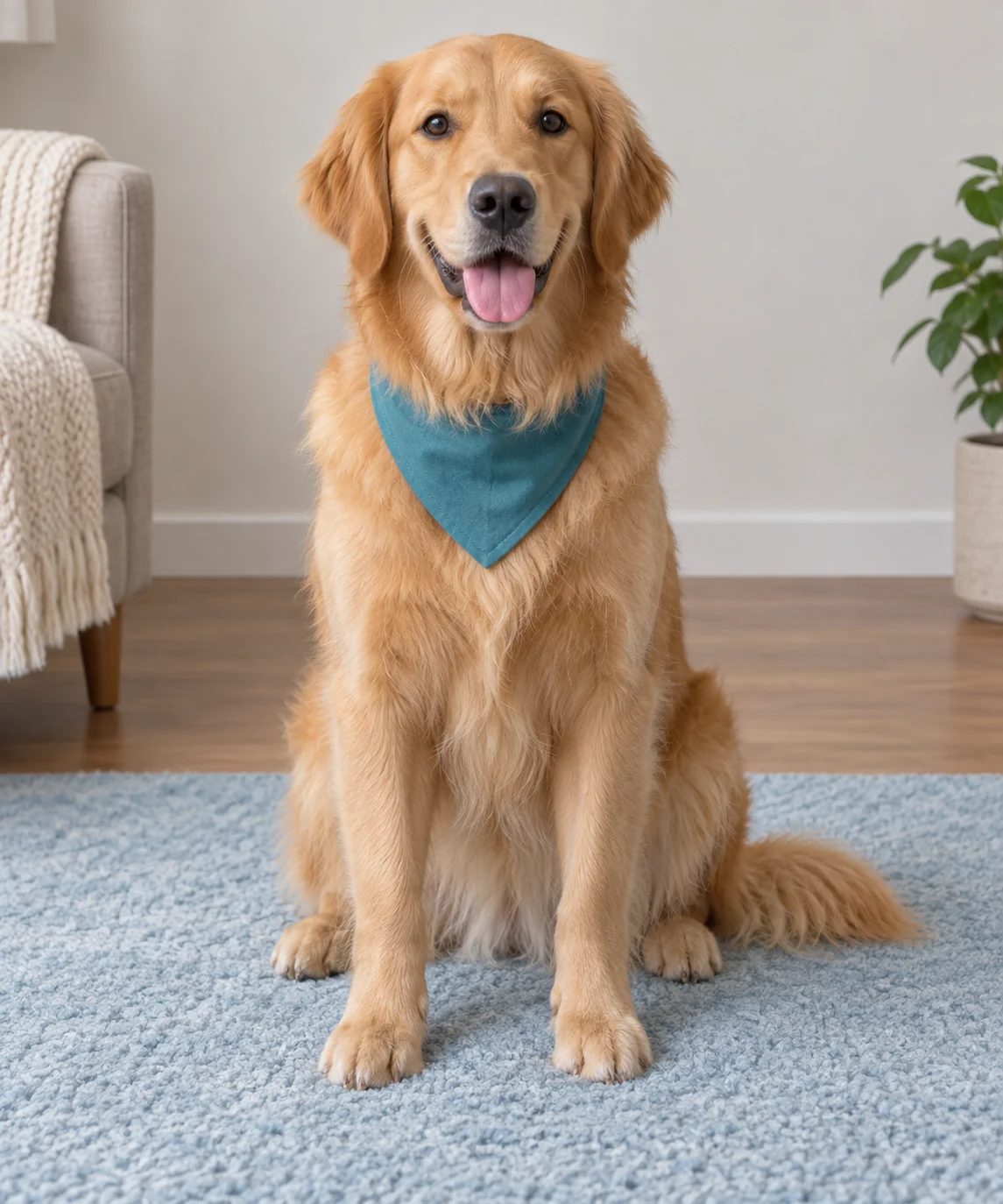
The dog example keeps its golden coloring and blue bandana while becoming a glossy ornament among pine branches. The top cap and loop distinguish it from a normal pet portrait.
Check the miniature object
- Glazed surface
- Small reflected highlights suggest ceramic glaze.
- Hanging hardware
- The cap and loop should connect to the ornament rather than float nearby.
- Seasonal scale
- Pine needles and blurred lights give the miniature a setting.
Choose a distinctive ornament subject
Keep the silhouette readable
Visible ears, hair or an accessory can survive the miniature treatment.
Use one main subject
Avoid several overlapping people or animals competing for the ornament shape.
Review before using the ornament image
- Check that the top loop is complete.
- Look for consistent gloss rather than mixed fur and ceramic.
- Make sure branches do not cut through the object.
Personalized ornament concepts
Does this order a physical Christmas ornament?
No. It generates an image only, not a manufactured ornament or an order.
Can I add a name and date to the ornament?
There are no lettering fields in this preset; its instructions request no text.
Can I use a person rather than a pet?
Yes. Choose one recognizable subject and check how the features translate to ceramic.