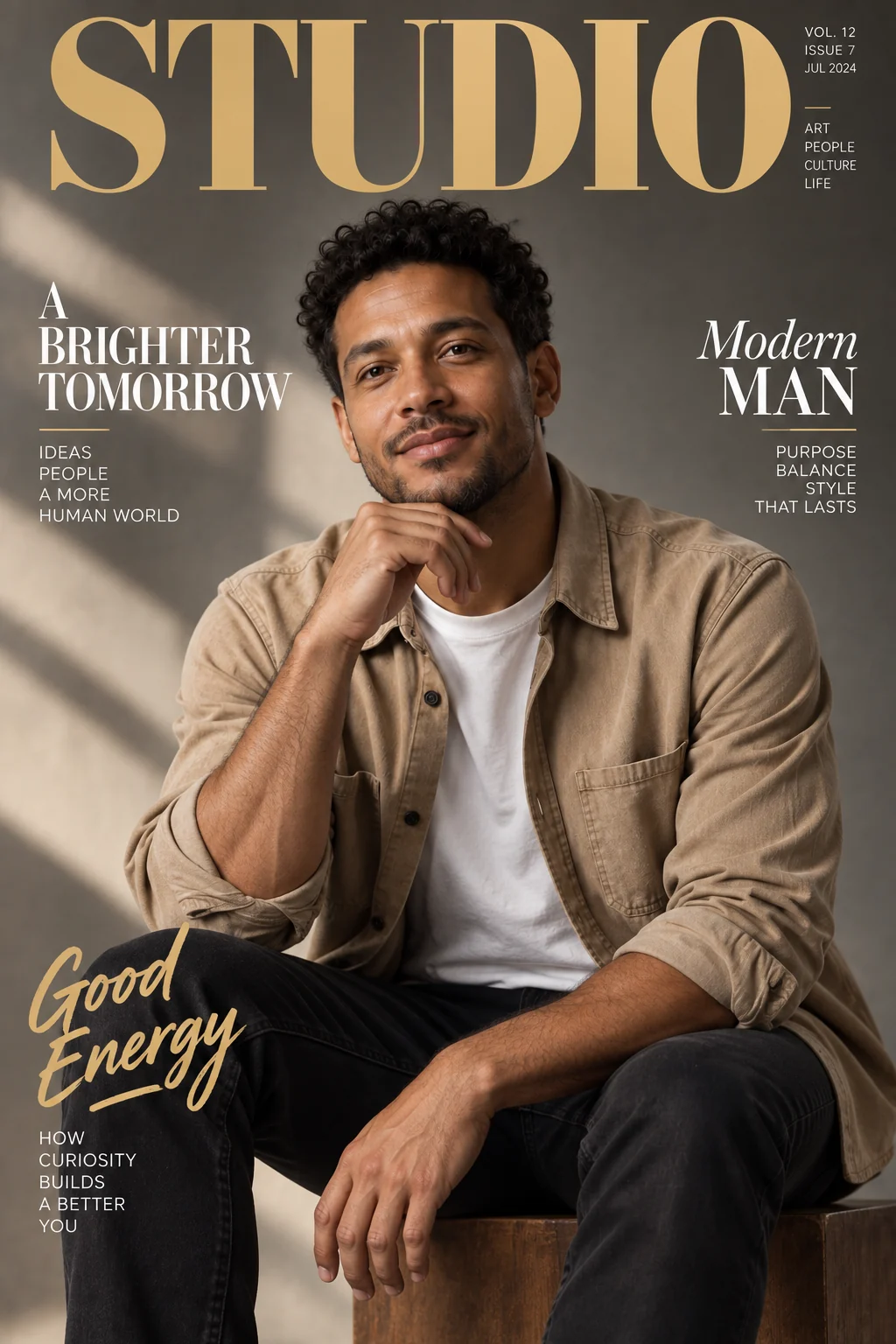
AI holiday card maker
Frame your photo with seasonal details and a personal greeting.


Give the portrait room for a greeting
The sample places the portrait among evergreen details and sets the greeting below the face. A useful card needs both a recognizable person and text that is easy to read.
Balance photo and message
- Portrait
- The face should remain the focus of the photo area.
- Seasonal framing
- Branches and berries frame rather than cover the subject.
- Greeting
- Short wording leaves more space for readable lettering.
Prepare your card content
Use a portrait with margins
Avoid a crop that leaves no room for decoration or text.
Enter the greeting
Replace the default wording if needed; the field accepts up to 60 characters.
Proofread the finished card
- Read every word, including accents and punctuation.
- Check that lettering does not overlap eyes or mouth.
- Leave extra margin when preparing a physical print.
Making a greeting card image
Can I write my own greeting?
Yes. Edit the Greeting field before generating and review the rendered spelling afterward.
Does it create a folded card with an inside page?
It produces one image, not a multi-page folded-card document.
Can I edit the greeting as a text layer later?
The generated card is a flattened image. Change the field and generate again, or use an external layout editor.