AI Room Redesign
Explore new furniture and finishes in your existing room.
Explore new furniture and finishes in your existing room.
Explore a New Room Without Starting from a Blank Plan
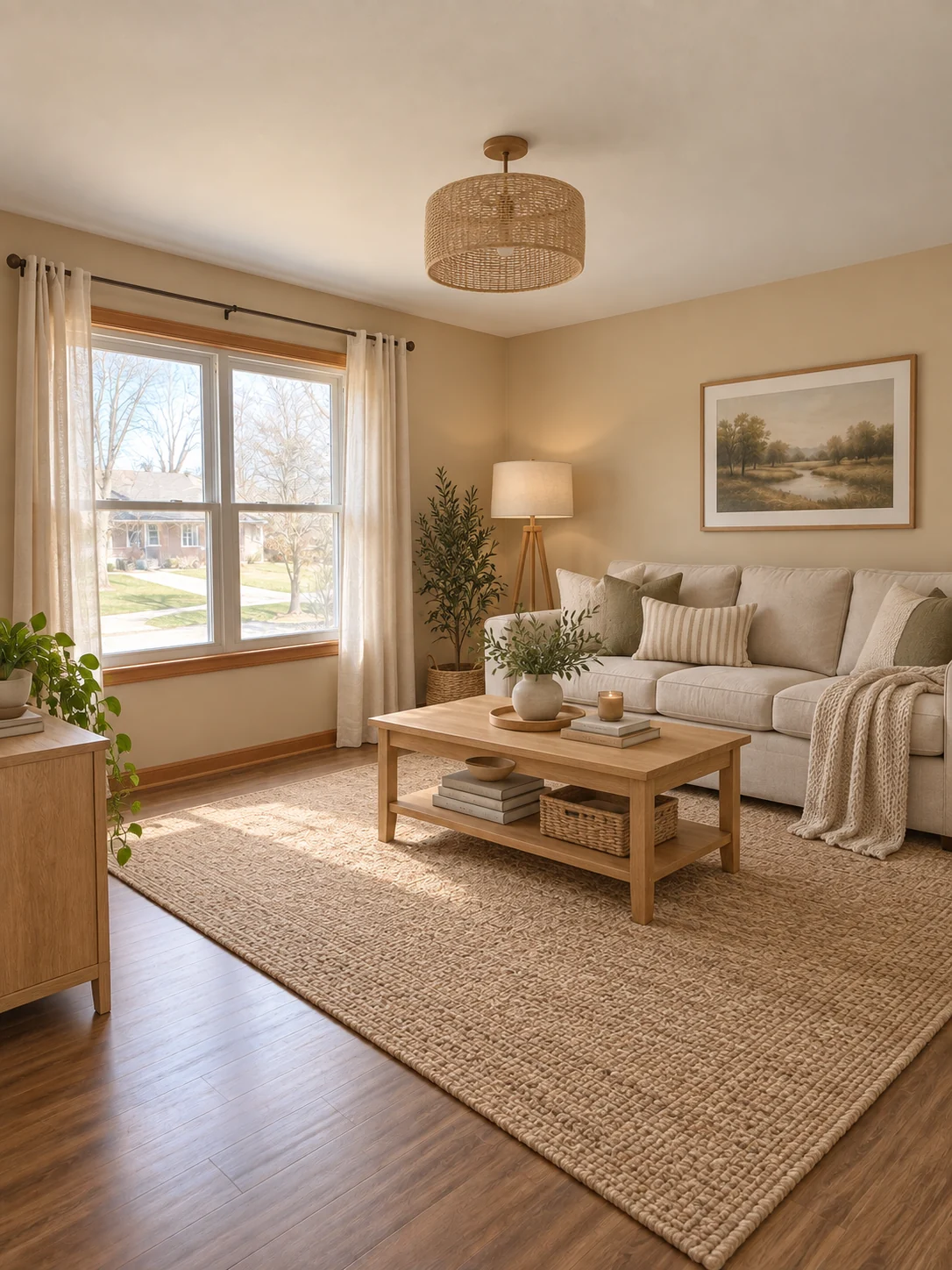
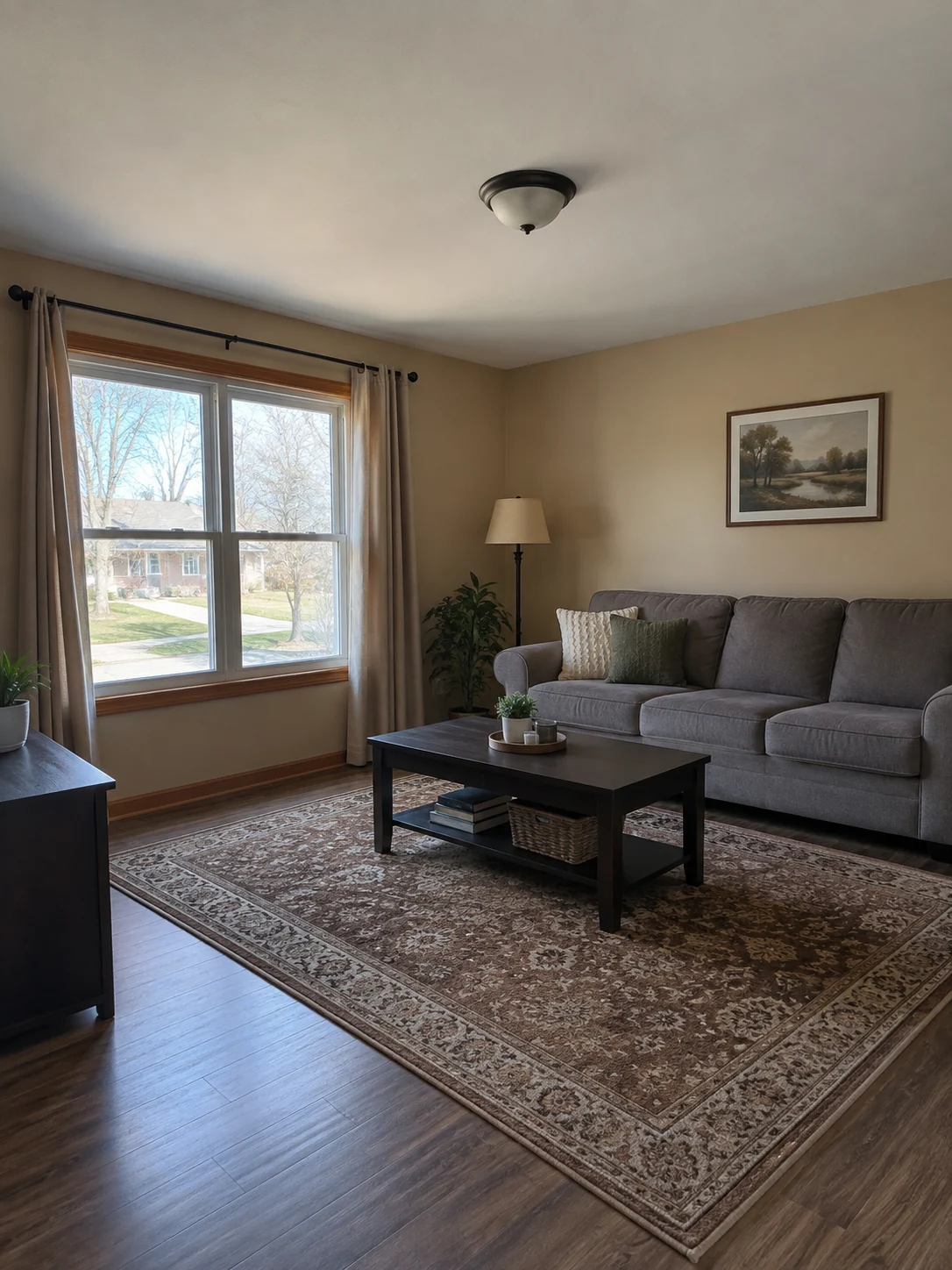
The living-room example above replaces the dark table, patterned rug and ceiling light with lighter wood, woven texture and softer furnishings. The window and overall viewpoint remain a useful reference for comparing the two versions.
Choose a Direction for Your Room
- Warm Scandinavian
- Oak tones, linen and light neutral furnishings. Use this direction to explore a softer, brighter room.
- Japanese minimalism
- Natural wood, restrained decoration and open space. Look for a simpler arrangement, not just fewer colors.
- Colorful mid-century
- Stronger accent colors and mid-century furniture shapes. Check how the statement pieces fit the existing room.
Give the Redesign a Useful View
Show the room boundaries
Photograph from a corner or doorway so the floor, walls and main window are visible. Avoid extreme fisheye distortion.
Make the space readable
Use daylight where possible. Move temporary clutter if it hides the floor or the furniture you want to rethink.
Use the same image to compare styles
Select one of the three styles in the workspace. Reusing the photo makes layout and furnishing differences easier to compare.
Check the Room Before Making Purchases
- Compare the position and shape of doors, windows and walls with the original.
- Measure furniture and walking clearances yourself; perspective is not a floor plan.
- Check that lamps, shelving and furniture have plausible supports and do not block doors.
Planning with an AI Room Concept
Does the Template Move Walls or Windows?
Its instructions ask to preserve room geometry, openings and viewpoint while changing furniture and finishes. Compare the result with your photo, because generated details can still drift.
Can I Use the Image as a Measured Renovation Plan?
No. A single photo does not provide verified dimensions, construction details or service locations. Use the image for visual direction, then check measurements and feasibility separately.
Can I Replace Just One Piece of Furniture?
This preset restyles the room as a whole. For a targeted change, open the image editor and describe the specific item you want to replace and what should stay unchanged.