AI pop art portrait generator
Bright comic-book colors, bold outlines and halftone dots.
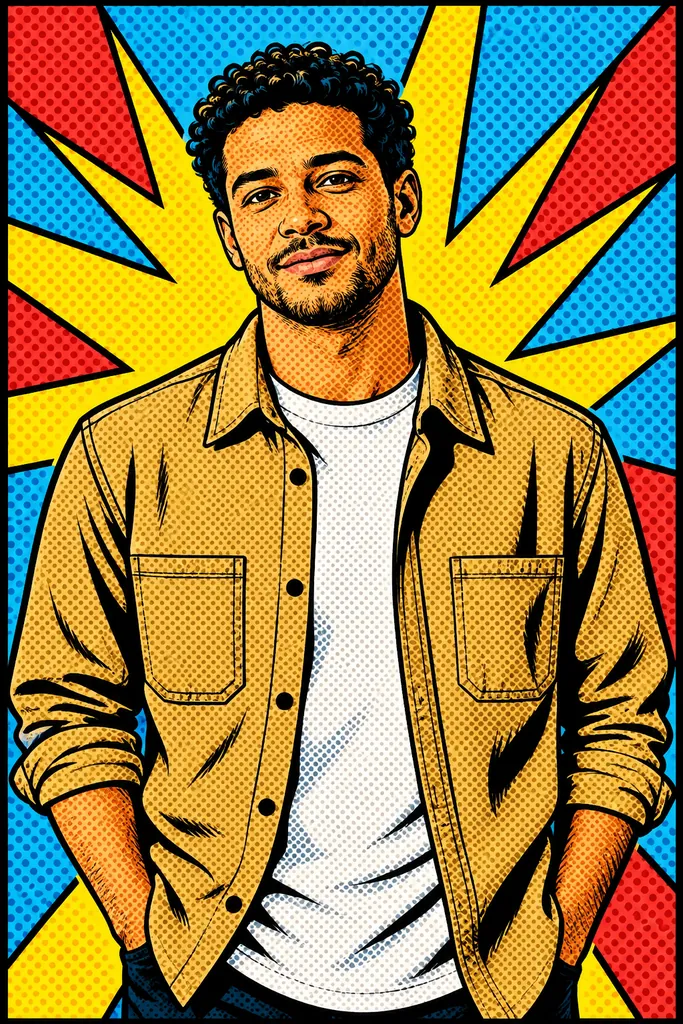
Build the portrait from bold color shapes
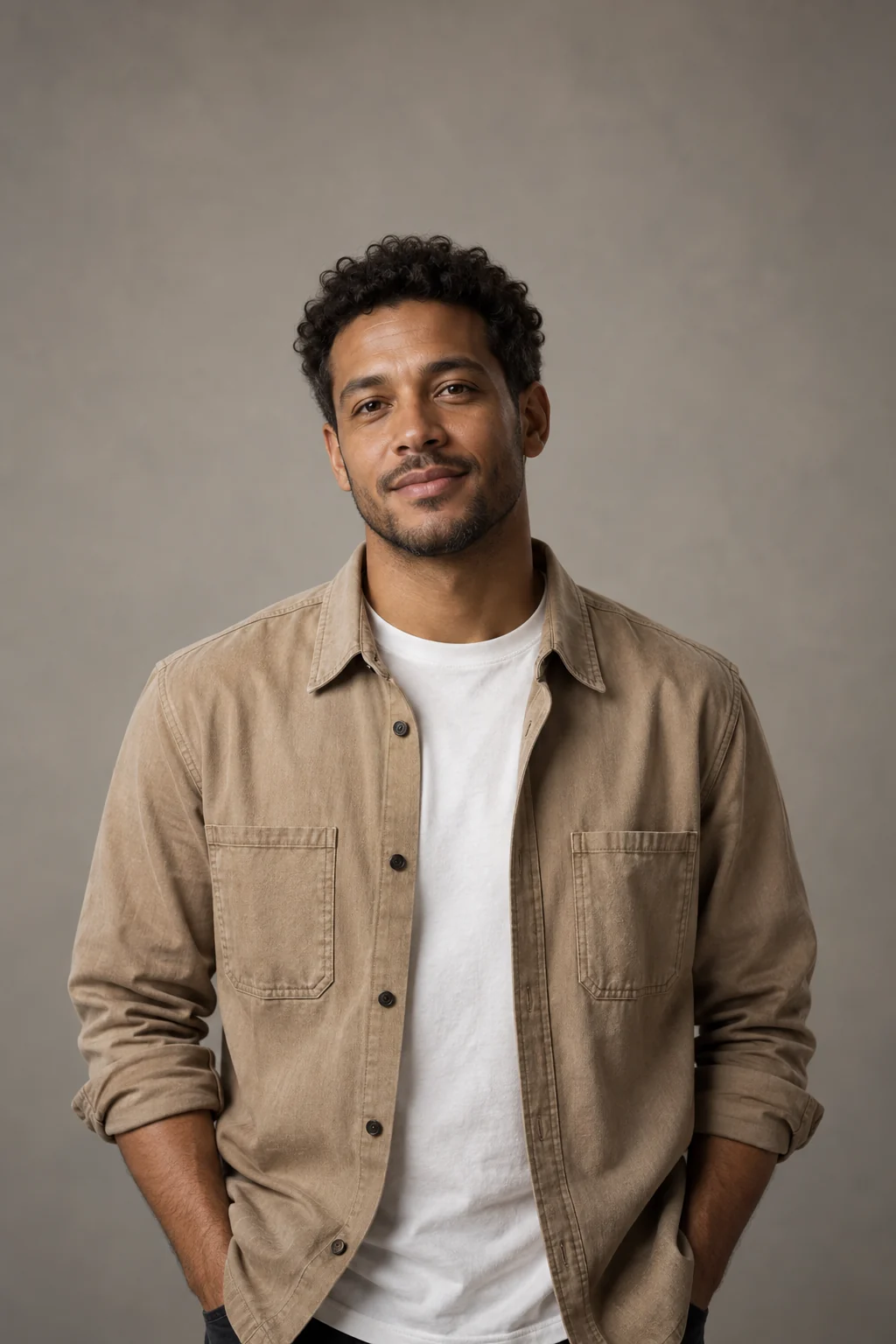
The example keeps the person's hairstyle and jacket while replacing photographic tones with strong outlines, flat colors and a graphic background. The face should remain readable inside that busy palette.
Read the comic treatment
- Halftone dots
- Dot patterns suggest printed shading rather than smooth photographic gradients.
- Black outlines
- Strong boundaries separate the face, hair and clothing.
- Flat color
- Yellow, cyan, red and blue shape the composition.
Prepare a clear pop art subject
Keep the face prominent
Use a readable expression rather than a tiny face in a wide landscape.
Avoid heavy source filters
Start with visible features that can survive graphic simplification.
Review the graphic portrait
- Check that eyes and mouth remain recognizable.
- Look for clean outlines instead of doubled facial edges.
- Inspect dots at the size you plan to display.
Using a pop art portrait
Can I add speech bubbles to the pop art?
There is no text field; the preset requests no speech bubbles or lettering.
Does it make a four-panel color grid?
The brief requests one portrait panel, not a multi-panel collage.
Can I edit individual color shapes afterward?
The output is a flattened image, not separate vector shapes or layers.