Flux Kontext - Advanced Multi-Modal AI Image Generation at fluxcontext.orgFluxContext
  • Pricing
  1. HomeHome
  2. TemplatesTemplates
  3. Pearl Earring PortraitPearl Earring Portrait

AI Pearl Earring Portrait Generator

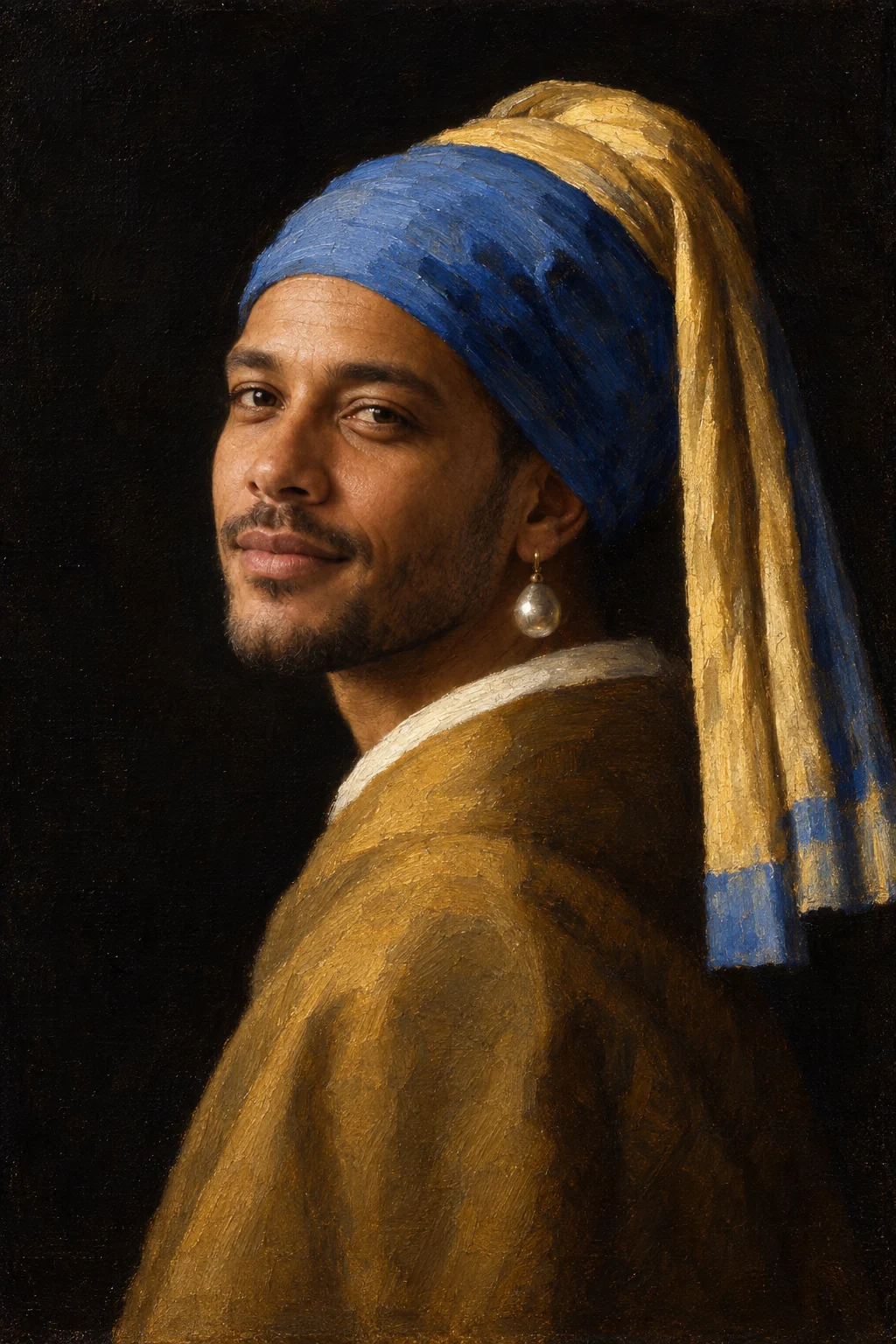
A classical oil portrait with a blue headscarf and soft light.
Pearl Earring Portrait

Pearl Earring Portrait

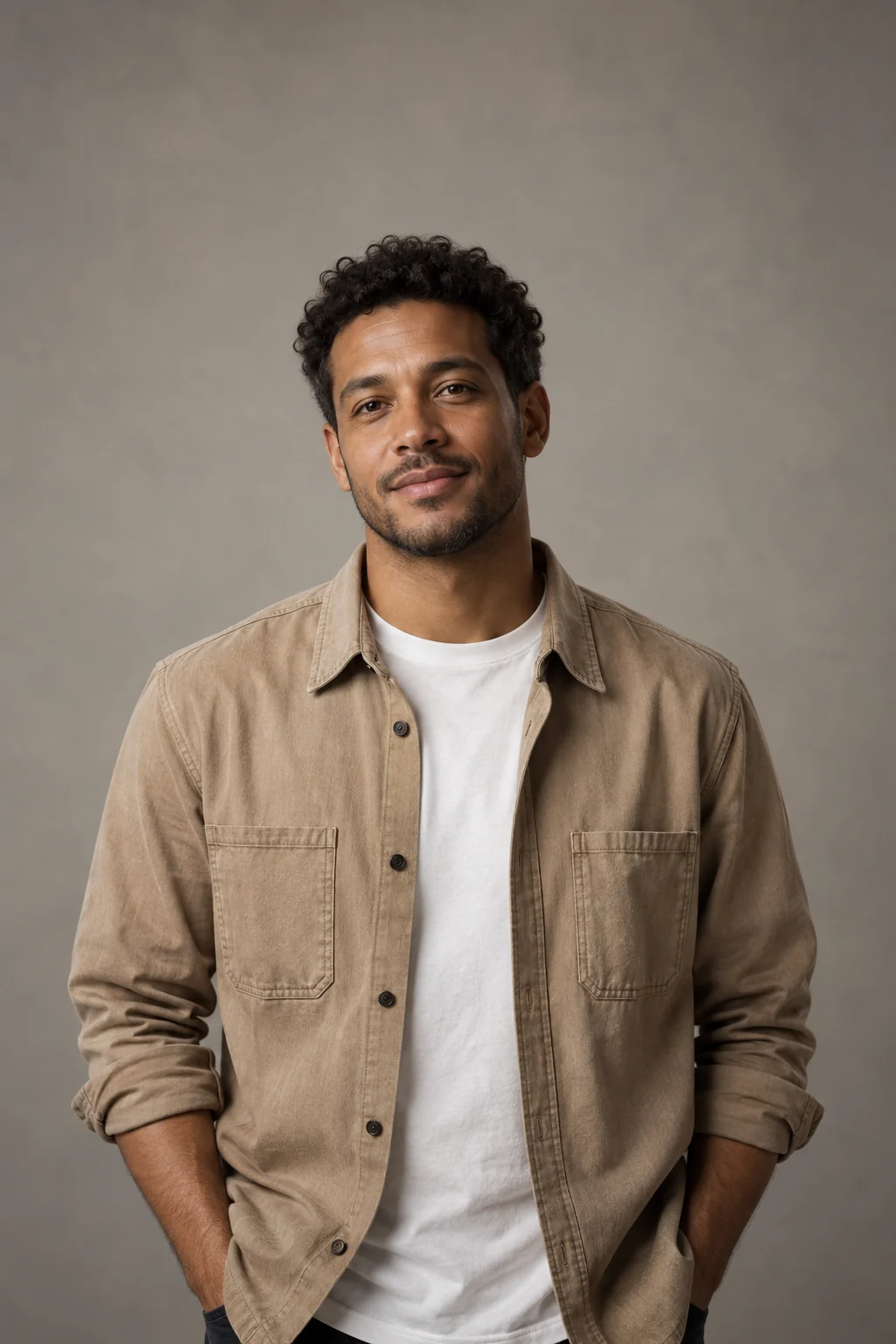
Use a clear portrait with the face fully visible.

Example

Pearl Earring Portrait — Original
Original
Pearl Earring Portrait — Result
Result

A classical oil portrait with a blue headscarf and soft light.
Classical Styling Around a Recognizable Face

The sample retains the person's face while adding a blue-and-gold headscarf, a pearl and a dark painted backdrop. The turned pose and soft light matter as much as the accessory.

Compare the Painted Details

Turned pose
The three-quarter view changes how the face meets the viewer.
Headscarf and pearl
Fabric folds and the single bright earring establish the motif.
Soft painted light
A dark background makes the illuminated face stand out.

Choose a Face for the Painted Portrait

  • Keep features unobstructed

    Use a face with visible eyes and mouth rather than a profile hidden by hair.

  • Expect wardrobe changes

    The headscarf and classical treatment replace parts of the source styling.

Check Likeness Within the New Pose

  • Compare the eyes, nose and expression.
  • Inspect the earring connection and headscarf folds.
  • Look for consistent painted texture rather than a pasted-on face.

Making a Pearl Earring Portrait

Does the Pearl Portrait Only Work with Women?

The preset takes a person portrait and asks to preserve that person's identity; the sample itself uses a male subject.

Can I Keep the Original Clothing and Background?

The classical headscarf, lighting and dark backdrop are part of this preset's transformation.

Is This an Exact Reproduction of a Painting?

It is a new interpretation using your portrait, not a facsimile of the original artwork.
Explore Other Painted or Editorial Treatments

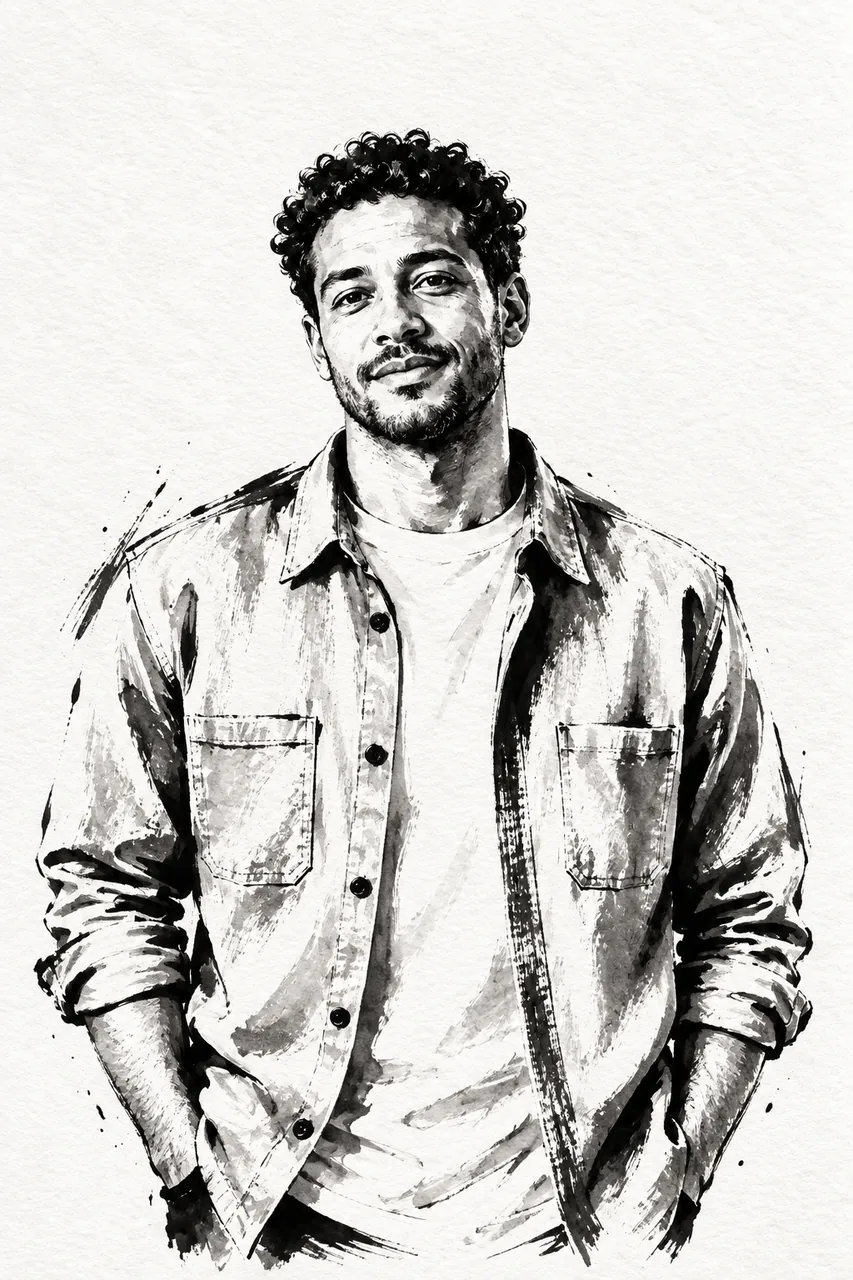
  • Ink Illustration

    Bold brushwork, flowing ink and expressive black-and-white detail.

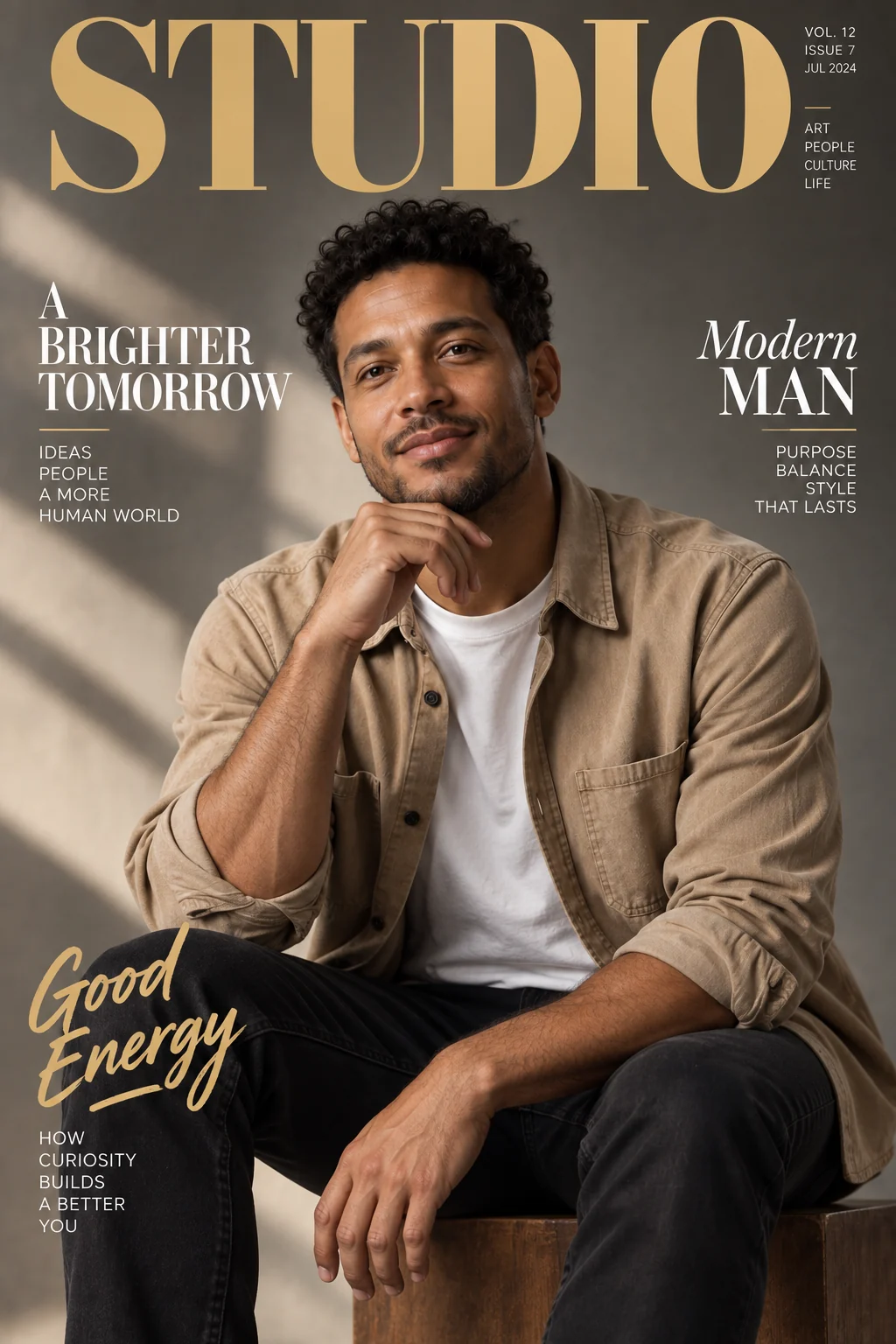
  • Magazine Cover

    Create an editorial cover from a portrait with a masthead.

More links
FluxContext

Create images and videos with AI. Choose a model, prepare a frame, and bring it to life.

Create

  • Text to Image
  • Image to Image
  • Generate video
  • Your creations

Image tools

  • Remove background
  • Upscale image
  • Restore photo
  • Image to prompt
  • All image tools

Image models

  • All image models
  • FLUX 3
  • FLUX.2
  • Nano Banana 2
  • Seedream 5.0 Pro
  • Seedream 5.0 Lite
  • GPT Image 2.6
  • MiniMax H3 Image
  • GPT Image 2.5

Video models

  • All video models
  • MiniMax H3
  • Seedance 2.5
  • Kling 3.0
  • Veo 3.1 Fast
  • Gemini Omni Flash

Image templates

  • AI headshots
  • AI posters
  • Photo to sketch
  • AI outfit generator
  • Photo restoration template
  • All image templates

Video templates

  • All video templates
  • AI Hug
  • AI Pet Dance
  • Zombie Transformation
  • AI Anime Creator

Resources

  • AI Art Gallery
  • Pricing
  • Contact
  • FLUX model guide
  • Multi-reference guide
  • Kontext vs. FLUX.2

© 2026 • FluxContext. All rights reserved.

EnglishEspañol
  • Privacy Policy
  • Terms of Service
  • Refund Policy
ModelsToolsCreateTemplatesMe