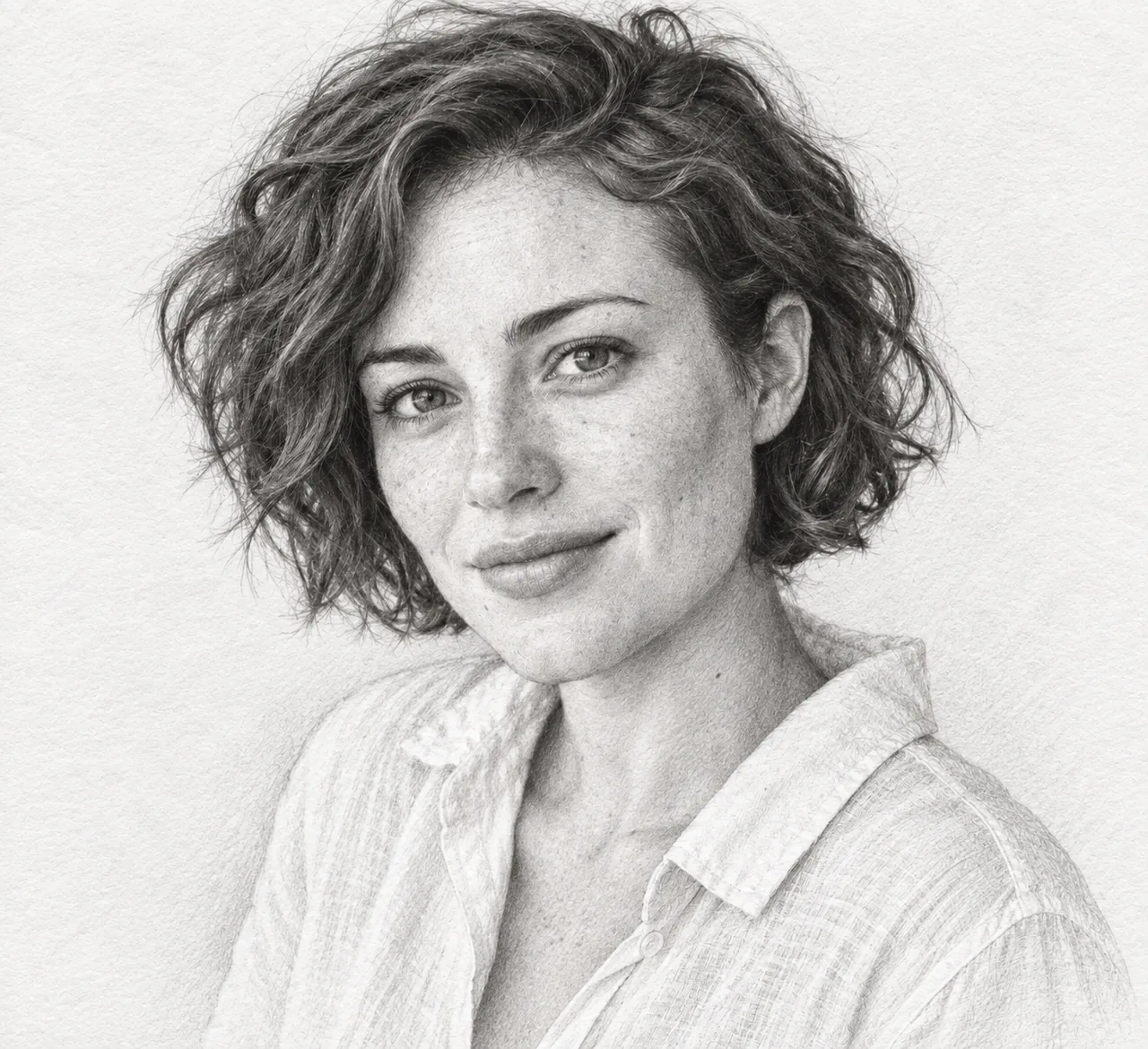
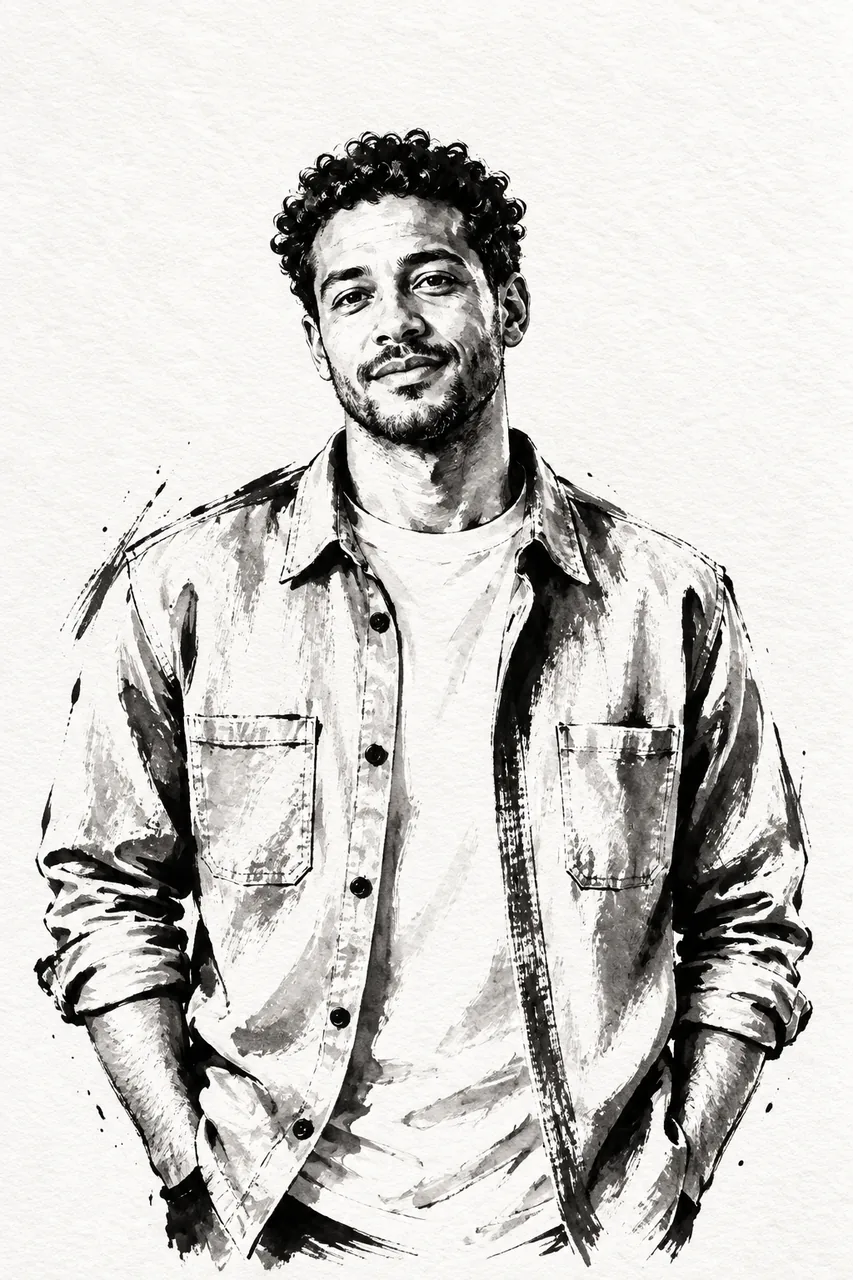
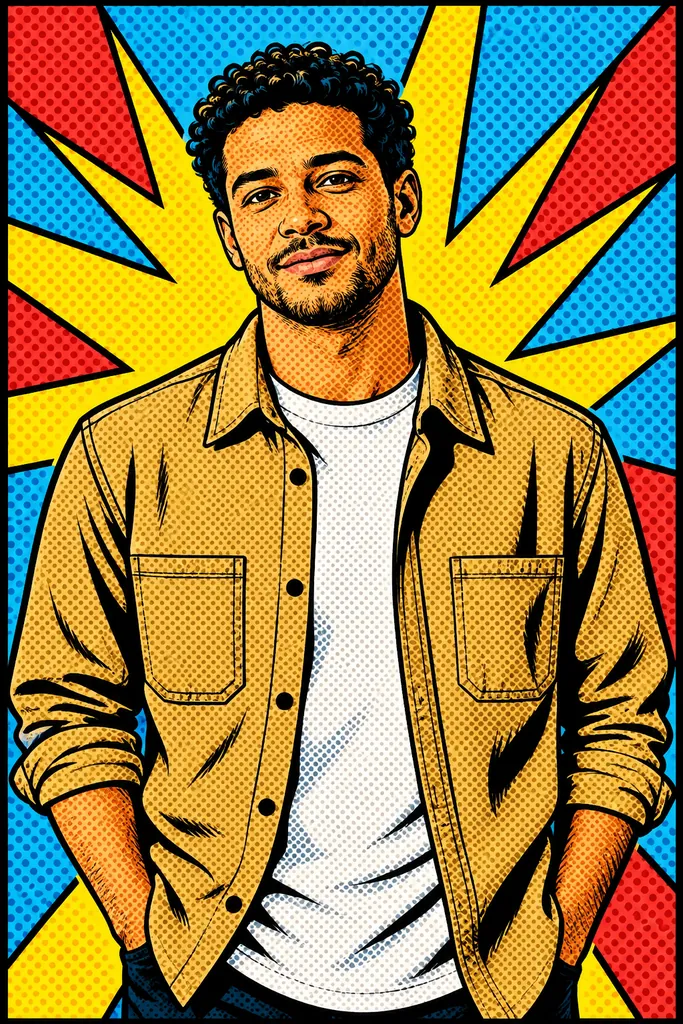
AI photo style transfer
Restyle an image while keeping the subject recognizable.
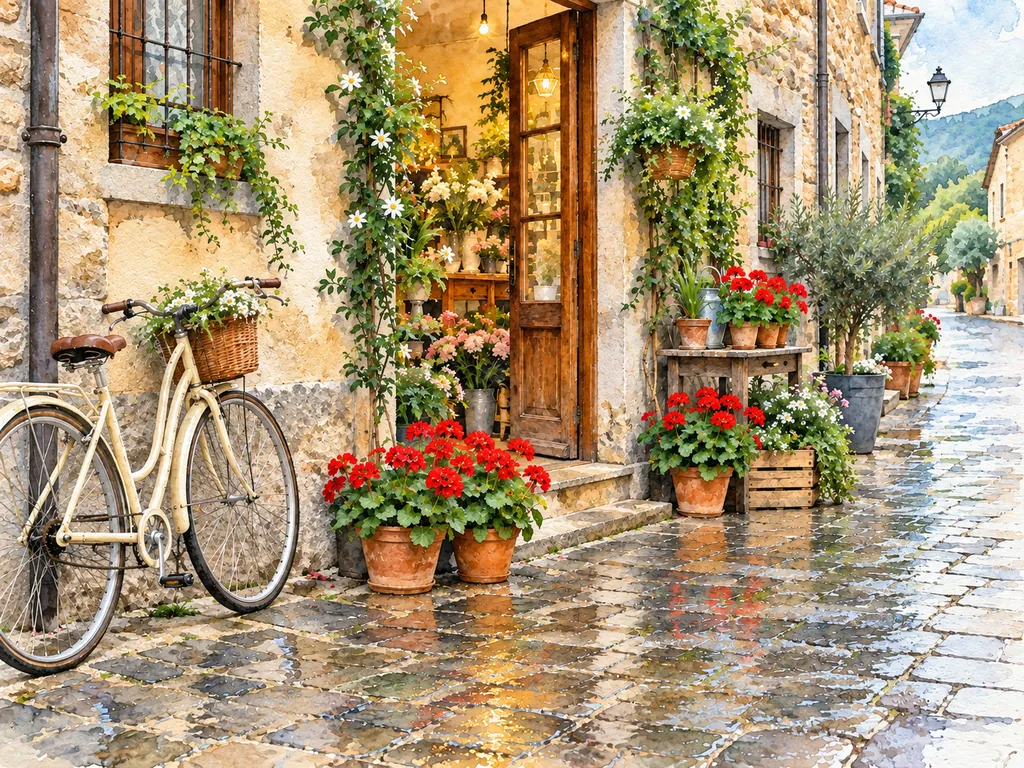
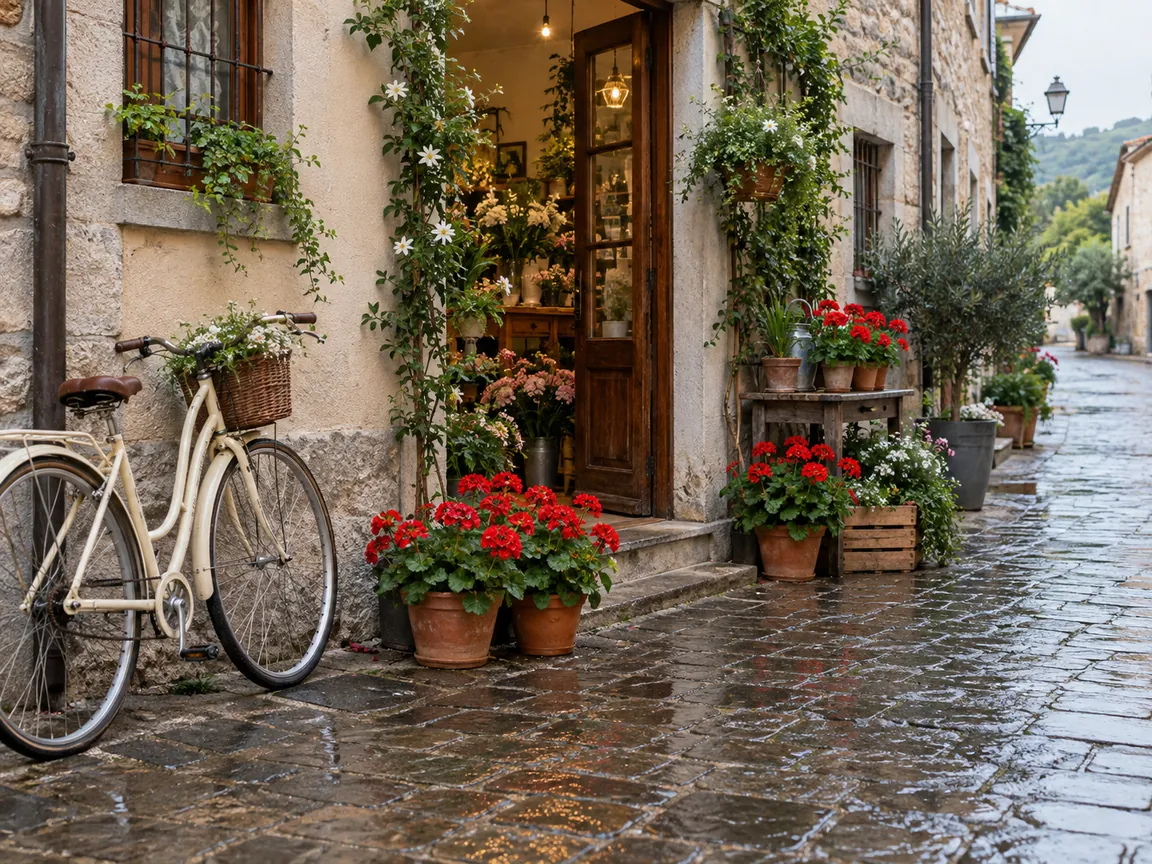
Compare media using the same scene
The example interprets a street photograph as a painted scene, retaining its shopfront, flowers and bicycle. This page is for choosing a broad visual medium rather than a specific toy or portrait effect.
Choose a visual medium
- Oil painting
- Painted forms and brushwork replace photographic surface detail.
- Anime illustration
- Drawn shapes and stylized shading reinterpret the subject.
- Watercolor
- Washes and paper-like texture soften the scene.
- Cinematic film still
- A photographic direction emphasizes film-like atmosphere.
Set up a useful style comparison
Keep the same source
Reusing one composition makes differences between media easier to judge.
Select a style
Choose one menu option before generating; this page has no separate style-image upload.
Look for continuity across the new medium
- Compare placement of the main subject and important objects.
- Check faces and architectural lines for unintended changes.
- Judge texture at the final display size.
Restyling a single source image
Can I upload a second picture to copy its style?
This template takes one image and a menu choice. It does not accept a separate style reference.
Can I combine oil, anime and watercolor in one run?
Only one style can be selected for each generation.
Should I use this or a dedicated illustration template?
Use this page to compare broad media. Sketch, ink and pop art templates provide more targeted instructions for those results.